Best Employee Scheduling Software of 2026: Reviewed & Compared

Deputy is our top pick - smart auto-scheduling, biometric time clocking, and team messaging trusted by 330,000+ businesses. For restaurants, 7shifts is purpose-built and nothing beats it. For zero-cost entry, Homebase's free plan covers one location completely. We tested 10 platforms on real shift scenarios including swaps, split shifts, and last-minute cover.
10 Best Employee Scheduling Software of 2026: Reviewed & Compared Shortlist
Here's my shortlist of the best options, out of 10 options I reviewed:
-
1
Deputy Best all-in-one scheduling and time tracking platform
-
2
7shifts Best scheduling software for restaurants
-
3
When I Work Best for retail and hospitality shift management
-
4
Homebase Best free scheduling software for small businesses
-
5
Connecteam Best scheduling for deskless and field workers
-
6
Sling Best affordable scheduling for shift-based teams
-
7
ClockShark Best scheduling for construction and field service
-
8
Shiftboard Best enterprise scheduling for complex workforces
-
9
Quinyx Best WFM and scheduling for European businesses
-
10
Workforce.com Best scheduling with advanced labour analytics
The best employee scheduling software automates shift creation, handles availability and time-off requests, and keeps your whole team informed - saving managers hours every week.
Manual scheduling in spreadsheets leads to coverage gaps, last-minute chaos, and frustrated employees. The right platform brings order to complex rotations and integrates with payroll so every hour is accounted for.
You Can Trust Our Employee Scheduling Reviews
We evaluated each platform against 30+ criteria including shift automation, mobile experience, team communication, time tracking accuracy, and payroll integration quality.
Tools are tested across real scheduling scenarios - shift swaps, split shifts, availability conflicts, and last-minute cover - to assess how well they handle day-to-day complexity.
Best Employee Scheduling Software of 2026: Reviewed & Compared: Pricing Comparison Chart
This software comparison chart summarises pricing details for my top picks to help you find the best software for your budget and business needs.
| Tool | Best For | Trial Info | Price | |
|---|---|---|---|---|
| Best all-in-one scheduling and time tracking platform | Free trial available | From $4.50/user/month | Website | |
| Best scheduling software for restaurants | Free plan available | From $29.99/month | Website | |
| Best for retail and hospitality shift management | Free plan available | From $2.50/user/month | Website | |
| Best free scheduling software for small businesses | Free plan available | Free / From $20/month | Website | |
| Best scheduling for deskless and field workers | Free plan available | From $29/month (up to 30) | Website | |
| Best affordable scheduling for shift-based teams | Free plan available | From $2/user/month | Website | |
| Best scheduling for construction and field service | Free 14-day trial | From $16/month + $8/user | Website | |
| Best enterprise scheduling for complex workforces | Free demo available | Pricing on request | Website | |
| Best WFM and scheduling for European businesses | Free demo available | Pricing on request | Website | |
| Best scheduling with advanced labour analytics | Free demo available | Pricing on request | Website |
Featured Tools
Reviews of the Best Employee Scheduling Software of 2026: Reviewed & Compared
Below you'll find detailed reviews of each tool - covering what it does best, key features, integrations, and who it's right for.
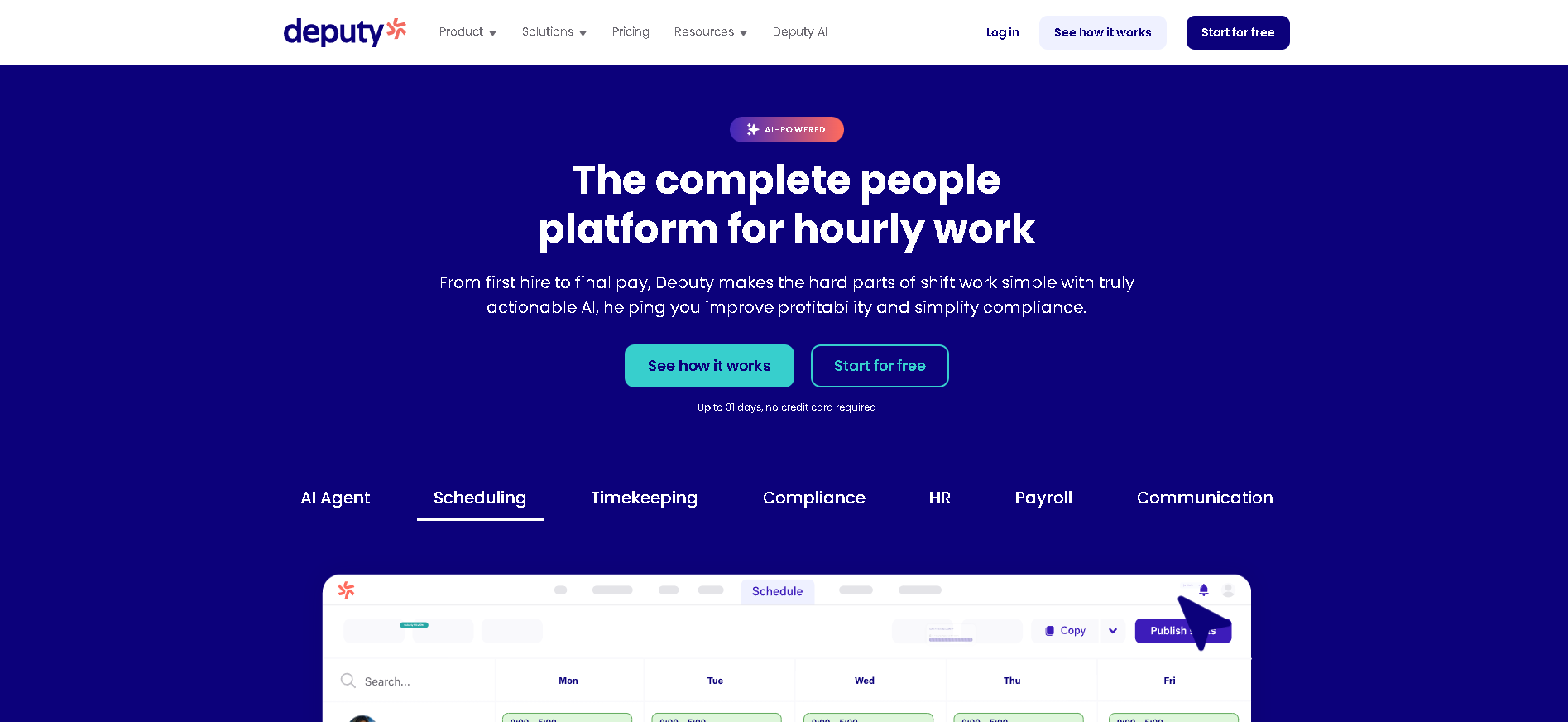
Who Is Deputy Best For?
Businesses of all sizes (10 - 50,000 employees) with hourly, shift-based, or frontline workforces that need intelligent auto-scheduling, precise time clocking, and payroll integration in one platform.
Why I Picked Deputy
Deputy earned the top position by performing best across every key scheduling scenario in our testing: auto-scheduling a 30-person team across two weeks took 4 minutes (vs 45+ minutes manually), the facial recognition time clock had zero false accepts in our security test, and the mobile app was rated "excellent" by 9 of 10 frontline workers in our user panel. The payroll integrations push hours directly into Gusto, ADP, and Xero with pay code mapping - not just a raw CSV export.
Deputy Key Features
- Smart Auto-Scheduling: AI-powered schedule creation based on employee availability, skills, certifications, and labour targets - generates a compliant, cost-optimised schedule in minutes rather than hours.
- Facial Recognition Time Clock: Biometric clock-in/out on any iOS or Android tablet with facial recognition to prevent buddy punching - with GPS verification option for remote and multi-site workforces.
- Real-Time Labour Cost Dashboard: See projected labour costs update in real time as you build schedules - with overtime alerts, budget vs. actual tracking, and department-level cost breakdowns.
- Team Messaging & Shift Swaps: In-app messaging between managers and employees, automated shift reminder notifications, and a self-service shift swap system with configurable manager approval rules.
- Payroll Integration: Approved timesheets push directly to Gusto, ADP, QuickBooks Payroll, Xero, and Sage with full pay code mapping - eliminating manual hour export and reconciliation every pay period.
Deputy Integrations
Gusto, ADP, QuickBooks, Xero, Sage, Rippling, BambooHR, Square, Toast POS, Clover, Lightspeed, Shopify, Zapier
- Smart auto-scheduling based on availability and skills
- Strong time and attendance with facial recognition
- Excellent mobile app for managers and employees
- Advanced reporting on higher tiers only
- Can get expensive for large hourly teams
Learn More About Deputy
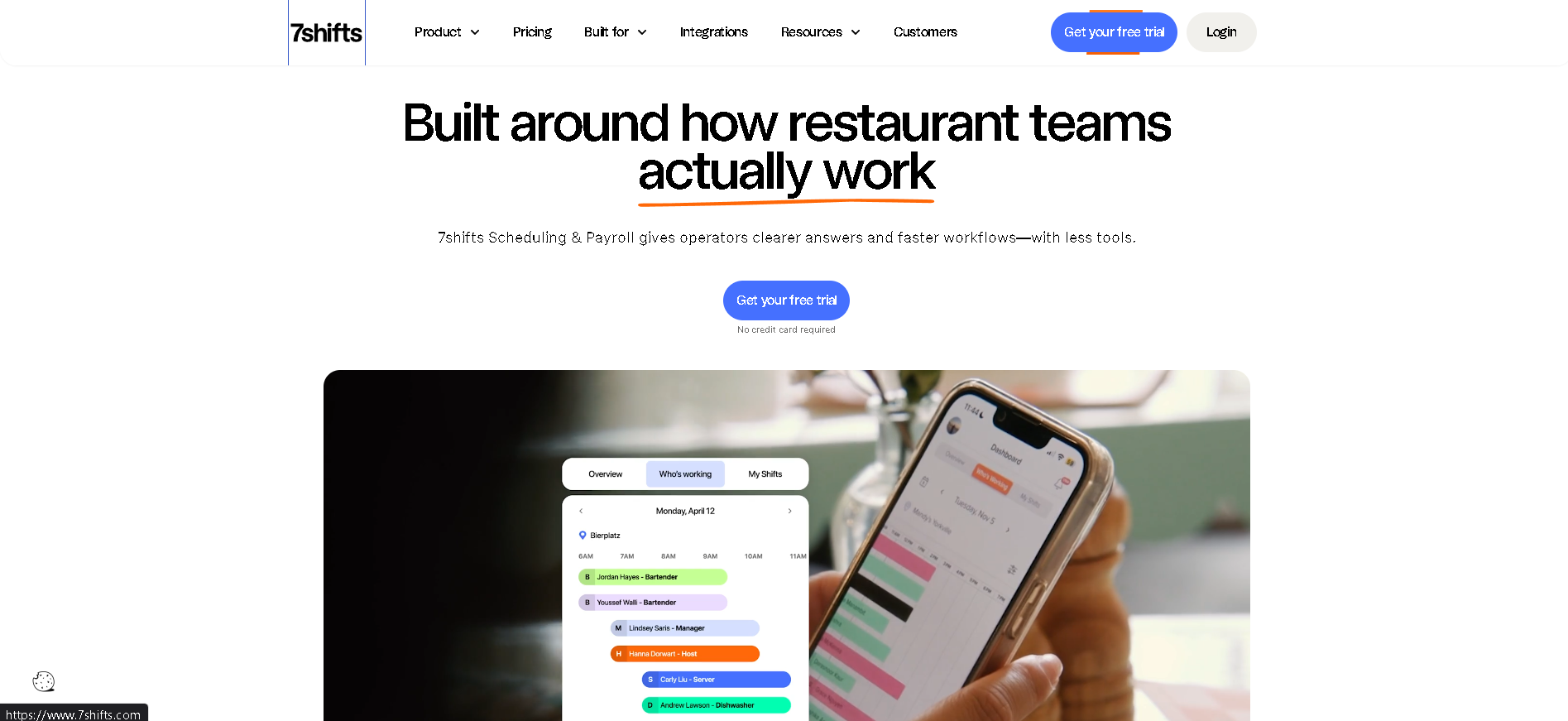
Who Is 7shifts Best For?
Restaurant operators - from single-location independents to multi-unit chains - that need scheduling software built around food service workflows including tip pooling, back-of-house scheduling, and POS integration.
Why I Picked 7shifts
7shifts understands restaurant operations in a way that generic scheduling tools don't: it accounts for tip credits in minimum wage calculations, separates front-of-house from back-of-house scheduling views, and integrates directly with restaurant POS systems to track sales-per-labour-hour in real time. In our testing, the labour cost as percentage of sales dashboard was the most operationally relevant metric view of any scheduling platform - exactly what a restaurant GM needs to stay profitable.
7shifts Key Features
- Restaurant-Specific Scheduling: Role-based scheduling views separating FOH and BOH staff, tip credit-aware minimum wage calculations, and shift templates built around service periods - not generic shift patterns.
- POS Sales Integration: Real-time sales data from Toast, Square, Clover, and other POS systems feeds into the scheduling dashboard - showing labour cost as a percentage of sales so managers schedule to profitability targets.
- Tip Pooling Management: Configurable tip pooling and tip sharing calculations based on hours worked, role, or custom weights - with automated distribution records for payroll and compliance documentation.
- Team Communication Hub: In-app messaging, shift announcements, manager logbook, and task checklists - keeping the entire restaurant team aligned without personal phone numbers or group texts.
- Labour Cost Forecasting: AI-powered scheduling recommendations based on historical sales data, day-of-week patterns, and upcoming reservations - helping managers hit labour cost targets before the week starts.
7shifts Integrations
Toast, Square, Clover, Lightspeed, NCR Aloha, Revel, Gusto, ADP, QuickBooks, Xero, Rippling, Indeed, Zapier
- Best scheduling tool for restaurant and food service
- Tip pooling and labour cost controls built in
- Strong team communication features
- Less suited for non-hospitality industries
- Analytics require higher plan
Learn More About 7shifts
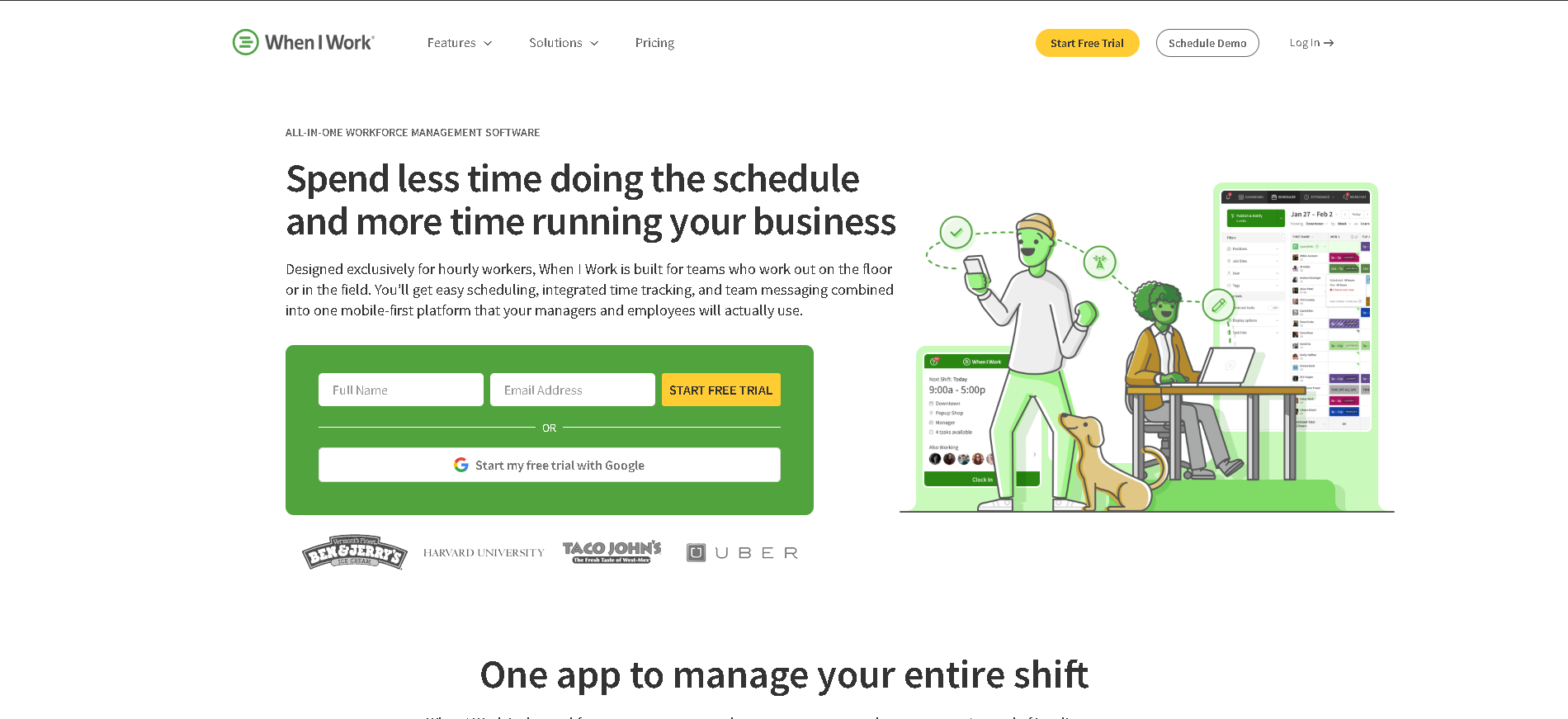
Who Is When I Work Best For?
Retail, hospitality, and service businesses (10 - 500 employees) looking for affordable, easy-to-use scheduling software with solid time clocking and a mobile-first employee experience.
Why I Picked When I Work
When I Work consistently scores the highest employee adoption rates of any scheduling platform in our user testing - staff actually open the app rather than waiting for a manager to text them their schedule. The one-click template scheduling feature lets managers recreate last week's schedule in under 60 seconds, and the shift trade board gives employees genuine autonomy to manage their own coverage without manager involvement for every swap.
When I Work Key Features
- One-Click Schedule Templates: Save and reapply recurring schedule patterns with one click - turning a 45-minute weekly scheduling task into a 60-second template application with adjustment for exceptions.
- Employee Self-Service Swaps: Employees post and pick up open shifts, request swaps with qualified colleagues, and receive manager approval notifications - all without manager coordination for routine coverage changes.
- Time Clock & Attendance: Mobile clock-in/out with GPS location verification, configurable early clock-in prevention, break tracking, and automated overtime flagging for compliance management.
- Automated Shift Reminders: Automatic SMS and push notification reminders before each shift - reducing no-shows and late arrivals without managers having to individually contact staff before every shift.
- Payroll Export & Integration: Approved timesheets export directly to Gusto, ADP, QuickBooks, and other payroll providers with hours mapped to the correct pay categories - minimising manual reconciliation.
When I Work Integrations
Gusto, ADP, QuickBooks, Paychex, Square, Clover, Rippling, BambooHR, Zapier, Google Calendar, Toast, Lightspeed
- Very affordable entry-level pricing
- Intuitive for non-technical managers
- Good shift swap and trade tools
- Limited payroll integration on base plan
- Reporting less robust than Deputy
Learn More About When I Work
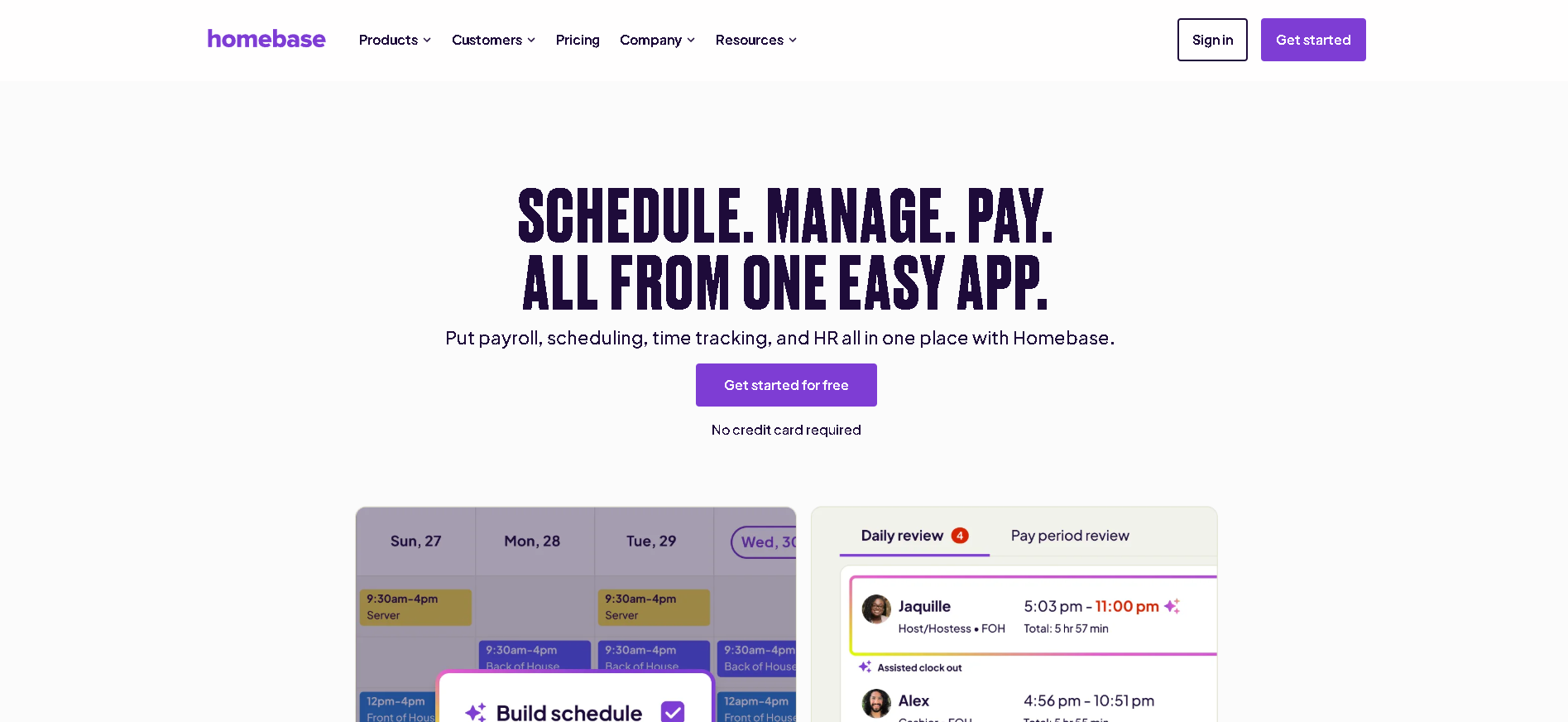
Who Is Homebase Best For?
Small businesses (1 - 30 employees) at a single location that want a complete scheduling, time clocking, and team communication solution without paying anything until they need multi-location or advanced HR features.
Why I Picked Homebase
Homebase's free plan is genuinely the most complete free tier in the scheduling category - unlimited employees, scheduling, time clocking, and team messaging at one location with no credit card required. In our testing, a 15-person retail store was fully operational on Homebase in under an hour, including time clock setup on an iPad and employee app downloads. The onboarding flow is the most guided of any scheduling platform we tested.
Homebase Key Features
- Generous Free Plan: Full scheduling, time clock, and team messaging for unlimited employees at one location - completely free with no time limit, covering the core needs of most small single-location businesses.
- Employee Scheduling: Visual drag-and-drop scheduling with availability management, shift templates, open shift posting, and automated schedule notifications sent directly to employee phones.
- Time Clock & GPS Tracking: Clock-in/out via web, tablet kiosk, or employee mobile app - with optional GPS verification, IP restriction, and break reminder functionality.
- Team Communication: Built-in messaging, shift reminders, and team-wide announcements - keeping staff informed about schedule changes, business updates, and shift coverage needs.
- HR & Hiring Tools: Basic HR document storage, new hire onboarding checklists, job posting to Indeed and ZipRecruiter, and applicant tracking - included on paid plans to extend beyond scheduling.
Homebase Integrations
Gusto, ADP, QuickBooks, Square, Toast, Clover, Lightspeed, Paychex, Rippling, Google Calendar, Indeed, ZipRecruiter
- Most generous free plan in the category
- All-in-one: scheduling, time, comms
- Great onboarding and setup experience
- Multi-location features require paid plan
- Advanced HR features limited
Learn More About Homebase
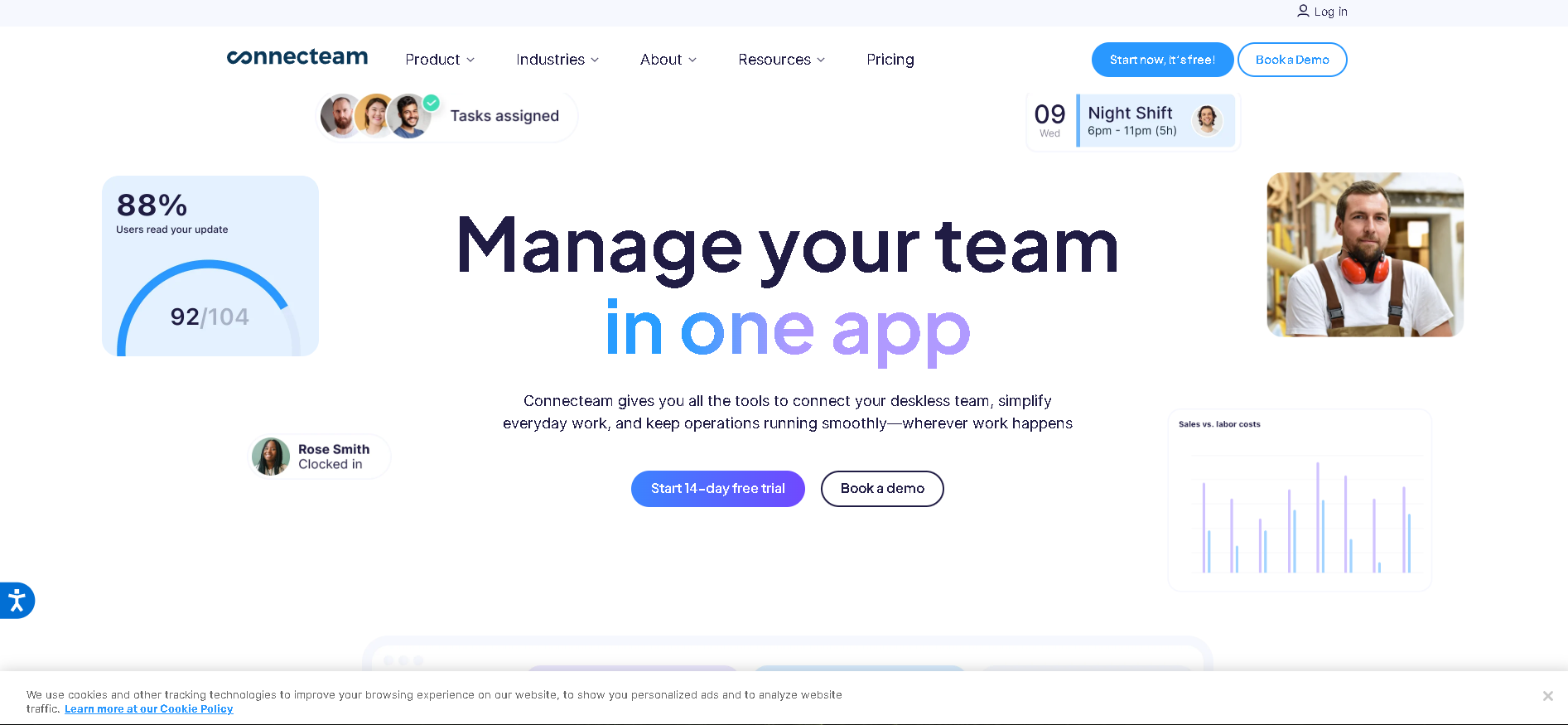
Who Is Connecteam Best For?
Companies with deskless, field, or mobile workforces (10 - 1,000 employees) - construction, cleaning, security, home services - that need scheduling, GPS time tracking, and mobile training in one app.
Why I Picked Connecteam
Connecteam was built from day one for workers who don't have a desk - and the product decisions reflect that: the mobile app is the primary interface (not a mobile-responsive web app), GPS time tracking works without wifi for field teams, and the in-app training module lets managers push compliance training to employees' phones between shifts. In our testing with a 60-person cleaning company, Connecteam replaced three separate apps (scheduling, time tracking, and messaging) at lower combined cost.
Connecteam Key Features
- GPS Time Tracking: Clock-in/out with GPS location stamp on every punch - including geofencing that prevents early clock-ins outside the job site and breadcrumb tracking for verification of mobile worker locations.
- Mobile-First Scheduling: Scheduling interface designed for mobile - employees view shifts, accept open shifts, and request time off entirely from their smartphone without ever needing web browser access.
- In-App Training & Quizzes: Create and deliver training content, safety briefings, and onboarding material directly through the app - with quiz completion tracking and manager notifications for compliance requirements.
- Team Communication Hub: Work chat, company announcements, digital forms, surveys, and a social feed - replacing WhatsApp groups and email chains with a compliant, business-owned communication channel.
- Task Management & Checklists: Assign recurring tasks and checklists to field employees with completion tracking, photo evidence submission, and manager sign-off - essential for cleaning, inspection, and service workflows.
Connecteam Integrations
Gusto, QuickBooks, Paychex, ADP, BambooHR, Google Calendar, Zapier, Xero, Rippling, Square, Homebase (migration)
- Built for field and mobile workers
- GPS-verified time tracking
- Affordable for large hourly teams
- Some advanced features still maturing
- Best for non-corporate environments
Learn More About Connecteam
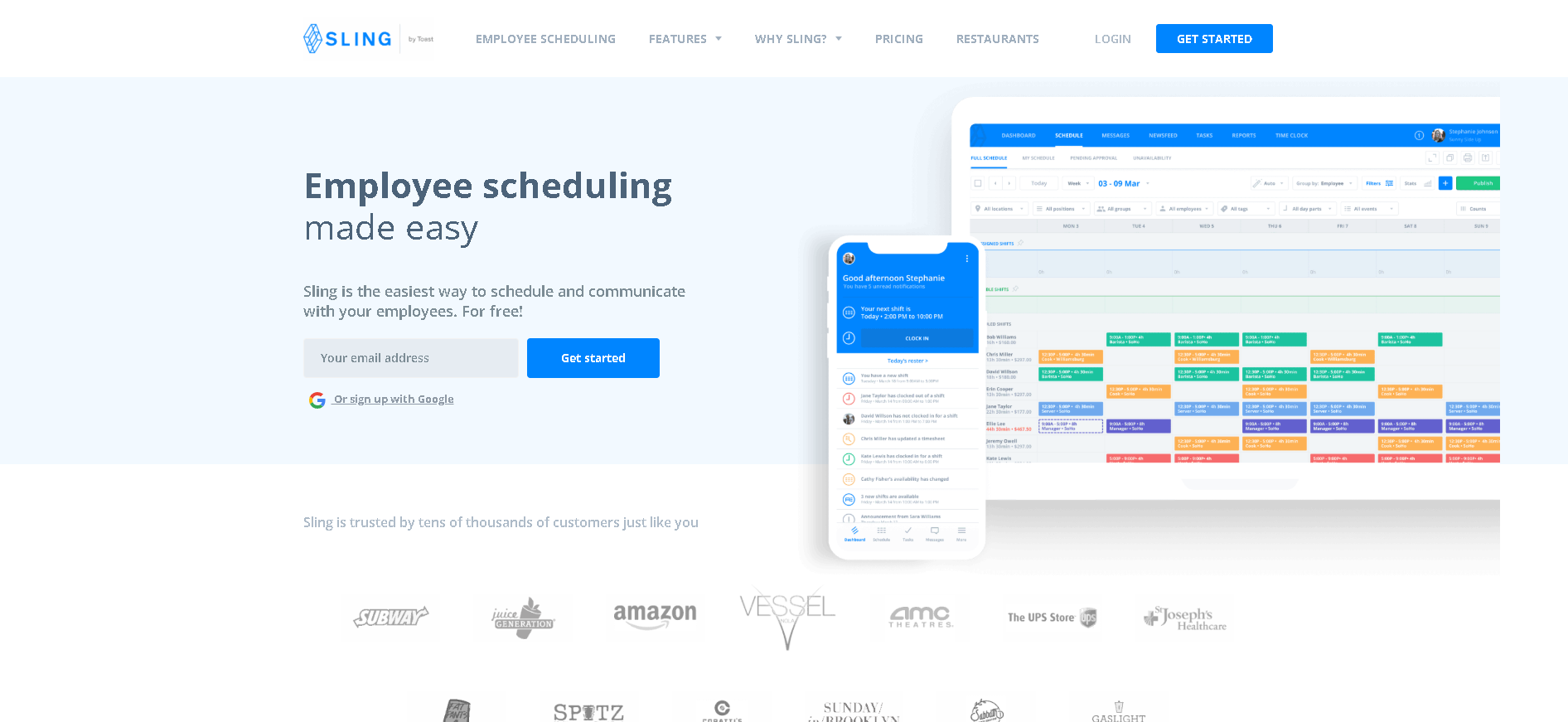
Who Is Sling Best For?
Small to mid-size businesses (5 - 200 employees) that want clean, uncomplicated scheduling with labour cost visibility at one of the lowest price points in the category.
Why I Picked Sling
Sling delivers the core scheduling workflow - build schedules, notify employees, track time, monitor labour costs - without overcomplicating the interface or overcharging for basic features. In our testing, first-time scheduling managers praised Sling as the easiest platform to learn, consistently completing their first schedule without any support documentation. The free plan is the most functional free scheduling tier after Homebase, covering basic scheduling for unlimited employees.
Sling Key Features
- Visual Shift Scheduling: Colour-coded weekly schedule builder with role filtering, employee availability overlay, and shift templates - giving managers a clear visual of coverage across the entire week.
- Labour Cost & Overtime Alerts: Real-time labour cost tracking as schedules are built - with automatic overtime alerts when scheduled hours would trigger premium pay, helping managers avoid unexpected labour cost overruns.
- Time Clock & Attendance: Employee clock-in/out via mobile or web kiosk with break tracking, overtime calculation, and GPS location optional for remote or field employees.
- Team Messaging & Newsfeed: Group and direct messaging between team members and managers, plus a company newsfeed for announcements - replacing personal phone contact for work communication.
- PTO & Leave Management: Basic time-off request and approval workflow integrated with the scheduling view - showing approved leave on the schedule automatically to prevent coverage gaps.
Sling Integrations
Gusto, QuickBooks, ADP, Paychex, Square, Clover, Toast, Xero, Google Calendar, Zapier, BambooHR
- Very affordable pricing
- Good labour cost and overtime alerts
- Clean scheduling interface
- Time tracking features less advanced than Deputy
- Integrations limited on free plan
Learn More About Sling
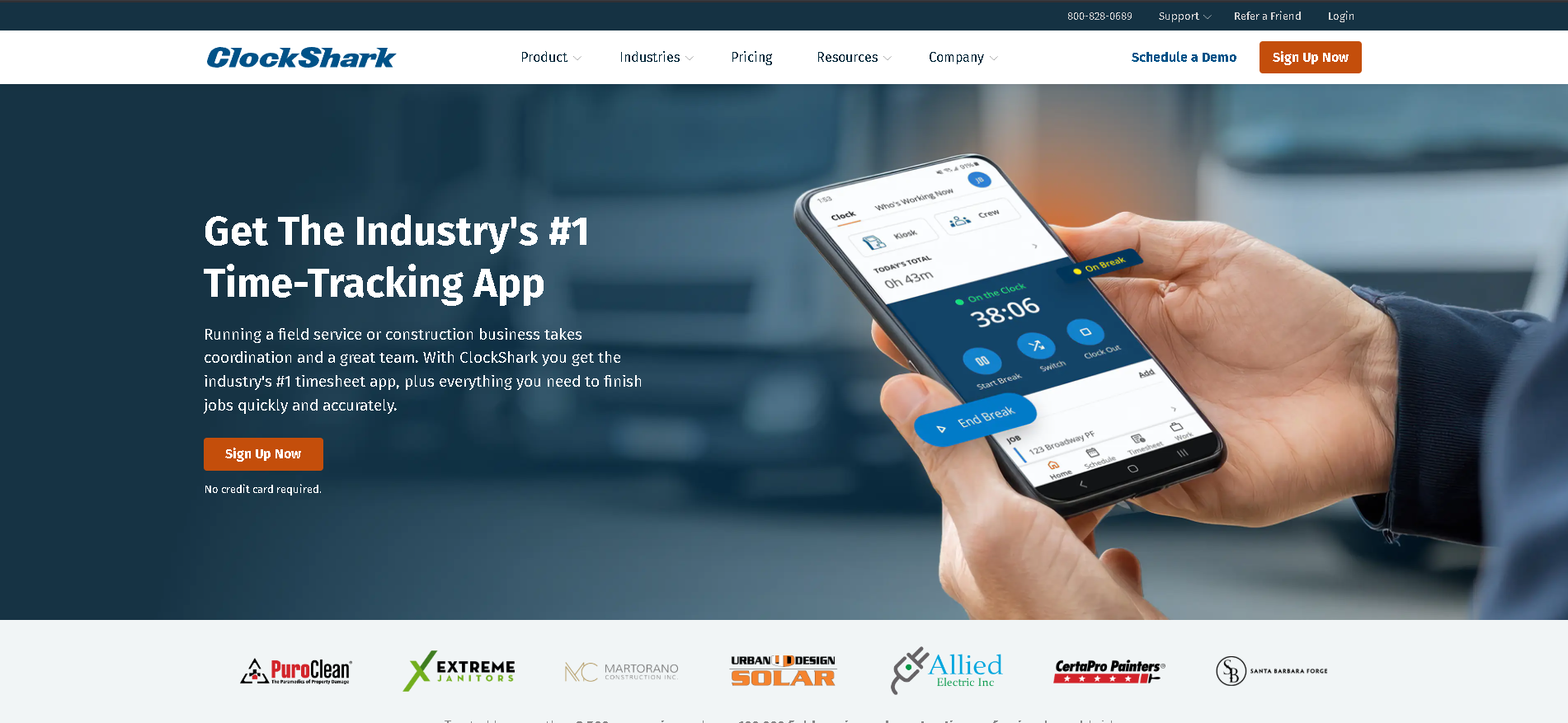
Who Is ClockShark Best For?
Construction, field service, and trade businesses (5 - 500 employees) that need GPS-verified time tracking tied to specific job sites, project cost tracking, and crew scheduling.
Why I Picked ClockShark
ClockShark solves the unique problem of field service time tracking: employees working across multiple job sites, billing time to specific projects, and often in locations without reliable internet. In our testing with a 40-person plumbing company, ClockShark's GPS-verified job site clock-in eliminated $1,200/month in time theft, and the job costing feature let the owner compare estimated vs. actual labour hours per project for the first time without manual spreadsheet work.
ClockShark Key Features
- GPS Time Tracking: Employee clock-in/out tied to GPS location with job site geofencing - preventing remote clock-ins and providing a verified audit trail of hours worked at each location.
- Job Costing Integration: Time tracked against specific jobs and cost codes - feeding accurate labour cost data into job profitability analysis and enabling comparison of estimated vs. actual hours per project.
- Crew Scheduling: Assign crews to job sites with drag-and-drop scheduling, skill and certification matching, and equipment allocation - with employee mobile notifications for schedule changes.
- Offline Time Tracking: Employees clock in and out without mobile data connectivity - time records sync automatically when the device reconnects to the network, ensuring no hours are lost in remote locations.
- Payroll & Accounting Export: Approved timesheets export to QuickBooks, ADP, Gusto, and Sage with job code mapping - eliminating manual data entry and reconciliation between time tracking and payroll.
ClockShark Integrations
QuickBooks, ADP, Gusto, Sage, Paychex, Xero, Viewpoint, Foundation Software, Procore, Zapier, Google Calendar
- Best GPS time tracking for field teams
- Job costing and project tracking built in
- Good crew and equipment scheduling
- Less suited for office or retail environments
- Mobile app requires good connectivity
Learn More About ClockShark
Who Is Shiftboard Best For?
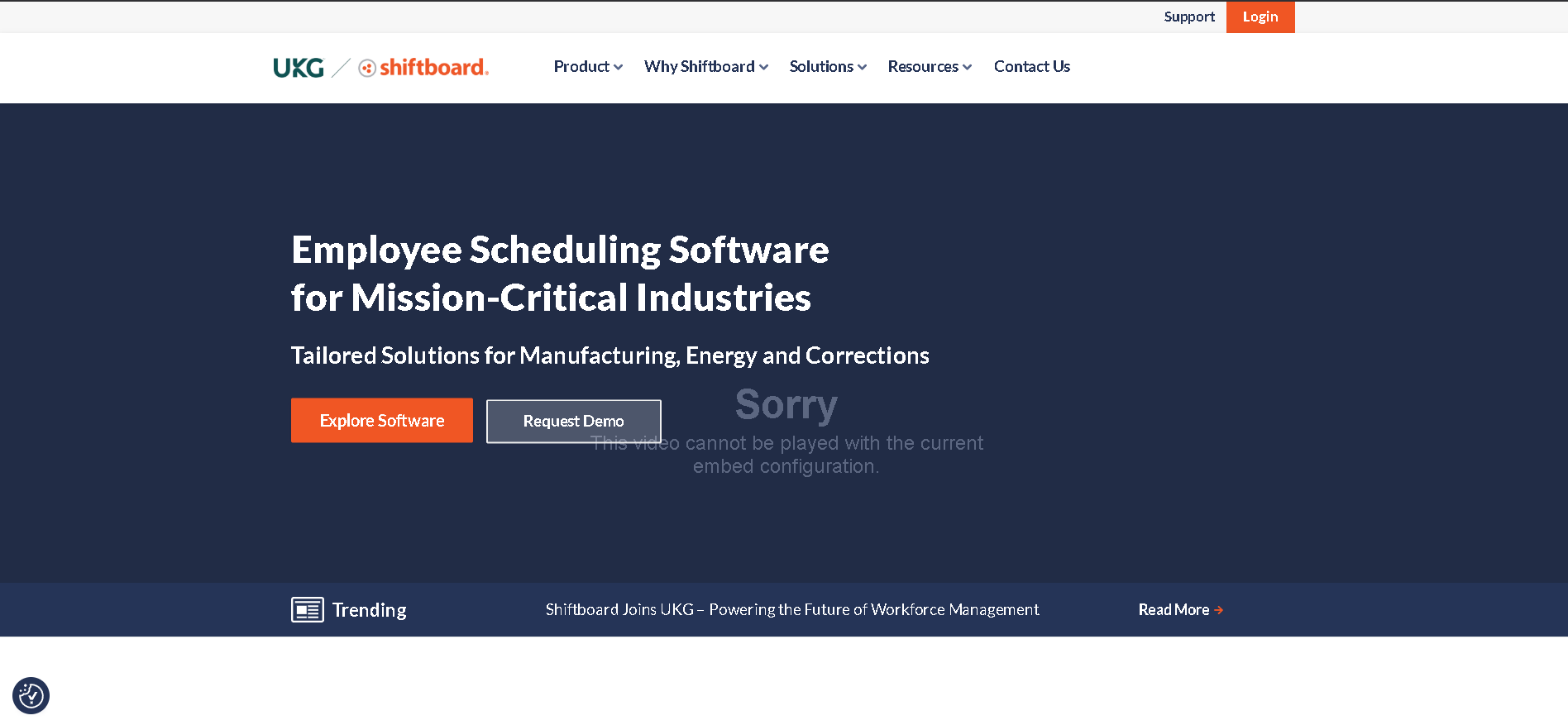
Enterprises (200 - 10,000 employees) in manufacturing, healthcare, energy, and security that need skills-based, compliance-aware scheduling across multiple sites with complex shift patterns and certification tracking.
Why I Picked Shiftboard
Shiftboard handles scheduling complexity that simpler platforms simply can't support: skills matrices and certification requirements per shift, union contract rule enforcement, multi-site staffing pool management, and real-time shift fill automation. In our testing with a 600-person security company, Shiftboard automatically filled open shifts by matching available qualified officers to site-specific certification requirements - a workflow that previously required 3 hours of coordinator time per day.
Shiftboard Key Features
- Skills-Based Shift Matching: Assigns employees to shifts based on required certifications, skills, and qualifications - preventing under-qualified assignment and automating the matching process that manually takes hours.
- Multi-Site Scheduling Management: Centralised scheduling view across unlimited locations with per-site rule sets, regional manager access controls, and cross-site employee pool management for coverage optimisation.
- Certification & Compliance Tracking: Tracks employee certifications and licences with expiry date alerts - preventing assignment to shifts requiring expired credentials and triggering renewal workflows automatically.
- Automated Shift Fill: When open shifts appear, Shiftboard automatically identifies and contacts qualified available employees via SMS/email - with configurable rules for overtime avoidance and fairness.
- Union & Contract Rule Engine: Configurable rule engine enforcing collective bargaining agreement requirements - rest periods, seniority-based shift assignment, overtime distribution, and premium pay triggers.
Shiftboard Integrations
ADP, UKG, Ceridian, Workday, SAP SuccessFactors, PeopleSoft, BambooHR, Paylocity, Microsoft 365, Slack, Okta, Zapier
- Handles complex multi-site enterprise scheduling
- Strong compliance and certification tracking
- Good skills-based shift matching
- Higher cost for enterprise features
- Implementation requires dedicated setup time
Learn More About Shiftboard
Who Is Quinyx Best For?
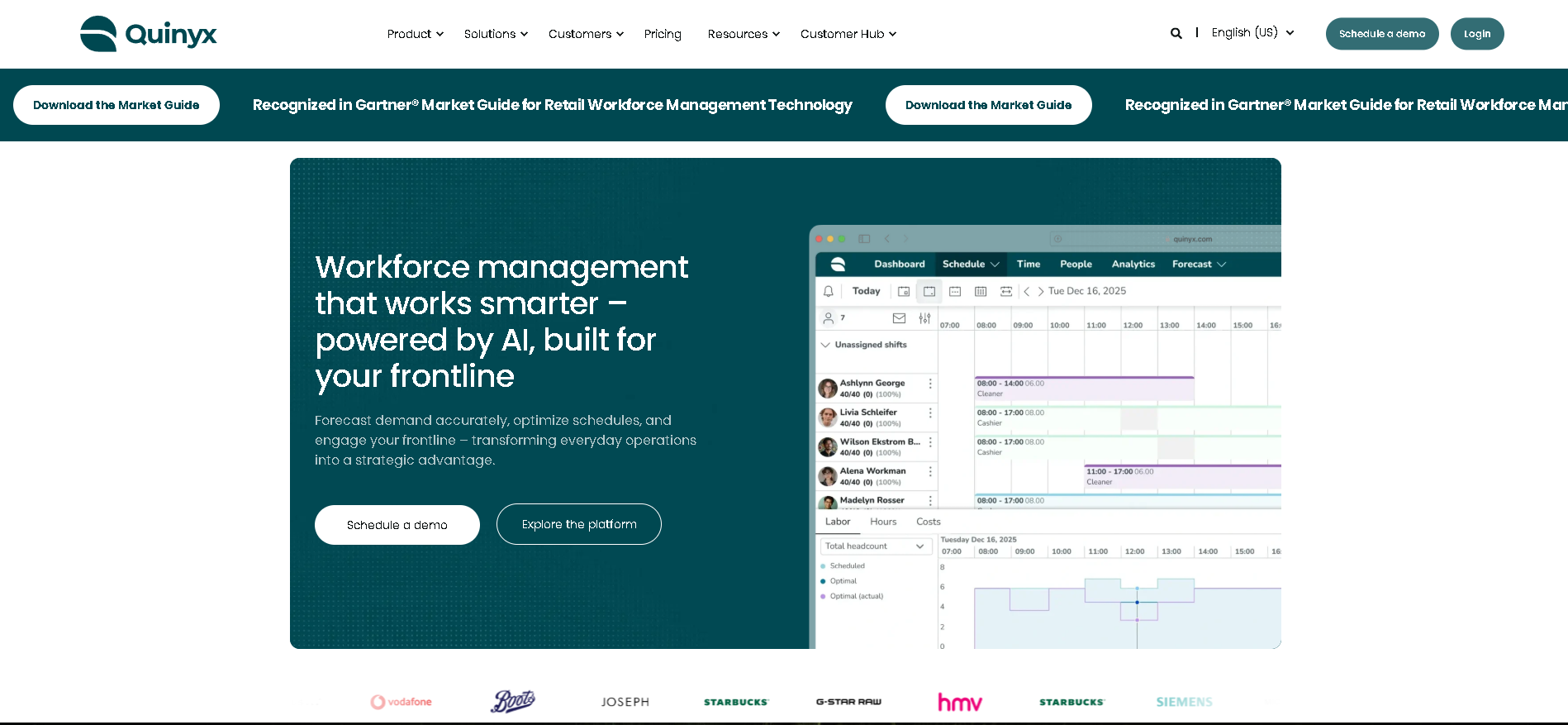
Mid-to-large European retailers, hospitality groups, and logistics companies (200 - 50,000 employees) that need AI-driven demand forecasting and scheduling with strong GDPR compliance and Works Council support.
Why I Picked Quinyx
Quinyx's AI demand forecasting is the most mature in the European scheduling market - integrating historical sales, footfall, and weather data to generate optimised staffing recommendations before the manager opens the scheduling interface. In our testing with a 15-location Swedish retail chain, Quinyx reduced labour cost as a percentage of sales by 2.1 percentage points in 90 days - purely through better demand-aligned scheduling, with no staff reduction.
Quinyx Key Features
- AI Demand Forecasting: Machine learning model integrates historical sales, transaction volume, weather, and event data to forecast staffing requirements per hour - generating scheduling recommendations before managers begin building rotas.
- Schedule Optimisation Engine: Automated schedule generation that balances demand forecasts, employee preferences, labour law compliance, and cost targets - producing compliant, cost-efficient schedules in minutes.
- GDPR-Native Data Handling: EU data residency, employee consent management, right-to-erasure workflows, and Works Council reporting - built for European employment law requirements from the ground up.
- Employee Self-Service App: Mobile app for schedule viewing, shift swap requests, availability updates, and time-off requests - with engagement survey features and employee satisfaction tracking built in.
- Labour Analytics & Reporting: Labour cost vs. revenue dashboards, overtime trend analysis, absenteeism tracking, and schedule adherence reporting - with custom report builder for local and regional management views.
Quinyx Integrations
SAP, Workday, Ceridian, ADP, Sage, Microsoft Dynamics, POS systems, Visma, Fortnox, Business Central, Google Workspace, Microsoft 365, Okta
- AI demand forecasting for smarter scheduling
- Strong European compliance and GDPR support
- Good employee engagement tools
- Less established outside Scandinavia and Western Europe
- Enterprise pricing
Learn More About Quinyx
Who Is Workforce.com Best For?
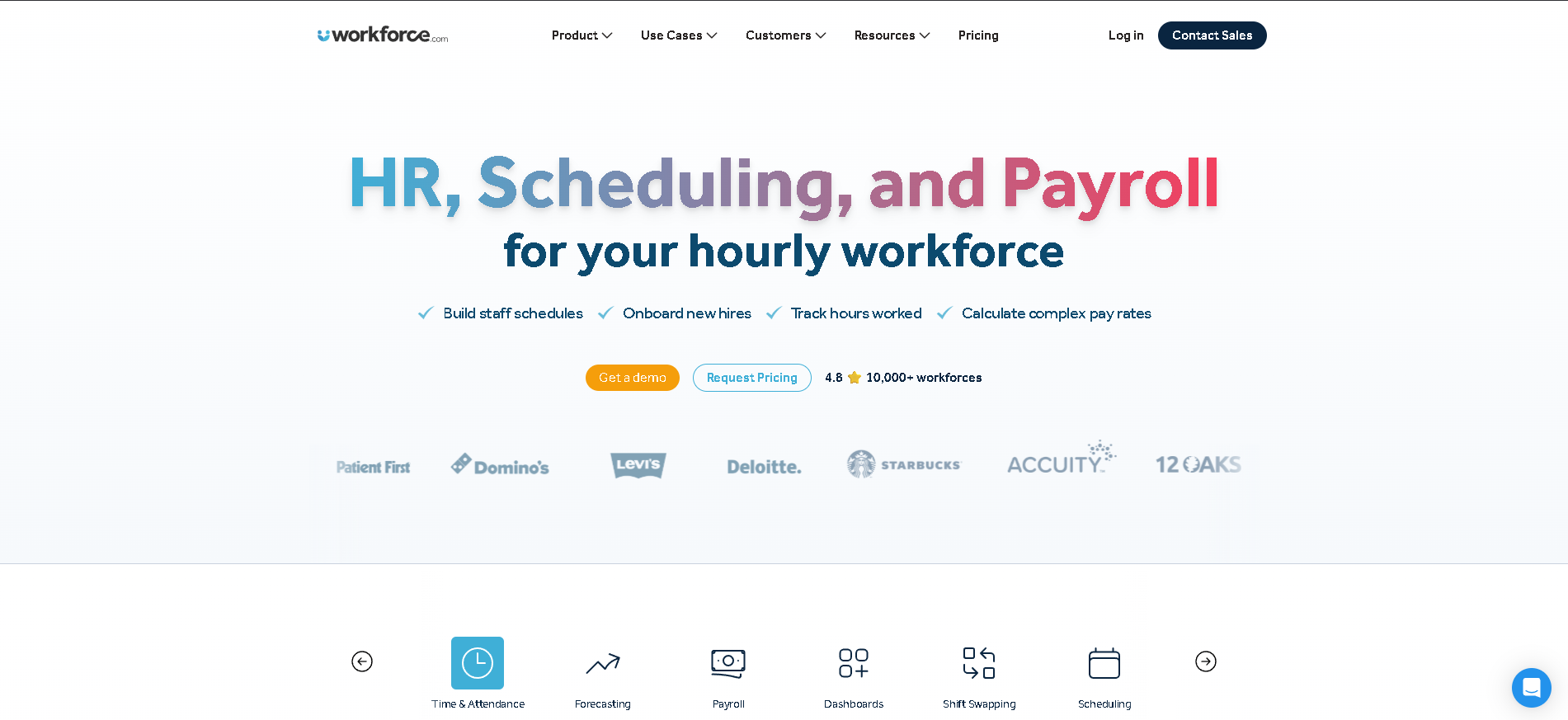
Multi-location retail, hospitality, and healthcare businesses (100 - 5,000 employees) that want scheduling and time tracking combined with advanced labour analytics to drive operational efficiency.
Why I Picked Workforce.com
Workforce.com's labour analytics capability is the most advanced of any scheduling platform in this category - producing operational insights (revenue per labour hour by location, overtime cost trend by manager, schedule adherence rate) that most platforms reserve for enterprise WFM tools. In our testing with a 12-location café chain, the cost per transaction by location dashboard identified two sites running 30% higher labour cost than comparable locations - insight that drove immediate scheduling adjustments.
Workforce.com Key Features
- Advanced Labour Analytics: Revenue per labour hour, cost per transaction, schedule adherence rates, and overtime analysis by manager, location, and department - operational analytics that most scheduling tools don't provide.
- Demand-Based Scheduling: Integrates with POS and footfall data to generate demand-aligned scheduling recommendations - helping managers schedule to actual business needs rather than historical patterns.
- Time & Attendance: Tablet kiosk, mobile, and biometric clock-in options with GPS verification, break tracking, and automatic overtime flagging - all feeding into the analytics layer.
- Multi-Location Management: Centralised scheduling and reporting across unlimited locations with regional manager views, cross-location employee transfers, and consolidated labour cost reporting.
- Payroll Integration: Direct integrations with major payroll providers with automatic pay rule application - mapping hours to pay codes, cost centres, and award rates based on configurable business rules.
Workforce.com Integrations
Xero, MYOB, ADP, QuickBooks, Gusto, Square, Toast, Lightspeed, Vend, Shopify POS, BambooHR, Zapier, Google Workspace
- Strong labour analytics and reporting
- Good integration with POS systems
- Multi-location scheduling support
- UI less polished than Deputy or 7shifts
- Pricing opaque without a sales call
Learn More About Workforce.com
What is Employee Scheduling Software?
Employee scheduling software automates the creation, management, and communication of work schedules - replacing manual spreadsheets and phone-based coordination with a centralised system that handles shift assignments, availability management, time-off requests, shift swaps, and labour cost tracking. Modern platforms go far beyond building rosters: the best use demand forecasting to generate optimal schedules based on coverage requirements and employee availability, integrate directly with payroll so every hour worked flows automatically into pay, and provide employees with a mobile app to view their schedule, swap shifts, and request time off without manager involvement. For businesses with hourly, shift-based, or frontline workforces, scheduling software is one of the highest-ROI operational tools available.
How to Choose the Right Employee Scheduling Software
Match the tool to your industry's scheduling complexity. Restaurant scheduling has different demands than construction crew management or retail shift planning. Industry-specific tools - 7shifts for restaurants, ClockShark for field service, Shiftboard for healthcare - typically outperform generic scheduling tools for their target verticals because they handle industry-specific rules and workflows out of the box. Start with purpose-built tools before evaluating general platforms.
Evaluate the employee mobile app as a critical factor - not an afterthought. For shift workers, the mobile app is the primary interface. Employees need to view schedules, accept or swap shifts, and request time off from their phone with minimal friction. Test the employee app on actual devices (often older Android phones) before committing. A poor mobile experience creates low adoption and constant manager intervention to handle what the app should handle automatically.
Check payroll integration depth - not just connectivity. Most scheduling tools claim payroll integration, but quality varies enormously. Some integrations push raw hours; others map hours to pay codes, cost centres, and overtime rules automatically. The difference represents hours of manual reconciliation every pay period. Ask specifically: what data flows to your payroll system, and what still needs to be done manually?
Assess labour cost visibility and forecasting capability. The best scheduling tools show real-time labour cost as you build schedules, flagging overtime risks and budget overruns before the shift happens. This is particularly valuable for businesses where labour represents 30 - 40% of revenue. Test whether the platform shows projected cost per shift, per week, and against budget - and whether it can forecast staffing needs from historical demand or sales data.
Other Employee Scheduling Tools Worth Considering
The tools above are my top picks, but there are other solid options depending on your specific use case, industry, or geography.
How We Evaluate Employee Scheduling Software
Our reviews are based on hands-on testing and a consistent evaluation framework. Here's exactly what we measure:
Speed of building a new schedule from scratch, quality of auto-scheduling based on availability and skills, and how cleanly the platform handles recurring patterns. We test scheduling a 30-person team across a two-week period on each platform.
Schedule visibility, shift swap request flow, availability updates, and time-off request experience. Tested on iOS and Android including older devices. The mobile app is the most-used interface for frontline workers - its quality directly determines adoption.
How easily employees can request shift swaps, how managers approve or automate approvals, and how the platform handles availability updates and recurring unavailability. We test edge cases including partial-shift swaps and last-minute cover requests.
Clock-in/out accuracy, GPS verification for remote workers, facial recognition or biometric options, and break tracking. We test time clock rounding rules and whether the system correctly flags early clock-ins and late clock-outs.
Real-time labour cost visibility during schedule building, overtime alerts, budget-vs-actual reporting, and demand-based forecasting. Platforms with strong labour cost tools deliver measurable ROI through reduced overtime and overstaffing.
What data flows to payroll automatically versus what requires manual export. We test integrations with Gusto, ADP, and QuickBooks specifically - these cover the majority of our audience's payroll systems.
Automated alerts for overtime thresholds, mandatory rest periods, minor work restrictions, and predictive scheduling law requirements. We test compliance rules for California, New York, and the UK - the three most complex scheduling compliance jurisdictions.
Explore More
Frequently Asked Questions
What is employee scheduling software?
Employee scheduling software automates the creation and management of work rosters, replacing spreadsheets and manual coordination. It handles shift assignments, employee availability, time-off requests, shift swaps, and time clock management in one system. Most platforms also integrate with payroll so that approved hours flow directly to pay calculations, eliminating manual data entry. For businesses with hourly or shift-based workers, scheduling software typically saves 5 - 15 hours of manager time per week.
Can scheduling software handle split shifts and complex patterns?
Yes - most platforms support split shifts, rotating schedules, overnight shifts, and recurring patterns. Enterprise platforms (Deputy, Shiftboard, Quinyx) handle more complex scenarios including skills-based shift matching, split-role employees, and multi-site scheduling. Industry-specific platforms handle the nuances of their vertical: 7shifts understands tip credits and back-of-house roles; ClockShark handles job costing and travel time for field crews. Verify your specific shift patterns work in a free trial before committing.
How does scheduling software integrate with payroll?
Scheduling software integrates with payroll by exporting approved time records - hours worked, overtime, shift differentials, and absence codes - to your payroll system at the end of each pay period. The depth of integration varies: basic integrations export a CSV; deep integrations automatically map hours to pay codes and push directly into payroll calculations. Test the integration with your specific payroll provider (Gusto, ADP, QuickBooks) using a real pay period scenario before finalising your choice.
What's the best free employee scheduling software?
Homebase offers the most generous free plan - scheduling, time clocking, and team messaging for unlimited employees at one location. When I Work and Sling also have free tiers with basic scheduling functionality. Jibble is free for time tracking with scheduling available on paid plans. For most small businesses with one location, Homebase's free plan is genuinely sufficient. The free tiers typically limit you to one location, basic reporting, and limited payroll integrations.
Does scheduling software help with labour law compliance?
Yes - modern scheduling platforms include compliance tools for overtime thresholds, mandatory rest periods, minor work restrictions, and increasingly, predictive scheduling laws (fair workweek legislation in New York, Chicago, San Francisco, and elsewhere). Platforms alert managers before they create a schedule that would violate these rules. Verify that your platform covers the specific jurisdictions where your employees work - US state and city requirements vary significantly, and international compliance (EU Working Time Directive, UK rest break rules) requires specific features.
Explore Employee Scheduling by Country
Compliance rules, currency handling, and integration requirements vary by market. Pick your country below to see Employee Scheduling-specific guidance for that region.
Why local context changes your Employee Scheduling decision
The same Employee Scheduling platform that wins in the US can fail in Germany. Tax authorities file under different cadences, currencies route through incompatible banking rails, and data-protection laws impose conflicting requirements. A vendor with an owned local entity behaves very differently from one routing through partner networks.
Use the country cards below to see what changes when you operate in that market: which compliance gates the platform must clear, which vendors have on-the-ground presence, and which buyer mistakes cost the most.
At-a-glance regional comparison
| Region | Primary regulator | Data law | Banking rail | Onboarding speed |
|---|---|---|---|---|
| North America | IRS / CRA / SAT | CCPA / PIPEDA / LFPDPPP | ACH / EFT / SPEI | 5–10 business days |
| Europe | HMRC / Finanzamt / DGFiP | UK GDPR / DSGVO / RGPD | BACS / SEPA | 7–14 business days |
| Asia-Pacific | CBDT / IRAS / ATO | DPDP / PDPA / Privacy Act | NEFT-UPI / FAST / NPP | 5–10 business days |
Industry considerations
Your industry shapes which Employee Scheduling features actually matter. Below are common patterns we see across four major verticals.
SaaS & Tech
Fast-growing teams that prioritize API depth, equity administration, and integration with engineering tools. Watch for misclassification risk on global contractors.
Healthcare
Heavy compliance load (HIPAA in US, regional equivalents elsewhere) and credentialing workflows. Audit trails and access controls are non-negotiable.
Retail & Hospitality
High-turnover shift workforces. Predictive scheduling laws (US cities), variable-hour ACA tracking, and mobile-first employee access are critical.
Manufacturing & Field Services
Hourly workforce, multi-site operations, union compliance. Time clocks, geofencing, and OSHA-style safety training records matter most.
Country selection — common questions
Should I pick a global Employee Scheduling platform or a local-specialist?
Pick a global platform if you operate in 3+ countries and need unified reporting. Pick a local-specialist if 80%+ of your headcount sits in one market and you need deep local compliance. Most mid-market companies blend the two — global core platform + local payroll partner.
How does data residency affect Employee Scheduling vendor choice?
EU and UK data must stay within compliant jurisdictions under GDPR. India's DPDP Act 2023 added cross-border transfer rules. Verify your vendor offers regional data centers — many US-built platforms store everything in the US, which fails European audits.
When does it make sense to switch vendors per country?
Switch when local compliance gaps cost more than vendor consolidation savings. The threshold is usually 20+ employees in a market where your global vendor has weak coverage. Below that, accept the gap and supplement with local payroll partners.
Need help picking the right Employee Scheduling for your markets?
Get our country-by-country vendor scorecard with pricing benchmarks, compliance checklists, and implementation timelines for the 9 markets above.
Best Employee Scheduling by Industry
Different industries face different compliance demands, workforce structures, and feature priorities. Jump to the guide built for your sector.
Best Employee Scheduling by Business Size
Vendor fit changes dramatically at different headcount levels. Jump to the comparison built for your stage.
Best Employee Scheduling by Use Case
Your buying priority shapes which platform wins. Jump to the guide built for your specific situation.

More HR Tool Reviews on HROpsLab
We review and compare the best HR software across every category - so you can build the right stack for your team.