Best Payroll Software of 2026: Reviewed & Compared

Gusto is the best payroll for US small businesses - transparent pricing, automated tax filing across all 50 states, and genuinely great support. For global payroll, Deel covers 150+ countries and nothing else comes close. We ran live payroll tests across all 10 platforms: compliance accuracy varied more than we expected.
10 Best Payroll Software of 2026: Reviewed & Compared Shortlist
Here's my shortlist of the best options, out of 10 options I reviewed:
-
1
Gusto Best payroll software for US small businesses
-
2
ADP Workforce Now Best enterprise payroll for complex compliance
-
3
Rippling Best all-in-one payroll, HR & IT platform
-
4
Deel Best global payroll and EOR platform
-
5
Paychex Flex Best payroll for mid-market companies
-
6
OnPay Best simple, transparent payroll for SMBs
-
7
Payscale Best for compensation benchmarking and pay equity
-
8
QuickBooks Payroll Best payroll for existing QuickBooks users
-
9
Patriot Best affordable payroll for very small teams
-
10
Wave Payroll Best low-cost option connected to free accounting
The best payroll software automates salary calculations, tax filings, and direct deposits - so your team can run payroll in minutes instead of hours and sleep easy knowing compliance is handled.
Manual payroll processes are a major source of errors and regulatory risk. The right platform eliminates manual work, keeps you compliant across jurisdictions, and gives employees a clear, accurate view of their pay.
You Can Trust Our Payroll & Compensation Reviews
We tested each payroll platform against 30+ criteria including calculation accuracy, compliance coverage, integration quality, support responsiveness, and total cost of ownership.
Each platform is evaluated using live payroll runs, compliance tests, and integration assessments over a six-week period. We test domestic and global payroll scenarios where applicable.
Best Payroll Software of 2026: Reviewed & Compared: Pricing Comparison Chart
This software comparison chart summarises pricing details for my top picks to help you find the best software for your budget and business needs.
| Tool | Best For | Trial Info | Price | |
|---|---|---|---|---|
| Best payroll software for US small businesses | Free demo available | From $40/month + $6/person | Website | |
| Best enterprise payroll for complex compliance | Free demo available | Pricing on request | Website | |
| Best all-in-one payroll, HR & IT platform | Free demo available | From $8/user/month | Website | |
| Best global payroll and EOR platform | Free demo available | From $49/month per contractor | Website | |
| Best payroll for mid-market companies | Free demo available | Pricing on request | Website | |
| Best simple, transparent payroll for SMBs | Free one-month trial | From $40/month + $6/person | Website | |
| Best for compensation benchmarking and pay equity | Free demo available | Pricing on request | Website | |
| Best payroll for existing QuickBooks users | Free 30-day trial | From $22.50/month + $5/person | Website | |
| Best affordable payroll for very small teams | Free 30-day trial | From $17/month + $4/person | Website | |
| Best low-cost option connected to free accounting | Free plan for accounting | From $20/month + $6/person (US) | Website |
Featured Tools
Reviews of the Best Payroll Software of 2026: Reviewed & Compared
Below you'll find detailed reviews of each tool - covering what it does best, key features, integrations, and who it's right for.
Who Is Gusto Best For?
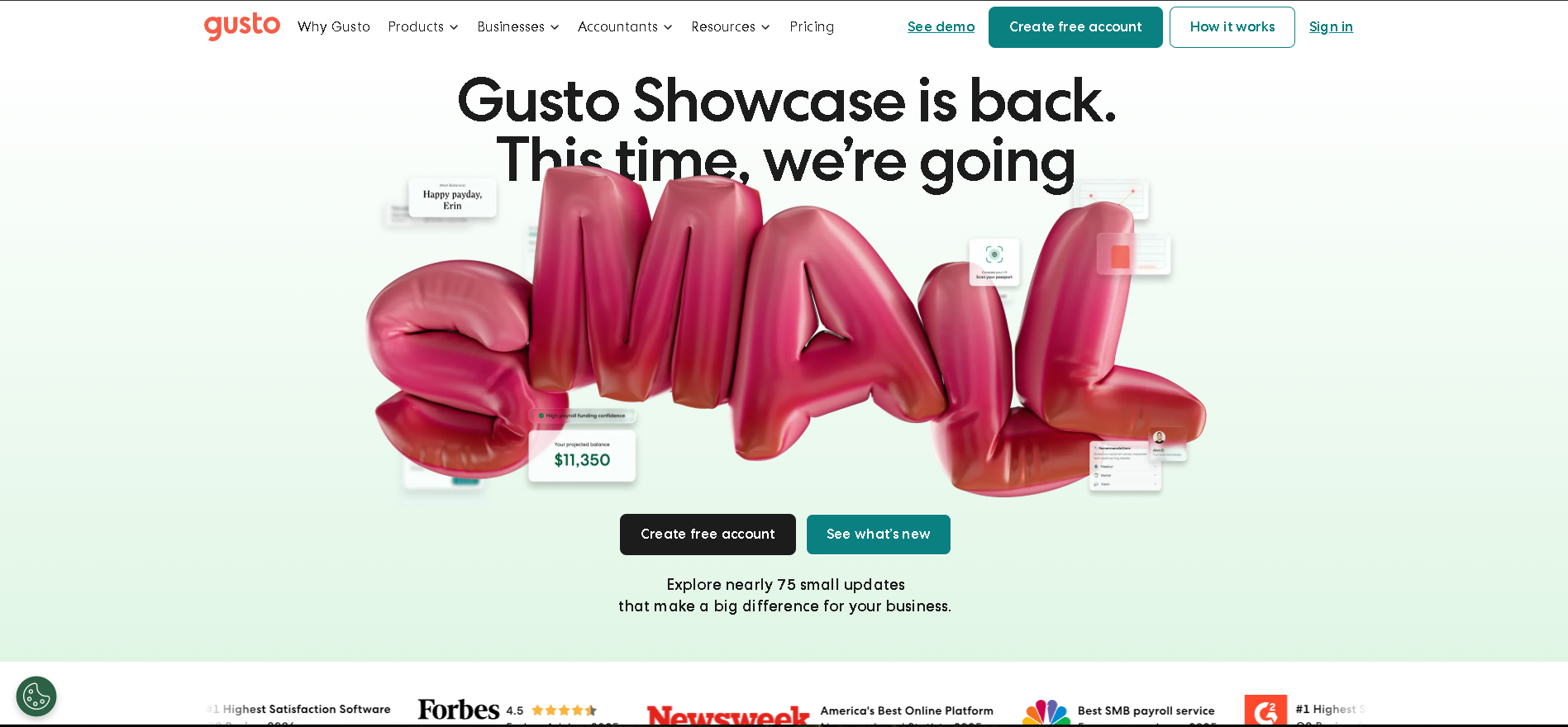
US-based small businesses (2 - 200 employees) that need payroll, benefits, and core HR in one affordable platform - especially those without a dedicated payroll specialist.
Why I Picked Gusto
In our testing, Gusto processed a full multi-state payroll run - including automated tax filings - in under 10 minutes. The benefits administration module is a standout: employees choose from curated medical, dental, vision, and 401(k) options through a genuinely clear self-service portal. At this price point, nothing combines payroll and benefits administration as cleanly.
Gusto Key Features
- Full-Service US Payroll: Automated payroll with direct deposit, multi-state tax filings, year-end W-2 and 1099 generation, and automatic tax table updates whenever laws change.
- Benefits Administration: Licensed broker access within the platform - employees self-enroll in curated health, dental, vision, HSA/FSA, and 401(k) plans with no HR coordination required.
- Time & Attendance Sync: Built-in time clock with direct sync to payroll - approved hours flow automatically into the next pay run without manual import or reconciliation.
- Contractor Payments: Pay domestic and international contractors with automatic 1099 filing, multi-currency support, and the same simple interface as employee payroll.
- Compliance Alerts & HR Tools: Real-time alerts for minimum wage changes, ACA compliance tracking, digital offer letters, and e-sign I-9 and W-4 completion for new hires.
Gusto Integrations
QuickBooks, Xero, FreshBooks, BambooHR, Clover, When I Work, Deputy, Greenhouse, Checkr, Slack, Expensify, Time Doctor, TSheets
- Automated tax filing for all 50 US states
- Benefits and payroll in one platform
- Excellent customer support
- US-only payroll
- Limited enterprise HR features
Learn More About Gusto
Who Is ADP Workforce Now Best For?
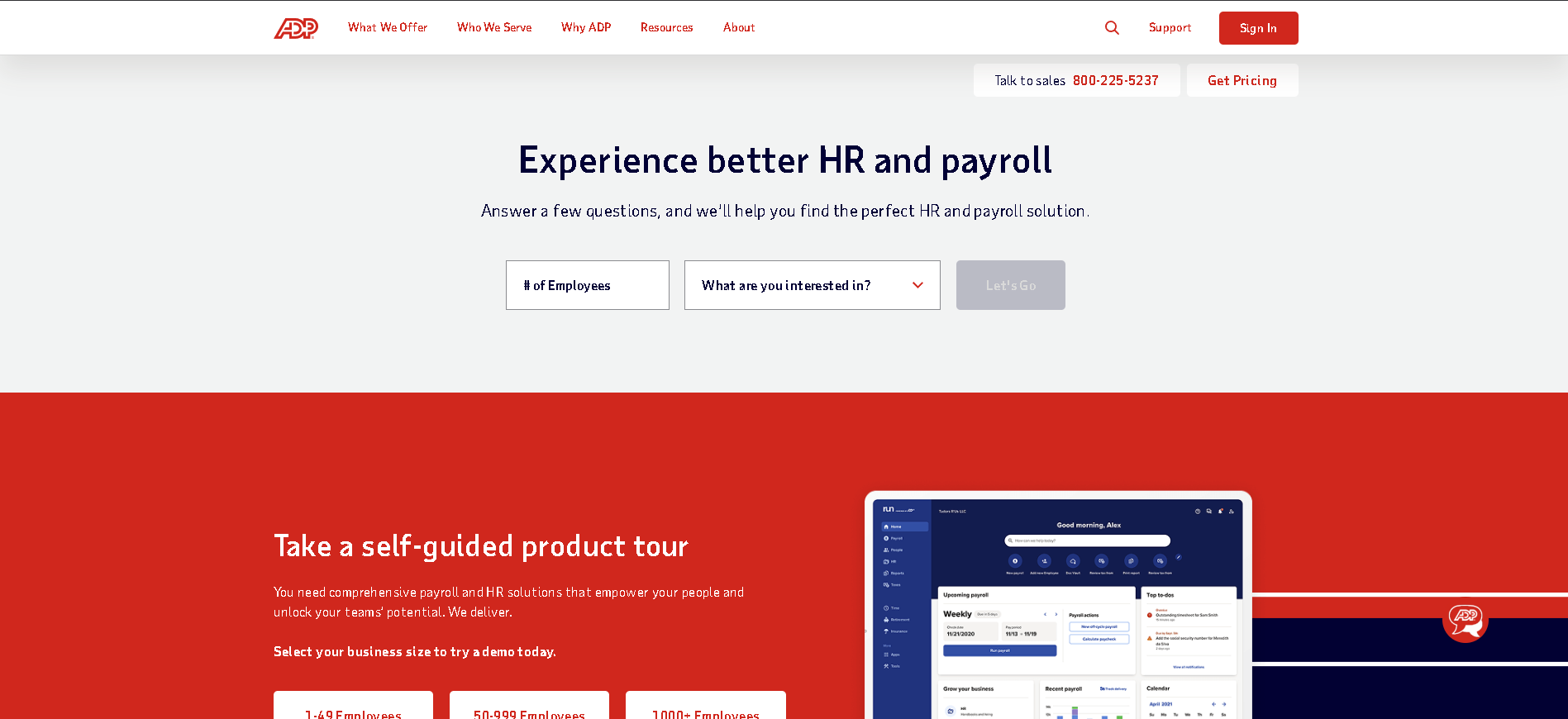
Mid-to-large US companies (100 - 10,000 employees) with complex payroll needs - multiple states, diverse pay types, or strict compliance requirements that need a proven, battle-hardened platform.
Why I Picked ADP Workforce Now
ADP Workforce Now has processed more US payroll volume than any other platform on the market, and that track record creates real confidence for complex compliance scenarios. In our testing, the multi-state tax engine handled edge cases - local city taxes, SUI rate changes mid-year, retroactive corrections - correctly and without manual intervention. The audit trail is the best we tested for satisfying finance and legal review requirements.
ADP Workforce Now Key Features
- Multi-State Payroll Processing: Automated payroll across all 50 US states with local tax handling, SUI rate management, and year-end W-2 and W-3 filing - updated automatically for tax law changes.
- Time & Attendance Management: Biometric, web, and mobile time clocking with configurable rounding rules, shift differentials, and direct payroll sync - eliminating manual timesheet reconciliation.
- Benefits Administration: Full benefits enrollment management including medical, dental, vision, 401(k), COBRA, and FSA/HSA - with ACA compliance reporting and carrier data feeds.
- HR & Talent Suite: Onboarding workflows, performance management, learning management, and succession planning available as add-on modules within the same platform and data model.
- Compliance & Audit Tools: Comprehensive audit trail for all payroll actions, FLSA compliance monitoring, predictive compliance alerts, and detailed reporting for internal audit and external regulators.
ADP Workforce Now Integrations
Workday, SAP SuccessFactors, QuickBooks, Microsoft Dynamics, Oracle, Greenhouse, Slack, ServiceNow, Okta, Concur, Salesforce, BambooHR, Xero
- Best-in-class compliance and audit trail
- Handles complex multi-state payroll
- Large professional services ecosystem
- High cost and complex implementation
- Interface can feel dated
Learn More About ADP Workforce Now
Who Is Rippling Best For?
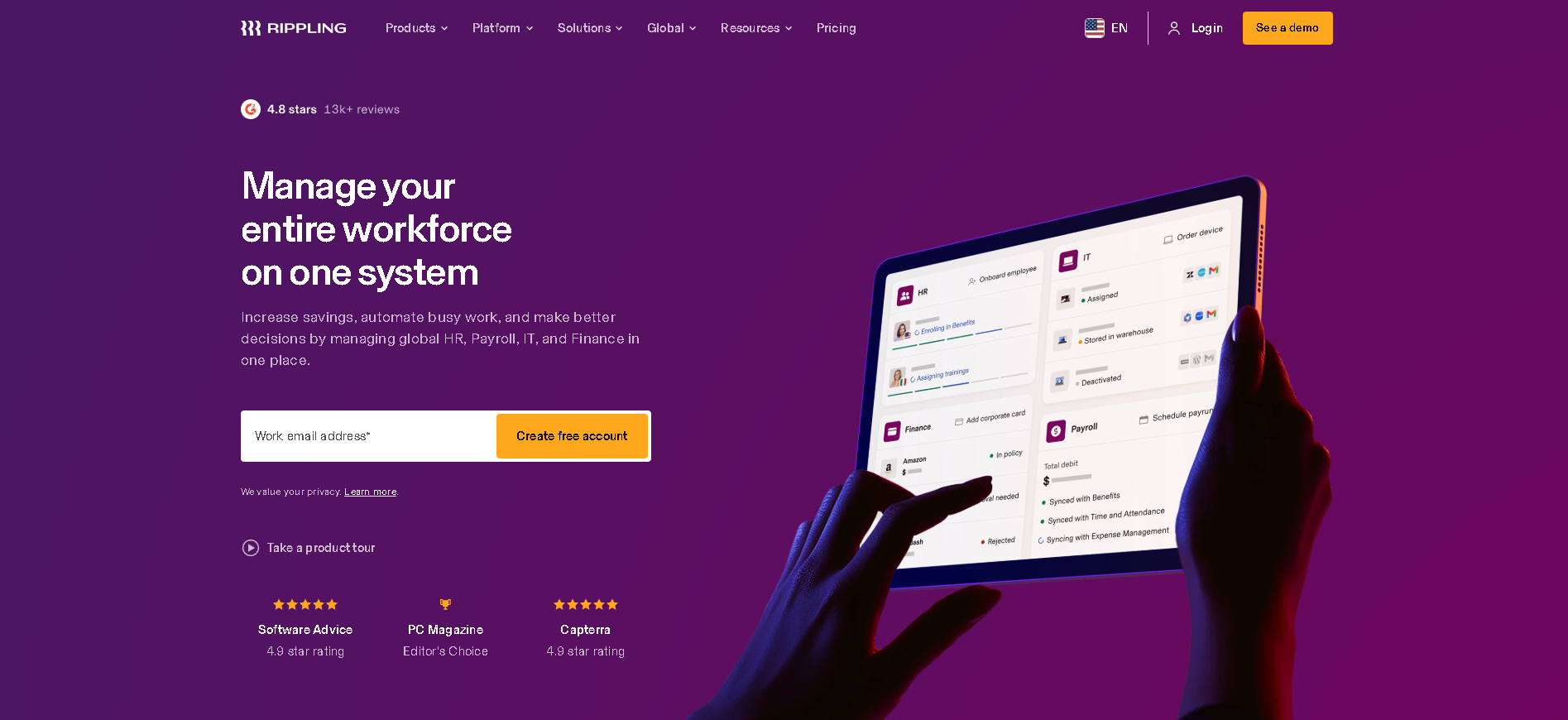
Fast-growing companies (50 - 2,000 employees) that want HR, IT, and payroll under one roof with automation that eliminates manual handoffs between departments.
Why I Picked Rippling
Rippling's payroll module is genuinely powerful - handling global payroll across 50+ countries alongside domestic US payroll in a single interface. But the differentiator is workflow automation: a single hire event triggers payroll setup, device provisioning, and app access simultaneously. In our testing, full new employee onboarding including IT took under 30 minutes - a fraction of any competing platform.
Rippling Key Features
- US & Global Payroll: Run payroll in the US across all 50 states and internationally in 50+ countries - with unified employee records, multi-currency support, and automatic tax filings.
- Payroll Automation Engine: Trigger payroll changes automatically from HR events: new hires, promotions, terminations, and benefit changes all flow to payroll without manual data entry.
- Benefits Administration: Administer health, dental, vision, 401(k), FSA, and commuter benefits with employee self-service enrollment and automated carrier data feeds synced to payroll deductions.
- Time & Attendance Tracking: Built-in time tracking with configurable rules for overtime, shift differentials, PTO accrual, and direct sync to each payroll run.
- HR + IT + Payroll Integration: Unique cross-system automation that connects payroll to device management and app provisioning - one hire event sets up everything from salary to laptop to software access.
Rippling Integrations
Slack, Google Workspace, Microsoft 365, Greenhouse, Lever, GitHub, Okta, Salesforce, QuickBooks, Xero, Carta, Brex, NetSuite
- Best HR + IT + payroll integration
- Modular - add only what you need
- Strong automation reducing manual admin
- Can get complex with all modules active
- Some customers report support delays
Learn More About Rippling
Who Is Deel Best For?
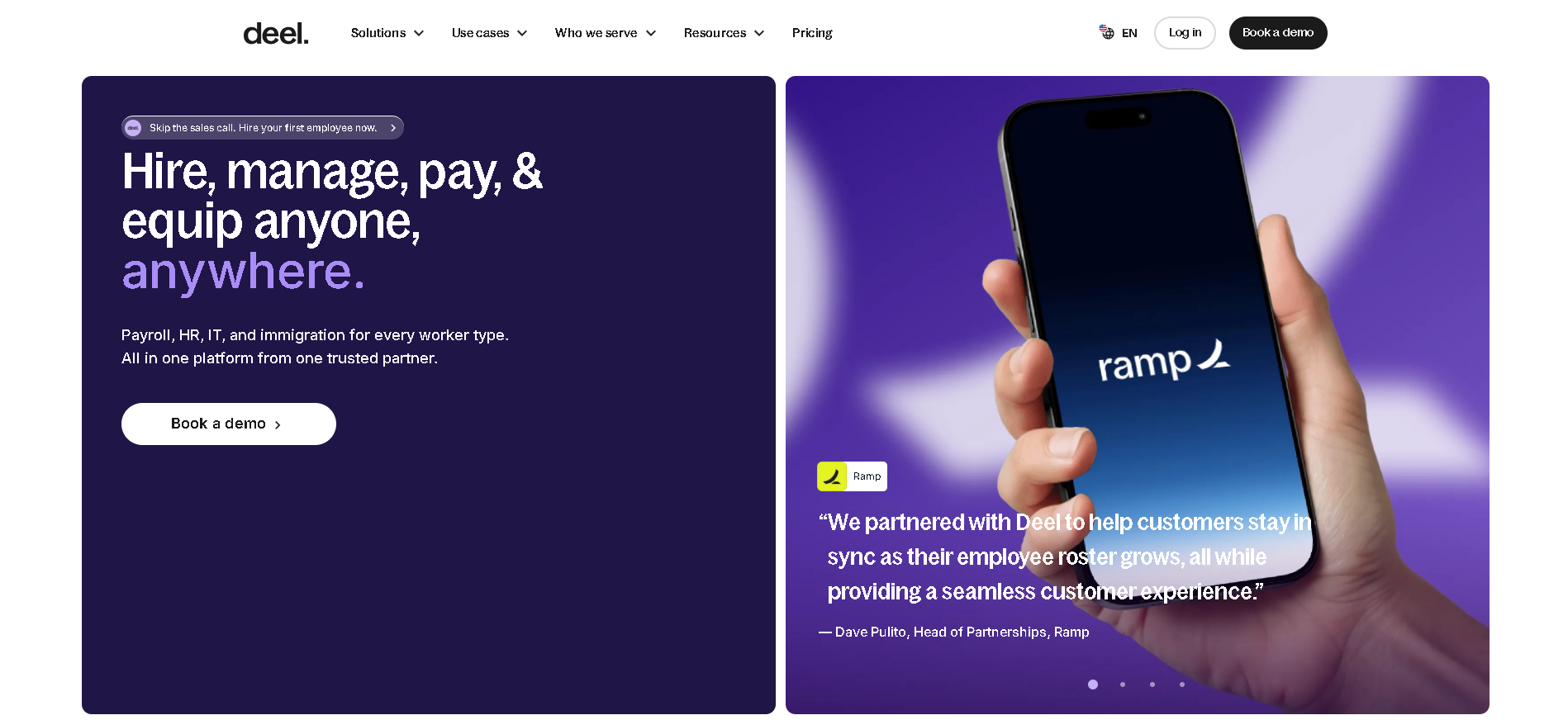
Companies of any size (10 - 10,000 employees) that pay contractors or full-time employees in multiple countries and need a single platform to manage global compliance and payroll.
Why I Picked Deel
Deel is the clearest category leader for global payroll. In our testing, onboarding a contractor in Germany took 22 minutes from invite to signed contract - including local compliance documentation. The platform's coverage is genuinely broad: 150+ countries with local entities and legal teams, not just payment routing through a third-party aggregator. For distributed-first companies, nothing else comes close.
Deel Key Features
- Global Contractor Payments: Pay contractors in 150+ countries in their local currency via bank transfer, Wise, PayPal, Coinbase, or Deel card - with automated local tax compliance and payment history.
- Employer of Record (EOR): Hire full-time employees in 90+ countries without setting up a local entity - Deel handles contracts, local benefits, payroll, and statutory compliance as the legal employer.
- Multi-Country Payroll: Run payroll for employees in 90+ countries with local statutory deductions, automatic tax filings, and compliant payslip generation in local currency and language.
- Compliance & Contract Management: Locally compliant employment contracts auto-generated for every country - with updates pushed when local labour laws change and IP and invention assignment clauses built in.
- Global HRIS & Equity Management: Unified employee records across every country, equity vesting and ESOP management, expense reimbursement, and real-time headcount analytics across your global workforce.
Deel Integrations
BambooHR, Rippling, Workday, QuickBooks, Xero, NetSuite, Slack, Greenhouse, Lever, Ashby, Okta, HiBob, SAP SuccessFactors
- Best global payroll coverage (150+ countries)
- EOR and contractor management in one tool
- Fast contractor onboarding in hours
- Can be expensive for large employee counts
- Advanced analytics require enterprise tier
Learn More About Deel
Who Is Paychex Flex Best For?
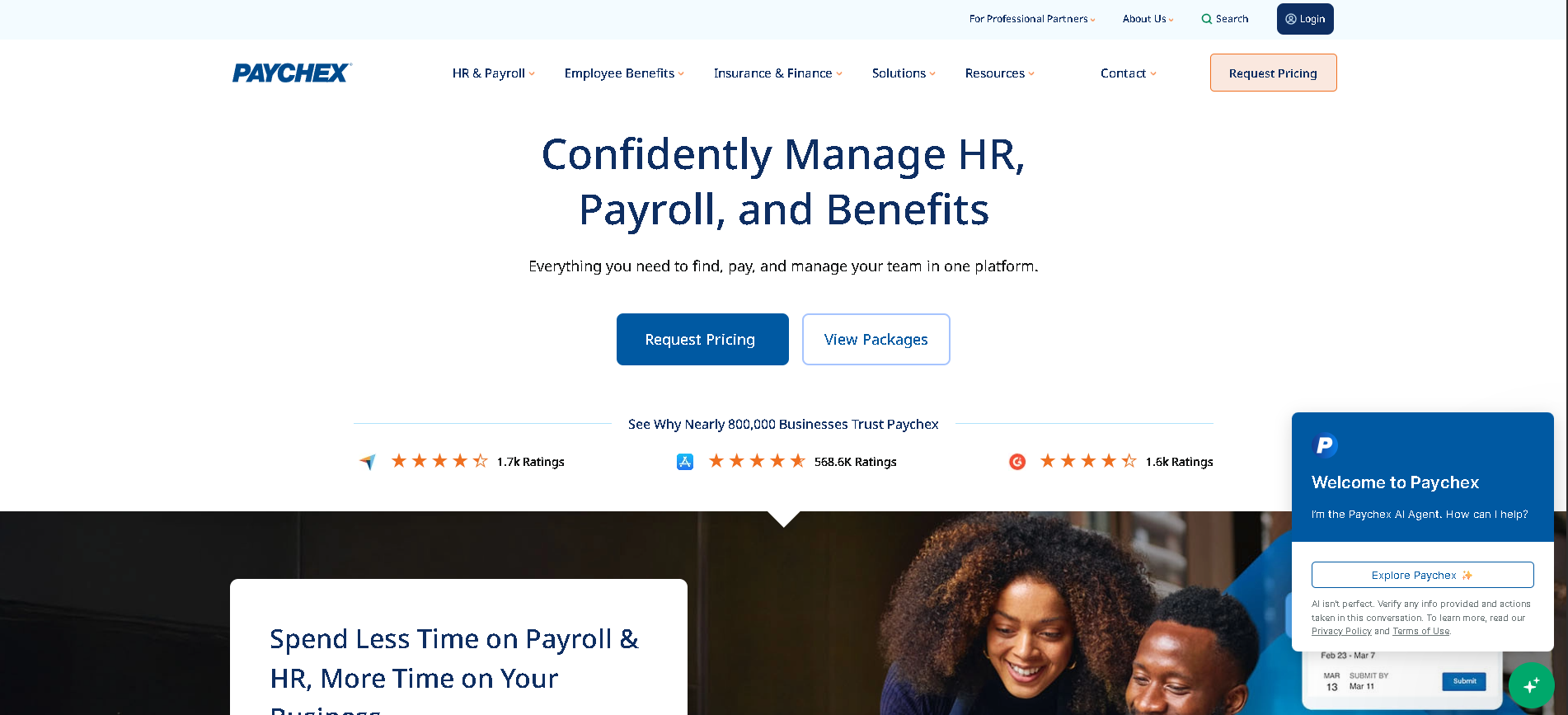
Mid-market US companies (50 - 1,000 employees) that want a proven, full-service payroll and HR platform with a large local support network across the US.
Why I Picked Paychex Flex
Paychex Flex has one of the largest service networks of any payroll provider in the US - local payroll specialists in nearly every metro area - and that support model genuinely matters when things go wrong. In our testing, complex payroll scenarios including multiple pay frequencies, commission calculations, and multi-state compliance were handled correctly. The mobile app for employee self-service is significantly better than its desktop counterpart.
Paychex Flex Key Features
- Full-Service Payroll Processing: Automated payroll with direct deposit, tax filing, garnishment management, and year-end reporting - covering all 50 US states with SUI rate management.
- Time & Attendance System: Multiple clock-in options (web, mobile, biometric, badge), configurable overtime rules, and direct sync to payroll eliminating manual timesheet entry.
- Benefits Administration: Employee self-service benefits enrollment, ACA compliance reporting, 401(k) plan administration, and flexible spending account management.
- HR Management Module: Employee records, performance tracking, onboarding workflows, and learning management available as add-on modules within the Paychex ecosystem.
- Paychex Analytics & Reporting: Workforce analytics dashboards for labour costs, overtime trends, turnover, and compliance - with custom report builder and scheduled report delivery.
Paychex Flex Integrations
QuickBooks, Xero, Microsoft Dynamics, Clover, Point of Sale systems, Greenhouse, BambooHR, Checkr, Slack, Google Workspace, ADP (data migration)
- Strong compliance and reporting tools
- Good HR + payroll combination
- Large support network across the US
- Pricing requires a sales conversation
- Interface not as modern as newer competitors
Learn More About Paychex Flex
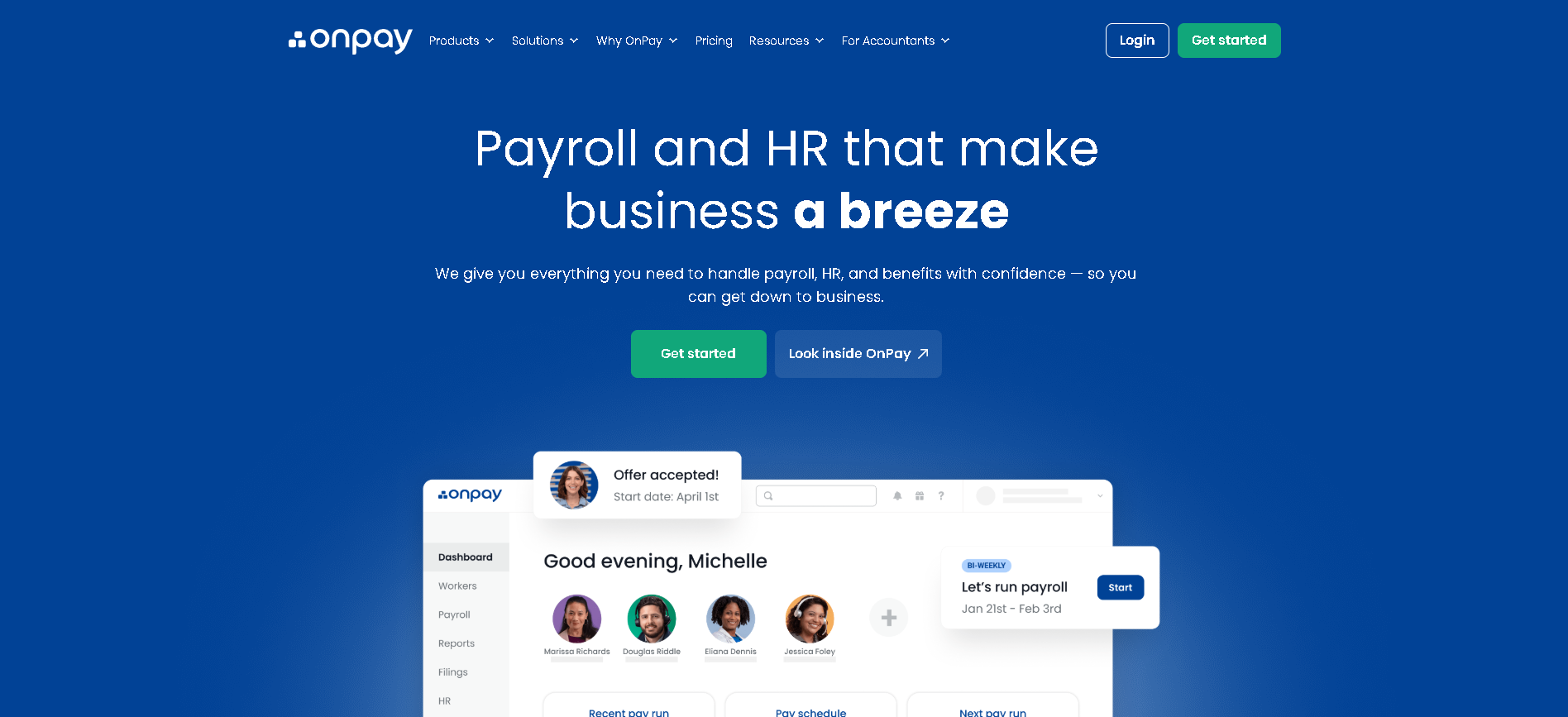
Who Is OnPay Best For?
Small businesses and startups (2 - 100 employees) wanting transparent flat-rate payroll pricing, reliable tax filing, and genuinely responsive human support.
Why I Picked OnPay
OnPay consistently scores the highest customer support ratings of any payroll platform we evaluated - and in our direct testing, calls were answered in under two minutes with knowledgeable specialists (not first-tier scripts). The pricing model is refreshingly transparent: one flat per-employee fee covers everything including tax filings, with no per-run fees or year-end surcharges.
OnPay Key Features
- Full-Service Payroll: Automated payroll for employees and contractors, direct deposit, multi-state tax filing, and year-end W-2 and 1099 preparation - all included in the flat monthly price.
- Multi-Business Type Support: Handles payroll for businesses, nonprofits, farms (including agricultural workers and H-2A visa workers), churches, and household employers - one platform for diverse employer types.
- Benefits Administration: Health insurance brokerage through OnPay, 401(k) plan management, workers' compensation insurance integration, and HSA/FSA administration.
- HR & Onboarding Tools: Digital new hire forms, e-sign I-9 and W-4 collection, employee self-service portal for payslips and tax documents, and basic HR records management.
- Accounting Integration: Two-way sync with QuickBooks and Xero - payroll journal entries post automatically to the correct GL accounts without manual data entry.
OnPay Integrations
QuickBooks, Xero, When I Work, Deputy, Homebase, BambooHR, Checkr, TSheets, Time Doctor, Gusto (migration), Clover, Toast POS
- Transparent, flat pricing structure
- Handles multiple pay types and schedules
- Excellent customer support scores
- US-only payroll processing
- Fewer HR features than Gusto or Rippling
Learn More About OnPay
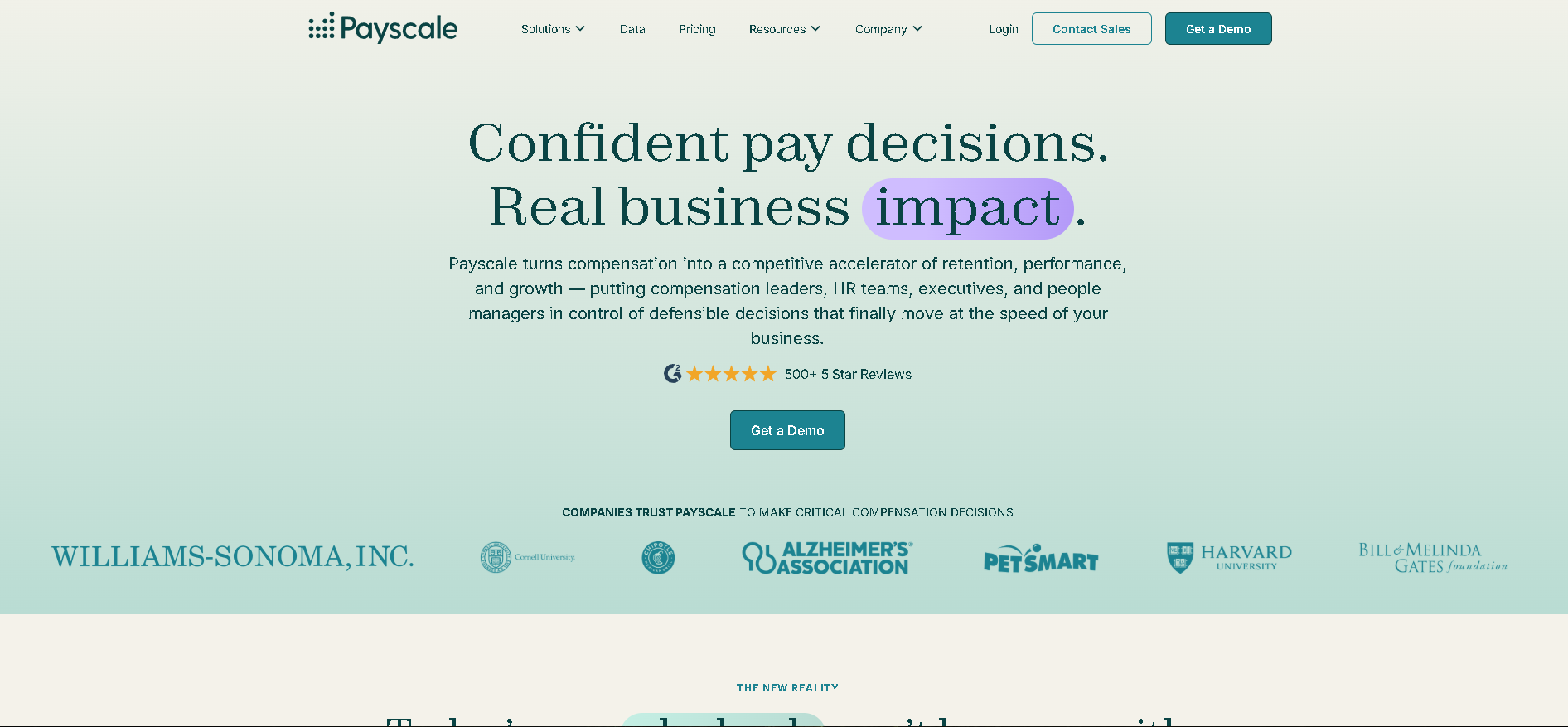
Who Is Payscale Best For?
HR and compensation teams (200 - 10,000 employees) that need accurate, real-time salary benchmarking data and structured tools for pay equity analysis and compensation band management.
Why I Picked Payscale
Payscale has the largest salary database of any compensation benchmarking tool - 250 million+ salary data profiles - and the depth shows when you need granular role and geography-specific data. In our testing, market pricing for niche technical roles in secondary markets was far more accurate than competitor platforms. The Compensation Insight module lets HR teams build pay bands and model the cost of bringing all employees into band before budget season.
Payscale Key Features
- Market Salary Benchmarking: Access to 250M+ real salary data points, updated continuously - searchable by job title, level, location, industry, and company size for granular market pricing.
- Pay Equity Analysis: Identify gender, race, and age-based pay gaps across your workforce with statistical analysis that distinguishes explainable variance from unexplained equity gaps requiring action.
- Compensation Band Management: Build and manage salary bands tied to market data - with tools to model the cost of adjusting employees outside band and track band penetration over time.
- Compensation Planning Cycles: Structured merit cycle management with manager-level allocation tools, budget guardrails, approval workflows, and integration to HRIS for real-time headcount data.
- Total Rewards Statements: Automated total compensation statements showing employees the full value of their package - salary, bonus, benefits, equity, and perks - improving retention through pay transparency.
Payscale Integrations
Workday, BambooHR, SAP SuccessFactors, ADP, Rippling, HiBob, Greenhouse, Lever, Lattice, Oracle HCM, UKG, Ceridian Dayforce
- Largest compensation benchmarking database
- Strong pay equity reporting
- Integrates with most HRIS systems
- Not a full payroll processor
- Data freshness varies by role and geography
Learn More About Payscale
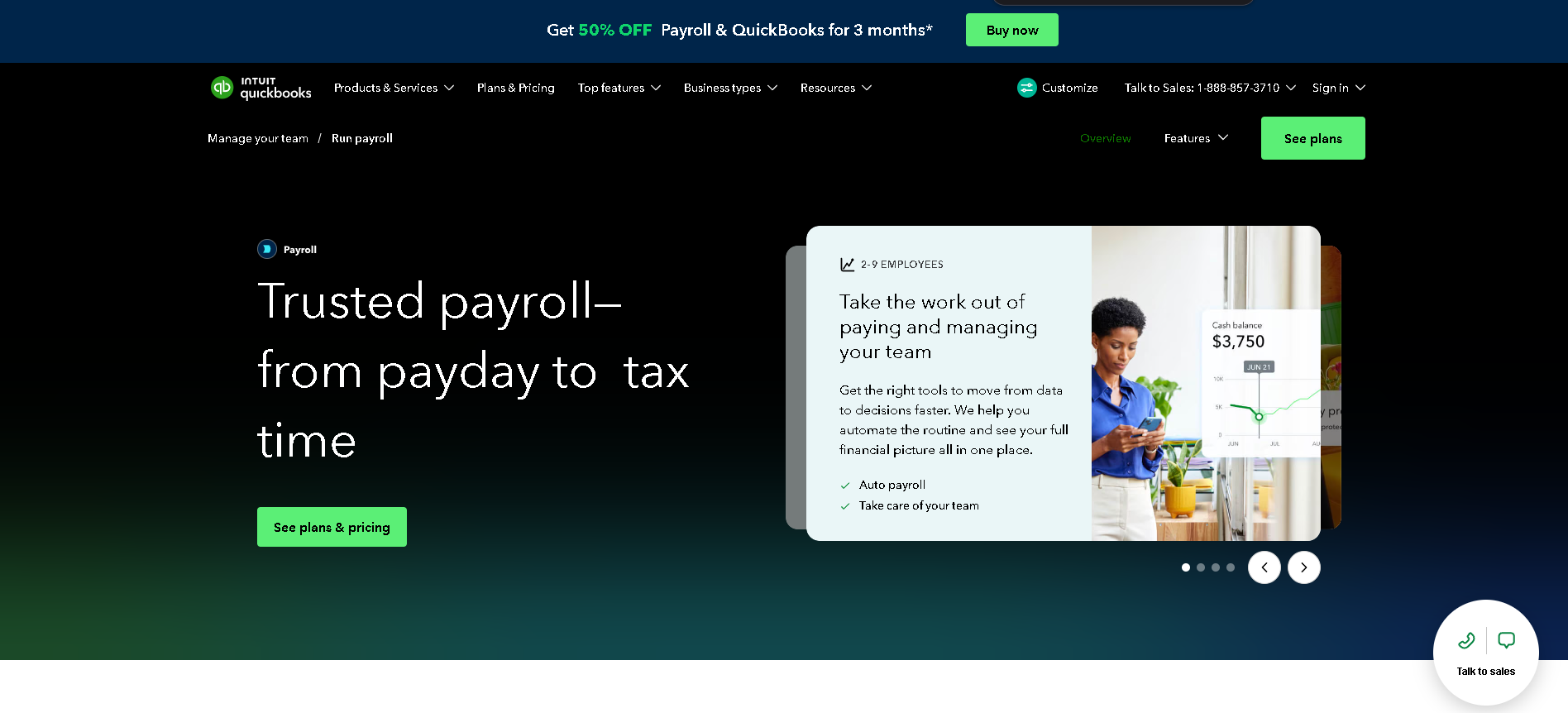
Who Is QuickBooks Payroll Best For?
Small businesses (2 - 50 employees) already using QuickBooks Online for accounting that want payroll in the same platform to eliminate data export and reconciliation.
Why I Picked QuickBooks Payroll
For QuickBooks accounting users, this is the cleanest payroll integration on the market - payroll costs post directly to the P&L in the correct account categories without manual journal entries. In our testing, the automated tax penalty protection (available on Premium and Elite plans) is a genuine differentiator: Intuit covers IRS and state penalties resulting from their calculations, providing financial protection that few competitors match.
QuickBooks Payroll Key Features
- QuickBooks Accounting Integration: Payroll journal entries sync automatically to QuickBooks Online after every run - posting to the correct GL accounts without manual bookkeeping or CSV exports.
- Automated Tax Filing: Federal, state, and local payroll tax calculations, filings, and payments handled automatically - with Intuit's tax penalty protection covering calculation errors on Premium plans.
- Same-Day Direct Deposit: Premium and Elite plans offer same-day direct deposit for employees - faster than the standard 2-day processing offered by most payroll platforms.
- HR Support Center: Dedicated HR support via phone and chat (Elite plan), employee handbook creation, job description templates, and onboarding checklists included without additional cost.
- Employee Self-Service Portal: Employees access payslips, W-2s, and direct deposit settings through a web or mobile portal - reducing HR admin for routine document requests.
QuickBooks Payroll Integrations
QuickBooks Online, QuickBooks Desktop, TSheets (QuickBooks Time), Gusto (migration), BambooHR, Deputy, When I Work, Homebase, Shopify, Square
- Seamless QuickBooks accounting integration
- Affordable entry-level pricing
- Strong automated tax calculations
- Best only if already using QuickBooks
- Limited HR functionality
Learn More About QuickBooks Payroll
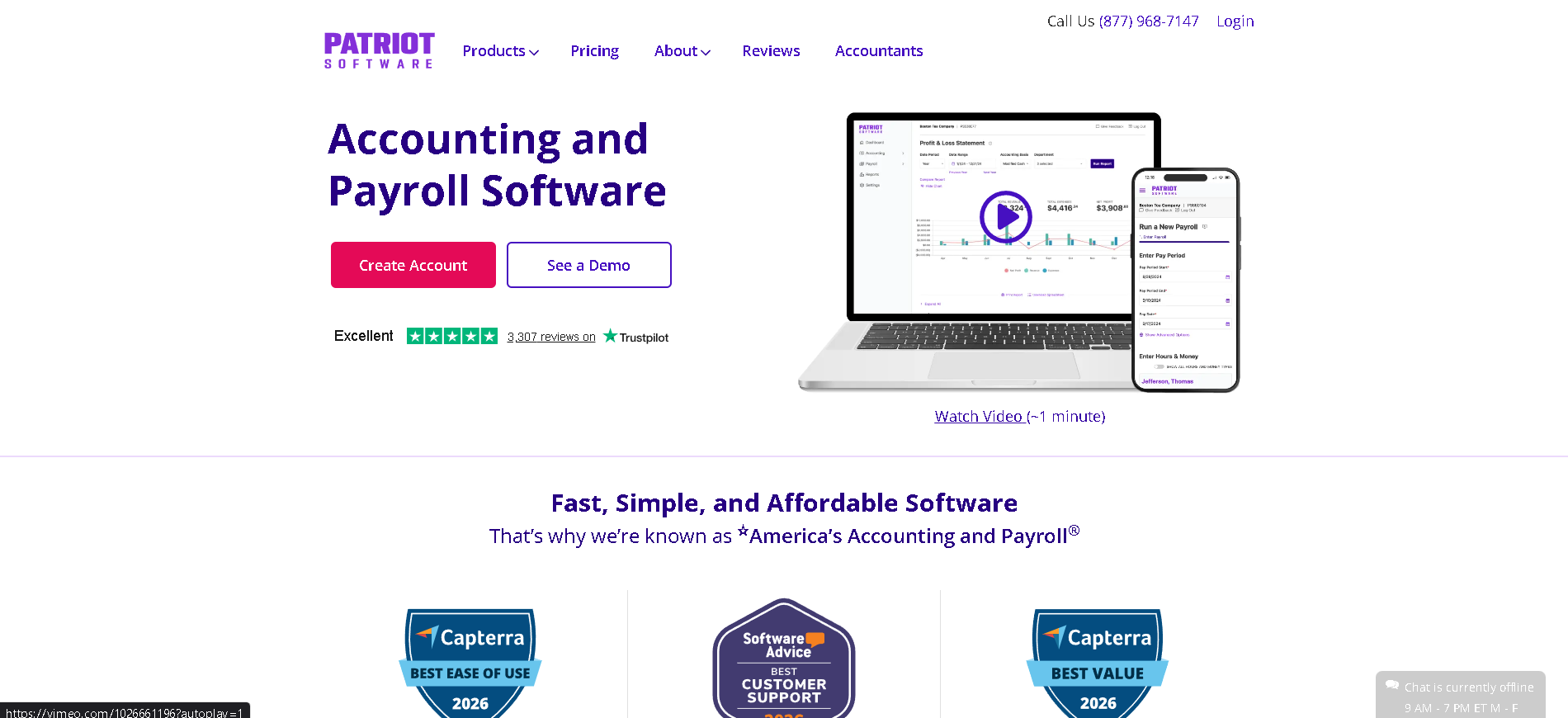
Who Is Patriot Best For?
Very small businesses (1 - 25 employees) that need reliable, accurate US payroll at the lowest possible price point without extras they won't use.
Why I Picked Patriot
Patriot delivers accurate, US-compliant payroll at the lowest price point of any full-service payroll option we tested. In our testing, basic self-service setup was complete in under an hour - no onboarding call required. The $17/month Basic Payroll tier handles payroll calculations and direct deposit; businesses that want Patriot to handle all tax filings pay $37/month - still less than any competing full-service provider.
Patriot Key Features
- Core Payroll Processing: Unlimited payroll runs, multiple pay schedules, direct deposit, and payroll calculations for W-2 employees and 1099 contractors - all included at the base price.
- Full-Service Tax Filing: On the Full Service plan, Patriot handles all federal, state, and local payroll tax filings and deposits automatically - with a guarantee to pay penalty fees caused by their errors.
- Accounting Software Add-On: Optional Patriot Accounting module connects payroll directly to bookkeeping - a genuinely affordable combined accounting and payroll solution for micro-businesses.
- Employee Self-Service Portal: Employees access their payslips, year-end W-2 forms, and update direct deposit details online without HR involvement - included on all plans.
- Time & Attendance Add-On: Optional time tracking module with employee clock-in, timesheet approval, and direct sync to payroll - available for an additional per-employee fee.
Patriot Integrations
QuickBooks (export), Patriot Accounting, Time and Attendance module, direct bank integrations for ACH payments
- Lowest price point of any full payroll service
- Easy to set up and run
- Good tax filing accuracy
- Limited integrations
- No benefits administration
Learn More About Patriot
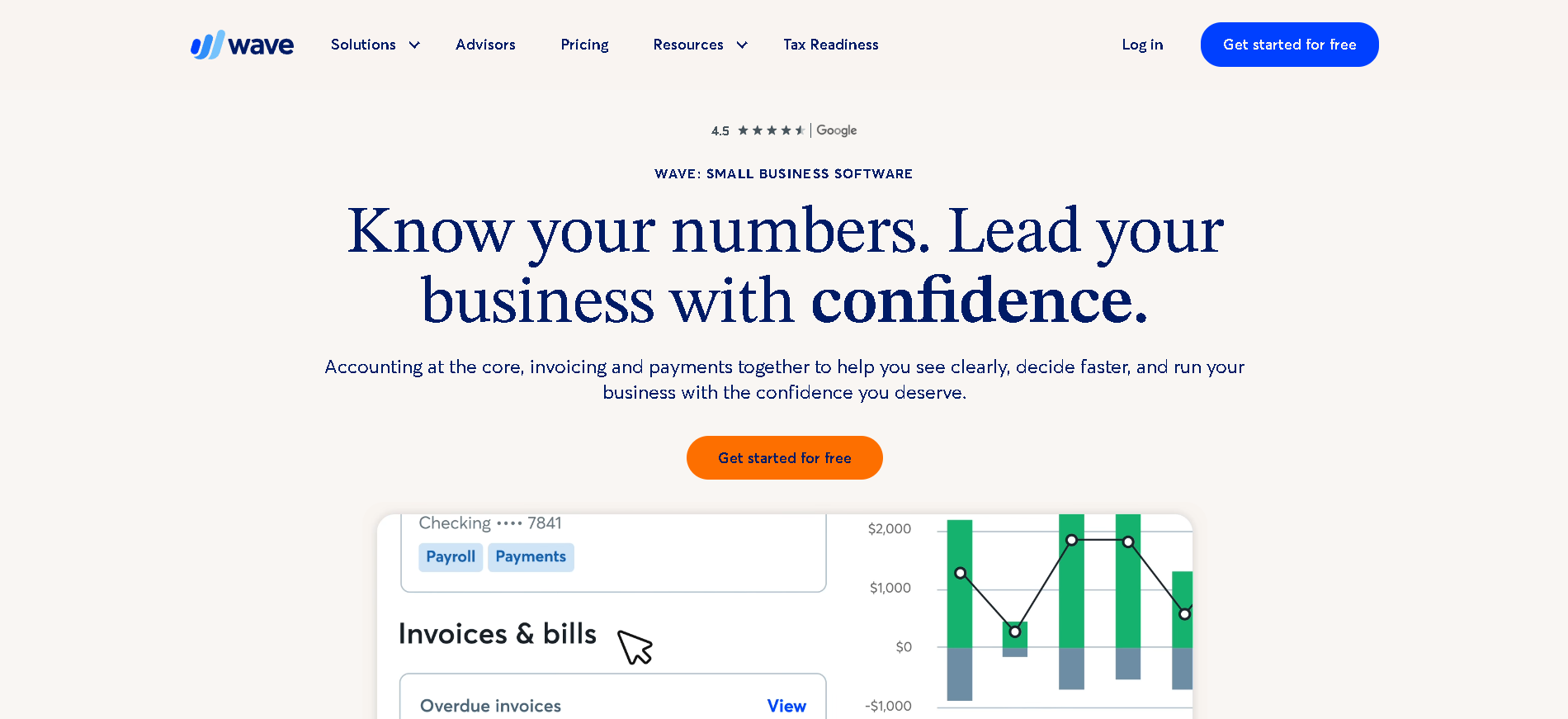
Who Is Wave Payroll Best For?
Sole traders, freelancers, and micro-businesses (1 - 10 employees) using Wave's free accounting platform that want to add payroll without switching to a different system.
Why I Picked Wave Payroll
Wave Payroll makes the most sense when you're already using Wave's free accounting tool - the payroll-to-bookkeeping integration is seamless and the combined total cost is significantly lower than alternatives. In our testing, payroll runs for a 5-person team completed in under 5 minutes. The free tier for accounting (including invoicing) means the total monthly cost for accounting and payroll combined is genuinely competitive for tiny teams.
Wave Payroll Key Features
- Payroll Processing: Automated payroll for W-2 employees and 1099 contractors with direct deposit, pay stubs, and year-end tax document generation.
- Wave Accounting Integration: Payroll transactions post automatically to Wave's free bookkeeping ledger - salary expense, tax liabilities, and deductions mapped to the correct accounts without manual entry.
- Tax Filing Options: Self-service tax filing with Wave Payroll Basic, or full tax service option where Wave files and pays federal, state, and local payroll taxes on your behalf.
- Employee Self-Service: Employees access payslips, T4 slips (Canada), W-2s, and update direct deposit information through a self-service web portal.
- Mobile-Friendly Interface: Run payroll from any device with Wave's mobile-responsive interface - approving timesheets and initiating pay runs without being tied to a desktop.
Wave Payroll Integrations
Wave Accounting, Wave Invoicing, Wave Receipts, direct bank connections via Plaid, basic CSV export for external accounting tools
- Connects to free Wave accounting platform
- Very affordable for tiny teams
- Simple and fast payroll runs
- Limited to US and Canada
- Not suitable for complex payroll needs
Learn More About Wave Payroll
What is Payroll & Compensation Software?
Payroll software automates the calculation, processing, and filing of employee wages, salaries, and taxes - eliminating the manual work and compliance risk that comes with running payroll in spreadsheets or through a bookkeeper. Modern platforms go beyond basic salary processing: they handle multi-state and international tax filing, automate statutory reporting, manage contractor payments, integrate with time and attendance systems, and give employees transparent access to their pay history and tax documents. The right payroll software turns a complex, error-prone monthly task into a reliable, near-automated process that runs in minutes.
How to Choose the Right Payroll & Compensation Software
Determine whether you need domestic or global payroll capability upfront. US-only payroll is a fundamentally different product from global payroll. Platforms like Gusto, OnPay, and QuickBooks Payroll are built specifically for the US compliance landscape. If you hire outside the US - or plan to - you need proven international capability. Bolting global payments onto a domestic payroll tool is rarely clean and creates compliance gaps.
Decide whether payroll should stand alone or be part of a broader HCM. Standalone payroll tools are cheaper and faster to deploy, but create integration work between your HRIS, time-and-attendance, and benefits systems. All-in-one platforms reduce that integration burden but cost more. The right choice depends on how complex your HR stack is and how much reconciliation overhead your team can absorb each pay period.
Verify tax compliance coverage for every jurisdiction where you have employees - don't assume. Ask vendors to confirm which states, countries, or tax jurisdictions they cover and test an edge case in your most complex location. Compliance failures in payroll are expensive - fines, back taxes, and employee trust damage. Always verify coverage with a direct question: "Do you handle X state's local tax filings automatically?"
Test the payroll run experience before committing. The quality of the payroll run UI directly affects how much time your finance or HR team spends each cycle. A confusing interface compounds over every pay period for the life of the contract. Run a test payroll with your actual scenarios - multiple pay types, bonuses, contractor payments - before finalising your decision.
Other Payroll & Compensation Tools Worth Considering
The tools above are my top picks, but there are other solid options depending on your specific use case, industry, or geography.
How We Evaluate Payroll & Compensation Software
Our reviews are based on hands-on testing and a consistent evaluation framework. Here's exactly what we measure:
We run live payroll scenarios including multi-state, multi-pay-type, and contractor arrangements. Tax calculation accuracy and automated filing coverage are the most critical criteria - errors here create real legal and financial exposure.
We verify domestic and international coverage claims through live testing, not vendor documentation. Coverage gaps - especially for state and local taxes - are a common source of compliance failures.
We time how long a typical payroll run takes from login to submission and measure how many manual steps are required. A fast, clean payroll run experience saves hours per month over the life of the contract.
We test how accurately hours, bonuses, and deductions flow from source systems into payroll calculations. Manual reconciliation between disconnected systems is a leading cause of payroll errors.
Payslip access, tax document downloads, and direct deposit management should require zero HR involvement. We evaluate the employee-facing portal for clarity, mobile accessibility, and completeness.
We score vendors on whether pricing is published, predictable, and genuinely reflective of full cost including add-ons. Hidden per-run fees, year-end filing charges, and implementation costs are common surprises.
When payroll errors happen, resolution speed matters. We test support response times and cross-reference customer experiences on G2 and Capterra, specifically looking at how quickly critical errors are resolved.
Explore More
- Pay Transparency: What to Publish When the Rules Differ
- Payroll Errors: The Ones That Cost Most, and Why They Repeat
- Payroll Cutover: Switching Providers Without Missing a Run
- Payroll Reconciliation: Closing the Month Without Surprises
- Retro Pay and Corrections: Getting Backdated Changes Right
- Salary Bands That Survive Contact With Recruiters
Frequently Asked Questions
What is payroll software and do I need it?
Payroll software automates salary calculations, tax withholding, and statutory filings. You need it when manual payroll is taking more than a few hours per cycle, when you've had compliance errors or late filings, or when you're adding employees in new tax jurisdictions. Even a 5-person team benefits from automated tax filing accuracy - the penalty risk of a single missed state filing exceeds most software costs.
How does payroll software handle taxes?
Payroll software calculates federal, state, and local tax withholdings based on employee W-4/P45 data and current tax tables. It then automates filing - submitting quarterly and annual returns directly to tax authorities. The quality of this automation varies significantly by platform and jurisdiction. Always verify coverage for every state or country where you have employees, including local city taxes, which are often not covered by SMB-tier platforms.
Can payroll software handle multiple states or countries?
Yes, but capability varies enormously. US platforms like Gusto and ADP Workforce Now cover all 50 states. For international payroll, you need a platform specifically designed for global payroll (Deel, Rippling) or a dedicated global payroll provider. "International" support on US-focused platforms is often limited to generating payment instructions rather than full statutory compliance. Always test a specific country before relying on vendor claims.
How much does payroll software cost?
Payroll software typically costs $20 - $80/month base fee plus $4 - $12 per employee per month. Gusto starts at $40/month + $6/person. Patriot starts at $17/month + $4/person. ADP and Paychex require custom quotes but typically run $8 - $25/employee/month at mid-market scale. Global payroll platforms like Deel charge per contractor ($35 - $49) or per EOR employee ($299 - $599/month). Factor in year-end filing fees and implementation costs.
What's the difference between payroll software and an HRIS?
Payroll software focuses on calculating and processing pay, filing taxes, and generating payslips. An HRIS (Human Resources Information System) manages employee records, onboarding, performance, and HR workflows. Some platforms combine both (Gusto, Rippling, Paycor). If you have separate systems, they need to integrate reliably so that salary changes, new hires, and time-off data in the HRIS flow correctly into payroll calculations.
How long does it take to switch payroll providers?
Plan for 4 - 8 weeks minimum to switch payroll providers safely. Key steps: extract historical payroll data from your current provider, run parallel payrolls for 1 - 2 cycles to verify accuracy, migrate YTD tax data, and reconcile direct deposit details. The highest-risk period is mid-year (April - September) when YTD data is mid-cycle. January is the cleanest time to switch. Always maintain read access to your old provider for 12 months for tax document retrieval.
Explore Payroll Software by Country
Compliance rules, currency handling, and integration requirements vary by market. Pick your country below to see Payroll Software-specific guidance for that region.
Why local context changes your Payroll Software decision
The same Payroll Software platform that wins in the US can fail in Germany. Tax authorities file under different cadences, currencies route through incompatible banking rails, and data-protection laws impose conflicting requirements. A vendor with an owned local entity behaves very differently from one routing through partner networks.
Use the country cards below to see what changes when you operate in that market: which compliance gates the platform must clear, which vendors have on-the-ground presence, and which buyer mistakes cost the most.
At-a-glance regional comparison
| Region | Primary regulator | Data law | Banking rail | Onboarding speed |
|---|---|---|---|---|
| North America | IRS / CRA / SAT | CCPA / PIPEDA / LFPDPPP | ACH / EFT / SPEI | 5–10 business days |
| Europe | HMRC / Finanzamt / DGFiP | UK GDPR / DSGVO / RGPD | BACS / SEPA | 7–14 business days |
| Asia-Pacific | CBDT / IRAS / ATO | DPDP / PDPA / Privacy Act | NEFT-UPI / FAST / NPP | 5–10 business days |
Industry considerations
Your industry shapes which Payroll Software features actually matter. Below are common patterns we see across four major verticals.
SaaS & Tech
Fast-growing teams that prioritize API depth, equity administration, and integration with engineering tools. Watch for misclassification risk on global contractors.
Healthcare
Heavy compliance load (HIPAA in US, regional equivalents elsewhere) and credentialing workflows. Audit trails and access controls are non-negotiable.
Retail & Hospitality
High-turnover shift workforces. Predictive scheduling laws (US cities), variable-hour ACA tracking, and mobile-first employee access are critical.
Manufacturing & Field Services
Hourly workforce, multi-site operations, union compliance. Time clocks, geofencing, and OSHA-style safety training records matter most.
Country selection — common questions
Should I pick a global Payroll Software platform or a local-specialist?
Pick a global platform if you operate in 3+ countries and need unified reporting. Pick a local-specialist if 80%+ of your headcount sits in one market and you need deep local compliance. Most mid-market companies blend the two — global core platform + local payroll partner.
How does data residency affect Payroll Software vendor choice?
EU and UK data must stay within compliant jurisdictions under GDPR. India's DPDP Act 2023 added cross-border transfer rules. Verify your vendor offers regional data centers — many US-built platforms store everything in the US, which fails European audits.
When does it make sense to switch vendors per country?
Switch when local compliance gaps cost more than vendor consolidation savings. The threshold is usually 20+ employees in a market where your global vendor has weak coverage. Below that, accept the gap and supplement with local payroll partners.
Need help picking the right Payroll Software for your markets?
Get our country-by-country vendor scorecard with pricing benchmarks, compliance checklists, and implementation timelines for the 9 markets above.
Best Payroll Software by Industry
Different industries face different compliance demands, workforce structures, and feature priorities. Jump to the guide built for your sector.
Best Payroll Software by Business Size
Vendor fit changes dramatically at different headcount levels. Jump to the comparison built for your stage.
Best Payroll Software by Use Case
Your buying priority shapes which platform wins. Jump to the guide built for your specific situation.

More HR Tool Reviews on HROpsLab
We review and compare the best HR software across every category - so you can build the right stack for your team.