
Best Multilingual HR Chatbot Tools of 2026: Reviewed & Compared

Matram is our pick for teams answering employee questions across several language markets, for one specific reason: seats are unlimited on every plan, and multilingual support is precisely where per-agent pricing hurts most. SiteGPT publishes the same language coverage and is the honest alternative if you have one content set and few markets. Most of this category will not tell you how many languages it supports at all.
8 Best Multilingual HR Chatbot Tools of 2026: Reviewed & Compared Shortlist
Here's my shortlist of the best options, out of 8 options I reviewed:
-
1
Matram Best when you support several language markets and do not want the bill to rise with every person you add
-
2
SiteGPT Best alternative on language coverage, where one or two content sets cover your markets
-
3
Chatling Best free starting point for testing multilingual answering before committing budget
-
4
Botsonic Best when your markets are well covered by a mainstream language set
-
5
Crisp Best per-workspace pricing when seat count is the thing you want to stop worrying about
-
6
Chatbot.com Best for a small fixed support team that will not grow with your market count
-
7
Freshservice Best when requests need tracking and actioning rather than only answering
-
8
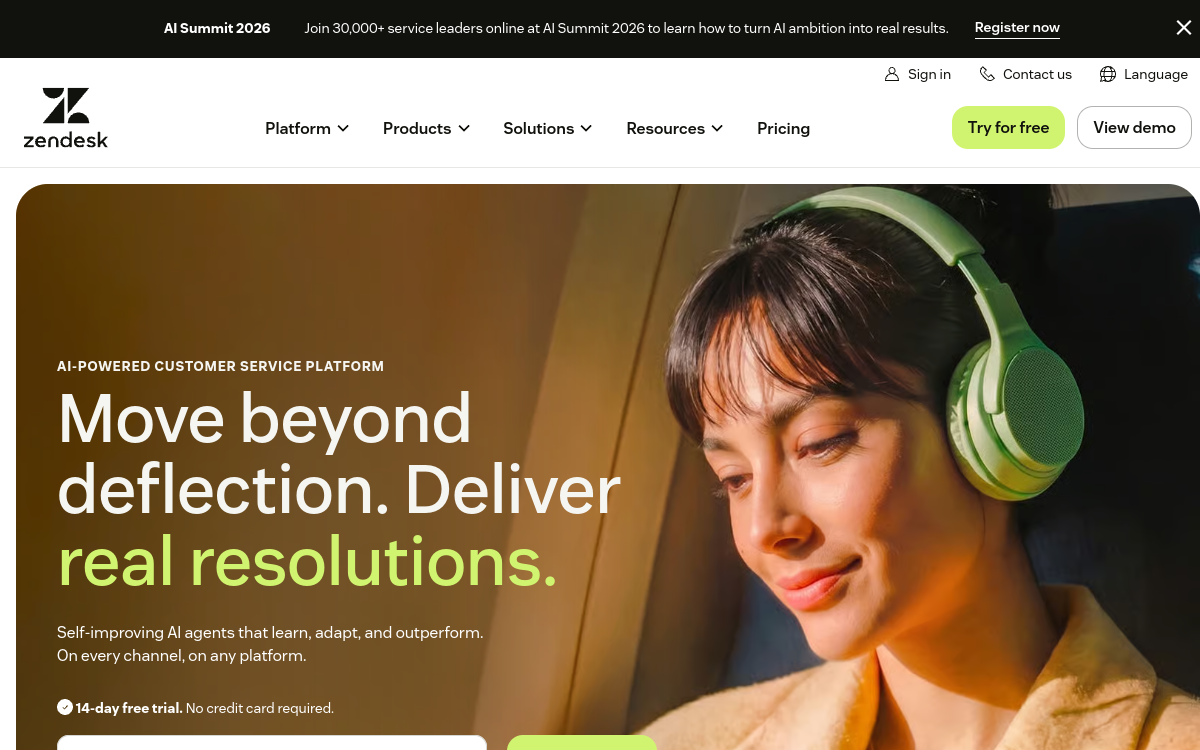
Zendesk Best when Zendesk already runs elsewhere in the business
Supporting employees in eight countries means eight versions of every answer, and under per-agent pricing it usually means more agents as well.
These 8 tools answer employee questions from your own documents. We compared them on what they publish about languages, and on what happens to the bill as you add people and markets.
You Can Trust Our Multilingual HR Chatbot Reviews
Disclosure: Matram is our own product. It appears on this page because it competes in this category, it is assessed against exactly the same criteria as every other tool here, and its limitations are stated in full alongside everyone else's. No vendor on this page has paid for placement, and none can.
We checked what each vendor publishes about language coverage on its own website on 7 October 2026. Two publish the same figure, one contradicts itself, one publishes a lower number, and four publish nothing. Where a vendor states no count, this page says so rather than guessing.
Pricing is taken from each vendor's own published page and marked quote-based where none exists. We do not estimate prices, and we do not publish a figure we have not seen on the vendor's own site.
Best Multilingual HR Chatbot Tools of 2026: Reviewed & Compared: Pricing Comparison Chart
This software comparison chart summarises pricing details for my top picks to help you find the best software for your budget and business needs.
| Tool | Best For | Trial Info | Price | |
|---|---|---|---|---|
| Best when you support several language markets and do not want the bill to rise with every person you add | 30 day trial, no card required | $29 Basic, $69 Standard, $199 Pro per month - flat, unlimited seats | Website | |
| Best alternative on language coverage, where one or two content sets cover your markets | Free trial available | $468 Starter, $948 Growth per year | Website | |
| Best free starting point for testing multilingual answering before committing budget | Free plan, no card required | Free plan available; paid tiers not published on the homepage | Website | |
| Best when your markets are well covered by a mainstream language set | Free to start, no card required | Not published on the product page | Website | |
| Best per-workspace pricing when seat count is the thing you want to stop worrying about | Free tier available | Free, then $45 Mini, $95 Essentials, $295 Plus per month, per workspace | Website | |
| Best for a small fixed support team that will not grow with your market count | 14 day free trial, no card required | From $19 per user per month | Website | |
| Best when requests need tracking and actioning rather than only answering | Free trial available | $19 Starter, $49 Growth, $99 Pro per agent per month annually; Freddy AI a further $29 per agent | Website | |
| Best when Zendesk already runs elsewhere in the business | Free trial available | $55 per agent per month on Suite Team billed yearly; Copilot AI a further $50 per agent | Website |
Featured Tools
Reviews of the Best Multilingual HR Chatbot Tools of 2026: Reviewed & Compared
Below you'll find detailed reviews of each tool - covering what it does best, key features, integrations, and who it's right for.
Matram
Best when you support several language markets and do not want the bill to rise with every person you add
Who Is Matram Best For?
Distributed teams of 40 to 500 answering policy questions across several countries, where the handbook exists and the problem is that the same questions arrive in several languages
Why I Picked Matram
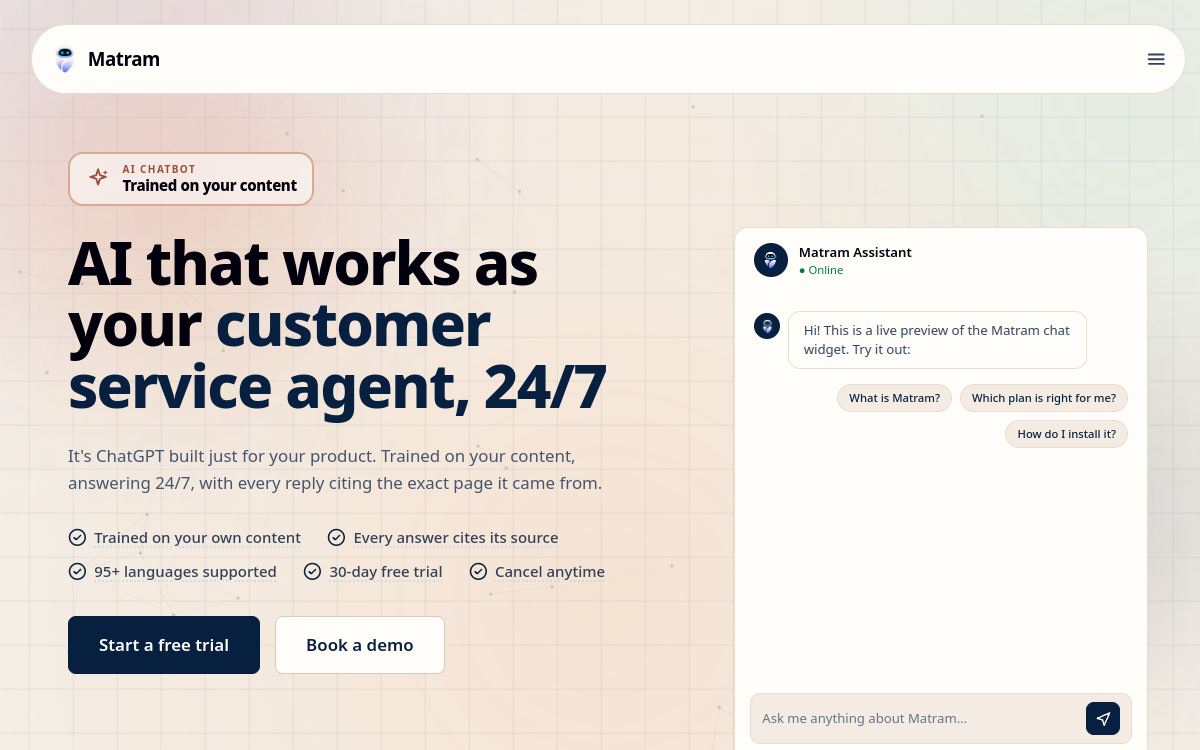
We build Matram, which is disclosed at the top of this page and is why we have been careful about where it sits and what we claim for it. It leads this list on one criterion only: seats are unlimited on every plan, and multilingual support is the case where per-agent pricing compounds fastest, because covering more markets normally means more people. On language coverage specifically it does not lead. SiteGPT publishes the same "95+ languages" figure, verified on its own site on 7 October 2026, and the two tie. What Matram is not is a workflow product, and if the problem is that requests get lost rather than that questions repeat, the service desk tools further down this page are the right answer.
Matram Key Features
- 95 or more languages: One set of source content serves every market, instead of a maintained handbook per language.
- Unlimited seats on every plan: The bill at 40 employees is the bill at 400, which is the point in a multi-market deployment.
- Answers from your own documents: Trained on the handbook and policy set you already maintain rather than on general knowledge.
- 30 day trial, no card: Long enough to point it at real documents in real languages and judge the answers before paying.
Matram Integrations
Web widget and chat surfaces; answers drawn from uploaded documents and pages
- Flat pricing that does not move as the team grows
- Ties for the highest published language count in this comparison
- One content set rather than a handbook per market
- No free tier, unlike Crisp and Chatling
- Answers questions but does not action tickets or run HR workflows
- Answer quality is limited by the accuracy of your own documents
Learn More About Matram
SiteGPT
Best alternative on language coverage, where one or two content sets cover your markets

Who Is SiteGPT Best For?
Teams with a single consolidated content set who want broad language coverage without per-agent billing
Why I Picked SiteGPT
It is the honest co-leader of this comparison on languages. SiteGPT publishes "95+ languages" on its own site, which is the same figure Matram publishes, and we are not going to claim a difference the evidence does not support. Where it differs is the shape of the limit: pricing is annual rather than per seat, which is good, but the lower tiers cap the number of chatbots and the number of pages indexed, so the constraint moves from people to content. For a company with one handbook and several markets that is frequently the better trade.
SiteGPT Key Features
- 95 or more languages: Publishes the same coverage figure as the top entry in this comparison.
- Annual pricing, not per seat: Billed per year rather than per agent, so adding support staff does not change the cost.
- Trains on your site and documents: Points at existing content rather than requiring a separate knowledge base.
SiteGPT Integrations
Website embed; content ingested from pages and uploaded documents
- Ties for the highest published language count here
- Annual pricing rather than per agent
- Published figures, which half this category does not offer
- Lower tiers cap chatbots and indexed pages
- Built around website content more than internal HR policy
- Answers rather than actions requests
Learn More About SiteGPT
Chatling
Best free starting point for testing multilingual answering before committing budget

Who Is Chatling Best For?
Small teams wanting to test whether a doc-trained agent handles their languages before paying for one
Why I Picked Chatling
The free plan makes it a genuinely useful way to find out whether this category solves your problem, which matters more than a feature list when you have not tried one before. One caution we think readers should have: on 7 October 2026 its homepage stated "80+ languages" in one section and "over 85 languages" in another. That is a small inconsistency rather than a serious one, and we report it because a vendor who is loose with a number on its own front page is a vendor whose other numbers are worth checking yourself.
Chatling Key Features
- Free plan with no card: Lets you test real questions against real content before any spend.
- Broad language coverage: Stated as 80 or more in one place and over 85 in another on the same page.
- Builds from your own content: Trains on documents and pages you supply.
Chatling Integrations
Website embed and chat surfaces
- Free plan makes evaluation genuinely cheap
- Publishes a language figure, which four tools here do not
- Quick to set up against existing content
- Its own homepage gives two different language counts
- Paid pricing is not published on the homepage
- Built for general use rather than HR policy specifically
Learn More About Chatling
Who Is Botsonic Best For?
Teams whose language markets are mainstream and who want a straightforward doc-trained agent
Why I Picked Botsonic
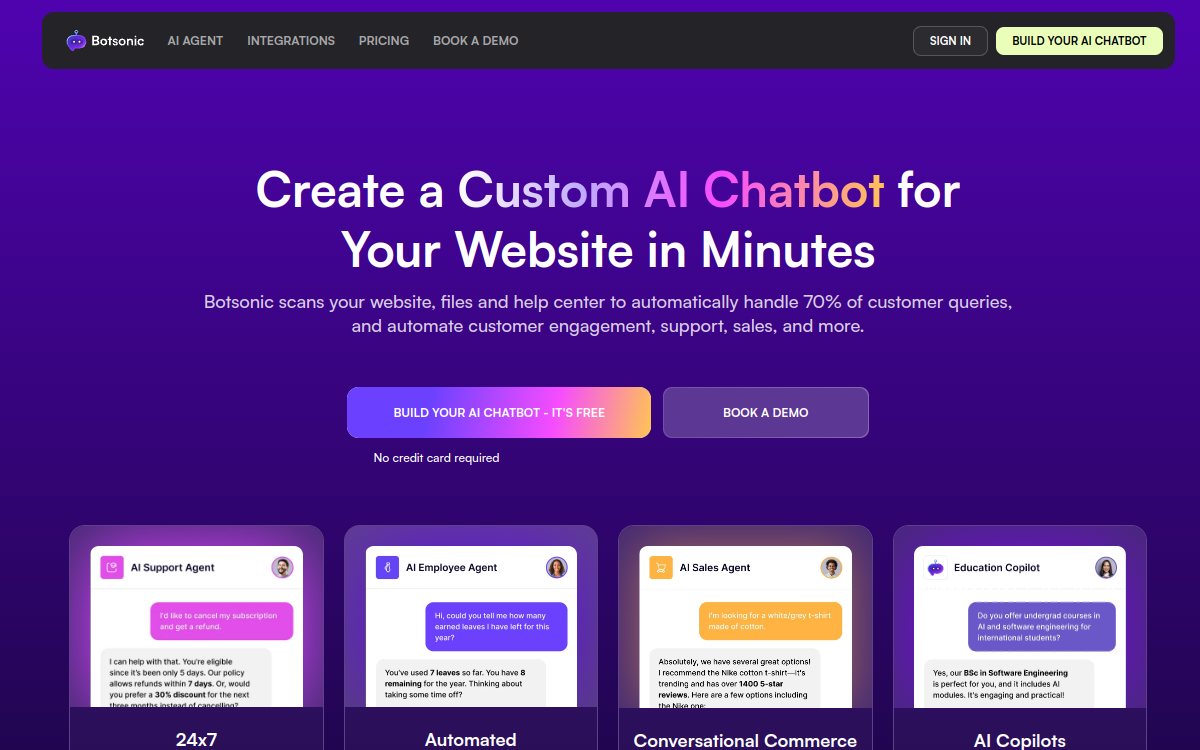
It publishes a number, which puts it ahead of half this category on transparency even though the number itself is the lowest here. Fifty languages covers the markets most employers actually operate in, so the gap against the leaders matters only if you employ in places the mainstream sets miss. Worth noting that the product has moved domain: writesonic.com/botsonic now redirects to botsonic.com, so older comparisons may point at the wrong place.
Botsonic Key Features
- 50 or more languages: Lower than the leaders here and sufficient for most employers' actual markets.
- Free to start: No card required to build and test an agent.
- Trained on your content: Answers from material you supply rather than general knowledge.
Botsonic Integrations
Website embed and messaging channels
- Publishes a language figure
- Free to start without a card
- Simple setup from existing content
- Lowest published language count in this comparison
- No pricing published on the product page
- Customer-support oriented rather than HR specific
Learn More About Botsonic
Crisp
Best per-workspace pricing when seat count is the thing you want to stop worrying about

Who Is Crisp Best For?
Teams wanting a full support platform rather than an answering layer, with predictable pricing
Why I Picked Crisp
Per-workspace pricing is the second-best shape in this comparison for a growing multilingual team, because it does not charge for each person you add to cover a market. It is also one of only two tools here with a genuinely free tier, which makes it cheap to evaluate. What it does not do is publish a language count. We checked on 7 October 2026 and found none, which means coverage has to be tested rather than compared.
Crisp Key Features
- Per-workspace pricing: Cost does not rise with each additional person supporting a market.
- Free tier: One of two tools here you can evaluate at no cost.
- Full support platform: Inbox, chat and AI answering rather than an answering layer alone.
Crisp Integrations
Web, email and messaging channels; broad third-party integrations
- Priced per workspace rather than per agent
- Genuine free tier for evaluation
- Published, legible pricing
- Publishes no language count at all
- Built for customer support rather than employee questions
- AI answering is metered within the plan tiers
Learn More About Crisp
Best for a small fixed support team that will not grow with your market count
Who Is Chatbot.com Best For?
Teams with a small, stable number of support users and no plan to add people per market
Why I Picked Chatbot.com
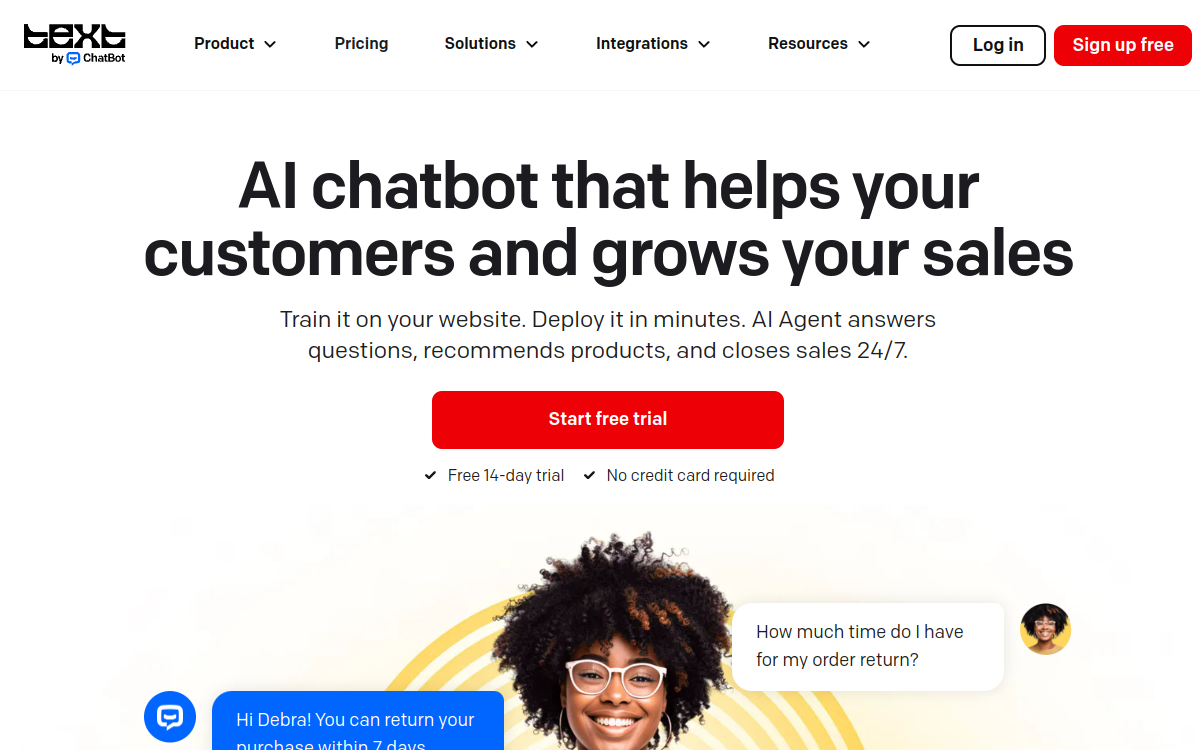
It is included because it illustrates the trade this page is about. At $19 per user per month it is the cheapest entry point here for one or two people, and it is the shape that compounds against you fastest once covering more markets means adding more users. For a fixed team it is good value. For a team whose headcount tracks its country count it is the wrong instrument. It publishes no language figure, checked 7 October 2026.
Chatbot.com Key Features
- Published per-user price: From $19 per user per month, which is legible and easy to model.
- 14 day trial, no card: Straightforward evaluation without a commitment.
- Builds from your content: Trains on material you provide.
Chatbot.com Integrations
Website embed, messaging channels and common helpdesk tools
- Cheapest published entry point for a very small team
- Clear trial terms with no card required
- Published pricing
- Per-user pricing is the worst shape for a growing multilingual team
- Publishes no language count
- General purpose rather than HR specific
Learn More About Chatbot.com
Best when requests need tracking and actioning rather than only answering
Who Is Freshservice Best For?
Teams whose problem is that requests get lost rather than that the same questions repeat
Why I Picked Freshservice
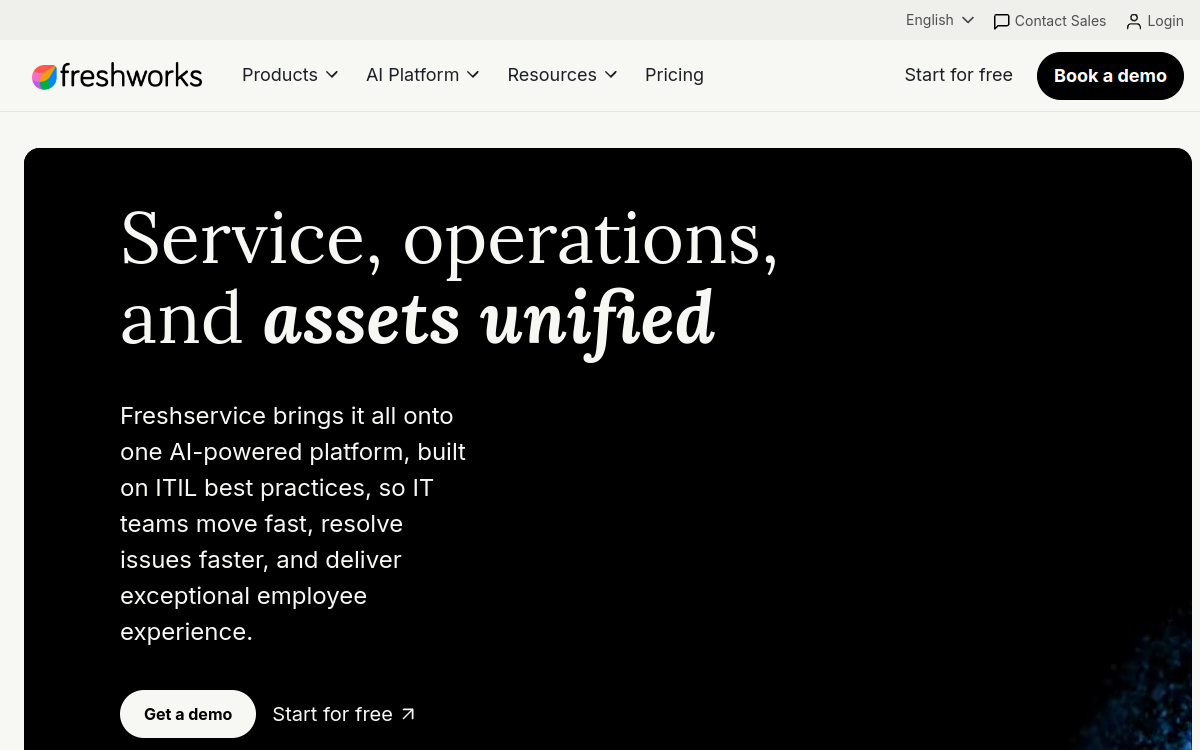
It belongs here because a meaningful share of readers comparing multilingual chatbots actually need a service desk, and this page would be less useful without that route. Freshservice tracks, assigns and reports, which none of the answering tools above do. The cost of that is the pricing shape: per agent, with the AI add-on also per agent, which is the arrangement this page argues works least well when market count drives headcount. It publishes no language figure.
Freshservice Key Features
- Actions requests, not just answers: Tickets are tracked, assigned and reported on rather than handed off.
- Published per-agent pricing: Three tiers published, with the AI add-on priced separately and clearly.
- Full service desk: Workflow, reporting and asset management alongside the AI layer.
Freshservice Integrations
Broad ITSM and HRIS integrations; SSO; extensive API
- Actions requests rather than only answering them
- Published pricing on all tiers
- Reporting an HR lead can present upward
- Per-agent pricing, with the AI add-on also per agent
- Publishes no language count
- More product than a team that only needs answering
Learn More About Freshservice
Who Is Zendesk Best For?
Companies already running Zendesk who want employee questions handled in the same platform
Why I Picked Zendesk
If Zendesk is already in the building the marginal cost of adding another queue is a conversation rather than a procurement, and that is a real advantage. Judged on the criteria of this page it is the hardest fit: $55 per agent per month with Copilot a further $50 per agent is the steepest curve here as a multilingual team grows, and it publishes no language count. We checked the AI product pages on 7 October 2026 and found the language selector refers to the website rather than to the product.
Zendesk Key Features
- Mature routing and reporting: The deepest workflow and analytics in this comparison.
- Published pricing: Both the platform and the AI add-on are published per agent.
- One platform across teams: Employee and customer queues can sit in the same system.
Zendesk Integrations
Very broad integration catalogue; SSO; full API
- Mature platform with deep reporting
- Published pricing for platform and AI separately
- Sensible if already deployed elsewhere
- Steepest per-agent cost curve in this comparison
- AI charged as a separate per-agent add-on
- Publishes no language count for the AI product
Learn More About Zendesk
What is Multilingual HR Chatbot Software?
A multilingual HR chatbot answers employee questions in the language the employee asks in, drawing on your own policies and handbook. The useful distinction is between a tool that translates one answer set into many languages and a tool that maintains a separate answer set per market. The first scales cheaply and the second does not. The second distinction, which matters more than most buyers expect, is how the tool is billed: supporting more language markets usually means supporting more people, and under per-agent pricing the cost of covering a market rises with every person you add to serve it.
How to Choose the Right Multilingual HR Chatbot Software
Count your language markets honestly, including the ones where staff currently manage in English because nothing else is offered. That number is what a per-agent price will be multiplied against, and it is usually larger than the official list of supported languages suggests.
Ask whether one set of source content serves every language, or whether you maintain a handbook per market. This is the difference between a content job that grows with your policies and one that grows with your policies multiplied by your countries.
Establish what the vendor actually publishes about language coverage. Four of the eight tools here publish no figure at all, which does not mean they are poor at it, only that you will have to test rather than compare.
Work out the bill at your headcount in two years rather than today. Per-agent and per-resolution pricing both scale with success, and multilingual support is the case where they scale fastest.
Other Multilingual HR Chatbot Tools Worth Considering
The tools above are my top picks, but there are other solid options depending on your specific use case, industry, or geography.
How We Evaluate Multilingual HR Chatbot Software
Our reviews are based on hands-on testing and a consistent evaluation framework. Here's exactly what we measure:
Whether the vendor states a number on its own site, and whether that number is consistent across the page.
Whether a single set of source documents serves every language, or a separate answer set is maintained per market.
What happens to the bill as you add the people needed to support more markets. Per agent, per workspace, per resolution or flat.
Whether the tool resolves the question or raises a ticket, because the second needs a workflow product behind it.
Whether a cost can be established before a sales call. Half of this category publishes nothing.
Explore More
- A New Country, a New Set of HR Questions: The First Ninety Days of Support
- Measuring a Help Desk You Cannot Read: Support Metrics by Language
- What a Multilingual HR Chatbot Will Not Answer
- The Question That Arrives After Your HR Team Has Gone Home
- Machine Translation in HR: Where It Holds and Where It Quietly Fails
- One Handbook, Several Countries: When the Same HR Answer Does Not Travel
Frequently Asked Questions
Which HR chatbot supports the most languages?
Matram and SiteGPT both publish "95+ languages" on their own sites, checked on 7 October 2026, so neither leads the other on the published figure. Chatling states two different numbers on its own homepage, "80+" in one section and "over 85" in another. Botsonic publishes "50+". Zendesk, Crisp, Chatbot.com and Freshservice publish no count at all, which does not make them poor at languages, only untestable from the outside. If coverage is your deciding criterion, the honest answer is that two tools tie at the top and you should test both against your own content.
Why does per-agent pricing matter for multilingual support?
Because supporting more language markets usually means supporting more people, and per-agent pricing charges you for each one. A company covering two markets with four support staff pays for four agents. The same company covering eight markets typically needs more staff to cover them, and the bill rises with each addition, which means the cost of entering a new market includes a licence cost that compounds. Flat pricing with unlimited seats removes that particular multiplier, which is why it matters more in this category than in a single-market deployment.
Does one content set really serve every language?
With the tools that work this way, yes, in the sense that you write and maintain your policies once and the tool answers in whatever language the employee asks in. What this does not remove is the need for your source content to be accurate, because a wrong policy will be answered wrongly in every language rather than just one. It also does not handle genuine policy differences between markets, where the answer is not a translation but a different rule, and those still have to be written separately and clearly labelled.
How much does a multilingual HR chatbot cost?
It depends entirely on the billing model, which varies more than the headline figures. Matram publishes $29, $69 and $199 a month flat with unlimited seats. SiteGPT publishes $468 and $948 a year. Chatbot.com publishes $19 per user per month. Zendesk is $55 per agent per month with Copilot a further $50 per agent, and Freshservice is $19, $49 or $99 per agent per month with Freddy AI a further $29 per agent. Intercom charges $0.99 per Fin resolution. Crisp is free then $45, $95 or $295 a month per workspace. Botsonic, Chatling, Leena AI and Moveworks publish no figures. All read from vendor pages on 5 and 7 October 2026.
Can these tools action a request or only answer it?
Most of this category answers rather than actions, and the distinction matters when you are choosing. An answering tool explains the parental leave policy; an actioning tool files the request, updates a record or moves a case through a workflow. Freshservice and Zendesk sit on service desk platforms and can do the second. Matram, SiteGPT, Chatling and Botsonic answer and hand over. If your problem is that requests get lost rather than that questions repeat, you want a workflow product and a chatbot will not address it.
What happens if our handbook is wrong?
The tool repeats the error, fluently, in every language it supports, which is the main risk of this category and the reason content quality matters more than feature comparison. A doc-trained agent inherits the accuracy of its source material exactly, so a policy page last revised two years ago produces confidently wrong answers at scale rather than the occasional wrong answer a colleague would have corrected. Audit the five documents behind your most frequent questions before deployment rather than after the first complaint.
Should we pick a tool that publishes a language count?
A published figure is useful evidence and it is not the whole decision, because a vendor publishing no number may still handle your specific languages well. What a published count does tell you is that the vendor is prepared to be measured against it. The practical approach is to shortlist on the criteria you can verify, then test the shortlist against real questions in your actual languages during a trial, which is the only way to establish quality rather than coverage.
Explore HR Software by Country
Compliance rules, currency handling, and integration requirements vary by market. Pick your country below to see HR Software-specific guidance for that region.
Why local context changes your HR Software decision
The same HR Software platform that wins in the US can fail in Germany. Tax authorities file under different cadences, currencies route through incompatible banking rails, and data-protection laws impose conflicting requirements. A vendor with an owned local entity behaves very differently from one routing through partner networks.
Use the country cards below to see what changes when you operate in that market: which compliance gates the platform must clear, which vendors have on-the-ground presence, and which buyer mistakes cost the most.
At-a-glance regional comparison
| Region | Primary regulator | Data law | Banking rail | Onboarding speed |
|---|---|---|---|---|
| North America | IRS / CRA / SAT | CCPA / PIPEDA / LFPDPPP | ACH / EFT / SPEI | 5–10 business days |
| Europe | HMRC / Finanzamt / DGFiP | UK GDPR / DSGVO / RGPD | BACS / SEPA | 7–14 business days |
| Asia-Pacific | CBDT / IRAS / ATO | DPDP / PDPA / Privacy Act | NEFT-UPI / FAST / NPP | 5–10 business days |
Industry considerations
Your industry shapes which HR Software features actually matter. Below are common patterns we see across four major verticals.
SaaS & Tech
Fast-growing teams that prioritize API depth, equity administration, and integration with engineering tools. Watch for misclassification risk on global contractors.
Healthcare
Heavy compliance load (HIPAA in US, regional equivalents elsewhere) and credentialing workflows. Audit trails and access controls are non-negotiable.
Retail & Hospitality
High-turnover shift workforces. Predictive scheduling laws (US cities), variable-hour ACA tracking, and mobile-first employee access are critical.
Manufacturing & Field Services
Hourly workforce, multi-site operations, union compliance. Time clocks, geofencing, and OSHA-style safety training records matter most.
Country selection — common questions
Should I pick a global HR Software platform or a local-specialist?
Pick a global platform if you operate in 3+ countries and need unified reporting. Pick a local-specialist if 80%+ of your headcount sits in one market and you need deep local compliance. Most mid-market companies blend the two — global core platform + local payroll partner.
How does data residency affect HR Software vendor choice?
EU and UK data must stay within compliant jurisdictions under GDPR. India's DPDP Act 2023 added cross-border transfer rules. Verify your vendor offers regional data centers — many US-built platforms store everything in the US, which fails European audits.
When does it make sense to switch vendors per country?
Switch when local compliance gaps cost more than vendor consolidation savings. The threshold is usually 20+ employees in a market where your global vendor has weak coverage. Below that, accept the gap and supplement with local payroll partners.
Need help picking the right HR Software for your markets?
Get our country-by-country vendor scorecard with pricing benchmarks, compliance checklists, and implementation timelines for the 9 markets above.
Best HR Software by Industry
Different industries face different compliance demands, workforce structures, and feature priorities. Jump to the guide built for your sector.
Best HR Software by Business Size
Vendor fit changes dramatically at different headcount levels. Jump to the comparison built for your stage.
Best HR Software by Use Case
Your buying priority shapes which platform wins. Jump to the guide built for your specific situation.

More HR Tool Reviews on HROpsLab
We review and compare the best HR software across every category - so you can build the right stack for your team.