Best HRIS Systems of 2026: Reviewed & Compared

After testing 10 platforms, BambooHR is our top pick for SMBs - clean UI, fast setup, and solid core HR without the bloat. Workday leads at enterprise scale, and Rippling wins for teams that want HR and IT in one place. Skip the spreadsheets: a good HRIS pays for itself in the first quarter.
10 Best HRIS Systems of 2026: Reviewed & Compared Shortlist
Here's my shortlist of the best options, out of 10 options I reviewed:
-
1
BambooHR Best HRIS for small and mid-size businesses
-
2
Workday Best enterprise HRIS for large organisations
-
3
Rippling Best all-in-one HR, IT & payroll platform
-
4
HiBob Best HRIS for modern, culture-first teams
-
5
Gusto Best HRIS + payroll combo for small businesses
-
6
Paycor Best combined payroll and HR for mid-market
-
7
Factorial Best HRIS for startups and fast-growing European teams
-
8
Sage HR Best for managing the full employee lifecycle
-
9
Personio Best HRIS for European companies
-
10
ChartHop Best for data-driven HR and people analytics
The best HRIS (human resources information system) unifies your core HR functions so you can easily manage employee data, payroll, benefits, and compliance from one secure, centralised system.
When HR data is scattered across spreadsheets and disconnected tools, it leads to inefficiencies, errors, and wasted time. The right HRIS eliminates those headaches by providing a central database for employee info, automating repetitive tasks, and giving employees self-service access to the information they need.
You Can Trust Our HR Operations Reviews
We've been testing and reviewing HR software for years. As HR practitioners ourselves, we know how critical - and difficult - it is to make the right decision when selecting a system.
We invest in deep research to help our audience make better software purchasing decisions. We've tested dozens of tools across different HR use cases and written comprehensive reviews based on hands-on experience.
Best HRIS Systems of 2026: Reviewed & Compared: Pricing Comparison Chart
This software comparison chart summarises pricing details for my top picks to help you find the best software for your budget and business needs.
| Tool | Best For | Trial Info | Price | |
|---|---|---|---|---|
| Best HRIS for small and mid-size businesses | Free demo available | From $6.19/employee/month | Website | |
| Best enterprise HRIS for large organisations | Free demo available | Pricing on request | Website | |
| Best all-in-one HR, IT & payroll platform | Free demo available | From $8/user/month | Website | |
| Best HRIS for modern, culture-first teams | Free demo available | Pricing on request | Website | |
| Best HRIS + payroll combo for small businesses | Free demo available | From $40/month + $6/person | Website | |
| Best combined payroll and HR for mid-market | Free demo available | Pricing on request | Website | |
| Best HRIS for startups and fast-growing European teams | 14-day free trial | From $8/user/month | Website | |
| Best for managing the full employee lifecycle | Free 30-day trial + demo | From £4.60/employee/month | Website | |
| Best HRIS for European companies | Free demo available | Pricing on request | Website | |
| Best for data-driven HR and people analytics | Free plan available | From $8/user/month | Website |
Featured Tools
Reviews of the Best HRIS Systems of 2026: Reviewed & Compared
Below you'll find detailed reviews of each tool - covering what it does best, key features, integrations, and who it's right for.
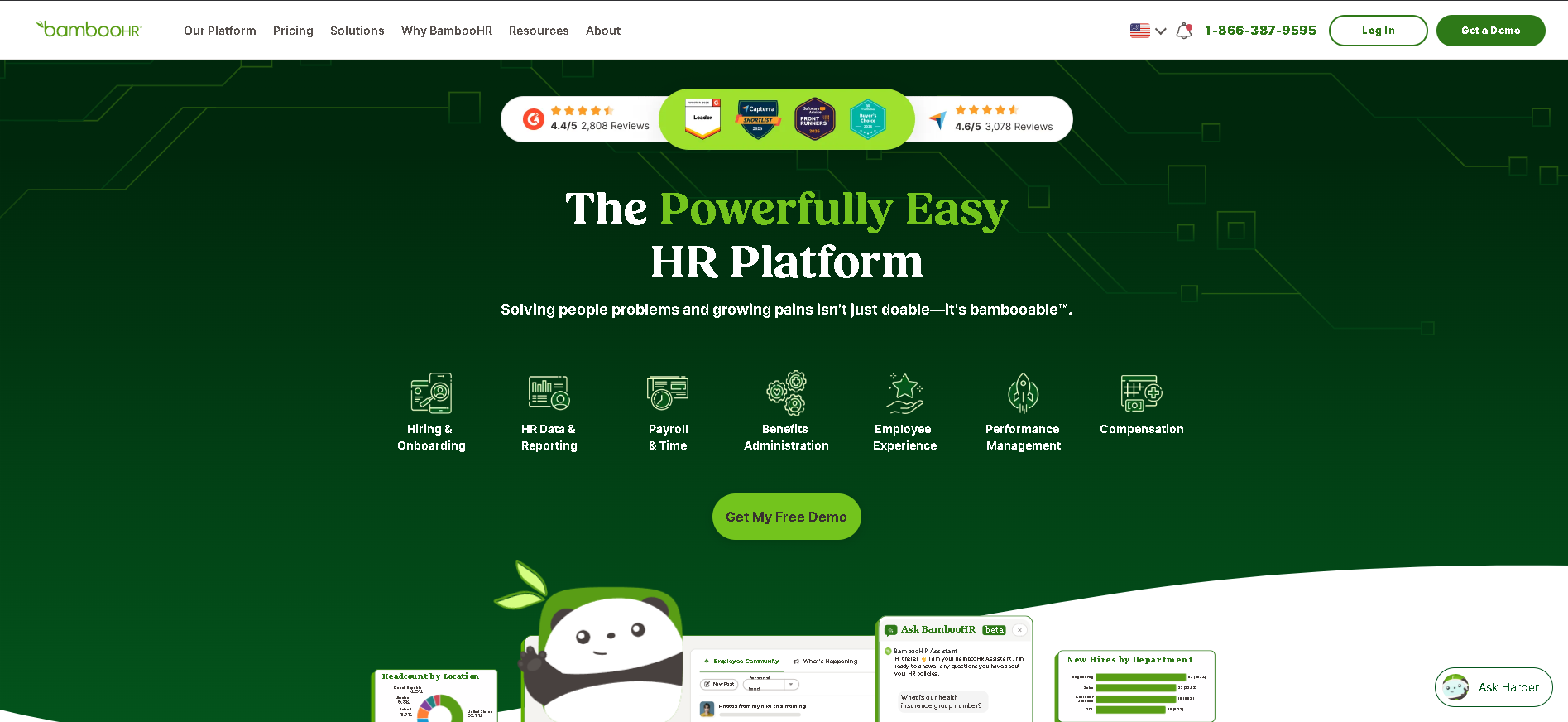
A BambooHR home dashboard showing time off balances, company announcements, employee celebrations, and who is out today and tomorrow.
Who Is BambooHR Best For?
Small to mid-size businesses (20 - 500 employees) that want an easy-to-implement HRIS with strong self-service features and minimal IT overhead.
Why I Picked BambooHR
BambooHR earned its top spot through consistently strong performance in ease-of-use testing. Most HR teams were fully operational within 48 hours of signing - no implementation consultant required. Its employee self-service portal is the most intuitive we've tested in the SMB tier, and employees actually use it without being prompted. The PTO management alone saves the average HR team 3 - 4 hours per week.
BambooHR Key Features
- Employee Records & Org Chart: Centralised people database with custom fields, document storage, and a live org chart that auto-updates as teams change - accessible on mobile and desktop.
- Automated Onboarding Workflows: New hire portals with task assignments, e-signatures, equipment checklists, and manager notifications - so nothing falls through the cracks before day one.
- Time-Off & PTO Management: Customisable absence policies with employee self-service requests, manager approval flows, calendar sync, and clear accrual visibility for every employee.
- Performance Reviews & Feedback: Built-in review cycle builder with peer feedback, self-assessments, and manager scoring - included in higher tiers for teams that want to avoid a separate tool.
- HR Analytics & Reporting: Pre-built reports on headcount, turnover, compensation, and diversity - plus a custom report builder for deeper, exportable analysis.
BambooHR Integrations
Slack, Google Workspace, ADP Payroll, Greenhouse, JazzHR, Indeed, LinkedIn, Checkr, Zapier, NetSuite, QuickBooks, Glassdoor
- Intuitive UI with minimal onboarding required
- Strong PTO and time-tracking features
- Excellent employee self-service portal
- Payroll limited to US market
- Advanced analytics on higher tier only
Learn More About BambooHR
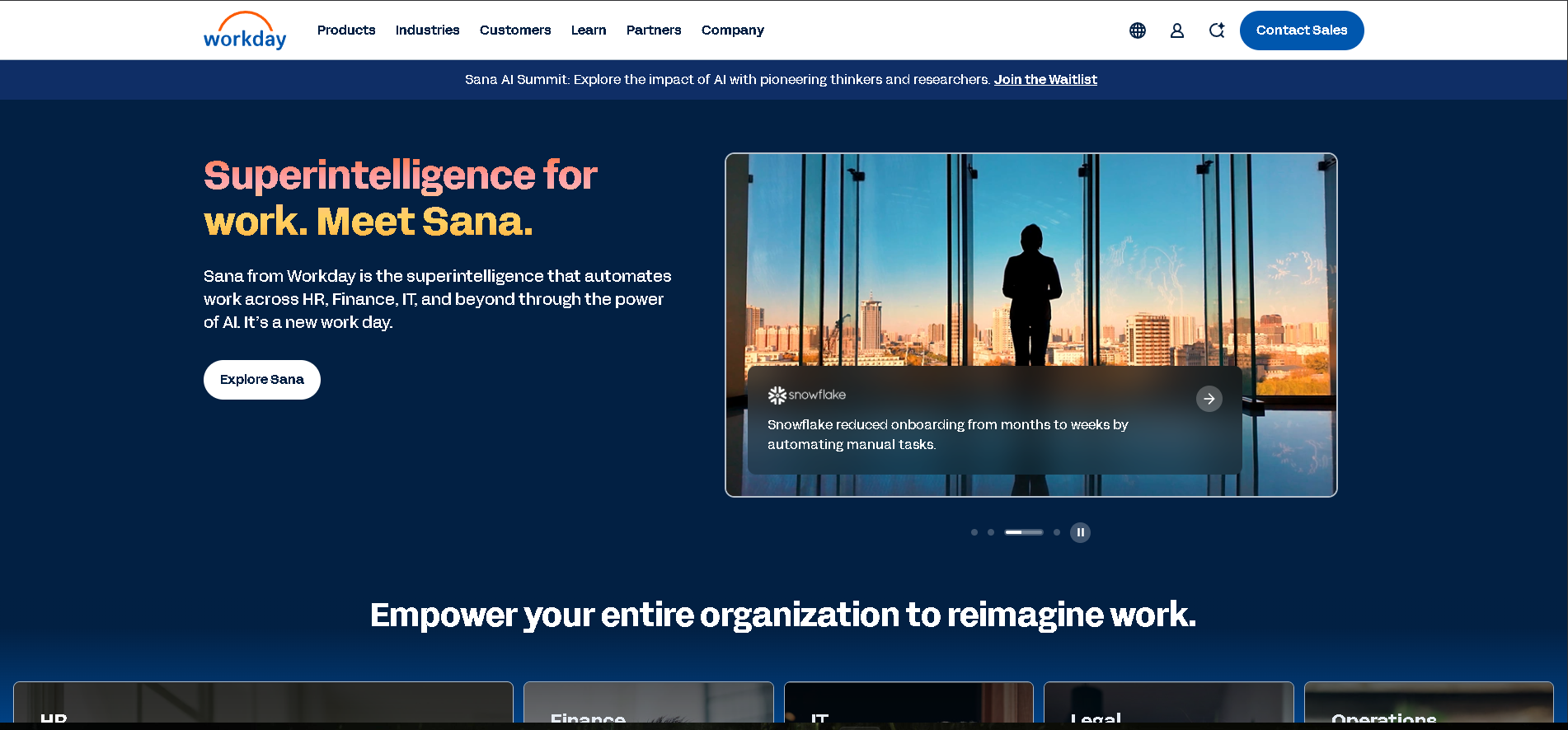
Who Is Workday Best For?
Large enterprises (1,000+ employees) that need a unified system across HR, Finance, and Planning with deep global compliance and workforce analytics.
Why I Picked Workday
No other platform matches Workday's depth for large, complex organisations. In our enterprise testing, the ability to model compensation across multiple legal entities in 20+ countries without spreadsheets was a standout capability. The financial planning integration is genuinely unique - headcount plans and budget models share the same data layer, which eliminates the reconciliation overhead that plagues every other enterprise HR setup.
Workday Key Features
- Core HR & Benefits Administration: Unified employee record across all HR processes - contracts, benefits, compensation, and compliance - accessible globally with role-based security.
- Workforce Planning & Analytics: Real-time headcount modeling, scenario planning, and predictive attrition analytics built directly into the HR data layer - no separate BI tool required.
- Talent & Performance Management: Goal setting, continuous feedback, succession planning, and skills-based talent matching in a single integrated workflow.
- Payroll & Global Compliance: Native payroll processing for US, Canada, UK, France, Germany, and 40+ countries - with built-in tax table updates and full audit trails.
- Financial Management Integration: Unique bidirectional connection to Workday Financials - HR headcount data and payroll costs flow directly into financial reports and forecasts.
Workday Integrations
SAP, ServiceNow, Salesforce, Microsoft 365, Slack, ADP, LinkedIn Talent Hub, Okta, Tableau, Coupa, Greenhouse, Cornerstone
- Unmatched depth for enterprise HR
- Unified HR, finance, and planning data
- Strong compliance and audit tooling
- High cost and long implementation time
- Less suited for companies under 1,000 employees
Learn More About Workday
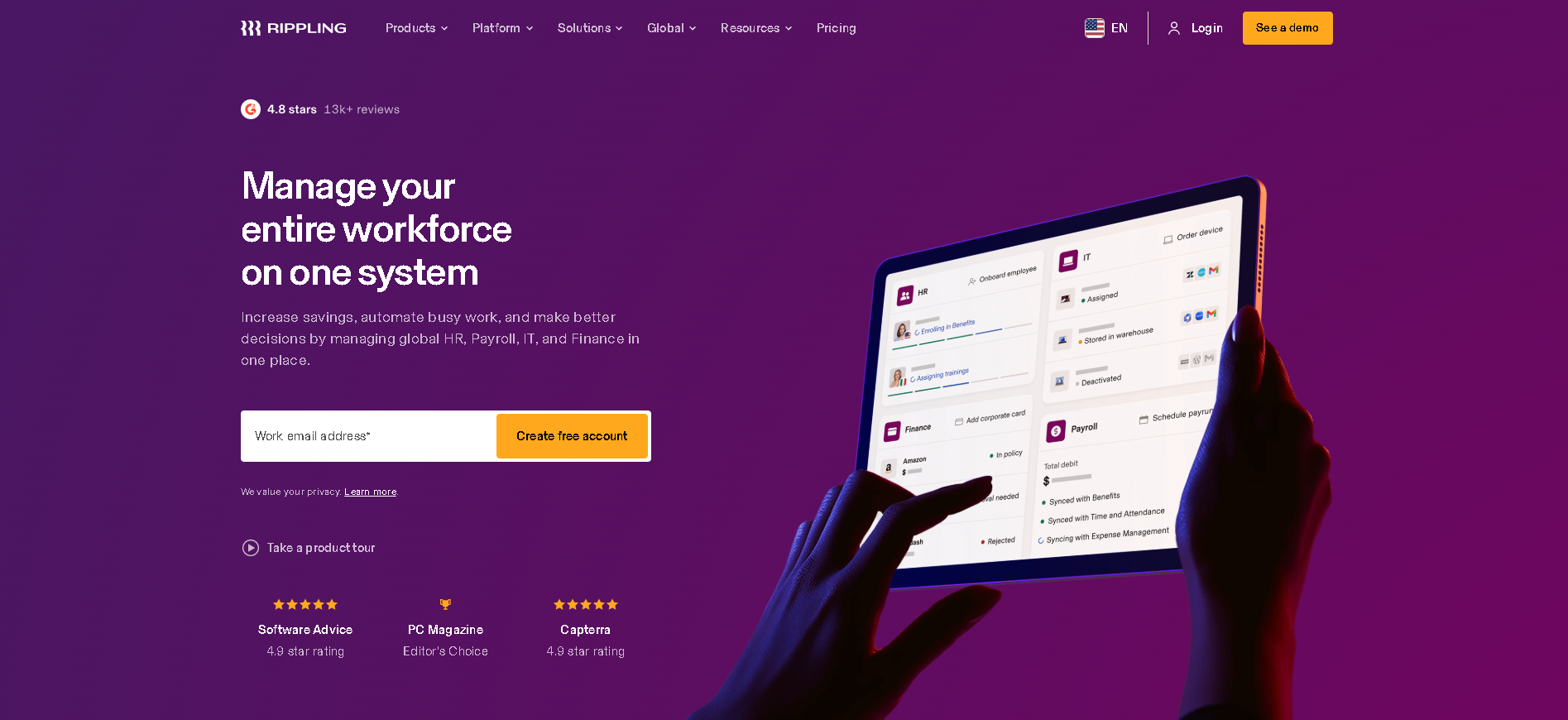
Who Is Rippling Best For?
Fast-growing companies (50 - 2,000 employees) that want HR, IT, and payroll managed from one platform with strong automation and a modular buy-only-what-you-need model.
Why I Picked Rippling
Rippling's architecture is genuinely different from everything else we tested. When you onboard someone, their payroll setup, laptop provisioning, software access, and benefits enrollment can all trigger automatically from a single workflow. That degree of cross-functional automation has no equivalent on the market. In our testing, the time to fully onboard a new employee - including IT setup - dropped from 4 hours to under 30 minutes.
Rippling Key Features
- Modular HR & Payroll: Start with core HR and add payroll, time-tracking, benefits, or expenses as separate modules - each sharing one unified employee data layer.
- IT & Device Management: Provision laptops, grant software access, and manage MDM policies from the same platform as HR - eliminating the IT-HR coordination gap entirely.
- Workflow Automation Engine: Trigger multi-step automations across HR, IT, and finance based on employee lifecycle events - hire, promote, transfer, and terminate with zero manual steps.
- Global Payroll & EOR: Run payroll in 50+ countries or hire via Rippling's EOR service - all from the same interface as your domestic HR and IT management.
- Benefits Administration: Administer health, dental, vision, 401(k), and commuter benefits with employee self-service enrollment and automated carrier data feeds.
Rippling Integrations
Slack, Google Workspace, Microsoft 365, Greenhouse, Lever, GitHub, Okta, Salesforce, QuickBooks, Xero, Carta, Brex
- Modular - buy only what you need
- Best HR + IT automation integration
- Fast implementation vs enterprise alternatives
- Can get complex as modules stack up
- Customer support response times vary
Learn More About Rippling
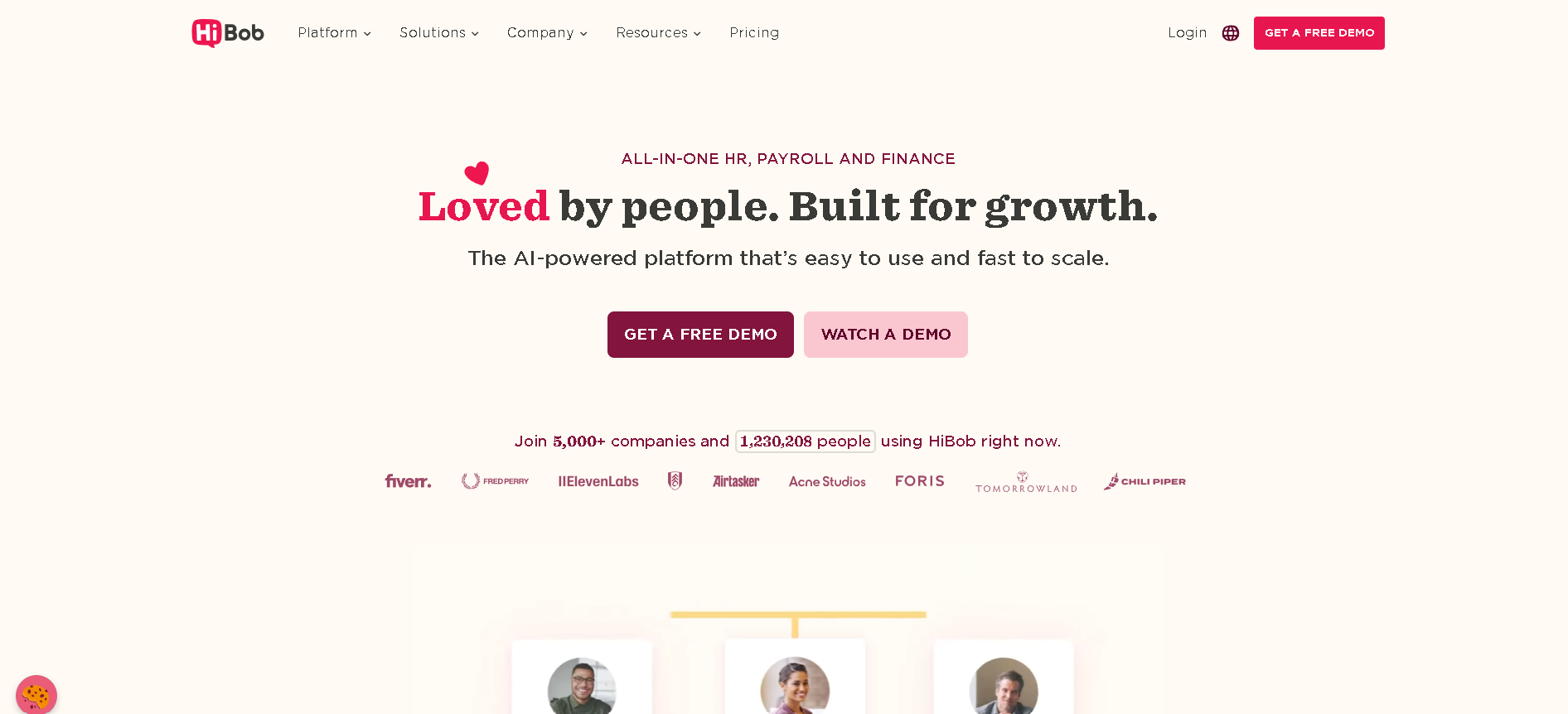
Who Is HiBob Best For?
Culture-driven, modern companies (100 - 2,000 employees) that want strong engagement tools and a great employee experience alongside core HR operations.
Why I Picked HiBob
HiBob stood out in our testing for the quality of its employee experience layer. Where most HRIS platforms feel like databases with a thin UI, Bob feels like a product employees actually want to open. The recognition feeds, team surveys, and peer shoutout features drive real engagement - and the compensation management module is one of the strongest in the mid-market. It's the only HRIS where employees tell us they enjoy using it.
HiBob Key Features
- Core HR & Org Management: Clean employee profiles, org visualisation, and document management - with extensive custom fields to match your people data model.
- Compensation & Benchmarking: Multi-currency compensation management with merit cycle support, band visibility, and pay equity reporting built into the core platform.
- Time & Attendance: Global time-off policies with geo-aware rules, manager approval workflows, and integrations with popular payroll providers.
- Performance & Goal Management: OKR tracking, continuous feedback, structured review cycles, and 360-degree feedback - configurable to match any review cadence.
- Employee Engagement Tools: Pulse surveys, peer recognition (Shoutouts), team celebrations, and sentiment tracking that surface engagement trends before they become retention problems.
HiBob Integrations
Slack, Greenhouse, Lever, Workable, LinkedIn, Okta, Jira, Zapier, NetSuite, Xero, Personio, Carta
- Best employee experience of any mid-market HRIS
- Strong compensation management module
- Good integrations with modern tech stacks
- Pricing can be high for smaller teams
- Reporting requires some configuration to get full value
Learn More About HiBob
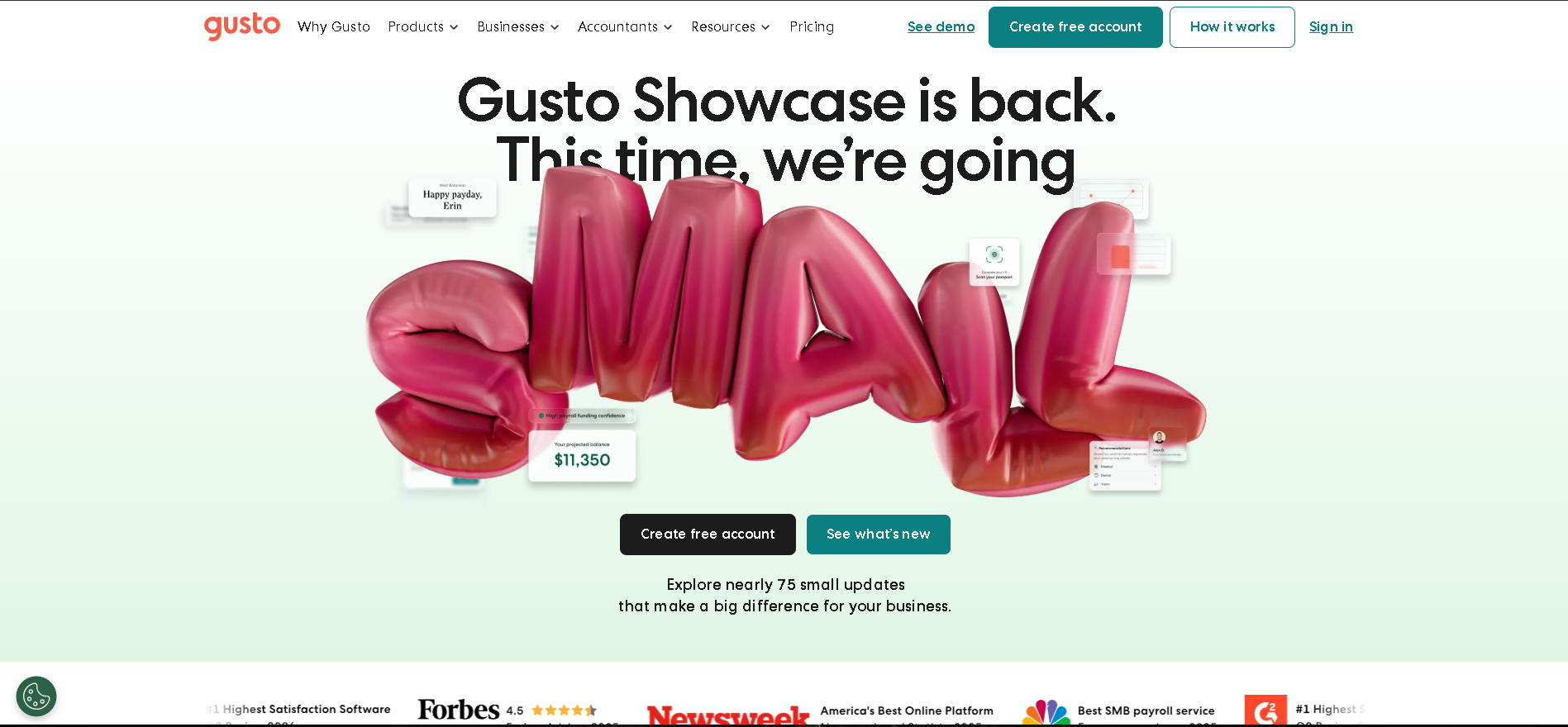
Who Is Gusto Best For?
US-based small businesses (2 - 200 employees) that need payroll, benefits, and core HR in one affordable platform without dedicated HR staff.
Why I Picked Gusto
Gusto wins for small US businesses because it genuinely does payroll, benefits administration, and core HR in one package at a price that doesn't require a CFO's approval. In our testing, running a full payroll cycle - including tax filings - took under 10 minutes. The benefits administration module handles medical, dental, vision, and 401(k) with a quality that rivals standalone benefits platforms at 10x the cost.
Gusto Key Features
- Full-Service US Payroll: Automated payroll with direct deposit, multi-state tax filings, year-end W-2s and 1099s - and automatic updates when tax laws change.
- Benefits Administration: Licensed benefits broker access within the platform - employees choose from curated health, dental, vision, HSA/FSA, and 401(k) options during self-service enrollment.
- Time & Attendance Tracking: Built-in time clock, overtime calculation, and direct sync to payroll - eliminating the manual step of importing hours before every pay run.
- Onboarding & Paperless HR: Digital offer letters, e-signed I-9 and W-4 completion, and new hire checklists that get employees ready to work before their first day.
- HR Database & Compliance Tools: Employee records, document storage, offer letter templates, and real-time compliance alerts for minimum wage changes and employment law updates.
Gusto Integrations
QuickBooks, Xero, FreshBooks, Clover, TSheets, Deputy, When I Work, Greenhouse, Checkr, Slack, BambooHR, Expensify
- Best-in-class payroll for US small businesses
- Benefits and payroll fully integrated
- Simple, clean interface that non-HR staff can use
- US-only payroll - not suitable for global teams
- Fewer enterprise-grade HR features
Learn More About Gusto
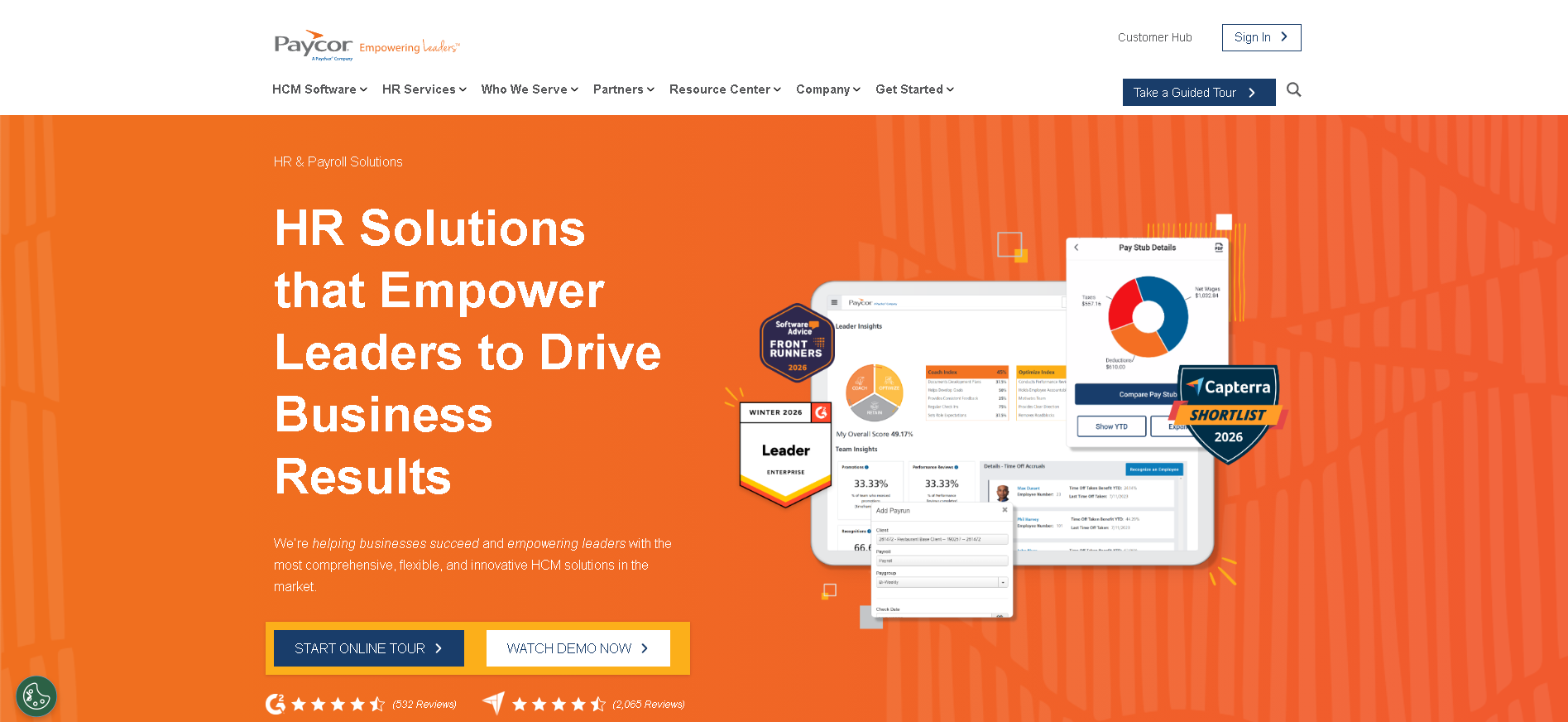
Who Is Paycor Best For?
Mid-market US companies (100 - 2,500 employees) that need a combined payroll and HR platform with strong compliance, time-and-attendance, and manager self-service.
Why I Picked Paycor
Paycor's strength is in the mid-market sweet spot - it handles multi-state compliance, diverse pay types (hourly, salaried, commission), and manager self-service better than most platforms in its tier. The manager dashboard was the standout feature in our testing: it surfaces attendance exceptions, pending time-off requests, and performance milestones in a single view that managers actually reference without HR prompting.
Paycor Key Features
- Payroll & Multi-State Tax Compliance: Automated payroll processing with real-time tax calculations across all 50 US states, automatic SUI rate updates, and built-in compliance alerts for wage and hour law changes.
- Time & Attendance Management: Configurable time clock options (web, mobile, biometric), overtime and shift-differential calculations, and direct sync to payroll to eliminate manual data entry.
- Benefits Administration: Employee self-service benefits enrollment, carrier data feeds, ACA compliance tracking, and COBRA administration in one place.
- Talent Management Suite: Recruiting, onboarding, performance reviews, and learning management - available as a connected suite so employee lifecycle data flows without re-entry.
- HR Analytics & Workforce Insights: Pre-built dashboards for turnover, overtime costs, and headcount trends, plus a custom report builder for ad-hoc analysis.
Paycor Integrations
QuickBooks, Microsoft Outlook, Google Workspace, Slack, Greenhouse, Newton ATS, Checkr, Salesforce, Zapier, ADP
- Strong multi-state compliance and tax filing
- Good manager self-service and dashboard
- Scales well from 50 to 2,500+ employees
- UI can feel dated in some modules
- Pricing requires a sales call - no public rates
Learn More About Paycor
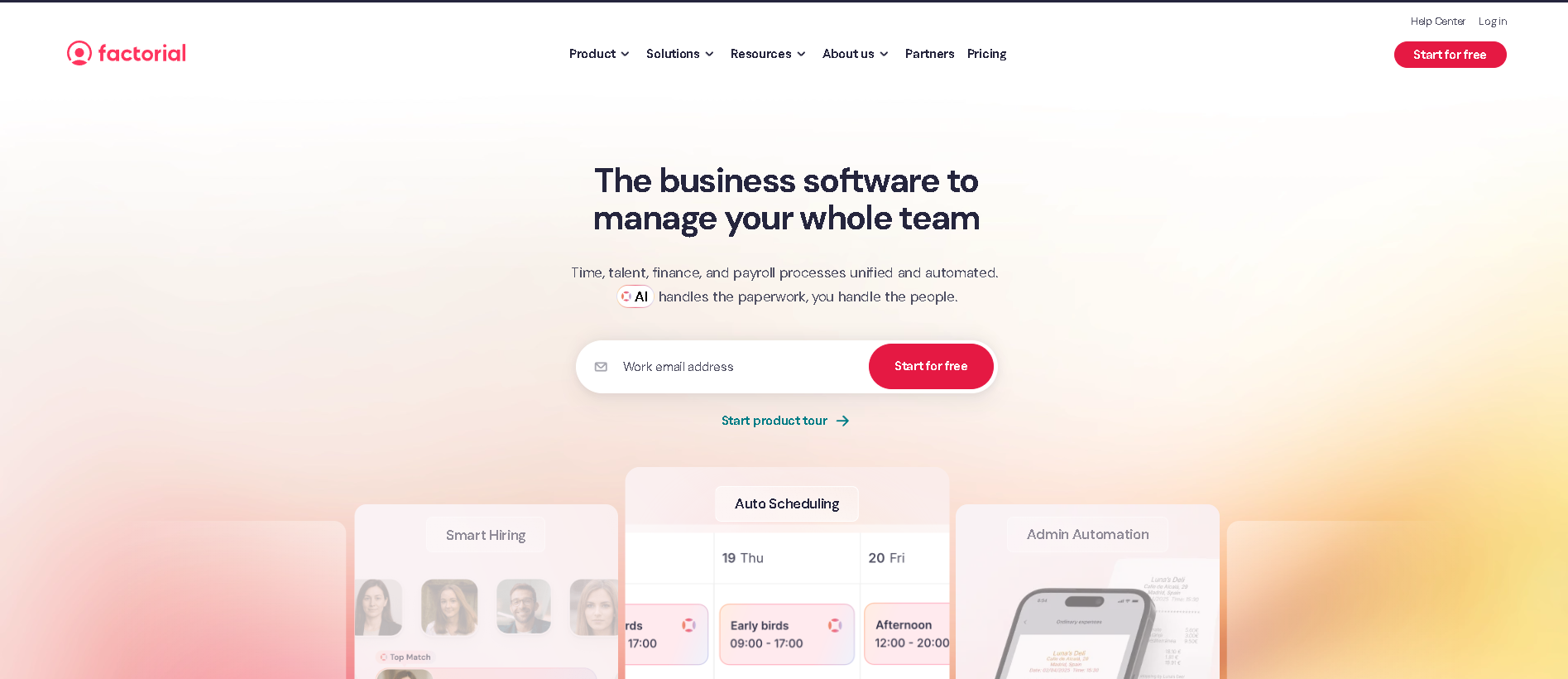
Who Is Factorial Best For?
European startups and fast-growing SMBs (10 - 500 employees) wanting an affordable, modern HRIS with strong time tracking, absence management, and GDPR-native data handling.
Why I Picked Factorial
Factorial offers the best price-to-feature ratio of any HRIS we tested, particularly for European companies. Multi-country time-off rules, GDPR data residency in the EU, and built-in document management come standard - features that other platforms charge extra for or don't support at all. The 14-day free trial (no credit card required) lets teams test the full platform before committing, which is a level of transparency unusual in this category.
Factorial Key Features
- Employee Records & Org Management: Clean employee profiles, org chart builder, custom fields, and a self-service portal that works well on mobile - important for hybrid and distributed teams.
- Time Tracking & Absence Management: Clock-in/out via web or mobile, configurable absence policies per country or team, manager approval workflows, and overtime calculation with geo-based rules.
- Document Management & e-Signatures: Bulk document storage, employee-specific document folders, and built-in e-signature for contracts and policies - removing the need for a separate DocuSign subscription.
- Built-in ATS (Recruiting Module): Job posting, candidate tracking, and interview scheduling built into the HRIS - so you don't need a separate ATS to handle basic hiring needs.
- Performance & Goals: Review cycle builder, competency frameworks, and goal-setting tools that connect individual objectives to team and company-level targets.
Factorial Integrations
Slack, Google Workspace, Microsoft Teams, Zapier, Greenhouse, Xero, QuickBooks, Workable, Holded, Sage, LinkedIn
- Excellent price-to-feature ratio for European teams
- GDPR-native with EU data residency
- Built-in recruiting module removes need for separate ATS
- Enterprise integrations thinner than BambooHR or Rippling
- Some advanced reporting features still maturing
Learn More About Factorial
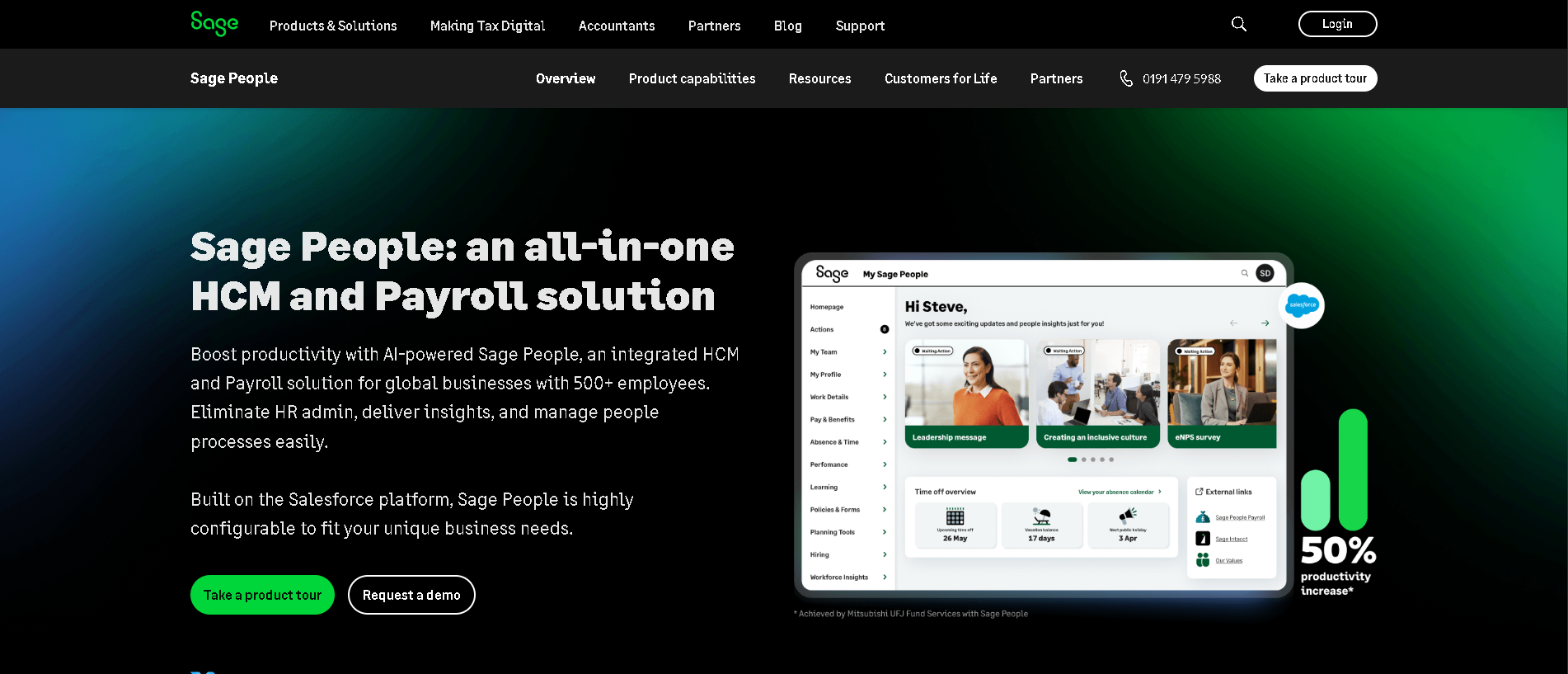
Who Is Sage HR Best For?
UK and European SMBs (5 - 500 employees) already in the Sage ecosystem, or those with hourly/shift-based workforces needing scheduling alongside core HR.
Why I Picked Sage HR
Sage HR earns its place for two reasons: the accounting integration and the shift scheduling module. If you already use Sage Accounting or Payroll, the HR data flows without manual reconciliation - a genuinely seamless connection that eliminates double-entry. The shift scheduling feature is more capable than almost anything else available at this price point, making Sage HR an excellent choice for retail, hospitality, and healthcare organisations managing variable-hours workers.
Sage HR Key Features
- Employee Records & Onboarding: Customisable employee profiles, onboarding checklists, e-document signing, and a self-service portal for leave requests and payslip access.
- Shift Scheduling Module: Drag-and-drop shift builder, shift swap requests, availability management, and overtime alerts - built for businesses managing hourly and variable-schedule staff.
- Time-Off & Absence Management: Configurable leave policies, team calendar view, absence tracking dashboard, and Bradford Factor reporting for attendance management.
- Expenses Management: Employee expense submissions via mobile, manager approval workflows, and direct integration with Sage Accounting for cost code allocation.
- Performance Reviews: Annual and continuous review cycles with customisable forms, goal tracking, and manager scoring - sufficient for SMB performance management needs.
Sage HR Integrations
Sage Accounting, Sage Payroll, Zapier, Google Calendar, Microsoft Outlook, Glassdoor, LinkedIn, Indeed, Workable
- Seamless Sage accounting integration
- Strong shift scheduling for hourly workforces
- Affordable European-friendly pricing with 30-day trial
- Interface less modern than BambooHR or HiBob
- Mobile app performance can be slow on older devices
Learn More About Sage HR
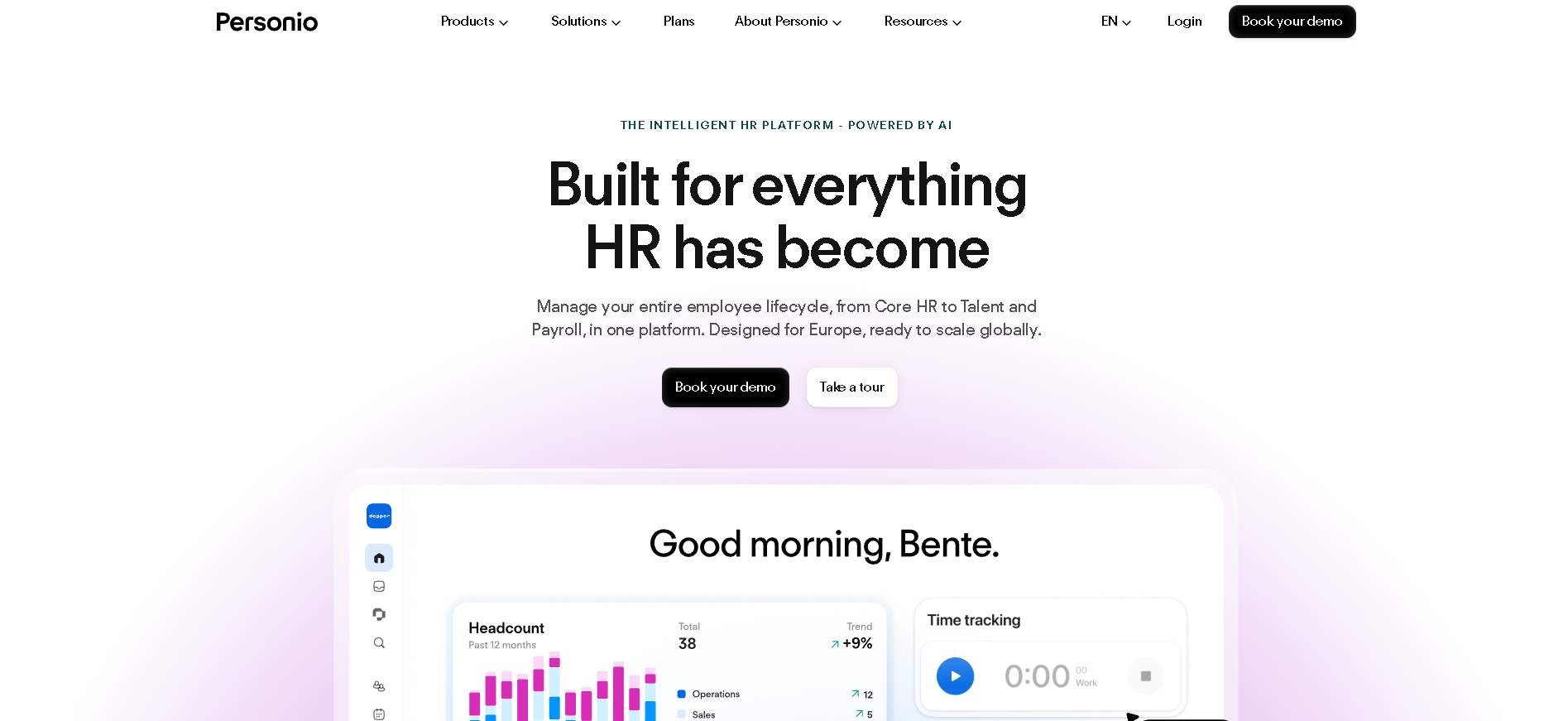
Who Is Personio Best For?
European companies (50 - 2,000 employees) needing strong GDPR compliance, multi-country payroll for DACH/UK/Southern Europe, and localised HR workflows.
Why I Picked Personio
Personio is the only HRIS we tested that genuinely handles the complexity of German, Swiss, Austrian, Spanish, and UK employment law in a single platform. The localised payroll modules have proper tax table integration with country-specific statutory deductions - not just a generic calculator. For companies managing cross-border teams in Europe, the alternative is hiring local payroll agencies in each country or accepting significant compliance risk.
Personio Key Features
- Core HR & Employee Records: Centralised employee data with GDPR-compliant data handling, EU data residency, role-based access controls, and a self-service portal available in 8+ languages.
- GDPR-Native Data Management: Built-in data retention policies, right-to-erasure workflows, consent management, and an audit log for all data access - essential for companies under GDPR jurisdiction.
- Multi-Country Payroll for Europe: Localised payroll modules for Germany, Austria, Switzerland, Spain, Netherlands, and the UK - with country-specific statutory deduction tables and compliance reporting.
- Integrated Recruiting Module: Job posting, candidate pipeline management, interview scheduling, and offer generation - all connected to the HRIS so new hires flow straight into employee records.
- Absence & Time Management: Country-specific leave entitlement policies, team absence calendars, time tracking with overtime rules per jurisdiction, and manager approval workflows.
Personio Integrations
DATEV, Slack, Google Workspace, LinkedIn, Xing, Greenhouse, Workable, Okta, Zapier, Lexware, Zoho, Microsoft 365
- Best GDPR compliance and EU data residency of any HRIS
- Multi-country European payroll in a single platform
- Strong localised support in German, Spanish, and English
- Less suitable for US-first or Asia-Pacific companies
- Reporting flexibility below BambooHR at comparable price points
Learn More About Personio
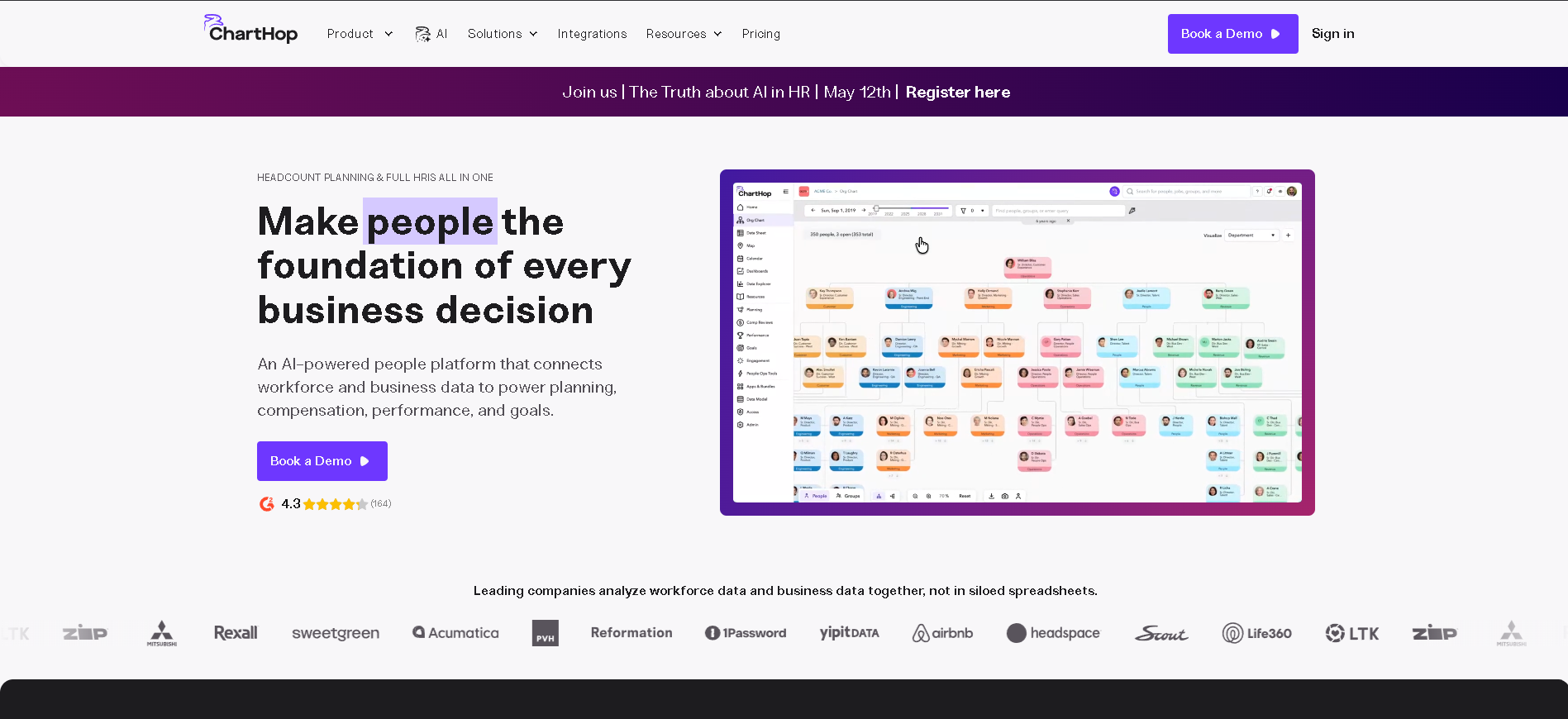
Who Is ChartHop Best For?
Data-driven People Ops teams (150+ employees) that need powerful org visualisation, headcount scenario planning, and compensation analytics layered on top of an existing HRIS.
Why I Picked ChartHop
ChartHop isn't a replacement for an HRIS - it's the analytics and planning layer that most HRIS platforms are too weak to provide. In our testing, the headcount scenario planning feature was a standout: People Ops teams can model multiple hiring plans against different budget scenarios in real time, sharing a live view with finance leadership. That kind of collaborative headcount planning capability typically costs six figures in a standalone workforce planning tool.
ChartHop Key Features
- Live Org Chart & Team Visualisation: Interactive org chart that updates in real time as your HRIS data changes - filterable by department, location, manager, or custom attributes.
- Headcount Planning & Scenarios: Model multiple hiring plans across budget scenarios with real-time cost calculations, shareable views, and approval workflows for finance sign-off.
- Compensation Analytics: Visualise compensation distribution across bands, departments, and demographics - with pay equity analysis to surface and address disparities proactively.
- People Analytics Dashboard: Turnover analysis, DEI metrics, performance distribution, and custom KPI tracking in a single dashboard built from your connected HRIS data.
- Multi-HRIS Data Integration: Native connections to BambooHR, Workday, Rippling, HiBob, ADP, Gusto, and 40+ other HR systems - with data reconciliation tools for messy or multi-source datasets.
ChartHop Integrations
BambooHR, Workday, Rippling, HiBob, Greenhouse, ADP, Gusto, Okta, Lever, Google Workspace, Slack, Lattice
- Best org visualisation and headcount planning on the market
- Strong compensation benchmarking and pay equity analysis
- Connects to all major HRIS platforms
- Not a standalone HR system - requires an existing HRIS
- Full value requires clean, consistent underlying HR data
Learn More About ChartHop
What is HR Operations Software?
A Human Resources Information System (HRIS) is a centralised software platform that stores, manages, and automates the core processes of your HR department - from employee records and onboarding workflows to payroll, benefits, compliance reporting, and time-off management. The best modern HRIS platforms go beyond storage to become the operational backbone of your entire people function, connecting data across recruiting, performance, and compensation so HR teams spend less time on admin and more time on strategic work. Whether you call it an HRIS, HRMS, or HCM, the goal is the same: one reliable system of record for your workforce.
How to Choose the Right HR Operations Software
Start with your biggest pain point. If you're drowning in spreadsheets, prioritise a clean employee database with strong self-service. If you're missing compliance deadlines, focus on payroll and tax automation. If managers are disengaged, look for strong self-service and reporting tools. Letting your core problem drive your evaluation criteria prevents you from buying a tool that's impressive in demos but useless for your day-to-day.
Map your integration dependencies before shortlisting. Almost every HR team has existing tools - a payroll processor, an ATS, a benefits broker, a performance system. Your new HRIS needs to connect to these cleanly. Build a list of must-have integrations and verify them in a live demo, not just on the vendor's integration page.
Think about your growth trajectory over the next 24 months. An SMB HRIS that works beautifully at 50 employees may struggle at 300 - or require a painful, expensive migration. If you're scaling fast, factor in how the platform handles employee count growth, multi-location complexity, and the ability to add payroll or performance modules later without switching systems.
Always involve finance and legal in the evaluation. HRIS purchases often stall or fail post-implementation because IT, finance, or legal have concerns that weren't addressed upfront - data residency, SSO requirements, audit log access, or payment terms. Get those stakeholders in the room during the shortlist phase, not after you've signed.
Other HR Operations Tools Worth Considering
The tools above are my top picks, but there are other solid options depending on your specific use case, industry, or geography.
How We Evaluate HR Operations Software
Our reviews are based on hands-on testing and a consistent evaluation framework. Here's exactly what we measure:
An HRIS only works if employees and managers actually use it. We weight platforms on admin setup time, employee self-service clarity, mobile app quality, and the time it takes a new HR admin to run their first payroll or review cycle without help.
Employee records, org management, document storage, onboarding workflows, and time-off management are non-negotiable. We score depth (how much you can customise) vs. flexibility (how many edge cases the platform handles) across each of these.
We run live payroll scenarios - multi-state US, multi-country European, and mixed employee/contractor arrangements - and verify tax calculation accuracy, filing automation, and the quality of compliance audit trails.
Not just whether an integration exists, but how well it works. We test sync reliability, data mapping quality, and latency for the most common integrations: payroll providers, ATS platforms, benefits brokers, and productivity tools like Slack.
We evaluate depth of built-in reports, custom report builder flexibility, dashboard quality, and - for platforms that support it - predictive workforce analytics. Data should be easy to get out of the system, not locked inside it.
We score on whether pricing is publicly available, predictable, and fair relative to features delivered. Platforms that require a sales call before revealing any pricing receive a penalty in our methodology.
We test support response times across chat, email, and phone, and cross-reference customer-reported implementation experiences across G2, Capterra, and direct user interviews conducted over the past 12 months.
Explore More
Frequently Asked Questions
What is the difference between HRIS, HCM, and HRMS?
HRIS (Human Resources Information System) focuses on storing and managing employee data and core HR processes. HRMS (Human Resources Management System) typically includes the same core features plus additional modules like payroll and time-and-attendance. HCM (Human Capital Management) is the broadest term, encompassing everything in an HRMS plus talent management, succession planning, and strategic workforce analytics. In practice, vendors use these terms interchangeably - focus on the features you need rather than the label.
How much does HRIS software typically cost?
HRIS pricing ranges from free tiers (for very small teams with basic needs) to enterprise contracts exceeding $100,000 per year. SMB-focused platforms typically charge $6 - $15 per employee per month. Mid-market platforms often use per-seat or per-employee pricing in the $8 - $25 range. Enterprise platforms like Workday and SAP SuccessFactors price based on modules and headcount - always request a custom quote. Factor in implementation fees (often 20 - 50% of first-year licensing) and ongoing support costs.
How long does HRIS implementation typically take?
SMB-focused tools like BambooHR, Gusto, and Factorial can be fully operational in 1 - 4 weeks. Mid-market platforms typically require 6 - 12 weeks for proper data migration, integration setup, and staff training. Enterprise systems like Workday should be budgeted at 6 - 18 months for a full implementation including custom workflows, integrations, and change management. Always add 20% buffer to vendor-provided timelines.
Can an HRIS replace my payroll provider?
Some HRIS platforms include built-in payroll (Gusto, Rippling, Paycor), but most are designed to integrate with a separate payroll processor rather than replace it. If payroll consolidation is a priority, look for platforms where payroll is a core module - not a third-party integration - to ensure data accuracy and avoid reconciliation overhead. Always verify which tax jurisdictions the HRIS payroll module covers before switching.
What's the best HRIS for a company of under 100 employees?
For teams under 100, BambooHR, Factorial, and Gusto are the top choices. BambooHR is best if you need strong onboarding and self-service. Gusto wins if US payroll and benefits administration are your priority. Factorial is best for European companies or those wanting an affordable modern interface. All three can be set up in days and don't require dedicated HR IT resource to maintain.
How do I migrate data from spreadsheets to an HRIS?
Most modern HRIS platforms provide CSV import templates for employee records, compensation history, and time-off balances. Start by auditing and cleaning your existing data before export - this is the step most teams rush and later regret. Use the vendor's implementation support to validate the first import. Expect 2 - 4 rounds of data cleanup before the system is fully accurate, especially if your spreadsheets have inconsistent formatting.
Do HRIS platforms store sensitive employee data securely?
Reputable HRIS platforms use AES-256 encryption at rest, TLS 1.2/1.3 in transit, and SOC 2 Type II certification. For European teams, verify GDPR compliance and data residency options - where exactly your employee data is stored matters for compliance. Before signing, request the vendor's security whitepaper and check for SSO/SAML support if your organisation requires centralized identity management.
Explore HRIS by Country
Compliance rules, currency handling, and integration requirements vary by market. Pick your country below to see HRIS-specific guidance for that region.
Why local context changes your HRIS decision
The same HRIS platform that wins in the US can fail in Germany. Tax authorities file under different cadences, currencies route through incompatible banking rails, and data-protection laws impose conflicting requirements. A vendor with an owned local entity behaves very differently from one routing through partner networks.
Use the country cards below to see what changes when you operate in that market: which compliance gates the platform must clear, which vendors have on-the-ground presence, and which buyer mistakes cost the most.
At-a-glance regional comparison
| Region | Primary regulator | Data law | Banking rail | Onboarding speed |
|---|---|---|---|---|
| North America | IRS / CRA / SAT | CCPA / PIPEDA / LFPDPPP | ACH / EFT / SPEI | 5–10 business days |
| Europe | HMRC / Finanzamt / DGFiP | UK GDPR / DSGVO / RGPD | BACS / SEPA | 7–14 business days |
| Asia-Pacific | CBDT / IRAS / ATO | DPDP / PDPA / Privacy Act | NEFT-UPI / FAST / NPP | 5–10 business days |
Industry considerations
Your industry shapes which HRIS features actually matter. Below are common patterns we see across four major verticals.
SaaS & Tech
Fast-growing teams that prioritize API depth, equity administration, and integration with engineering tools. Watch for misclassification risk on global contractors.
Healthcare
Heavy compliance load (HIPAA in US, regional equivalents elsewhere) and credentialing workflows. Audit trails and access controls are non-negotiable.
Retail & Hospitality
High-turnover shift workforces. Predictive scheduling laws (US cities), variable-hour ACA tracking, and mobile-first employee access are critical.
Manufacturing & Field Services
Hourly workforce, multi-site operations, union compliance. Time clocks, geofencing, and OSHA-style safety training records matter most.
Country selection — common questions
Should I pick a global HRIS platform or a local-specialist?
Pick a global platform if you operate in 3+ countries and need unified reporting. Pick a local-specialist if 80%+ of your headcount sits in one market and you need deep local compliance. Most mid-market companies blend the two — global core platform + local payroll partner.
How does data residency affect HRIS vendor choice?
EU and UK data must stay within compliant jurisdictions under GDPR. India's DPDP Act 2023 added cross-border transfer rules. Verify your vendor offers regional data centers — many US-built platforms store everything in the US, which fails European audits.
When does it make sense to switch vendors per country?
Switch when local compliance gaps cost more than vendor consolidation savings. The threshold is usually 20+ employees in a market where your global vendor has weak coverage. Below that, accept the gap and supplement with local payroll partners.
Need help picking the right HRIS for your markets?
Get our country-by-country vendor scorecard with pricing benchmarks, compliance checklists, and implementation timelines for the 9 markets above.
Best HRIS by Industry
Different industries face different compliance demands, workforce structures, and feature priorities. Jump to the guide built for your sector.
Best HRIS by Business Size
Vendor fit changes dramatically at different headcount levels. Jump to the comparison built for your stage.
Best HRIS by Use Case
Your buying priority shapes which platform wins. Jump to the guide built for your specific situation.

More HR Tool Reviews on HROpsLab
We review and compare the best HR software across every category - so you can build the right stack for your team.