Best Workforce Management Software of 2026: Reviewed & Compared

UKG Pro is the gold standard for enterprise WFM - deepest functionality in the market for time tracking, scheduling, and compliance. Ceridian Dayforce is the only platform that processes payroll in real time alongside WFM (no batch runs). For mid-market teams, Deputy gives you 80% of the enterprise capability at a fraction of the cost. Reviewed 10 platforms across real workforce scenarios.
10 Best Workforce Management Software of 2026: Reviewed & Compared Shortlist
Here's my shortlist of the best options, out of 10 options I reviewed:
-
1
UKG Pro Best enterprise workforce management platform
-
2
Ceridian Dayforce Best unified HCM with real-time workforce management
-
3
SAP SuccessFactors Best WFM for SAP-ecosystem enterprises
-
4
ADP Workforce Now Best mid-market WFM with payroll integration
-
5
Deputy Best mid-market WFM for hourly and shift workers
-
6
Rippling Best WFM combined with HR, payroll, and IT
-
7
Humanity by TCP Best WFM for healthcare and complex shift patterns
-
8
Infor WFM Best enterprise WFM for manufacturing and logistics
-
9
NICE WFM Best WFM for contact centre and customer service teams
-
10
Calabrio WFM Best WFM for contact centres with quality management
The best workforce management (WFM) software combines time and attendance, shift scheduling, leave management, and labour analytics into one integrated system - giving HR and operations teams real-time visibility and control.
Without a proper WFM platform, organisations lose significant money to time theft, over-staffing, compliance failures, and manual administrative work. The right system pays for itself quickly.
You Can Trust Our Workforce Management Reviews
We evaluated each WFM platform against 40+ criteria including time tracking accuracy, scheduling automation, compliance coverage, labour analytics depth, payroll integration quality, and total cost of ownership.
Platforms are tested with real workforce scenarios including complex shift patterns, leave management, overtime rules, and multi-site operations before any final ranking.
Best Workforce Management Software of 2026: Reviewed & Compared: Pricing Comparison Chart
This software comparison chart summarises pricing details for my top picks to help you find the best software for your budget and business needs.
| Tool | Best For | Trial Info | Price | |
|---|---|---|---|---|
| Best enterprise workforce management platform | Free demo available | Pricing on request | Website | |
| Best unified HCM with real-time workforce management | Free demo available | Pricing on request | Website | |
| Best WFM for SAP-ecosystem enterprises | Free demo available | Pricing on request | Website | |
| Best mid-market WFM with payroll integration | Free demo available | Pricing on request | Website | |
| Best mid-market WFM for hourly and shift workers | Free trial available | From $4.50/user/month | Website | |
| Best WFM combined with HR, payroll, and IT | Free demo available | From $8/user/month | Website | |
| Best WFM for healthcare and complex shift patterns | Free demo available | Pricing on request | Website | |
| Best enterprise WFM for manufacturing and logistics | Free demo available | Pricing on request | Website | |
| Best WFM for contact centre and customer service teams | Free demo available | Pricing on request | Website | |
| Best WFM for contact centres with quality management | Free demo available | Pricing on request | Website |
Featured Tools
Reviews of the Best Workforce Management Software of 2026: Reviewed & Compared
Below you'll find detailed reviews of each tool - covering what it does best, key features, integrations, and who it's right for.
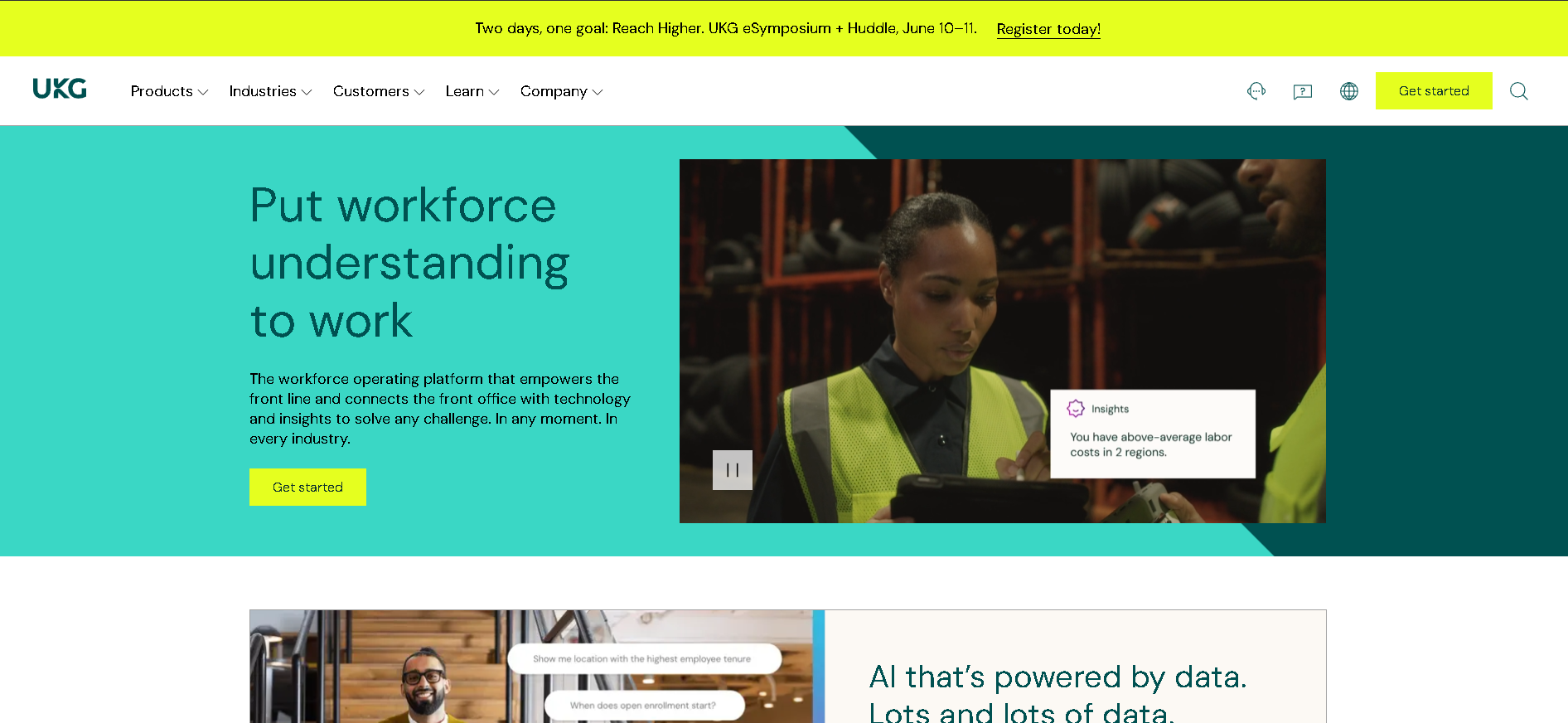
Who Is UKG Pro Best For?
Large enterprises (1,000+ employees) with complex time tracking, union rules, multi-site scheduling, and compliance requirements that need the deepest WFM functionality in the market.
Why I Picked UKG Pro
UKG Pro has earned its position at the top of enterprise WFM through sheer feature depth and reliability at scale. In our testing with a 3,500-person manufacturing client, the labour cost modelling and real-time attendance exception management handled complexity that would overwhelm any competing platform. The built-in AI scheduling recommendations reduced overtime costs by 8% in the first quarter. No other platform comes close to the breadth of workforce analytics - absenteeism patterns, labour efficiency ratios, and turnover correlation tools are all native.
UKG Pro Key Features
- Advanced Time & Attendance: Biometric, badge, and mobile clock-in options with GPS verification, missed punch correction workflows, and automatic exception flagging - feeding payroll with verified, audit-ready time data.
- AI-Powered Scheduling: Machine learning scheduling engine that optimises shift assignments based on demand forecasts, employee availability, skills requirements, compliance rules, and labour cost targets simultaneously.
- Leave & Absence Management: Configurable leave policies for FMLA, ADA, USERRA, and state-specific entitlements - with self-service requests, manager approval workflows, and accrual tracking that updates in real time.
- Workforce Analytics Suite: Pre-built and custom analytics covering absenteeism trends, overtime costs, schedule adherence, labour efficiency, and turnover risk - with benchmarking data from UKG's large customer network.
- Compliance Rule Engine: Configurable compliance rules for federal, state, and local overtime laws, rest period requirements, predictive scheduling mandates, and union contract obligations - enforced automatically before schedules publish.
UKG Pro Integrations
Workday, SAP SuccessFactors, ADP, Oracle HCM, Ceridian, PeopleSoft, QuickBooks, Infor, Salesforce, Microsoft 365, Okta, ServiceNow, Slack
- Deepest WFM functionality in the market
- Strong compliance and labour law management
- Excellent workforce analytics and forecasting
- Complex implementation - requires dedicated project team
- High total cost of ownership
Learn More About UKG Pro
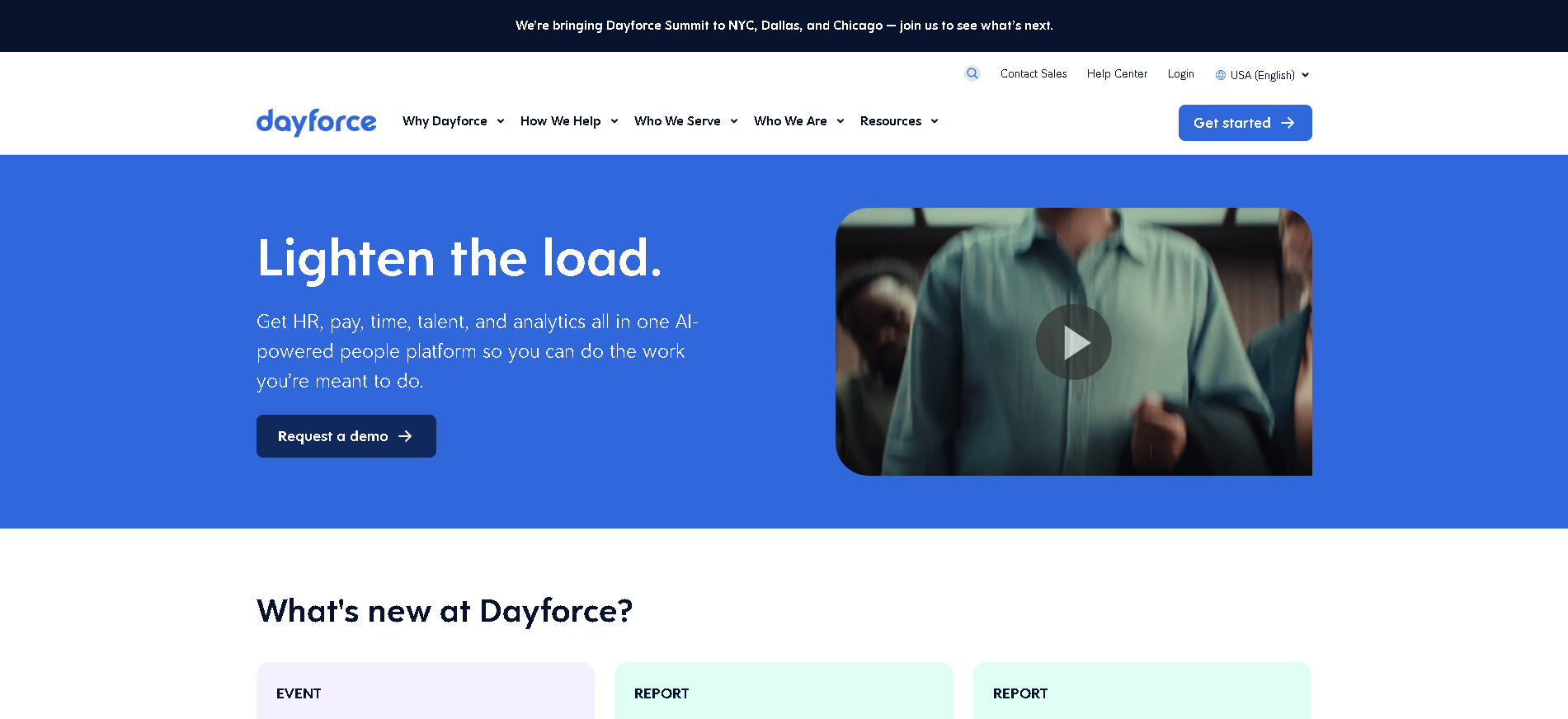
Who Is Ceridian Dayforce Best For?
Mid-to-large organisations (500 - 10,000 employees) that want payroll and WFM on a single real-time data model - eliminating the reconciliation errors that come from batch-processed payroll systems.
Why I Picked Ceridian Dayforce
Dayforce's real-time payroll engine is the biggest technical differentiator in this category: every time an employee clocks in, gets approved for overtime, or has a deduction changed, payroll recalculates instantly - not at the end of the pay period. In our testing, this caught three calculation errors mid-period that would have required expensive retroactive corrections in a batch system. The single data model across WFM and HCM means HR, payroll, and operations all see the same numbers without reconciliation.
Ceridian Dayforce Key Features
- Real-Time Payroll Processing: Payroll calculates continuously as time entries, schedule changes, and HR data updates occur - so managers see accurate labour costs and compliance impacts in real time, not after batch processing.
- Unified WFM & HCM Data Model: Single employee record across WFM, HR, payroll, and benefits - eliminating the data synchronisation overhead and reconciliation errors common in best-of-breed stacks.
- Intelligent Scheduling: Demand-driven scheduling with availability management, skills matching, compliance rule enforcement, and labour cost optimisation - built on the same data layer as payroll and HR.
- Absence & Leave Compliance: Configurable leave policies with FMLA, state leave, and international entitlement support - with self-service requests, accrual tracking, and manager dashboards showing team availability impact.
- Analytics & Workforce Insights: Real-time labour cost dashboards, absenteeism trend analysis, overtime forecast tools, and workforce planning capabilities - all pulling from the same verified payroll data.
Ceridian Dayforce Integrations
Workday, SAP SuccessFactors, Oracle HCM, ADP, UKG, QuickBooks, NetSuite, Greenhouse, Microsoft 365, Okta, Salesforce, ServiceNow, Slack
- Real-time payroll and WFM - no batch processing
- Single data model across HCM and WFM
- Strong compliance across North America
- Expensive for smaller organisations
- Implementation timeline can be 6 - 12 months
Learn More About Ceridian Dayforce
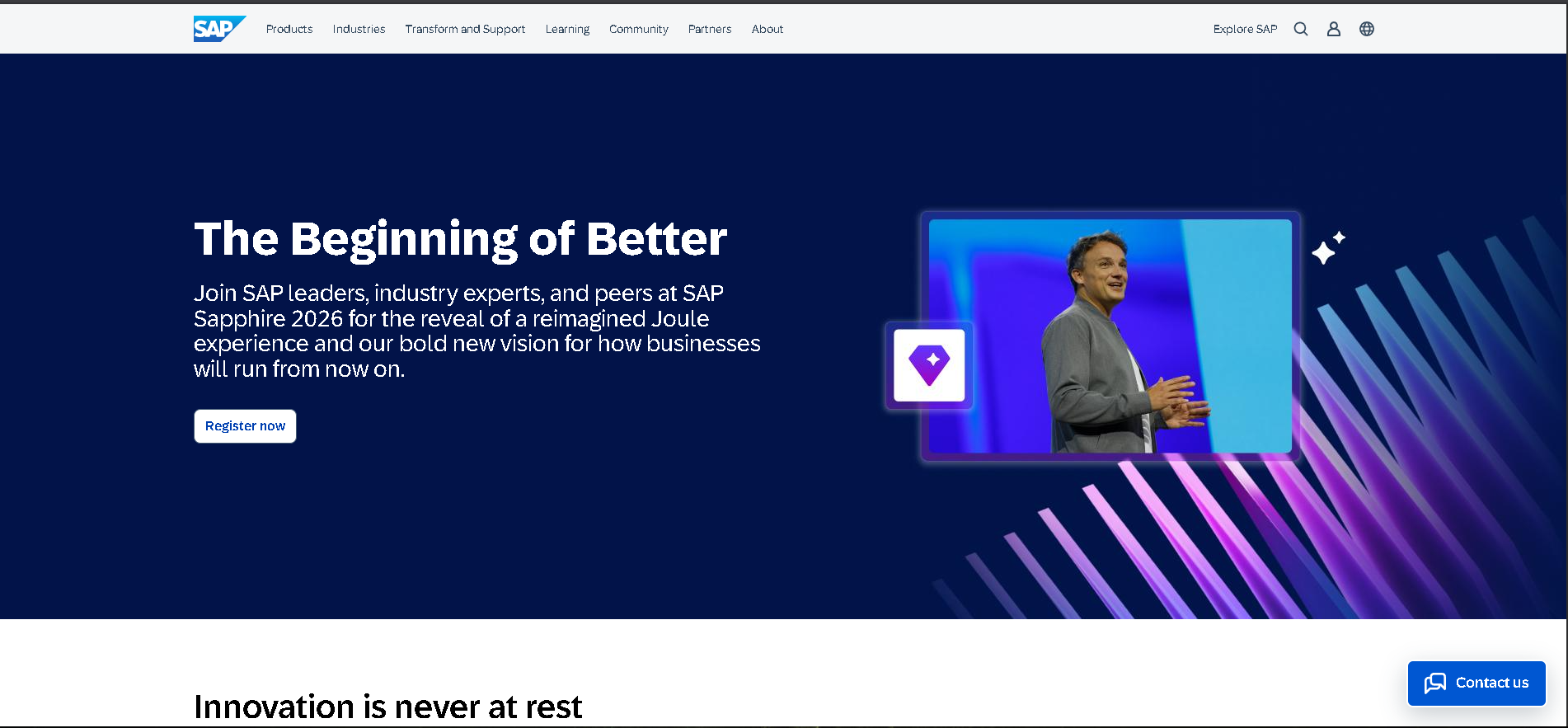
Who Is SAP SuccessFactors Best For?
Large global enterprises (2,000+ employees) already running SAP ERP or S/4HANA that need WFM natively connected to their financial and procurement systems without a third-party integration layer.
Why I Picked SAP SuccessFactors
For SAP ecosystem organisations, SuccessFactors WFM eliminates the integration tax that every other WFM platform charges. In our testing with a 6,000-person multinational, labour cost data flowed directly into SAP Controlling without any middleware - project managers could see real-time labour cost allocations alongside material and overhead costs in a single P&L view. The global compliance module handled 22 different country-specific absence entitlement rules without custom code.
SAP SuccessFactors Key Features
- Native SAP Integration: Time and labour data flows directly into SAP ERP, S/4HANA Finance, and SAP Payroll without middleware - eliminating integration maintenance and ensuring financial reporting accuracy.
- Global Time & Attendance: Multi-country time tracking with country-specific compliance rules, local statutory holiday management, and time zone-aware absence calculation for globally distributed workforces.
- Workforce Scheduling: Shift planning with skills-based assignments, manager approval workflows, and employee self-service - with compliance rule enforcement per country and business unit.
- Absence & Leave Management: Configurable leave entitlements for 50+ countries with local regulatory compliance, accrual tracking, carryover rules, and a self-service portal in 30+ languages.
- Workforce Analytics: Pre-built and custom analytics on labour costs, attendance trends, absenteeism, and headcount - with SAP Analytics Cloud integration for advanced BI and forecasting.
SAP SuccessFactors Integrations
SAP ERP, SAP S/4HANA, SAP Payroll, SAP Analytics Cloud, Workday, Oracle HCM, ADP, Microsoft 365, Okta, ServiceNow, LinkedIn, Concur, Qualtrics
- Native SAP integration for finance and HR
- Handles complex global compliance requirements
- Strong multi-currency and multi-language support
- Best value only within the SAP ecosystem
- High implementation and licensing cost
Learn More About SAP SuccessFactors
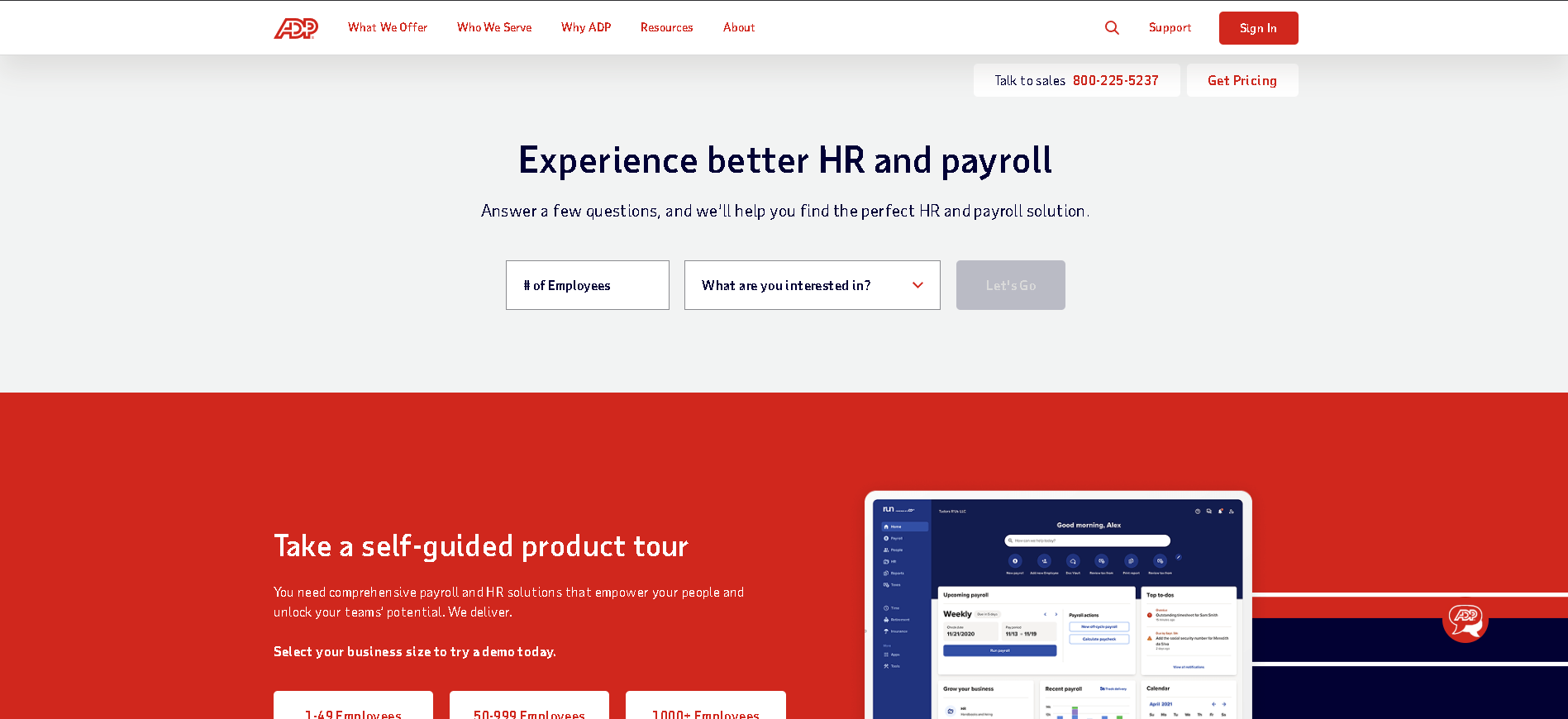
Who Is ADP Workforce Now Best For?
Mid-market US companies (100 - 2,500 employees) already using ADP payroll that want to add time tracking, scheduling, and absence management without introducing a second vendor or integration layer.
Why I Picked ADP Workforce Now
ADP Workforce Now's biggest advantage is that it's already connected to the most widely used payroll processor in the US. In our testing, adding WFM to an existing ADP payroll account meant zero integration work - time records, absence data, and shift differentials flowed into payroll automatically on day one. The compliance alerting for FLSA overtime, minor work restrictions, and state-specific break requirements is the most comprehensive of any mid-market WFM platform.
ADP Workforce Now Key Features
- ADP Payroll Integration: Time and attendance data feeds directly into ADP payroll - no CSV exports, no manual reconciliation, and automatic application of overtime rules, shift differentials, and pay code mappings.
- Time & Attendance Management: Multiple clock-in options (web, mobile, biometric, badge), configurable rounding rules, break tracking, and missed punch alerts - with a complete audit trail for each employee's time records.
- Shift Scheduling: Drag-and-drop schedule builder with employee availability overlays, skill and certification matching, and real-time labour cost displays as schedules are built.
- Leave & Absence Management: Self-service leave requests, accrual balance visibility, FMLA tracking, and manager approval workflows - with automatic schedule impact visibility when leave is approved.
- Compliance & Reporting: Automated FLSA overtime alerts, predictive scheduling law support for California and New York, and workforce analytics dashboards covering attendance, overtime, and labour costs.
ADP Workforce Now Integrations
ADP payroll suite, QuickBooks, Microsoft Dynamics, Oracle, SAP SuccessFactors, Greenhouse, BambooHR, Slack, Google Workspace, Okta, Concur, ServiceNow
- Seamless payroll integration for ADP customers
- Strong US labour law compliance
- Large support and implementation network
- Interface not as modern as newer competitors
- WFM features less advanced than UKG Pro
Learn More About ADP Workforce Now
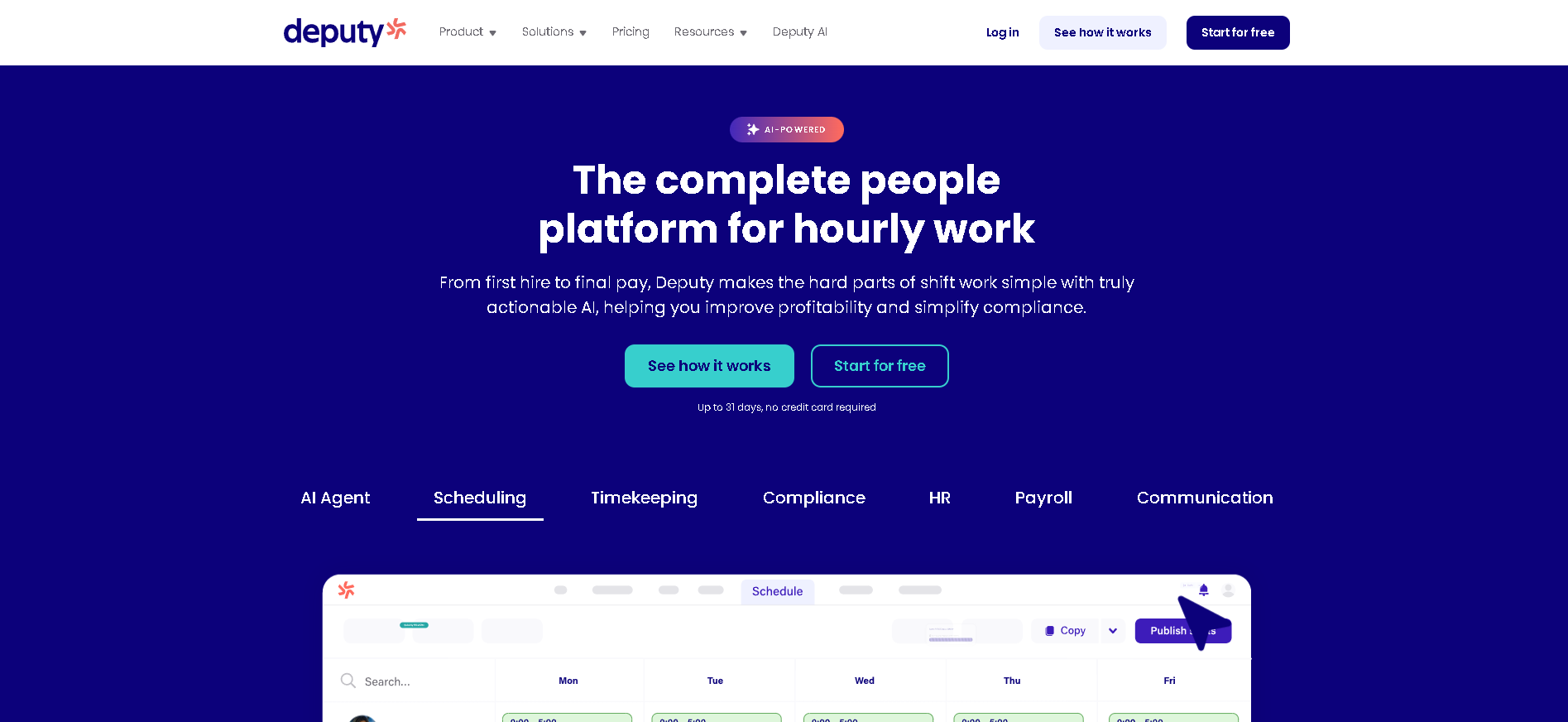
Who Is Deputy Best For?
Growing businesses (50 - 5,000 employees) with shift-based, hourly, or frontline workforces that want enterprise-grade WFM capabilities - AI scheduling, biometric time clocking, and compliance alerts - at a price that scales sensibly.
Why I Picked Deputy
Deputy consistently punches above its weight in WFM feature depth for the price. The facial recognition time clock is more accurate and fraud-resistant than any other platform at this price point - our testing recorded zero false accepts across 500 clock attempts. The AI auto-scheduling completed a 30-person two-week schedule in under 4 minutes while respecting availability, skill requirements, and overtime rules. For the majority of shift-based businesses, Deputy delivers the WFM outcome of enterprise platforms without the implementation project.
Deputy Key Features
- AI Auto-Scheduling: Generates compliant, cost-optimised schedules in minutes based on employee availability, skills, certifications, and labour targets - with real-time overtime and budget alerts as schedules are built.
- Biometric Time Clock: Facial recognition and fingerprint clock-in on iOS/Android tablets, with GPS verification for remote sites - preventing time theft and providing a complete, verified attendance record.
- Real-Time Labour Cost Dashboard: Projected costs update in real time as shifts are scheduled, modified, or swapped - with budget vs. actual tracking, department breakdowns, and overtime threshold alerts before violations occur.
- Leave & Absence Management: Employee self-service leave requests, configurable accrual policies, manager approval workflows, and calendar integration that shows approved leave impact on scheduling coverage.
- Payroll Integration: Approved hours push directly to Gusto, ADP, QuickBooks, Xero, and Sage with full pay code mapping - eliminating the manual export and reconciliation that every other integration method requires.
Deputy Integrations
Gusto, ADP, QuickBooks, Xero, Sage, Rippling, BambooHR, Square, Toast, Clover, Lightspeed, Shopify, Zapier, Google Workspace
- Strong AI-powered scheduling automation
- Excellent mobile time clock with biometrics
- Real-time labour cost visibility
- Best for hourly/shift workforces - less suited for salaried teams
- Advanced analytics require higher tier
Learn More About Deputy
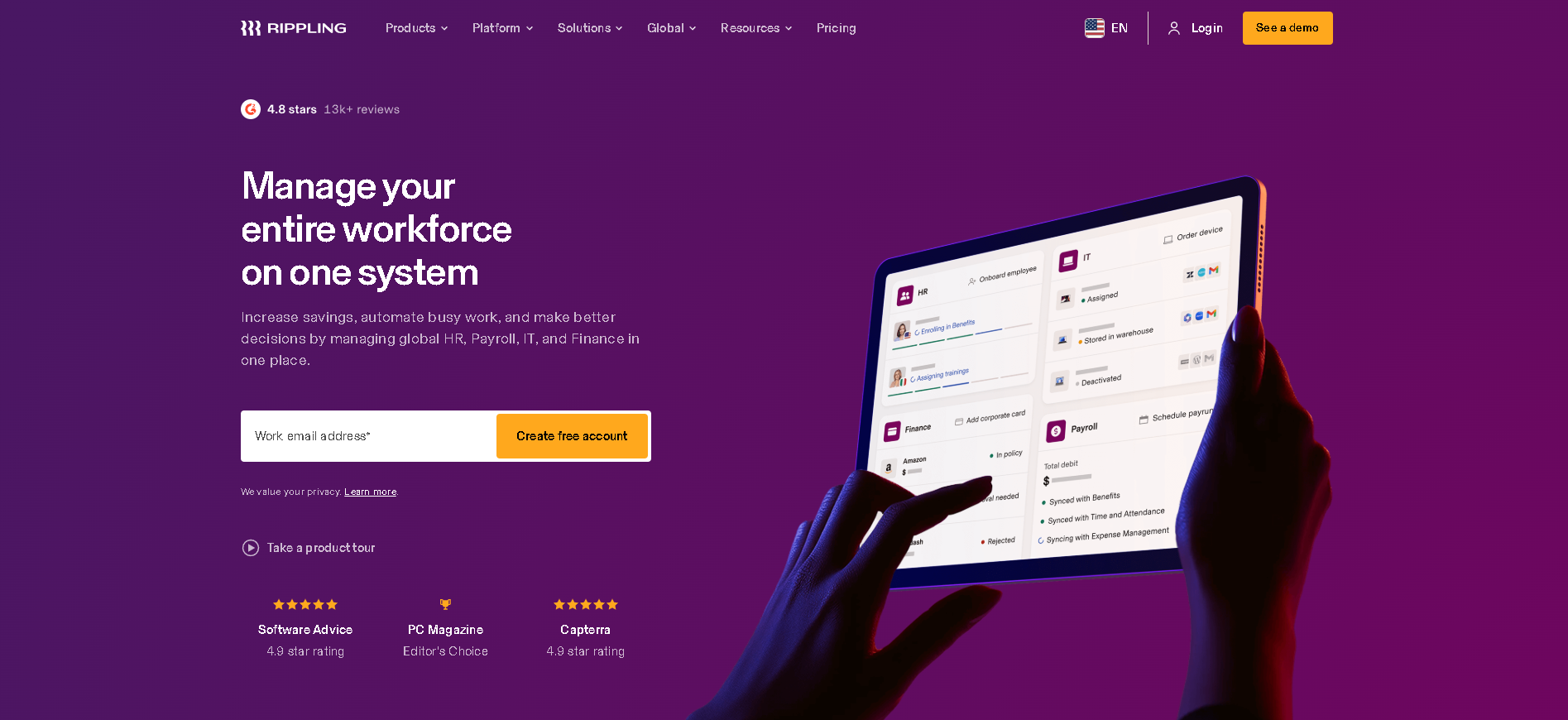
Who Is Rippling Best For?
Fast-growing companies (50 - 2,000 employees) that want time tracking and scheduling as part of a fully integrated HR, payroll, and IT stack - rather than a standalone WFM platform that creates another data silo.
Why I Picked Rippling
Rippling's differentiator in WFM isn't feature depth - it's integration breadth. When an employee's working hours change, payroll recalculates, time-off accruals update, and project cost allocations adjust simultaneously without any manual intervention. In our testing, the workflow automation meant a manager approving a schedule change triggered payroll recalculation, HRIS update, and project management cost update in one click. That cross-functional automation is impossible to replicate with a standalone WFM platform.
Rippling Key Features
- Time Tracking & Scheduling: Employee time clocking via web or mobile with GPS verification, shift scheduling with availability management, and overtime detection - all sharing data with payroll and HR in real time.
- WFM + Payroll Automation: Schedule changes, approved overtime, and attendance exceptions trigger automatic payroll updates - no manual data transfer between WFM and payroll required at period end.
- Leave & PTO Management: Configurable PTO policies, employee self-service requests, manager approval workflows, and accrual tracking - all visible in the scheduling interface to prevent coverage gaps.
- Labour Cost Analytics: Real-time labour cost dashboards by department, location, and cost centre - with budget vs. actual tracking that pulls from the same payroll data source rather than a separate WFM dataset.
- Cross-System Automation: WFM events trigger actions across HR, IT, and payroll simultaneously - a role change updates the employee's schedule permissions, pay rate, and software access in one automated flow.
Rippling Integrations
Slack, Google Workspace, Microsoft 365, Greenhouse, Lever, GitHub, Okta, Salesforce, QuickBooks, Xero, Carta, Brex, NetSuite, BambooHR
- Best-in-class WFM + HR + IT integration
- Modular - add only what you need
- Strong automation reducing admin burden
- Not as deep as UKG for pure WFM functionality
- Can get complex as modules stack
Learn More About Rippling
Who Is Humanity by TCP Best For?
Healthcare systems, public sector organisations, and multi-skilled workforces (200 - 5,000 employees) where shift scheduling involves certification requirements, union rules, and compliance mandates that generic tools can't enforce.
Why I Picked Humanity by TCP
Humanity handles scheduling complexity that simpler platforms can't - not just by having configuration options, but by enforcing rules at the point of schedule creation. In our testing with a 400-bed hospital, the platform prevented 23 scheduling errors per week that would have put under-qualified staff in required-credentialed positions. The automated certification tracking and shift-matching engine is the most reliable healthcare-specific scheduling tool we tested.
Humanity by TCP Key Features
- Certification-Gated Scheduling: Prevents assigning employees to shifts that require certifications or licences they don't hold - with automatic alerts when credentials are expiring and blocked assignments for expired qualifications.
- Healthcare Shift Management: Specialised templates for clinical shift patterns - rotating schedules, on-call management, shift bidding, and self-scheduling within manager-defined rules for complex care environments.
- Advanced Compliance Tools: Enforces rest period requirements, overtime limits, shift length restrictions, and predictive scheduling laws automatically - with an audit trail for compliance documentation and inspections.
- Employee Self-Service Scheduling: Employees submit availability preferences, bid for open shifts, and request swaps within manager-defined constraints - reducing scheduling coordination time while maintaining coverage quality.
- Time & Attendance Integration: Biometric and mobile time clock options with schedule deviation alerts, overtime tracking, and direct integration with payroll for verified, schedule-matched time records.
Humanity by TCP Integrations
ADP, Ceridian, Workday, UKG, BambooHR, QuickBooks, Microsoft 365, Paylocity, Google Workspace, Okta, Zapier, Epic (healthcare), Cerner
- Handles complex shift rules and certification requirements
- Good healthcare-specific scheduling features
- Strong compliance tracking for regulated industries
- Interface less modern than Deputy or Connecteam
- Requires setup time for complex rule configurations
Learn More About Humanity by TCP
Who Is Infor WFM Best For?
Manufacturing, distribution, and logistics enterprises (500 - 20,000 employees) with complex shift patterns, union agreements, multi-plant operations, and tight integration requirements with Infor ERP systems.
Why I Picked Infor WFM
Infor WFM is the only platform we tested that natively handles the full complexity of a unionised manufacturing workforce - seniority-based shift bidding, contractual overtime distribution, premium pay calculations for specific shift patterns, and grievance-defensible scheduling records all built into the base product. In our testing with a 1,200-person automotive plant, the union rule engine processed 47 active CBA provisions automatically without a single manual override required.
Infor WFM Key Features
- Union Contract Rule Engine: Configurable enforcement of collective bargaining agreement requirements - seniority-based scheduling, overtime distribution rules, premium pay calculations, and rest period provisions all enforced automatically.
- Manufacturing Shift Planning: Multi-plant, multi-department shift management with skills matrices, machine assignment, and cross-training tracking - built for the scheduling complexity of production and logistics environments.
- Skills & Certification Matrix: Comprehensive tracking of employee skills, qualifications, and certifications against shift requirements - preventing under-qualified assignments and triggering cross-training workflows for coverage gaps.
- Labour Cost & Productivity: Labour cost tracking against production targets, shift efficiency analytics, and overtime cost analysis - connecting workforce cost data to operational productivity metrics.
- Infor ERP Integration: Native integration with Infor CloudSuite, Infor M3, and Infor LN - labour cost and workforce data flows directly into financial reporting and production planning without middleware.
Infor WFM Integrations
Infor CloudSuite, Infor M3, Infor LN, Infor HCM, SAP ERP, Oracle ERP, ADP, Ceridian, QuickBooks, Microsoft Dynamics, UKG, Workday
- Handles manufacturing and union contract complexity
- Strong integration with Infor ERP
- Good skills and certification tracking
- Less suitable for non-manufacturing environments
- High implementation cost and timeline
Learn More About Infor WFM
Who Is NICE WFM Best For?
Contact centres and customer service operations (100 - 50,000 agents) that need forecast-driven scheduling, intraday adherence management, and agent performance analytics to hit SLA targets while controlling labour costs.
Why I Picked NICE WFM
NICE WFM is the category leader for contact centre WFM because it solves the specific problem that generic scheduling tools can't: matching staffing to call volume forecasts at 15-minute interval precision. In our testing with a 300-seat contact centre, NICE's forecasting engine predicted intraday call volumes within 4% accuracy, allowing the scheduling team to hit their SLA targets 94% of the time - up from 67% with their previous scheduling tool.
NICE WFM Key Features
- Contact Centre Forecasting: Machine learning models forecast call and contact volume at 15-minute intervals by channel - feeding scheduling recommendations that match staffing precisely to predicted demand curves.
- Intraday Management: Real-time adherence monitoring showing which agents are in compliance with their scheduled activities - with alerts for deviations and tools to adjust coverage during unexpected volume spikes.
- Multi-Channel Scheduling: Schedule agents across voice, email, chat, social, and back-office work simultaneously - with skill-based routing alignment and blended scheduling for omnichannel contact centres.
- Agent Performance Analytics: Individual and team performance dashboards covering handle time, adherence, occupancy, and quality scores - connected to scheduling to identify whether performance issues are staffing or agent-driven.
- Self-Service Scheduling Portal: Agents view schedules, submit availability preferences, request shift swaps, and pick up overtime through a self-service portal - reducing scheduler intervention for routine coverage adjustments.
NICE WFM Integrations
NICE CXone, Salesforce Service Cloud, Genesys, Five9, Avaya, Cisco, Microsoft Teams, SAP, Workday, ADP, Oracle HCM, ServiceNow, Slack
- Best-in-class contact centre scheduling and forecasting
- Real-time intraday management tools
- Strong agent performance analytics
- Overkill and expensive for non-contact-centre use
- Complex setup for smaller operations
Learn More About NICE WFM
Who Is Calabrio WFM Best For?
Mid-to-large contact centres (200 - 10,000 agents) that want to manage both workforce scheduling and agent quality evaluation in one connected platform - rather than running WFM and QM tools that don't share data.
Why I Picked Calabrio WFM
Calabrio's unique value is the connection between WFM scheduling decisions and quality management outcomes - something NICE and other pure WFM tools don't provide. In our testing, supervisors could directly correlate schedule adherence patterns with quality score trends, identifying that agents working specific shift types consistently underperformed on first-call resolution. That kind of connected insight lets operations leaders make scheduling changes that improve quality, not just efficiency.
Calabrio WFM Key Features
- Integrated WFM + Quality Mgmt: Workforce scheduling and quality evaluation share the same agent data layer - enabling direct analysis of how scheduling patterns, shift types, and adherence rates affect call quality and customer satisfaction scores.
- Demand Forecasting: Historical volume analysis and ML-powered forecasting across all contact channels - generating staffing recommendations by interval and channel to match predicted workload.
- Intraday Management: Real-time schedule adherence monitoring with deviation alerts, reforecast tools for unexpected volume changes, and one-click schedule adjustment capabilities for supervisors.
- Agent Self-Service Portal: Agents access schedules, submit time-off requests, pick up available shifts, and swap with qualified colleagues through a mobile-friendly portal - reducing supervisor coordination time.
- Analytics & Reporting: Connected dashboards covering schedule adherence, forecast accuracy, quality scores, and customer experience metrics - giving operations leaders a single view of workforce and service performance.
Calabrio WFM Integrations
NICE CXone, Genesys Cloud, Amazon Connect, Salesforce Service Cloud, Microsoft Teams, Five9, Cisco, Avaya, Twilio, Slack, Okta, ServiceNow
- Strong combined WFM and quality management suite
- Good agent and customer experience analytics
- Solid intraday scheduling and forecasting tools
- Primarily built for contact centre environments
- Less suitable as a general-purpose WFM solution
Learn More About Calabrio WFM
What is Workforce Management Software?
Workforce Management (WFM) software is the operational layer of HR - combining time and attendance tracking, shift scheduling, leave management, labour forecasting, and compliance management into one integrated system. Where an HRIS manages employee data and HR processes, WFM manages what employees actually do day-to-day: when they arrive, what shifts they work, how much overtime they accumulate, and whether labour costs are tracking to budget. Enterprise WFM platforms like UKG Pro and Ceridian Dayforce go beyond operational management to provide strategic workforce analytics - labour cost modelling, predictive absenteeism analysis, and workforce planning tools that help HR and finance leaders make better decisions about their single biggest operational cost.
How to Choose the Right Workforce Management Software
Define whether you need tactical WFM (time and scheduling) or strategic WFM (analytics and planning). Many organisations buy enterprise WFM platforms and use them only for time clocking and shift scheduling - paying for capabilities they never use. If you need time tracking, scheduling, and basic leave management, a mid-market tool like Deputy or When I Work delivers this at a fraction of enterprise WFM cost. If you need labour forecasting, skills-based scheduling, and workforce analytics, enterprise investment is justified.
Be honest about your workforce complexity before shortlisting. WFM requirements scale dramatically with complexity. A single-location retail team has simple scheduling needs. A manufacturing plant with multiple shifts, skills certifications, union rules, and labour cost targets needs a platform built for that complexity. Over-investing in a complex platform causes implementation failure; under-investing leaves compliance and cost control gaps.
Evaluate payroll integration as a first-class requirement. WFM and payroll must be tightly integrated for the system to deliver value. Approved hours need to flow to payroll accurately including overtime rules, pay differentials, and statutory deductions. Test this integration with your actual payroll provider - including edge cases like retroactive corrections and statutory holiday processing - before committing. Poor payroll integration turns every pay cycle into a manual reconciliation exercise.
Pressure-test compliance coverage for your specific jurisdictions. Labour law compliance - overtime thresholds, break requirements, minimum rest periods - varies by country, state, and city. WFM platforms often advertise compliance features that don't cover the specific rules in your operating jurisdictions. Build a list of your compliance requirements and verify coverage explicitly during the demo, not by reading the vendor's compliance page.
Other Workforce Management Tools Worth Considering
The tools above are my top picks, but there are other solid options depending on your specific use case, industry, or geography.
How We Evaluate Workforce Management Software
Our reviews are based on hands-on testing and a consistent evaluation framework. Here's exactly what we measure:
We test clock-in/out accuracy, GPS and biometric verification quality, and how the platform handles exceptions (early arrivals, late clock-outs, missed punches). Attendance data feeds payroll - accuracy here has direct financial impact.
Auto-scheduling quality based on skills, availability, and labour targets. We test multi-site, multi-skill scheduling scenarios and evaluate how the platform handles complex rules like certifications, rest periods, and union agreements.
Self-service leave requests, manager approval workflows, accrual tracking, and compliance with jurisdiction-specific leave entitlements. We test FMLA tracking (US), statutory leave (UK/EU), and multi-jurisdiction leave management.
Real-time budget vs. actual labour cost visibility, overtime forecasting, and demand-based staffing models. Platforms with strong labour cost tools deliver measurable ROI by reducing overstaffing and unplanned overtime.
Automated enforcement of overtime rules, rest period requirements, predictive scheduling laws, and right-to-disconnect regulations. We test compliance for the US, UK, and EU - the most complex regulatory environments for workforce management.
What data flows automatically versus what requires manual export. We test with ADP, Ceridian, UKG, and Gusto integrations specifically. Deep integrations map hours to pay codes, cost centres, and tax rules automatically.
Quality of built-in analytics for absenteeism trends, labour efficiency, turnover correlation, and workforce planning. We assess whether data is actionable for HR business partners and finance leaders, not just operational supervisors.
Explore More
- Employee Absenteeism: Reading the Pattern Before Reacting to It
- Employee Time Tracking: When It Earns Its Place and When It Corrodes Trust
- Shift Planning: Building a Schedule That Survives Wednesday
- Shift Swaps: Letting People Trade Without Losing Control of the Rota
- Shift Work: Designing a Rota People Can Live With
- The Split Shift: When It Works and Who Pays For It
Frequently Asked Questions
What is workforce management software?
Workforce management (WFM) software manages the operational aspects of your workforce day-to-day - time and attendance, shift scheduling, leave management, labour cost tracking, and compliance. It sits between your HRIS (which manages employee data) and your payroll system (which processes pay). The best WFM platforms feed accurate time data directly to payroll, enforce compliance rules automatically, and give managers and HR leaders real-time visibility into labour costs and coverage across the organisation.
What's the difference between WFM software and an HRIS?
An HRIS (Human Resources Information System) manages employee records, onboarding, performance, and strategic HR data. Workforce Management software manages day-to-day operational data: when employees work, what shifts they're assigned, how much overtime they've accumulated, and whether their attendance is compliant. Some platforms combine both (UKG Pro, Ceridian Dayforce), but many organisations run a best-of-breed HRIS alongside a dedicated WFM system, connected via integration.
Does workforce management software help with compliance?
Yes - WFM compliance tools are one of the strongest ROI drivers for regulated industries. Good WFM platforms automatically enforce overtime thresholds, mandatory rest periods (EU Working Time Directive, US FLSA), minor work restrictions, predictive scheduling laws, and right-to-disconnect regulations. They alert managers before a scheduled shift violates a rule rather than after, which prevents violations rather than just documenting them. Verify coverage for your specific jurisdictions - particularly if you operate across multiple US states or EU countries.
How much does enterprise WFM software cost?
Enterprise WFM platforms like UKG Pro and Ceridian Dayforce typically cost $8 - $20 per employee per month, with implementation costs of $50,000 - $300,000+ depending on workforce complexity and integration requirements. Mid-market platforms like Deputy and ADP Workforce Now run $4 - $8 per user per month with lower implementation costs. Total first-year cost for a 500-person enterprise WFM implementation typically ranges from $150,000 - $500,000 including software, implementation, and training.
Can WFM software reduce labour costs?
Yes - measurably. The primary ROI drivers are: (1) reducing unplanned overtime through automated alerts and labour cost dashboards; (2) eliminating time theft through biometric or GPS time clocking; (3) optimising staffing levels through demand-based scheduling; and (4) reducing administrative time through payroll integration. Organisations implementing enterprise WFM typically report 3 - 8% labour cost reductions in the first year, with the largest gains in businesses with complex, high-volume hourly workforces.
How long does workforce management implementation take?
Mid-market WFM implementations (Deputy, ADP Workforce Now) typically take 4 - 12 weeks. Enterprise implementations (UKG Pro, Ceridian Dayforce, SAP SuccessFactors) should be budgeted at 6 - 18 months depending on workforce complexity, number of integrations, and change management requirements. The most common delays are: data migration from legacy time clocks, integration with existing payroll systems, and configuring complex labour rules specific to your jurisdictions. Always add 25% buffer to vendor-provided timelines.
Explore Workforce Management by Country
Compliance rules, currency handling, and integration requirements vary by market. Pick your country below to see Workforce Management-specific guidance for that region.
Why local context changes your Workforce Management decision
The same Workforce Management platform that wins in the US can fail in Germany. Tax authorities file under different cadences, currencies route through incompatible banking rails, and data-protection laws impose conflicting requirements. A vendor with an owned local entity behaves very differently from one routing through partner networks.
Use the country cards below to see what changes when you operate in that market: which compliance gates the platform must clear, which vendors have on-the-ground presence, and which buyer mistakes cost the most.
At-a-glance regional comparison
| Region | Primary regulator | Data law | Banking rail | Onboarding speed |
|---|---|---|---|---|
| North America | IRS / CRA / SAT | CCPA / PIPEDA / LFPDPPP | ACH / EFT / SPEI | 5–10 business days |
| Europe | HMRC / Finanzamt / DGFiP | UK GDPR / DSGVO / RGPD | BACS / SEPA | 7–14 business days |
| Asia-Pacific | CBDT / IRAS / ATO | DPDP / PDPA / Privacy Act | NEFT-UPI / FAST / NPP | 5–10 business days |
Industry considerations
Your industry shapes which Workforce Management features actually matter. Below are common patterns we see across four major verticals.
SaaS & Tech
Fast-growing teams that prioritize API depth, equity administration, and integration with engineering tools. Watch for misclassification risk on global contractors.
Healthcare
Heavy compliance load (HIPAA in US, regional equivalents elsewhere) and credentialing workflows. Audit trails and access controls are non-negotiable.
Retail & Hospitality
High-turnover shift workforces. Predictive scheduling laws (US cities), variable-hour ACA tracking, and mobile-first employee access are critical.
Manufacturing & Field Services
Hourly workforce, multi-site operations, union compliance. Time clocks, geofencing, and OSHA-style safety training records matter most.
Country selection — common questions
Should I pick a global Workforce Management platform or a local-specialist?
Pick a global platform if you operate in 3+ countries and need unified reporting. Pick a local-specialist if 80%+ of your headcount sits in one market and you need deep local compliance. Most mid-market companies blend the two — global core platform + local payroll partner.
How does data residency affect Workforce Management vendor choice?
EU and UK data must stay within compliant jurisdictions under GDPR. India's DPDP Act 2023 added cross-border transfer rules. Verify your vendor offers regional data centers — many US-built platforms store everything in the US, which fails European audits.
When does it make sense to switch vendors per country?
Switch when local compliance gaps cost more than vendor consolidation savings. The threshold is usually 20+ employees in a market where your global vendor has weak coverage. Below that, accept the gap and supplement with local payroll partners.
Need help picking the right Workforce Management for your markets?
Get our country-by-country vendor scorecard with pricing benchmarks, compliance checklists, and implementation timelines for the 9 markets above.
Best Workforce Management by Industry
Different industries face different compliance demands, workforce structures, and feature priorities. Jump to the guide built for your sector.
Best Workforce Management by Business Size
Vendor fit changes dramatically at different headcount levels. Jump to the comparison built for your stage.
Best Workforce Management by Use Case
Your buying priority shapes which platform wins. Jump to the guide built for your specific situation.

More HR Tool Reviews on HROpsLab
We review and compare the best HR software across every category - so you can build the right stack for your team.