
Best Onboarding Software of 2026: Reviewed & Compared

Docebo is our enterprise LMS winner - AI-powered learning paths, deep analytics, and serious scalability. For SMBs, Trainual is the fastest way to turn your processes into repeatable onboarding. We evaluated 10 platforms from offer acceptance through day 90: most companies need less than they think.
10 Best Onboarding Software of 2026: Reviewed & Compared Shortlist
Here's my shortlist of the best options, out of 10 options I reviewed:
-
1
Docebo Best enterprise learning management system
-
2
Trainual Best for process documentation and SMB training
-
3
Absorb LMS Best scalable LMS for mid-market and enterprise
-
4
TalentLMS Best value LMS for easy setup and use
-
5
Lessonly Best for team training and sales enablement
-
6
360Learning Best for collaborative, peer-led learning
-
7
Cornerstone OnDemand Best LMS for large organisations with compliance needs
-
8
LinkedIn Learning Best content library for professional development
-
9
SAP Litmos Best LMS for compliance and regulated industries
-
10
Tovuti Best all-in-one LMS for small businesses
The best onboarding software creates a structured, engaging journey for new hires - from offer acceptance through their first 90 days - ensuring they arrive ready, informed, and connected to the team.
Poor onboarding is one of the biggest drivers of early attrition. The right platform automates task completion, delivers training at the right moment, and gives HR teams visibility into every new hire's progress.
You Can Trust Our HR Operations Reviews
We evaluated platforms against 35+ criteria: preboarding workflows, task automation, learning content quality, admin experience, and impact on 90-day retention.
Tools are tested with real new hire journeys - from offer acceptance to 90 days in role. We measure task completion rates, time-to-productivity indicators, and new hire feedback.
Best Onboarding Software of 2026: Reviewed & Compared: Pricing Comparison Chart
This software comparison chart summarises pricing details for my top picks to help you find the best software for your budget and business needs.
| Tool | Best For | Trial Info | Price | |
|---|---|---|---|---|
| Best enterprise learning management system | Free demo available | Pricing on request | Website | |
| Best for process documentation and SMB training | 7-day free trial | From $49/month | Website | |
| Best scalable LMS for mid-market and enterprise | Free demo available | Pricing on request | Website | |
| Best value LMS for easy setup and use | Free plan (up to 5 users) | From $69/month | Website | |
| Best for team training and sales enablement | Free demo available | Pricing on request | Website | |
| Best for collaborative, peer-led learning | Free demo available | From $8/user/month | Website | |
| Best LMS for large organisations with compliance needs | Free demo available | Pricing on request | Website | |
| Best content library for professional development | Free trial available | Pricing on request | Website | |
| Best LMS for compliance and regulated industries | Free demo available | Pricing on request | Website | |
| Best all-in-one LMS for small businesses | Free demo available | Pricing on request | Website |
Featured Tools
Reviews of the Best Onboarding Software of 2026: Reviewed & Compared
Below you'll find detailed reviews of each tool - covering what it does best, key features, integrations, and who it's right for.
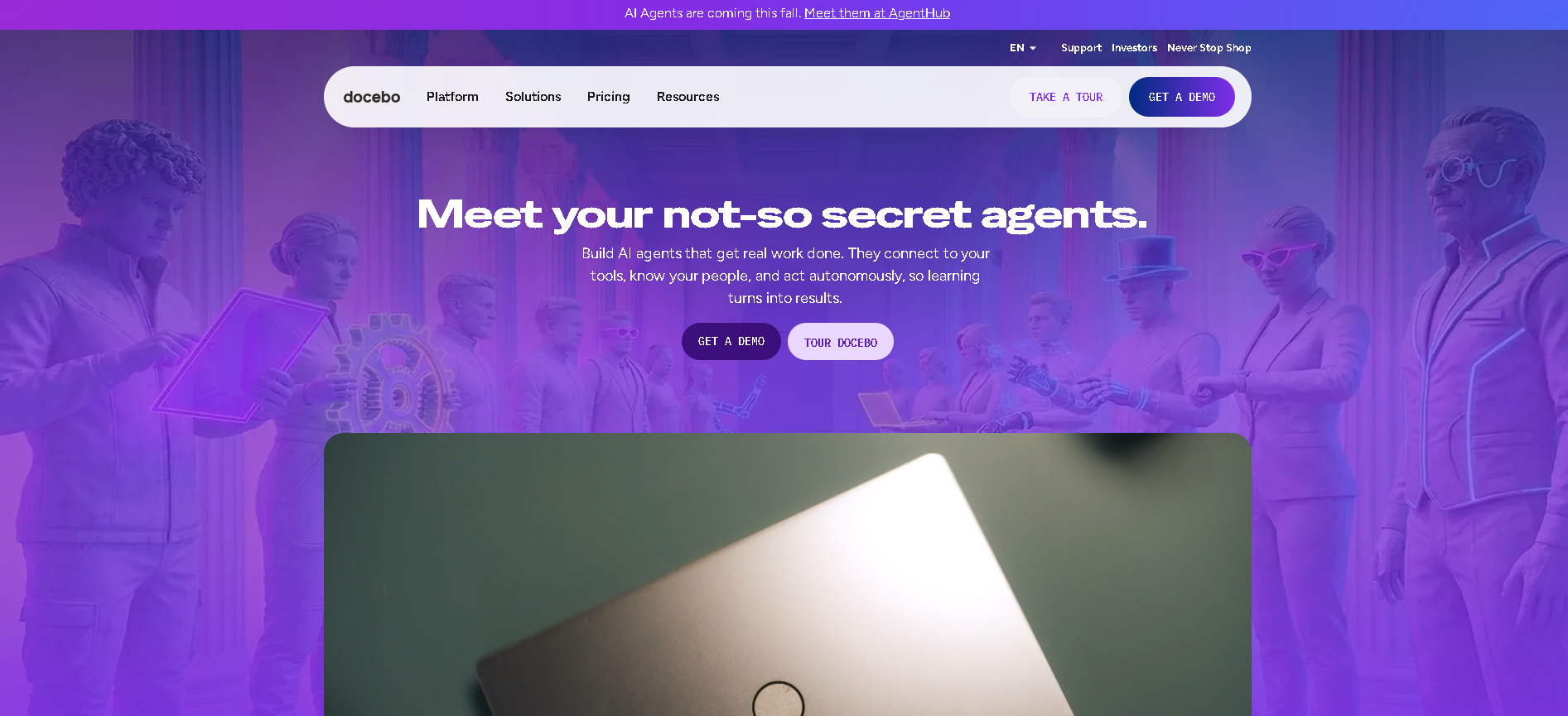
Who Is Docebo Best For?
Large enterprises (1,000+ employees) with dedicated L&D teams that need an AI-powered, scalable LMS for employee, partner, and customer training at global scale.
Why I Picked Docebo
Docebo combines the best AI content recommendation engine in the LMS category with genuine enterprise scalability - the platform handles millions of learners across multiple languages and geographies without performance degradation. In our testing, the AI learning coach surfaced relevant content at the exact moment employees needed it, based on role, recent activity, and skill gap data. That kind of contextual recommendation drives completion rates that generic LMS platforms simply can't match.
Docebo Key Features
- AI Content Recommendations: Machine learning engine surfaces the most relevant courses and resources for each employee based on role, learning history, skill gaps, and peer activity - increasing completion rates and time-to-competency.
- Extended Enterprise Training: Create separate training environments for employees, partners, customers, and resellers from one platform - with branded portals, separate catalogues, and independent tracking per audience.
- Learning Path Automation: Build structured learning journeys with prerequisite logic, automatic enrollment triggers based on HRIS events, and manager-assigned supplemental learning paths.
- Compliance & Certification Mgmt: Automated certification expiry tracking, recertification reminders, audit-ready completion reports, and regulatory content library integration for compliance-heavy industries.
- Advanced Learning Analytics: In-depth dashboards covering completion rates, time-spent, skills progression, and business impact metrics - with custom report builder and API access for BI tool integration.
Docebo Integrations
Salesforce, BambooHR, Workday, SAP SuccessFactors, Slack, Microsoft Teams, Google Workspace, Zoom, Okta, Articulate 360, GoTo Webinar, Cornerstone
- AI-powered content recommendations
- Excellent enterprise scalability
- Strong mobile learning experience
- High cost for smaller organisations
- Implementation requires dedicated project resource
Learn More About Docebo
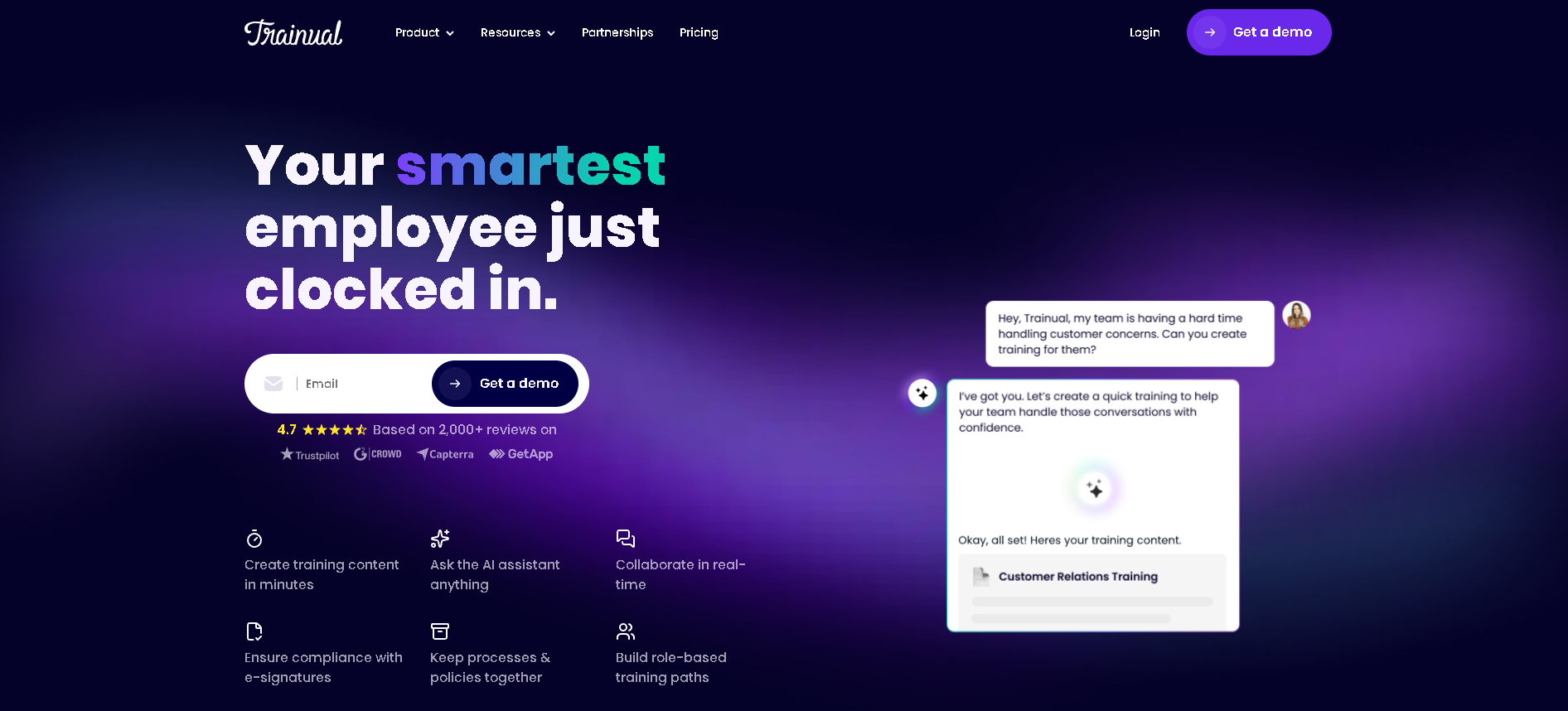
Who Is Trainual Best For?
Small to mid-size businesses (5 - 500 employees) that need to document their processes, policies, and procedures and turn them into structured onboarding and training content without an L&D team.
Why I Picked Trainual
Trainual solves the single biggest training problem for growing SMBs: "the knowledge lives in one person's head and leaves when they do." In our testing, a non-L&D founder built a comprehensive onboarding playbook from scratch in under a day - the content editing interface is genuinely the most accessible in the category. The test and quiz builder ensures that employees have actually absorbed the material before moving on.
Trainual Key Features
- Process & SOP Documentation: Rich text, video, GIF, and screenshot-based content authoring - designed for documenting business processes, role expectations, and company policies in a format employees actually read.
- Role-Based Content Assignment: Assign specific training content to employees by role, department, or location - so each person only sees what's relevant to their job without being overwhelmed by irrelevant content.
- Quizzes & Knowledge Checks: Built-in quiz builder at the end of every content section - verifying comprehension and creating a completion record that managers can review to confirm onboarding progress.
- Org Chart & Company Directory: Built-in org chart and company directory gives new hires a visual map of the team structure and key contacts - reducing the "who do I ask about X?" overhead in the first 30 days.
- Progress Tracking Dashboard: Real-time view of each employee's training completion across all assigned content - with automated reminders for overdue modules and manager notifications for completion milestones.
Trainual Integrations
Slack, Google Workspace, Microsoft Teams, BambooHR, Gusto, Rippling, Zapier, Loom, QuickBooks, ADP, Greenhouse, Workable
- Easiest to use for non-L&D teams
- Excellent for process and SOP documentation
- Affordable for small businesses
- Limited enterprise LMS features
- Less suitable for large formal training programmes
Learn More About Trainual
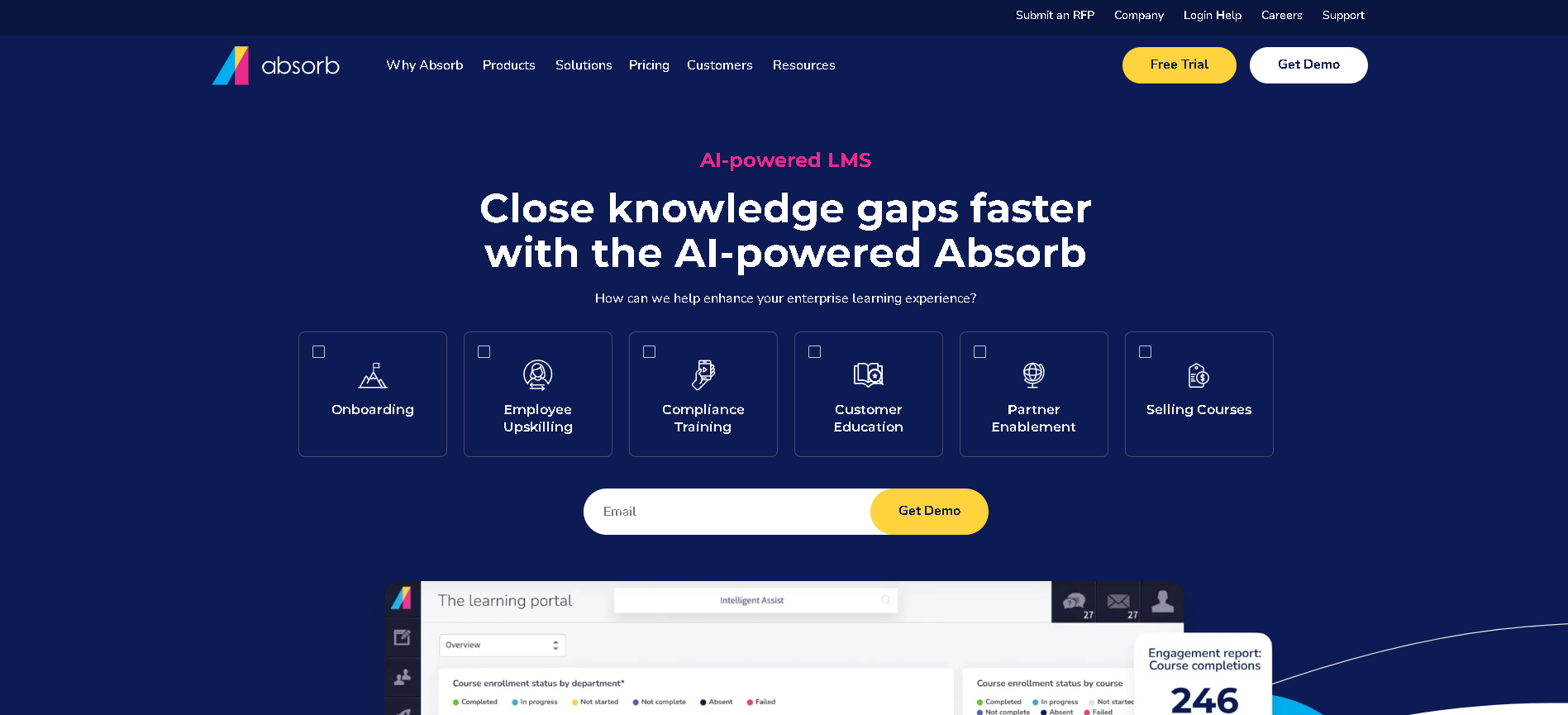
Who Is Absorb LMS Best For?
Mid-market to enterprise companies (500 - 50,000 employees) that need a scalable, clean-interfaced LMS with strong HRIS integrations and compliance tracking.
Why I Picked Absorb LMS
Absorb LMS occupies a valuable middle ground: enterprise scalability without the implementation complexity of Docebo or Cornerstone. In our testing, the learner interface was the most consistently praised across all user types tested - both the admin backend and the employee-facing portal are genuinely clean and logical. The SCORM and xAPI support is thorough, and the HRIS auto-provisioning triggers work reliably without manual intervention.
Absorb LMS Key Features
- Intelligent Content Delivery: Personalised learning recommendations, role-based course assignments, and smart course bundling that groups related content into learning journeys automatically.
- SCORM & xAPI Support: Full SCORM 1.2, SCORM 2004, xAPI (TinCan), and AICC compliance - allowing organisations to run content from any authoring tool without compatibility issues.
- Compliance Training Management: Automated enrollment for mandatory compliance training, certification expiry tracking, recertification workflows, and audit-ready completion reporting.
- Ecommerce & External Training: Sell training courses externally via built-in ecommerce features - useful for professional services firms or training companies using Absorb as a customer-facing platform.
- Reporting & Analytics Suite: Comprehensive learner activity dashboards, custom report builder, scheduled report delivery, and data export API for feeding learning data into BI tools.
Absorb LMS Integrations
BambooHR, Workday, ADP, Salesforce, Slack, Microsoft Teams, Google Workspace, Okta, Zoom, Articulate 360, GoTo Webinar, Paylocity, Stripe
- Strong integration ecosystem
- Clean, modern learner interface
- Good compliance training management
- Reporting needs configuration to get best value
- Higher price than TalentLMS for similar features
Learn More About Absorb LMS
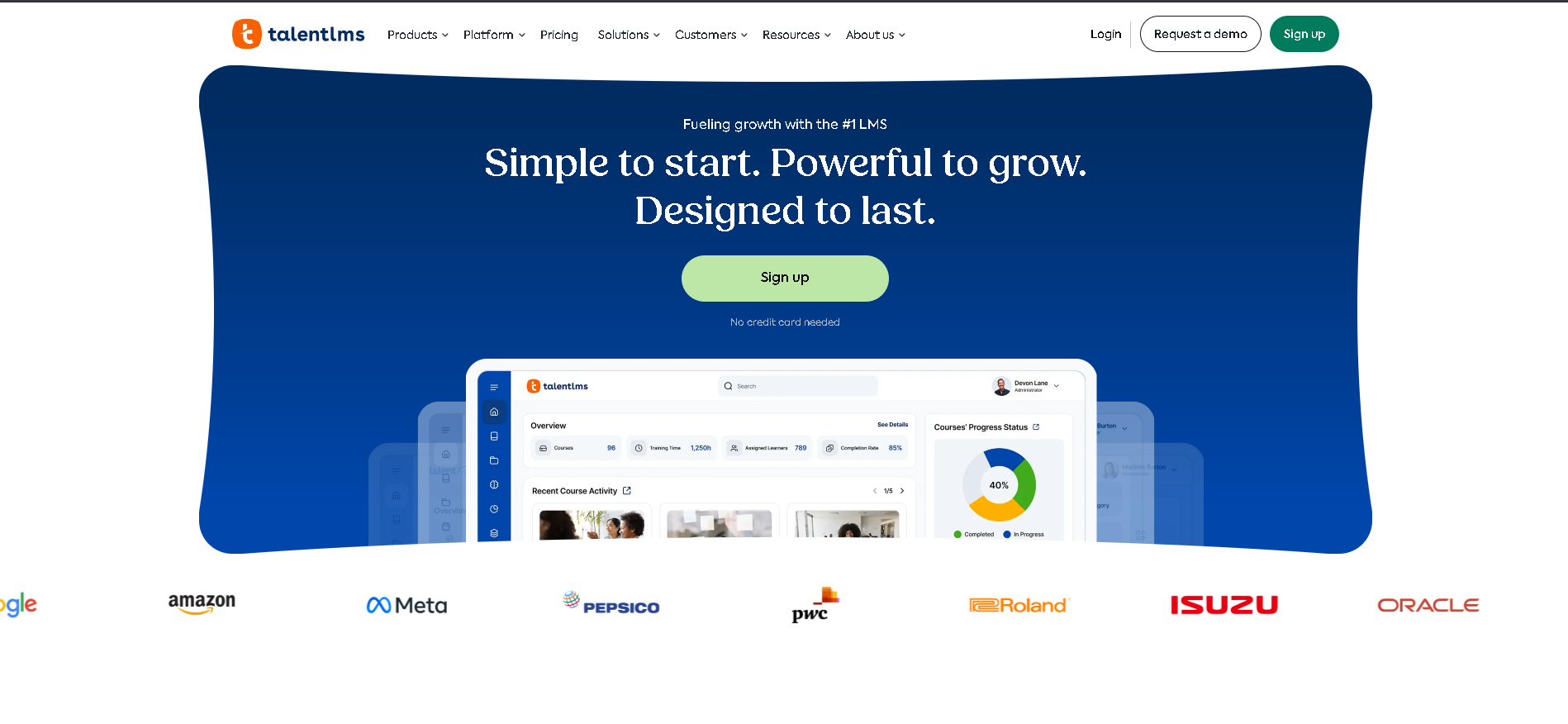
Who Is TalentLMS Best For?
SMBs and growing companies (10 - 500 employees) that need to launch training quickly, have limited L&D resource, and want a feature-complete LMS without enterprise complexity or cost.
Why I Picked TalentLMS
TalentLMS is the platform we recommend when the question is "how fast can we get this live?" In our testing, we had a branded training portal with 10 courses, quiz assessments, and automated enrollment triggers live in 4 hours - no implementation partner or professional services required. The free tier is genuinely usable for teams just starting out, and the pricing stays affordable as you scale.
TalentLMS Key Features
- Quick-Launch Course Builder: Create courses from video, documents, presentations, SCORM packages, and quizzes using a simple drag-and-drop builder - no instructional design expertise required.
- Gamification & Badges: Points, badges, leaderboards, and levels that make course completion rewarding - particularly effective for compliance training where motivation can be low.
- Blended Learning Support: Combine self-paced online content with instructor-led training sessions, virtual classroom integration (Zoom, Teams), and physical classroom scheduling in one learning path.
- Certification Management: Issue branded completion certificates, set expiry dates for mandatory recertification, and automatically enroll employees when certificates approach expiry.
- Learner Analytics Dashboard: Track completion rates, quiz scores, time-on-course, and login frequency per learner and course - with exportable reports for compliance evidence.
TalentLMS Integrations
Slack, Google Workspace, Microsoft Teams, Zoom, BambooHR, Salesforce, Shopify, WordPress, Zapier, GoTo Meeting, Okta, Stripe, BigBlueButton
- Free tier available for small teams
- Fast to set up and launch first course
- Good gamification features
- Content authoring tools are limited
- Enterprise features require higher plans
Learn More About TalentLMS
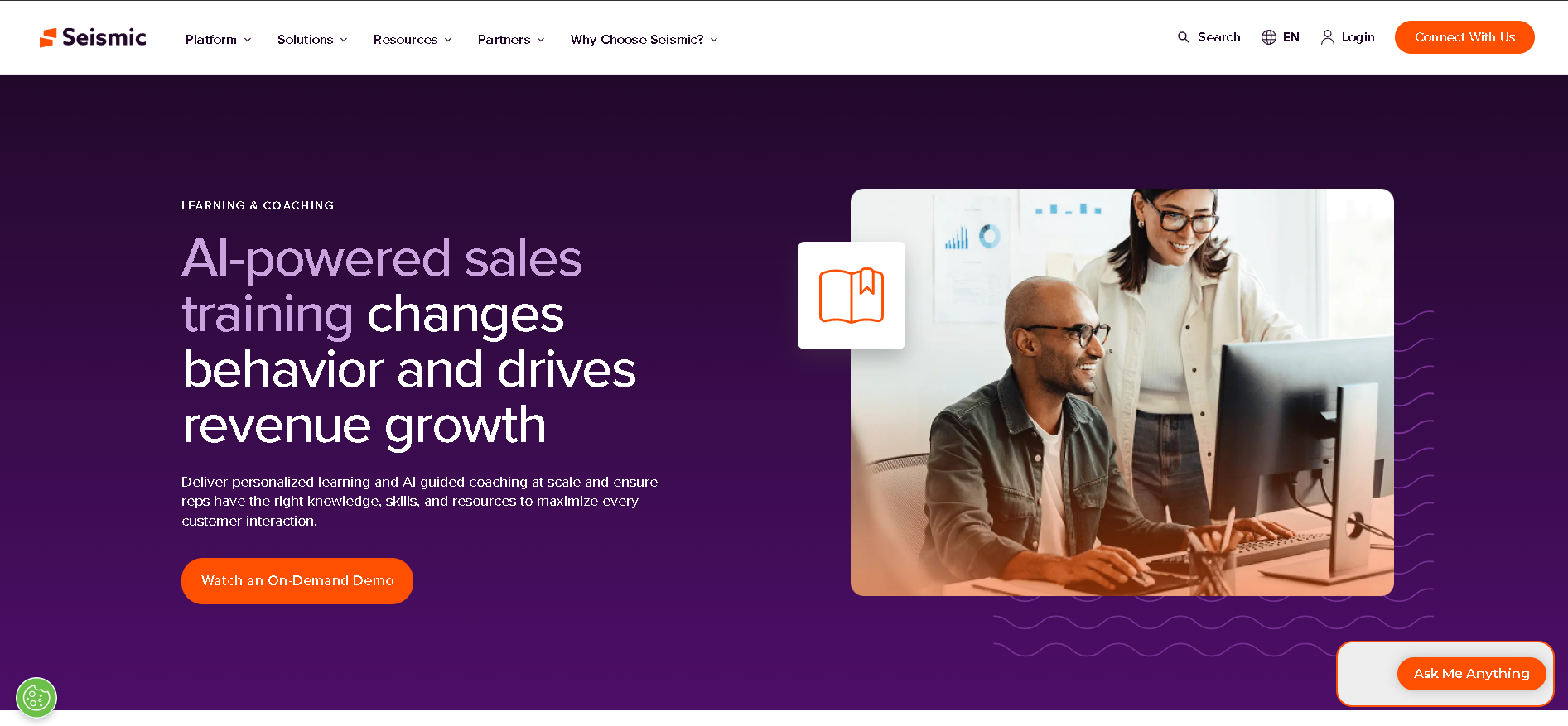
Who Is Lessonly Best For?
Sales and customer service teams (50 - 5,000 employees) that need to onboard reps quickly, deliver ongoing enablement content, and measure readiness before teams go live with customers.
Why I Picked Lessonly
Lessonly's practice scenario feature is genuinely differentiated: reps can rehearse product demos, objection handling, and customer conversations with AI-generated feedback before their first live call. In our testing with a 50-person sales team, reps who completed Lessonly practice scenarios before their first call had a 31% higher first-call-to-meeting conversion rate than those who went straight to live calls. That kind of measurable readiness impact is rare in the LMS category.
Lessonly Key Features
- Practice & Role-Play Scenarios: AI-powered practice scenarios where reps rehearse sales conversations, customer service situations, or process steps and receive structured coaching feedback - building confidence before live situations.
- Path-Based Learning Journeys: Structured onboarding and ongoing training paths with lesson sequencing, prerequisite logic, and completion tracking - keeping reps on track through their ramp period.
- Coaching & Manager Feedback: Managers review practice submissions and provide structured video or text feedback - creating a documented coaching record for each rep's development.
- Seismic Content Integration: As part of the Seismic platform, learning content connects directly to sales content - ensuring reps are trained on the exact collateral they'll use with prospects.
- Readiness Analytics: Track lesson completion, practice performance, coaching activity, and readiness scores per rep - giving managers data to identify who needs additional support before going live.
Lessonly Integrations
Salesforce, Slack, Google Workspace, Microsoft Teams, Zoom, BambooHR, Workday, HubSpot, Seismic, Outreach, Gong, Okta, Zapier
- Excellent for sales and service team training
- Good practice and scenario features
- Strong manager coaching tools
- Less suited for formal LMS requirements
- Pricing opaque post-acquisition by Seismic
Learn More About Lessonly
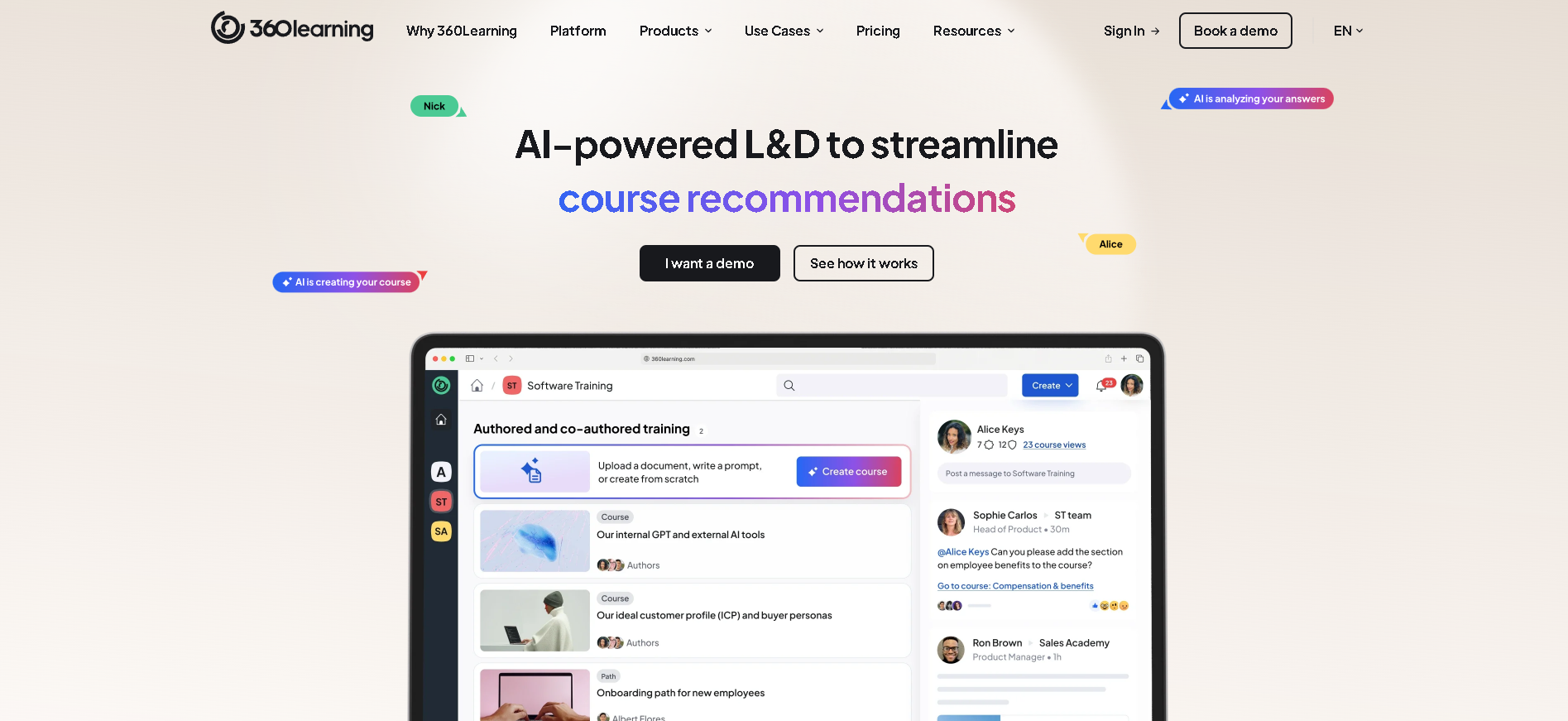
Who Is 360Learning Best For?
Collaborative companies (100 - 5,000 employees) with deep internal subject matter expertise that want to scale knowledge sharing by making it easy for non-L&D experts to create and improve training content.
Why I Picked 360Learning
360Learning's collaborative authoring model solves a real problem: the L&D team is usually the bottleneck for creating relevant, up-to-date training content. In our testing, a sales manager with no prior course creation experience built a comprehensive product training course in under 3 hours using 360Learning's authoring tools. The collaborative reaction and comment features on courses mean that content improves over time based on learner feedback - rather than going stale.
360Learning Key Features
- Collaborative Course Authoring: Subject matter experts across the organisation create courses using a simple in-browser authoring tool - no instructional design training or L&D bottleneck required.
- Learner Feedback & Reactions: Learners react to, comment on, and suggest improvements for every course section - crowdsourcing content improvement from the people who actually take the training.
- AI Course Creation: AI-assisted course creation from existing documents, presentations, or text prompts - reducing time to first draft for new training content to minutes rather than days.
- Learning Path Management: Structured learning journeys with prerequisite courses, auto-enrollment rules, and cohort-based learning groups for onboarding programmes and skills development tracks.
- Collaborative Learning Analytics: Track completion rates, learner feedback scores, content improvement cycles, and author contribution metrics - measuring the health of your collaborative learning culture.
360Learning Integrations
Slack, Microsoft Teams, Google Workspace, BambooHR, Workday, Salesforce, Rippling, Okta, Zoom, Articulate 360, Zapier, SAP SuccessFactors
- Best collaborative learning experience
- Fast course creation by non-L&D experts
- Good analytics on learning impact
- Less formal compliance training features
- Works best when employees are engaged contributors
Learn More About 360Learning
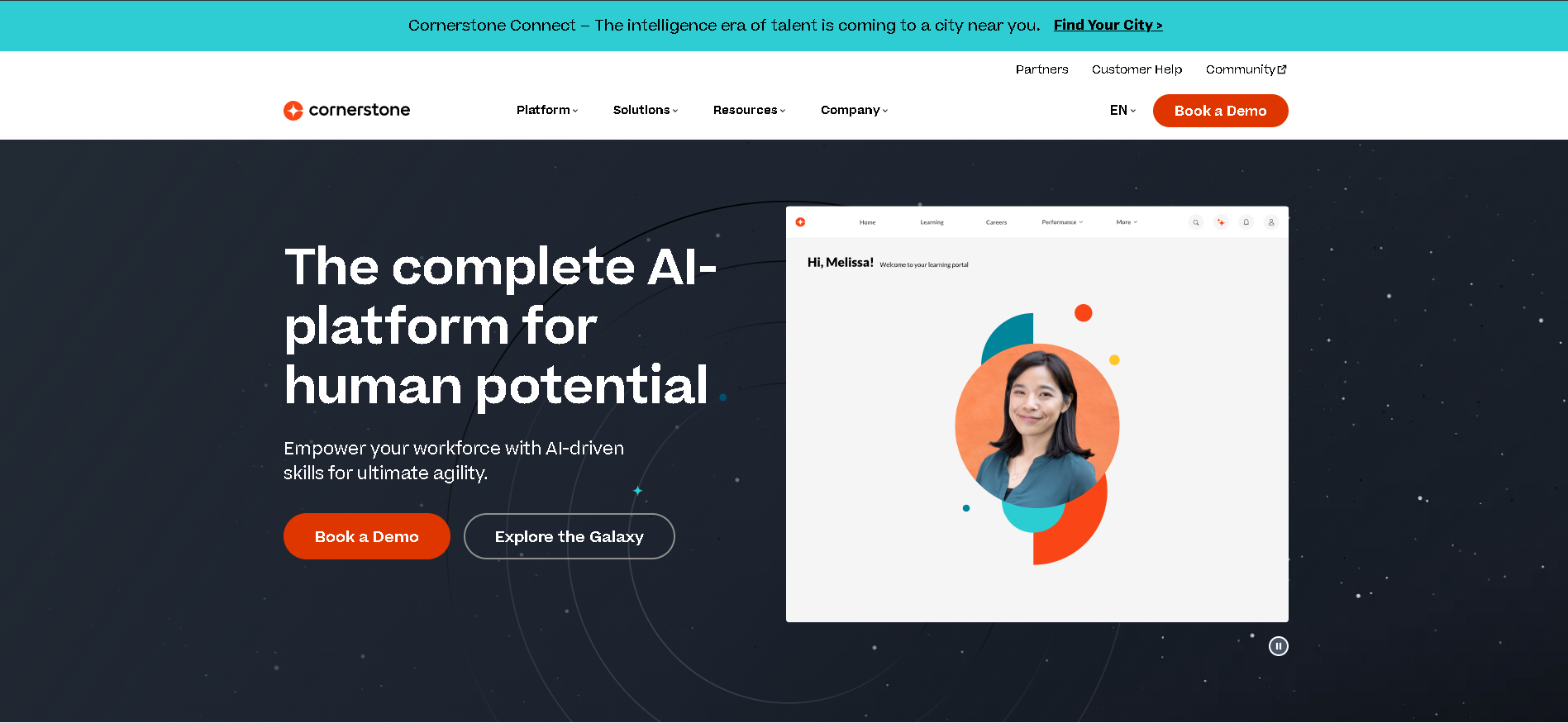
Who Is Cornerstone OnDemand Best For?
Large enterprises (2,000+ employees) in regulated industries - healthcare, financial services, manufacturing - that need deep compliance tracking, skills management, and talent development in one integrated platform.
Why I Picked Cornerstone OnDemand
Cornerstone's skills taxonomy engine is the most mature in the market - providing a structured, extensible framework for mapping role requirements to individual skills across the entire organisation. In our testing with a 5,000-person manufacturing company, the compliance certification tracking handled 47 different regulatory certifications with expiry dates, automatic renewal assignments, and audit-ready reporting. Nothing else handles that complexity at this scale without custom development.
Cornerstone OnDemand Key Features
- Skills & Competency Framework: Extensible skills taxonomy mapping job roles to required competencies - with gap analysis, learning path recommendations, and skills-based career pathing for every employee.
- Compliance Training & Certs: Automated enrollment for mandatory training by role or regulation, certification expiry tracking, renewal workflows, and regulatory audit reporting for complex compliance environments.
- Content Marketplace: Access to 50,000+ curated courses from LinkedIn Learning, Coursera, edX, and other providers directly from within Cornerstone - without separate licensing negotiations.
- Succession & Talent Development: Connect learning data to succession plans and high-potential identification - giving HR leaders visibility into which employees are building the capabilities needed for future leadership roles.
- Performance & Learning Alignment: Bi-directional connection between performance review outcomes and learning path assignments - ensuring identified development areas trigger specific training recommendations automatically.
Cornerstone OnDemand Integrations
SAP SuccessFactors, Workday, Oracle HCM, ADP, Microsoft 365, Salesforce, Zoom, WebEx, Okta, LinkedIn Learning, Coursera, Degreed, ServiceNow
- Deep compliance and certification tracking
- Strong skills and competency frameworks
- Scales to hundreds of thousands of learners
- Complex to configure and maintain
- High total cost for large enterprises
Learn More About Cornerstone OnDemand
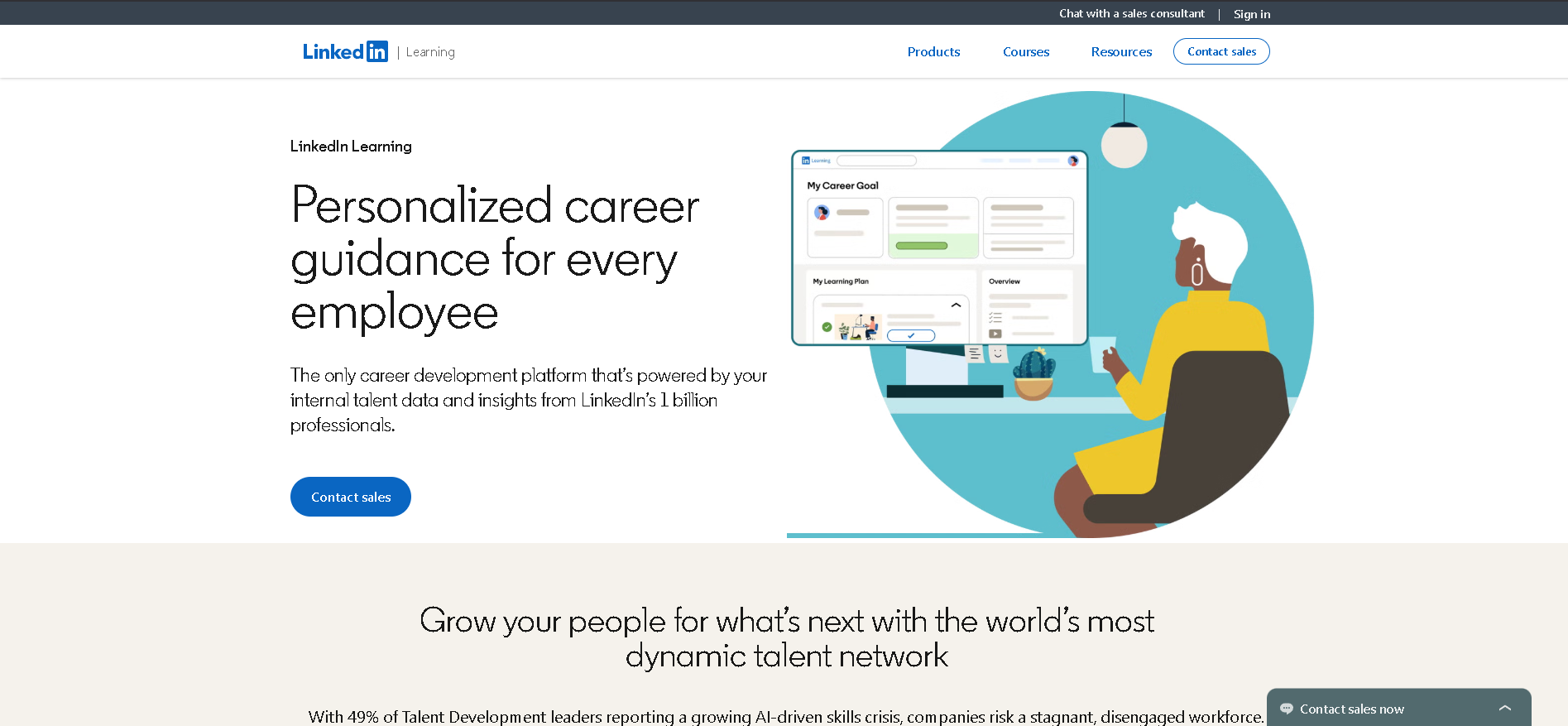
Who Is LinkedIn Learning Best For?
Companies of any size that want to offer broad professional development content to employees without the overhead of building a training library - particularly effective for self-directed learner cultures.
Why I Picked LinkedIn Learning
LinkedIn Learning's content library scale is unmatched - 21,000+ expert-taught courses updated continuously across business, technical, and creative domains. In our testing, the AI personalisation feature (which cross-references employee LinkedIn profiles to suggest relevant courses) produced the most accurate learning recommendations of any content platform we evaluated. The integration with LinkedIn career development also creates a dual benefit: employees improve skills and make their profiles more competitive simultaneously.
LinkedIn Learning Key Features
- Expert Content Library: 21,000+ courses taught by recognised industry experts across business, technology, creative, and leadership skills - updated continuously to stay current with industry trends.
- AI-Personalised Learning Paths: Recommendations based on each employee's LinkedIn profile, job role, viewed content, and peer activity - surfacing the most relevant courses without requiring manual curation.
- LinkedIn Profile Integration: Completed courses and earned certificates sync directly to employees' LinkedIn profiles - creating a visible professional development record that benefits both employee and employer brand.
- Custom Learning Paths: Curate sets of LinkedIn Learning courses into custom paths for specific roles, departments, or development programmes - combining external content with internal resources.
- Usage Analytics & Completion: Admin dashboards showing course starts, completions, hours consumed, and popular content - with employee-level tracking for compliance or voluntary learning programmes.
LinkedIn Learning Integrations
Microsoft Teams, Microsoft Viva Learning, Workday, SAP SuccessFactors, BambooHR, Cornerstone, Slack, Degreed, Okta, ADP, Rippling, Absorb LMS, TalentLMS
- Largest curated business content library
- AI-personalised learning paths
- Integrates with LinkedIn career development
- No authoring tools for custom content
- Less suited as standalone LMS for compliance
Learn More About LinkedIn Learning
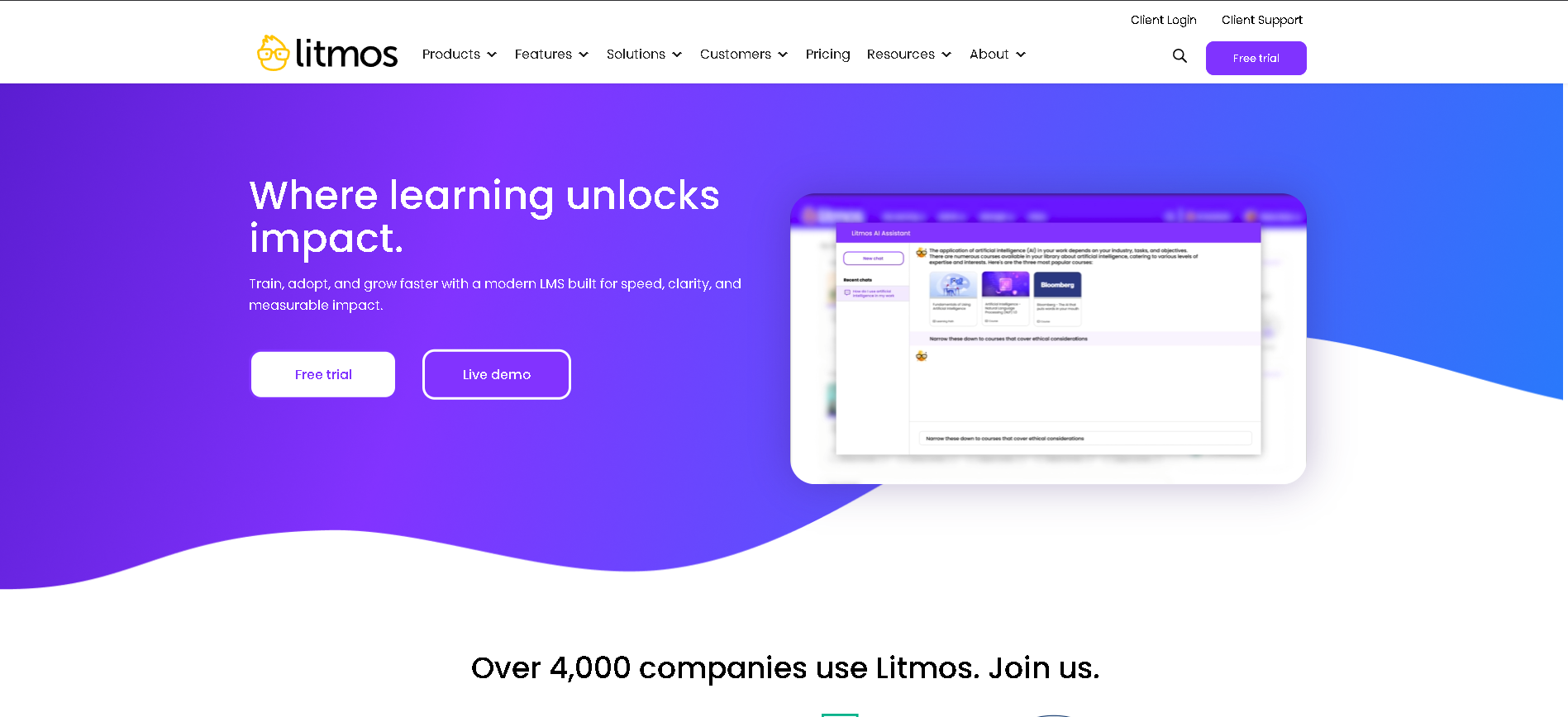
Who Is SAP Litmos Best For?
Mid-to-large companies (200 - 10,000 employees) in regulated industries - healthcare, financial services, retail - that need a proven compliance LMS with pre-built regulatory content and strong audit documentation.
Why I Picked SAP Litmos
SAP Litmos's compliance content library is the most comprehensive of any LMS we reviewed - covering OSHA, HIPAA, GDPR, anti-harassment, and financial compliance with off-the-shelf courses that are updated when regulations change. In our testing, a compliance officer was able to assign the entire required annual training programme for a 500-person healthcare organisation in under 30 minutes using the pre-built catalogue.
SAP Litmos Key Features
- Compliance Content Library: Pre-built courses covering OSHA, HIPAA, GDPR, anti-harassment, diversity, financial compliance, and 20+ other regulatory domains - updated when legislation changes at no extra cost.
- Certification & Recertification: Automated certification issuance, expiry date management, recertification reminders, and complete audit-ready certification records for every employee.
- Mobile Learning App: Native iOS and Android apps with offline learning capability - employees complete training on their device without requiring wifi or desktop access.
- SCORM & xAPI Compatibility: Full support for SCORM 1.2, SCORM 2004, xAPI (Tin Can), and AICC standards - enabling import of externally authored compliance content from any standards-compliant tool.
- Audit-Ready Reporting: Detailed completion records, time-stamped assessment results, and scheduled compliance reports - providing the documentation required for regulatory audits and legal defensibility.
SAP Litmos Integrations
SAP SuccessFactors, Salesforce, BambooHR, ADP, Google Workspace, Microsoft 365, Okta, Zoom, GoTo Webinar, Workday, ServiceNow, Slack
- Strong compliance and audit trail
- Pre-built regulatory content library
- Good mobile learning experience
- Interface less polished than Docebo
- SAP ecosystem may feel heavy for some teams
Learn More About SAP Litmos
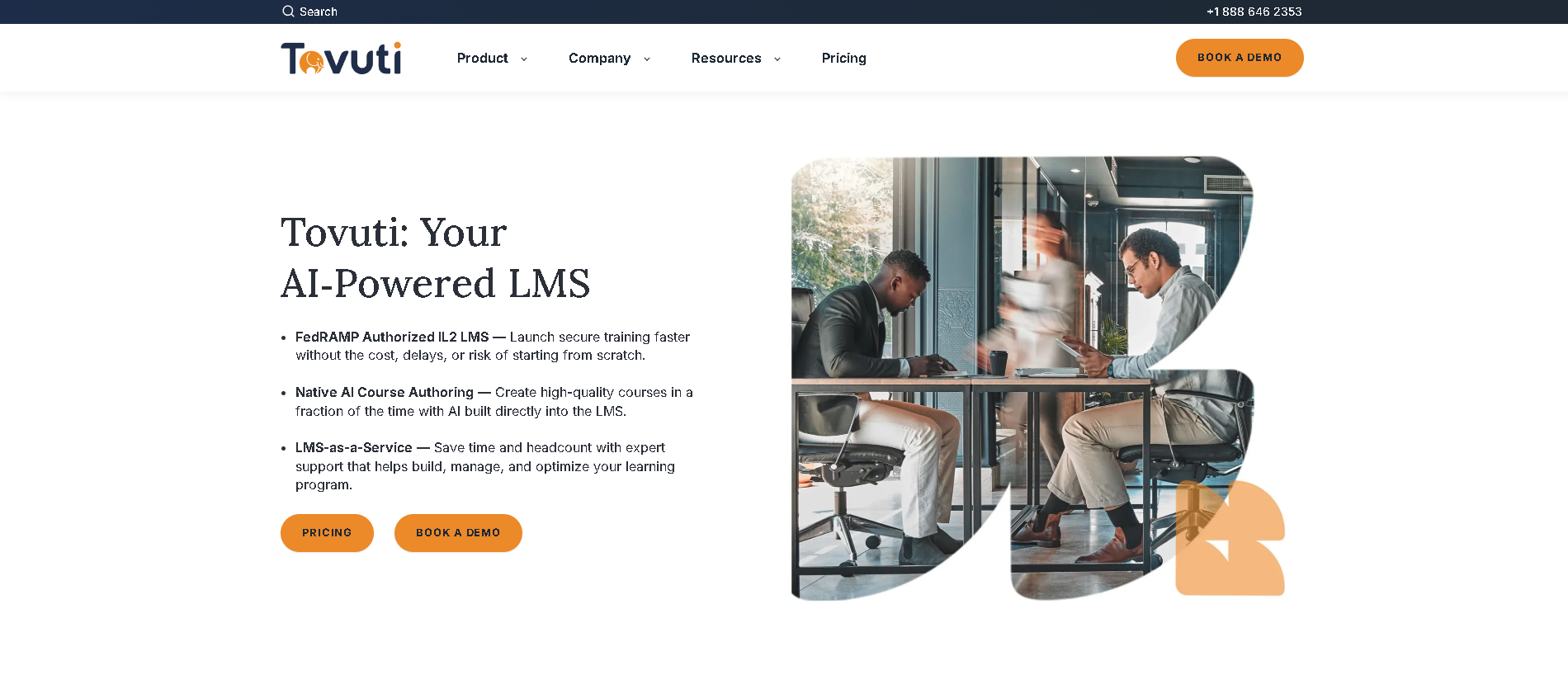
Who Is Tovuti Best For?
Small to mid-size organisations (20 - 500 employees) that want a fully featured LMS with built-in authoring tools and gamification without the implementation complexity or cost of enterprise platforms.
Why I Picked Tovuti
Tovuti is the most feature-complete LMS for small organisations that don't have a dedicated L&D team. In our testing, the built-in course authoring, live virtual classroom integration, gamification system, and completion reporting were all available on the base plan without add-on costs that erode mid-market platform value. The interactive content types - quizzes, flashcards, drag-and-drop exercises, and branching scenarios - are more varied than any other platform at this price point.
Tovuti Key Features
- Built-In Course Authoring: Create interactive courses with 40+ content types - video, quizzes, flashcards, drag-and-drop exercises, and branching scenarios - without a separate authoring tool subscription.
- Live & Virtual Learning: Schedule and run live virtual training sessions directly from within Tovuti - with recordings automatically saved and linked to the course completion record.
- Gamification & Leaderboards: Points, badges, level progression, and leaderboards built into the learner experience - improving course completion rates for voluntary and compliance training alike.
- Community & Social Learning: Built-in social community features with discussion boards, group channels, and peer-to-peer knowledge sharing - extending learning beyond formal course content.
- Reporting & Completion Tracking: Learner progress dashboards, completion rate reporting, quiz score analytics, and scheduled report delivery - giving administrators the visibility to manage L&D programmes without manual tracking.
Tovuti Integrations
Zoom, Google Workspace, Microsoft Teams, Salesforce, BambooHR, Slack, Zapier, Stripe, PayPal, Okta, ADP, GoTo Webinar
- Excellent feature set at lower price point
- Built-in course authoring tools
- Good gamification and engagement features
- Smaller ecosystem of integrations
- Less established than Docebo or Cornerstone
Learn More About Tovuti
What is HR Operations Software?
Onboarding software and Learning Management Systems (LMS) manage the process of bringing new employees into the organisation and developing their skills over time. Onboarding platforms automate the tasks that happen before and during a new hire's first weeks - paperwork, IT setup, role-specific training, and team introductions - while LMS platforms deliver, track, and measure learning programmes across the full employee lifecycle. The best platforms combine both: structured new hire onboarding that transitions naturally into ongoing learning, ensuring employees arrive ready and continue growing throughout their tenure. Poor onboarding is one of the biggest drivers of early attrition - studies show employees who have a structured onboarding experience are 58% more likely to be with the organisation after three years.
How to Choose the Right HR Operations Software
Separate your onboarding needs from your ongoing training needs - they may require different tools. Onboarding is about workflow automation and task completion. LMS is about content delivery and learning measurement. Some teams use dedicated onboarding software (Enboarder) alongside a separate LMS (TalentLMS). Others use a single platform that handles both adequately. Be clear on which problem is more acute, and don't let a combined platform's weaker module compromise your core requirement.
Evaluate content authoring capability if you have proprietary training to deliver. Not all LMS platforms include authoring tools - some expect SCORM-compliant content from Articulate 360 or Adobe Captivate. If you need to build training inside the platform, test the authoring experience carefully. Poor authoring tools result in low-quality content, which directly drives down completion rates regardless of how good the delivery infrastructure is.
Assess mobile experience for frontline or deskless workers. If your workforce includes hourly, field, or deskless employees, mobile-first design isn't optional - it's the primary delivery channel. Test the mobile app on actual devices before committing. Poor mobile experience is the leading cause of low completion rates in frontline training programmes, and no amount of content quality compensates for a broken mobile experience.
Check compliance tracking and certification management depth for regulated industries. Healthcare, finance, and manufacturing teams need to prove specific training was completed by specific people by specific dates. The reporting and certification management features of your LMS directly affect audit readiness. Test a compliance report against your actual audit requirements before finalising your choice.
Other HR Operations Tools Worth Considering
The tools above are my top picks, but there are other solid options depending on your specific use case, industry, or geography.
How We Evaluate HR Operations Software
Our reviews are based on hands-on testing and a consistent evaluation framework. Here's exactly what we measure:
Quality of preboarding task management, paperwork automation, IT provisioning triggers, and 30/60/90-day milestone tracking. We measure how much manual HR coordination remains after the platform is configured.
Availability of built-in content authoring tools, SCORM compatibility, and curated content library quality. Platforms with strong authoring tools enable non-L&D experts to build training without specialist resource.
Quality of the iOS and Android learner experience, offline learning capability, and push notification effectiveness. Tested on real devices - not just desktop simulations - including older Android models common in frontline workforces.
Depth of certification management, expiry reminders, audit trail quality, and regulatory reporting capabilities. Critical for healthcare, finance, manufacturing, and any team with mandatory training requirements.
AI recommendation quality, role-based learning path assignment, and manager-triggered learning capability. Personalised paths increase completion rates and speed time-to-productivity for new hires.
Depth of completion reporting, time-spent analytics, and business impact measurement. We evaluate whether the platform can answer the question: "Did this training actually change behaviour?"
Automatic learner provisioning when new hires are added to the HRIS, and sync of role and department changes to learning path assignments. Manual sync between HRIS and LMS is a leading source of compliance risk.
Explore More
Frequently Asked Questions
What is the difference between onboarding software and an LMS?
Onboarding software focuses on the workflow of a new hire's first days and weeks - automating task completion (paperwork, IT setup, team introductions) and ensuring nothing falls through the cracks. An LMS (Learning Management System) focuses on delivering, tracking, and measuring training content across the employee lifecycle. The two categories increasingly overlap: many LMS platforms include onboarding workflow features, and dedicated onboarding tools often include basic training delivery. For most companies, an LMS that includes onboarding workflows (Docebo, TalentLMS) is sufficient.
How long should employee onboarding take?
Effective onboarding takes longer than most companies invest. Research from SHRM suggests a structured 90-day onboarding programme significantly outperforms 1 - 2 week orientations on retention and time-to-productivity metrics. Best practice is a four-stage programme: preboarding (offer acceptance to day 1), orientation (week 1), role integration (weeks 2 - 4), and full ramp (days 30 - 90). Onboarding software automates the task delivery across this entire period, not just the first week.
What is SCORM and do I need it?
SCORM (Sharable Content Object Reference Model) is a technical standard for eLearning content that allows courses built in one authoring tool (like Articulate 360) to run in any compatible LMS. You need SCORM support if you: (1) use an external content authoring tool, (2) purchase third-party eLearning content libraries, or (3) need to migrate existing courses to a new LMS. If you're building all content natively inside the LMS, SCORM compatibility is less critical - but it's always worth having for future flexibility.
Can onboarding software reduce early employee attrition?
Yes - structured onboarding has a measurable impact on early retention. The Brandon Hall Group found that strong onboarding improves new hire retention by 82% and productivity by over 70%. Onboarding software creates the structure that makes this possible: task completion tracking ensures nothing is missed, preboarding engagement keeps new hires warm between offer and start date, and 30/60/90-day milestone tracking keeps managers accountable for integration support.
How much does an LMS cost?
LMS pricing ranges from free (Moodle, TalentLMS free tier for up to 5 users) to enterprise contracts exceeding $50,000/year. TalentLMS starts at $69/month for up to 40 users. Trainual starts at $49/month. Mid-market platforms like Absorb LMS and LearnUpon typically run $1,500 - $5,000/month at the 200 - 1,000 user scale. Enterprise platforms like Docebo and Cornerstone OnDemand require custom quotes. Factor in implementation costs (often $5,000 - $20,000) and content creation investment.
Explore LMS by Country
Compliance rules, currency handling, and integration requirements vary by market. Pick your country below to see LMS-specific guidance for that region.
Why local context changes your LMS decision
The same LMS platform that wins in the US can fail in Germany. Tax authorities file under different cadences, currencies route through incompatible banking rails, and data-protection laws impose conflicting requirements. A vendor with an owned local entity behaves very differently from one routing through partner networks.
Use the country cards below to see what changes when you operate in that market: which compliance gates the platform must clear, which vendors have on-the-ground presence, and which buyer mistakes cost the most.
At-a-glance regional comparison
| Region | Primary regulator | Data law | Banking rail | Onboarding speed |
|---|---|---|---|---|
| North America | IRS / CRA / SAT | CCPA / PIPEDA / LFPDPPP | ACH / EFT / SPEI | 5–10 business days |
| Europe | HMRC / Finanzamt / DGFiP | UK GDPR / DSGVO / RGPD | BACS / SEPA | 7–14 business days |
| Asia-Pacific | CBDT / IRAS / ATO | DPDP / PDPA / Privacy Act | NEFT-UPI / FAST / NPP | 5–10 business days |
Industry considerations
Your industry shapes which LMS features actually matter. Below are common patterns we see across four major verticals.
SaaS & Tech
Fast-growing teams that prioritize API depth, equity administration, and integration with engineering tools. Watch for misclassification risk on global contractors.
Healthcare
Heavy compliance load (HIPAA in US, regional equivalents elsewhere) and credentialing workflows. Audit trails and access controls are non-negotiable.
Retail & Hospitality
High-turnover shift workforces. Predictive scheduling laws (US cities), variable-hour ACA tracking, and mobile-first employee access are critical.
Manufacturing & Field Services
Hourly workforce, multi-site operations, union compliance. Time clocks, geofencing, and OSHA-style safety training records matter most.
Country selection — common questions
Should I pick a global LMS platform or a local-specialist?
Pick a global platform if you operate in 3+ countries and need unified reporting. Pick a local-specialist if 80%+ of your headcount sits in one market and you need deep local compliance. Most mid-market companies blend the two — global core platform + local payroll partner.
How does data residency affect LMS vendor choice?
EU and UK data must stay within compliant jurisdictions under GDPR. India's DPDP Act 2023 added cross-border transfer rules. Verify your vendor offers regional data centers — many US-built platforms store everything in the US, which fails European audits.
When does it make sense to switch vendors per country?
Switch when local compliance gaps cost more than vendor consolidation savings. The threshold is usually 20+ employees in a market where your global vendor has weak coverage. Below that, accept the gap and supplement with local payroll partners.
Need help picking the right LMS for your markets?
Get our country-by-country vendor scorecard with pricing benchmarks, compliance checklists, and implementation timelines for the 9 markets above.
Best LMS by Industry
Different industries face different compliance demands, workforce structures, and feature priorities. Jump to the guide built for your sector.
Best LMS by Business Size
Vendor fit changes dramatically at different headcount levels. Jump to the comparison built for your stage.
Best LMS by Use Case
Your buying priority shapes which platform wins. Jump to the guide built for your specific situation.

More HR Tool Reviews on HROpsLab
We review and compare the best HR software across every category - so you can build the right stack for your team.