
Best IT Asset Management Software of 2026: Reviewed & Compared

Lansweeper is the best pick for most teams that already have an IT function - it finds devices you forgot you owned. Snipe-IT is the one to run if budget is the constraint, and it is genuinely free self-hosted. If your real problem is laptops sitting in the homes of people across several countries, a discovery tool will not help you and a device lifecycle platform like Workwize or Deel IT will.
11 Best IT Asset Management Software of 2026: Reviewed & Compared Shortlist
Here's my shortlist of the best options, out of 11 options I reviewed:
-
1
RemoAsset Best when the register has to survive offboarding
-
2
Lansweeper Best for finding the assets you did not know you had
-
3
Snipe-IT Best free option, and genuinely free rather than a limited trial
-
4
NinjaOne Best when you want to manage the endpoint, not just record it
-
5
Freshservice Best if you need a service desk and an asset register together
-
6
Workwize Best when the real problem is laptops in other countries
-
7
Asset Panda Best when you are tracking more than laptops
-
8
Deel IT Best if you already run Deel for HR, payroll or EOR
-
9
ManageEngine AssetExplorer Best published pricing for a traditional on-premises ITAM
-
10
Firstbase Best for the whole remote workstation, not just the laptop
-
11
GoCodes Best for small teams that want QR tags and nothing complicated
IT asset management software answers a question that sounds simple and is not: who has what, where is it, and what happens to it when they leave. For HR and People Ops teams the question usually arrives at offboarding, which is the worst possible moment to start looking for an answer.
The market splits into two halves that get compared as if they were the same product. Discovery tools scan your network and build an inventory automatically. Device lifecycle platforms buy, ship, track and recover hardware for people who never come into an office. Buying the wrong half is the most common and most expensive mistake in this category.
You Can Trust Our IT Asset Management Reviews
Disclosure: RemoAsset is our own product. It appears on this page because it competes in this category, it is assessed against exactly the same criteria as every other tool here, and its limitations are stated in full alongside everyone else's. No vendor on this page has paid for placement, and none can.
We assessed each platform on how it discovers assets, what it does when a device never connects to your network, how assignment to a named employee works, and what the offboarding path actually looks like in practice.
Pricing shown is taken from each vendor's own published pricing page where one exists, and marked quote-based where it does not. We do not estimate prices, and we do not publish a figure we have not seen on the vendor's own site.
Best IT Asset Management Software of 2026: Reviewed & Compared: Pricing Comparison Chart
This software comparison chart summarises pricing details for my top picks to help you find the best software for your budget and business needs.
| Tool | Best For | Trial Info | Price | |
|---|---|---|---|---|
| Best when the register has to survive offboarding | Free demo available | Quote-based - no published rate card | Website | |
| Best for finding the assets you did not know you had | Free tier and free trial available | Quote-based - Starter, Pro and Enterprise tiers priced by asset count | Website | |
| Best free option, and genuinely free rather than a limited trial | Free and open source when self-hosted | Free self-hosted - official cloud hosting from $399.99/year (Basic), $999.99/year (Small Business) | Website | |
| Best when you want to manage the endpoint, not just record it | Free trial available | Quote-based - priced per endpoint | Website | |
| Best if you need a service desk and an asset register together | Free trial available | From $19/agent/month billed annually - IT asset management starts on the Growth plan at $49/agent/month | Website | |
| Best when the real problem is laptops in other countries | Demo available | Quote-based | Website | |
| Best when you are tracking more than laptops | Free trial and demo available | Quote-based | Website | |
| Best if you already run Deel for HR, payroll or EOR | Demo available | Quote-based | Website | |
| Best published pricing for a traditional on-premises ITAM | Free trial available | From $1,245/year cloud for 250 IT assets - from US$955/year on-premises | Website | |
| Best for the whole remote workstation, not just the laptop | Demo available | Quote-based | Website | |
| Best for small teams that want QR tags and nothing complicated | Free trial available | Quote-based - tiered by asset count | Website |
Featured Tools
Reviews of the Best IT Asset Management Software of 2026: Reviewed & Compared
Below you'll find detailed reviews of each tool - covering what it does best, key features, integrations, and who it's right for.

Who Is RemoAsset Best For?
Remote-first and hybrid companies whose laptops sit in employees' homes across countries, where a network scan finds nothing and the register is only ever as good as the last person who updated it.
Why I Picked RemoAsset
We build RemoAsset, which is disclosed at the top of this page and is why we have been careful about where it sits. It leads this list for one specific reason: it is the only platform here that closes the offboarding loop physically. Lansweeper will tell you a laptop exists. Snipe-IT will tell you who signed for it. Neither will get it back from somebody in another country who left last month, and that is the failure that actually costs money and breaks audits. RemoAsset organises the collection, the storage and the wipe, and the register stays accurate because the platform moved the device. Read the weaknesses below before you assume it replaces a discovery tool, because it does not.
RemoAsset Key Features
- Automated Asset Tracking: Real-time visibility across the fleet, maintained by the platform that shipped each device rather than by manual entry.
- Global Procurement & Delivery: Buy, rent or lease hardware and have it delivered to employees across countries without managing resellers or couriers.
- MDM Enrollment on Delivery: Devices enroll into management as they arrive, so a new starter is not asked to configure their own laptop.
- Laptop Retrieval: Collection organised from the employee at offboarding, which is the step most registers record as outstanding and never close.
- Storage & Data Wiping: Recovered devices are stored for redeployment and wiped, closing the lifecycle the register opened.
RemoAsset Integrations
BambooHR, Rippling, MDM enrollment, SSO, standard APIs
- Closes the offboarding loop physically, not just as a report
- Register stays current because the platform handles the device
- Works where there is no corporate network to scan
- No network discovery - it will not find hardware you forgot you owned
- No software licence management, and pricing is quote-based only
Learn More About RemoAsset
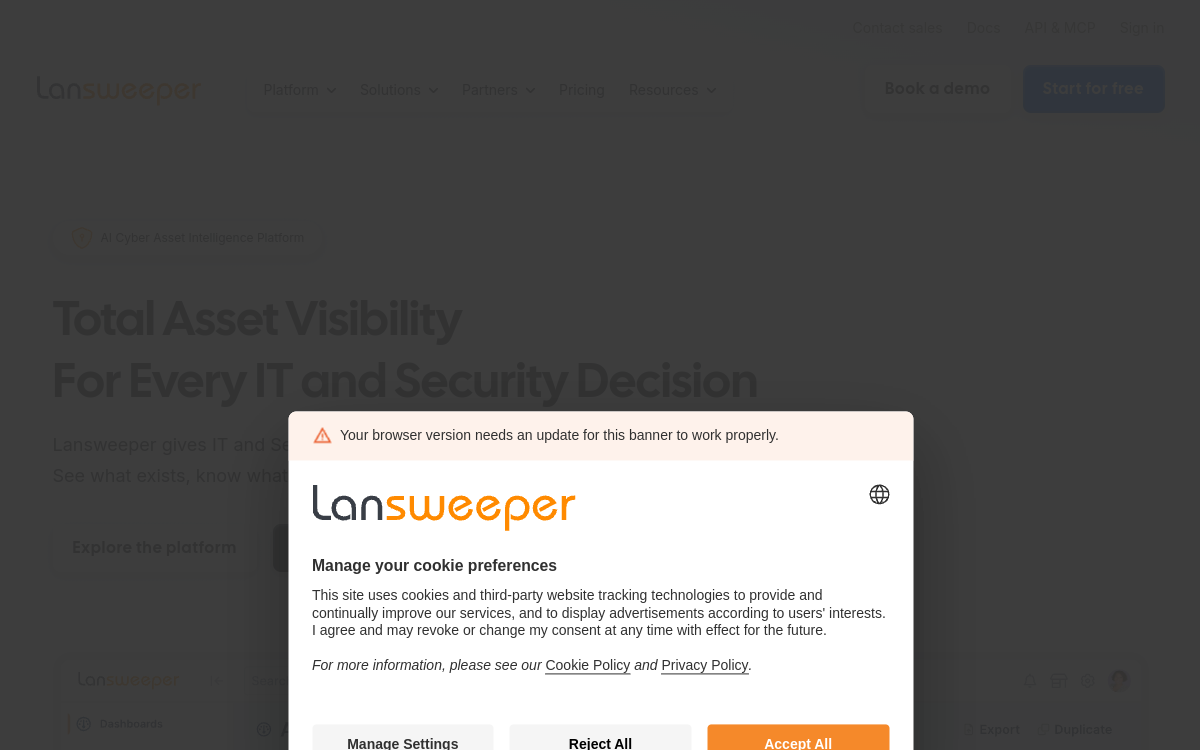
Who Is Lansweeper Best For?
Companies that already have an IT function and a network worth scanning, where the problem is an incomplete picture rather than physical recovery of remote hardware.
Why I Picked Lansweeper
Lansweeper is the strongest discovery engine in this list and it is not close. Point it at a network and it returns a detailed hardware and software inventory, including machines nobody had recorded. That is genuinely useful, and it is also the boundary of what it does: a laptop that never touches your network is invisible to it. We rank it first because for the largest share of buyers in this category the real problem is an inaccurate register, and Lansweeper fixes that better than anything else here. If your problem is instead that devices physically do not come back, read the lifecycle platforms further down before you buy this.
Lansweeper Key Features
- Agentless Network Discovery: Scans the network and builds a hardware and software inventory without deploying an agent to every machine first.
- Deep Hardware Detail: Records component-level specifications, warranty status and installed software rather than a name and a serial number.
- Software Inventory & Licence Tracking: Surfaces what is actually installed across the estate, which is usually where unbudgeted licence spend is found.
- Asset Relationship Mapping: Connects devices, users and software so the register shows context rather than a flat list.
- Reporting & Audit Exports: Extensive built-in reports plus custom queries for compliance evidence and hardware refresh planning.
Lansweeper Integrations
Microsoft Intune, Jamf, ServiceNow, Jira, Okta, Active Directory, Azure AD, Slack, PowerBI, REST API
- The most thorough automatic discovery in this category
- Finds unrecorded and forgotten hardware reliably
- Strong reporting for audit and refresh planning
- Cannot see devices that never connect to a network you control
- Pricing requires a quote, so budgeting takes a sales conversation
Learn More About Lansweeper
Who Is Snipe-IT Best For?
Budget-constrained teams with somebody technical enough to run it, and companies that want their asset register on infrastructure they control.
Why I Picked Snipe-IT
Most free tiers in software are a trial with a different name. Snipe-IT is actually free if you host it yourself, and the feature set is not a stripped-back teaser - assignment, check-in and check-out, custom fields, audit history and licence tracking are all there. It is the most honest entry point in this category. The cost shows up as maintenance rather than licence fees: somebody has to run the server, apply updates and take backups. The official hosted plans exist for teams that would rather pay than do that, starting at $399.99 a year.
Snipe-IT Key Features
- Check-In / Check-Out: Assets are assigned to a named person with a full history of who held what and when, which is the record offboarding actually needs.
- Custom Fields & Fieldsets: Model the fields your organisation cares about rather than the ones the vendor chose, per asset type.
- Licence Management: Track software licences and seat allocation alongside hardware in the same register.
- Audit Logging: Every change is recorded, which is what turns a database into something an auditor will accept.
- REST API: A documented API for syncing with an HRIS or scripting joiner and leaver changes.
Snipe-IT Integrations
REST API, LDAP / Active Directory, Google Workspace, Okta and SAML SSO, Slack, Zapier via API
- Genuinely free self-hosted with no artificial feature limits
- Clean check-in and check-out model built around people
- Open source, so the data and the roadmap are not locked to a vendor
- No automatic discovery - assets are entered or imported, not found
- Self-hosting means you own updates, backups and uptime
Learn More About Snipe-IT
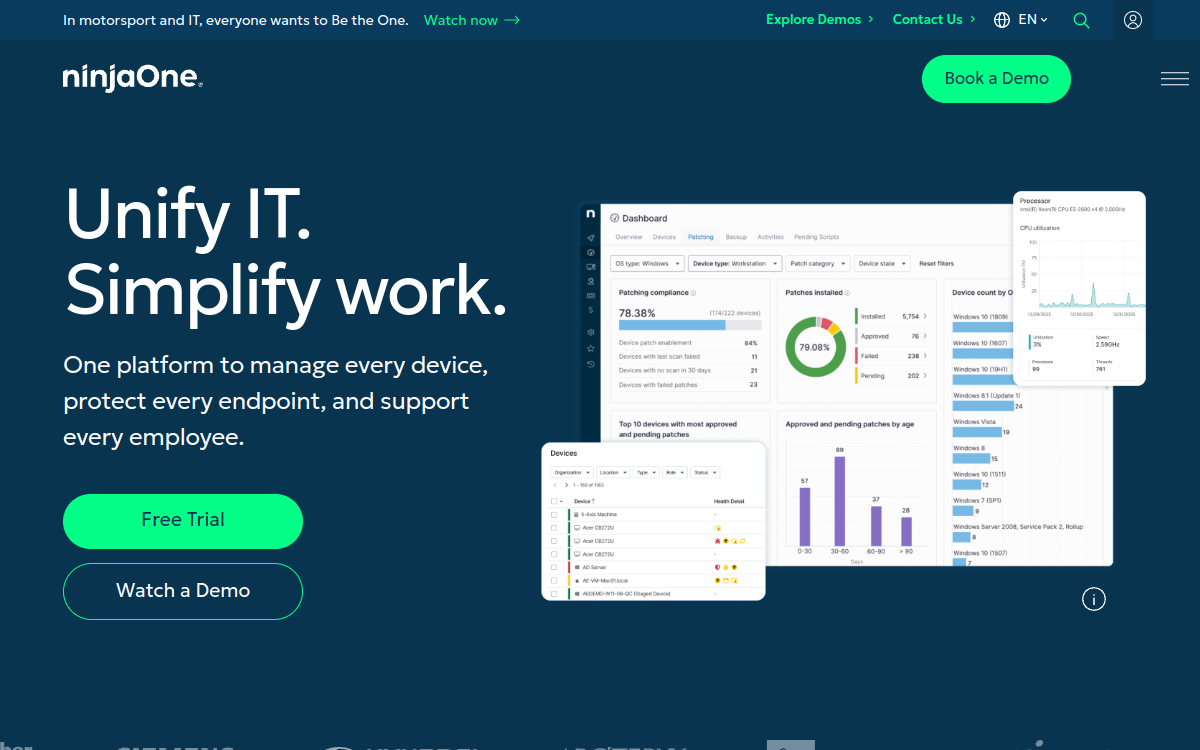
Who Is NinjaOne Best For?
Lean IT teams that would rather run one agent for patching, remote access and inventory than stitch three tools together.
Why I Picked NinjaOne
The appeal is that the inventory is a by-product of managing the device rather than a separate exercise. Because the agent is already on the machine for patching and remote support, the asset record stays current without anybody maintaining it, and it keeps working for a laptop on somebody's home broadband rather than only on a corporate network. That last point is what earns it a place above several better-known ITAM names here. The trade is that it is an endpoint management product first, so the finance-facing side of asset management is thinner than a dedicated ITAM tool.
NinjaOne Key Features
- Agent-Based Inventory: Hardware and software inventory collected continuously by the same agent used for management, wherever the device is.
- Patch Management: OS and third-party patching across Windows, macOS and Linux from the same console.
- Remote Access: Support a device directly without a separate remote tool or a second agent.
- Automated Remediation: Scripted responses to conditions, so common issues are handled without a ticket.
- Warranty & Lifecycle Tracking: Warranty status and device age surfaced against the inventory for refresh planning.
NinjaOne Integrations
Microsoft Intune, Active Directory, Okta, ServiceNow, Jira, Zendesk, Slack, Teams, Splashtop, REST API
- Inventory stays current because the agent is already there
- Works for remote devices that never touch a corporate network
- Replaces several tools for a small IT team
- Endpoint management first, so procurement and finance fields are thinner
- Quote-based pricing with no published rate card
Learn More About NinjaOne
Who Is Freshservice Best For?
Companies that need ticketing anyway and would rather not buy a second product for the asset register.
Why I Picked Freshservice
Buying a service desk and an ITAM tool separately means maintaining the same list of devices twice. Freshservice avoids that: tickets, assets and the people attached to both sit in one place, and the connection between them is the product rather than an integration. Worth knowing before you budget that asset management is not in the entry plan - it starts at Growth, which is $49 per agent per month billed annually, and the plan includes a fixed allocation of asset units with more available at extra cost. Price it on the plan you would actually need.
Freshservice Key Features
- Unified Tickets & Assets: Every ticket can be tied to the device it concerns, giving each asset a real service history.
- Discovery Agent & Probe: Automated discovery for networked devices alongside manual and imported records.
- Contract & Warranty Management: Track vendor contracts, renewal dates and warranty expiry against the assets they cover.
- Employee Self-Service Portal: A request catalogue people actually use, which keeps hardware requests out of direct messages.
- Workflow Automation: Automate joiner and leaver hardware steps alongside the rest of the service workflow.
Freshservice Integrations
BambooHR, Workday, Microsoft Intune, Jamf, Okta, Azure AD, Google Workspace, Slack, Teams, Jira, Zapier
- Tickets and assets in one system with a genuine link between them
- Published per-agent pricing, which most of this category does not offer
- Strong self-service portal for hardware requests
- Asset management is not in the entry plan - it starts at Growth
- Asset unit allocations are capped per plan, with more at additional cost
Learn More About Freshservice

Who Is Workwize Best For?
Remote-first and hybrid companies whose people are spread across countries, where discovery tools find nothing because there is no network to scan.
Why I Picked Workwize
This is the other half of the category and the half most buyers do not realise they are in. If your laptops are in people's homes in six countries, a network scanner has nothing to scan and a spreadsheet is a guess. Workwize sources and ships the device, keeps the record because it handled the device, and organises collection when somebody leaves. Recovery is the part almost everything else in this list only reports on. It is not the tool to buy if you want deep software licence discovery across an office estate - that is Lansweeper's job, not this one.
Workwize Key Features
- Global Procurement & Delivery: Source and ship equipment to employees across countries without managing resellers and couriers yourself.
- Equipment Retrieval: Organised collection from the employee at offboarding, with storage and redeployment options.
- Local Warehousing: Regional storage so recovered devices can be reissued in-region instead of shipped back and forth.
- HRIS-Driven Workflows: Joiner and leaver events from the HRIS trigger equipment actions rather than a manual request.
- Asset Register: A live record of who holds what and where, maintained as a result of handling the hardware.
Workwize Integrations
BambooHR, Personio, HiBob, Workday, Rippling, Deel, Microsoft Intune, Jamf, Okta, Slack
- Covers physical recovery, which most ITAM tools only report on
- Works where there is no corporate network to scan
- Register stays accurate because the vendor handles the device
- Not a software licence discovery tool
- Quote-based pricing with no published rate card
Learn More About Workwize
Who Is Asset Panda Best For?
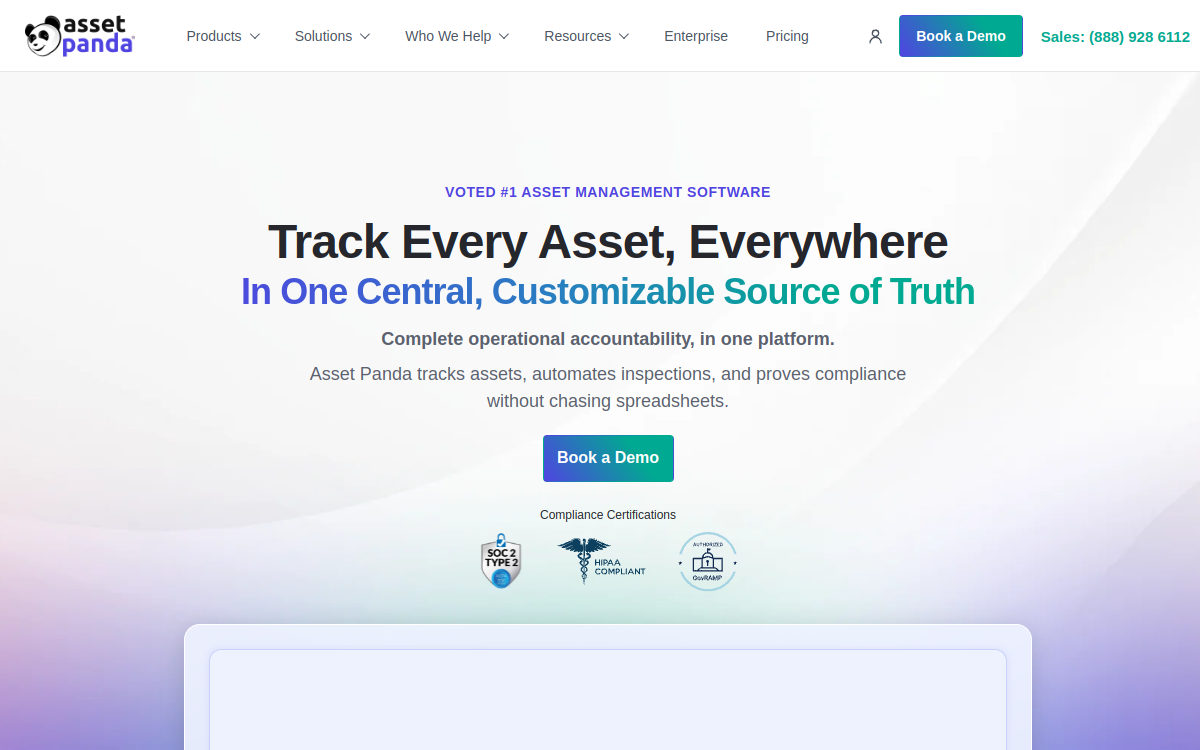
Teams whose register has to cover IT hardware alongside tools, AV kit, vehicles or field equipment in one system.
Why I Picked Asset Panda
Most tools in this category are built on the assumption that an asset is a computer. Asset Panda is not, and that flexibility is the reason to choose it. You define the asset types, the fields and the workflows, so an organisation tracking laptops alongside camera kit or workshop equipment gets one register rather than three. The mobile app with barcode and QR scanning makes physical audits practical, which matters when assets are things you have to walk up to. The flexibility has a cost: configuration is work, and a team that just wants laptops tracked will find a narrower tool faster to stand up.
Asset Panda Key Features
- Fully Configurable Asset Types: Define your own asset categories, fields and relationships rather than accepting an IT-shaped schema.
- Mobile App with Barcode & QR: Scan assets during physical audits from a phone, including offline capture.
- Custom Workflows & Actions: Build check-out, maintenance and disposal flows that match how your organisation actually operates.
- Depreciation & Cost Tracking: Purchase cost, depreciation schedules and total cost of ownership held against each asset.
- Custom Reporting: Report on any field you have defined, with scheduled exports for finance and audit.
Asset Panda Integrations
Active Directory, Okta, Google Workspace, Jira, Zendesk, ServiceNow, Slack, REST API, Zapier
- Handles non-IT assets properly rather than as an afterthought
- Mobile barcode and QR scanning makes physical audits realistic
- Depreciation and cost tracking built in for finance
- Configuration effort is real before it is useful
- No automatic network discovery
Learn More About Asset Panda
Who Is Deel IT Best For?
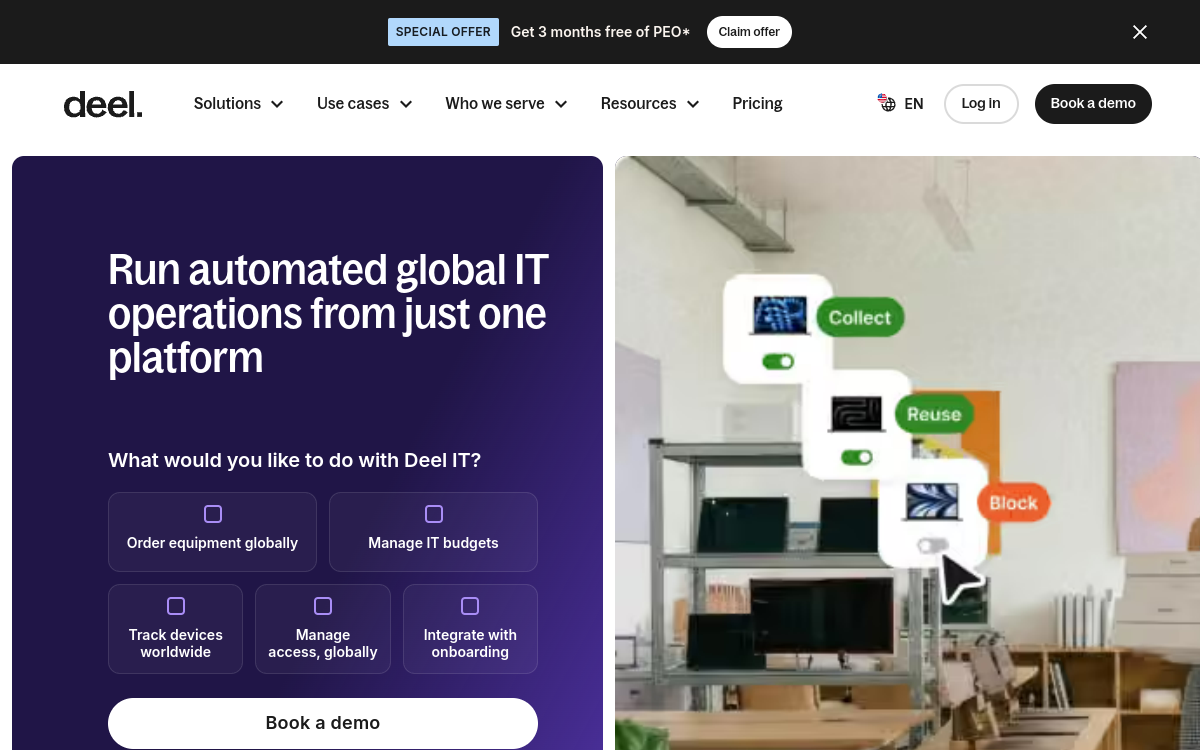
Companies already on Deel for employment or payroll that want equipment handled by the system that already knows who joined and who left.
Why I Picked Deel IT
The argument for Deel IT is almost entirely about the join. The hardest part of keeping an asset register accurate is knowing about joiners and leavers in time to act, and if Deel already processes those events then equipment actions can follow automatically rather than depending on somebody remembering to file a request. For a company already committed to Deel that is a genuine advantage and one less integration to maintain. For a company that is not, this is a weaker standalone choice than the dedicated platforms above, and it should be judged on coverage in your specific countries rather than on the breadth of the wider Deel product.
Deel IT Key Features
- Equipment Tied to Employment Records: Devices are attached to the same employee record used for contracts and payroll.
- Global Procurement & Delivery: Source and deliver equipment across the countries Deel supports for employment.
- Automated Offboarding Actions: A leaver processed in Deel can trigger device collection rather than a separate manual step.
- MDM Enrollment: Devices enrolled into management on delivery instead of after the person receives them.
- Single Platform for HR and IT: One vendor, one contract and one support path for employment and equipment.
Deel IT Integrations
Deel HR and Payroll, BambooHR, Workday, Microsoft Intune, Jamf, Okta, Greenhouse, Slack, Xero, QuickBooks
- Joiner and leaver events already live in the same system
- One vendor for employment and equipment
- Retrieval covered rather than only flagged
- Much weaker argument if you are not already a Deel customer
- Quote-based pricing with no published rate card
Learn More About Deel IT
Best published pricing for a traditional on-premises ITAM
Who Is ManageEngine AssetExplorer Best For?
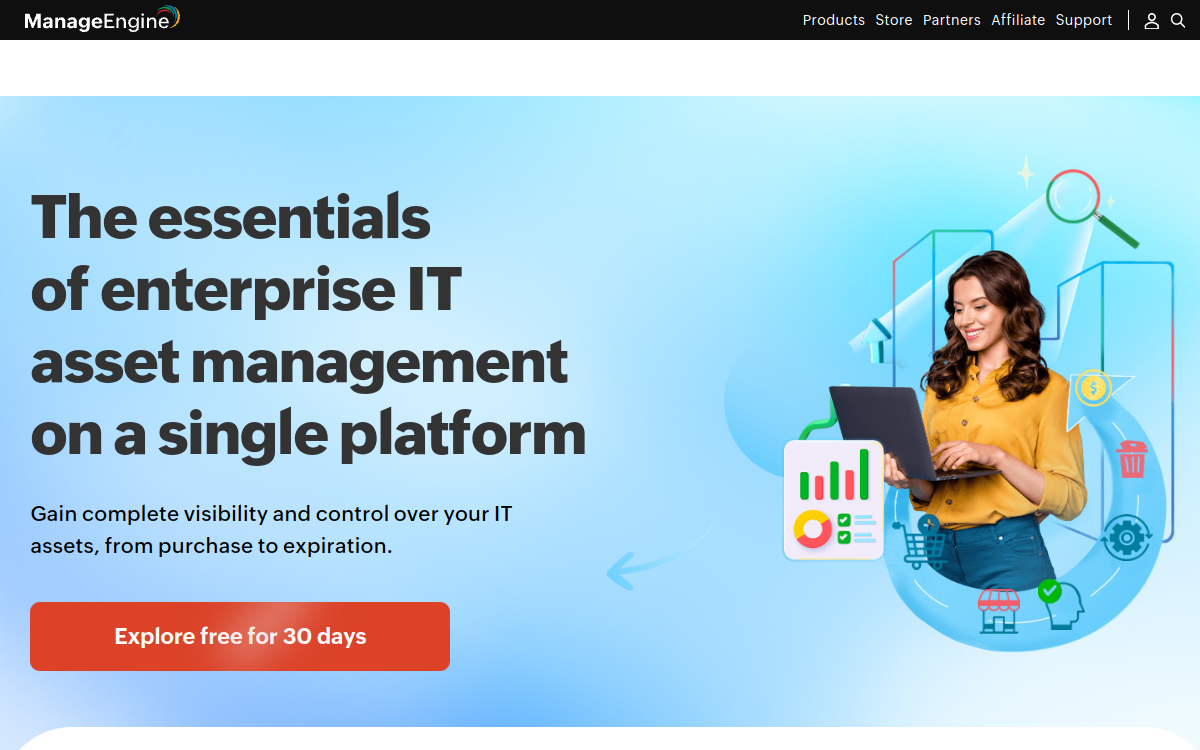
IT teams that want conventional ITAM with a defined scope, an on-premises option, and a budget number available up front.
Why I Picked ManageEngine AssetExplorer
AssetExplorer earns its place on predictability rather than excitement. It does the expected things - scanning, software licence reconciliation, purchase orders, contracts, the full lifecycle from acquisition to disposal - and it publishes what that costs, which almost nothing else here does. For a team that has to put a number in a budget before it is allowed to run a trial, that is worth a great deal. The interface shows its age against newer tools, and it assumes a fairly traditional IT estate, so it fits an office-based organisation better than a fully distributed one.
ManageEngine AssetExplorer Key Features
- Automated Asset Discovery: Agent-based and agentless scanning across Windows, Linux and Mac on a managed network.
- Software Licence Compliance: Reconcile installed software against entitlements to find both overspend and exposure.
- Purchase Order Management: Track procurement from order through receipt into the asset register.
- Contract Management: Vendor contracts and renewal dates with notifications before expiry.
- Full Lifecycle Tracking: Asset states from acquisition through in-use, repair and disposal.
ManageEngine AssetExplorer Integrations
ManageEngine ServiceDesk Plus, Active Directory, Azure AD, Microsoft SCCM, REST API
- Published pricing, which is rare in this category
- On-premises option for organisations that need it
- Mature licence compliance and purchase order handling
- Interface feels dated next to newer platforms
- Assumes a fairly traditional, office-based estate
Learn More About ManageEngine AssetExplorer
Who Is Firstbase Best For?
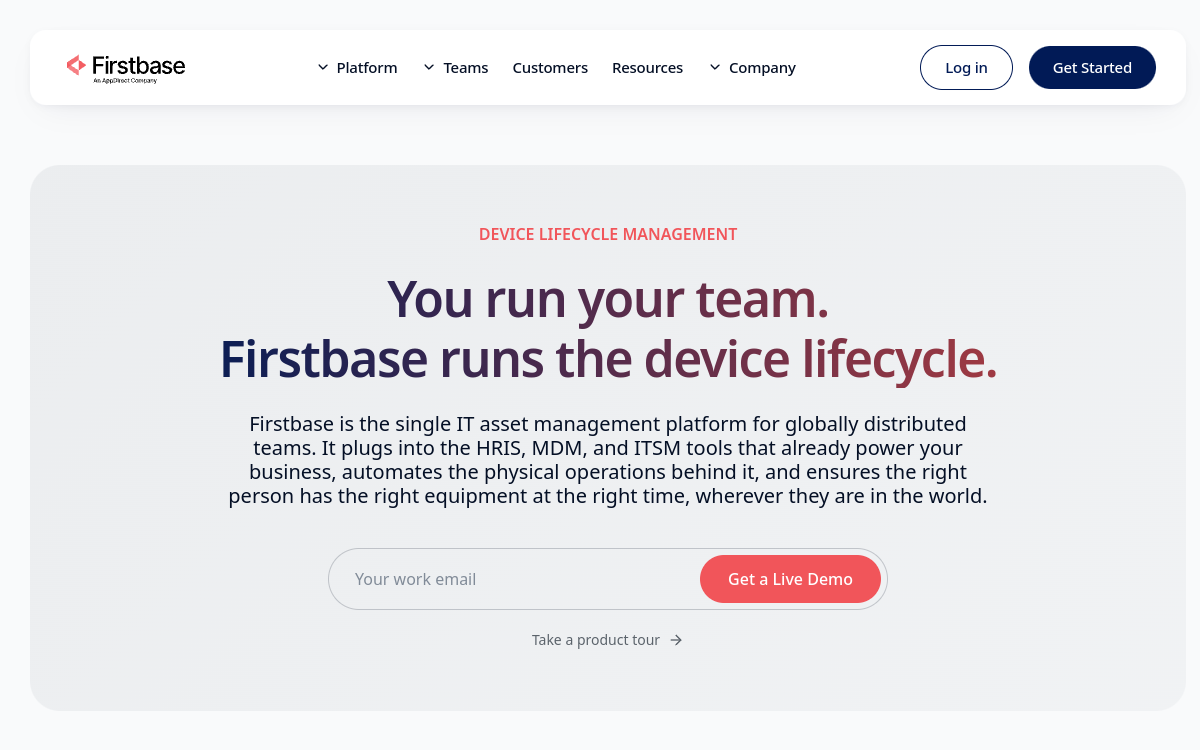
Remote-first companies that equip a whole workstation rather than issuing a laptop and leaving the rest to an expense claim.
Why I Picked Firstbase
Firstbase takes the view that a remote employee has a workstation rather than a computer, and builds the register around that. If your company pays for desks, chairs and monitors, those are company assets too, and they are almost always the ones nobody tracks and nobody gets back. Handling the whole setup through one platform closes that gap and makes the offboarding conversation a single arrangement instead of several. The trade is focus: for pure IT asset management, software licensing and network discovery, the tools above are stronger, and Firstbase's strength is furniture and peripherals as much as computing.
Firstbase Key Features
- Full Workstation Provisioning: Desks, chairs, monitors and peripherals alongside the laptop, shipped as one setup.
- Employee Self-Service Selection: People choose from an approved catalogue within a budget rather than filing requests.
- Retrieval & Storage: Collection of the full setup at offboarding with storage for redeployment.
- Asset Register: One record covering IT and non-IT equipment issued to each person.
- HRIS Integration: Joiner and leaver events drive provisioning and recovery automatically.
Firstbase Integrations
BambooHR, Workday, Rippling, Gusto, HiBob, Okta, Microsoft Intune, Slack
- Covers furniture and peripherals that other registers ignore
- Self-service catalogue reduces request handling
- Recovery covers the whole setup, not only the computer
- Thinner than dedicated ITAM for software and licence management
- Quote-based pricing with no published rate card
Learn More About Firstbase
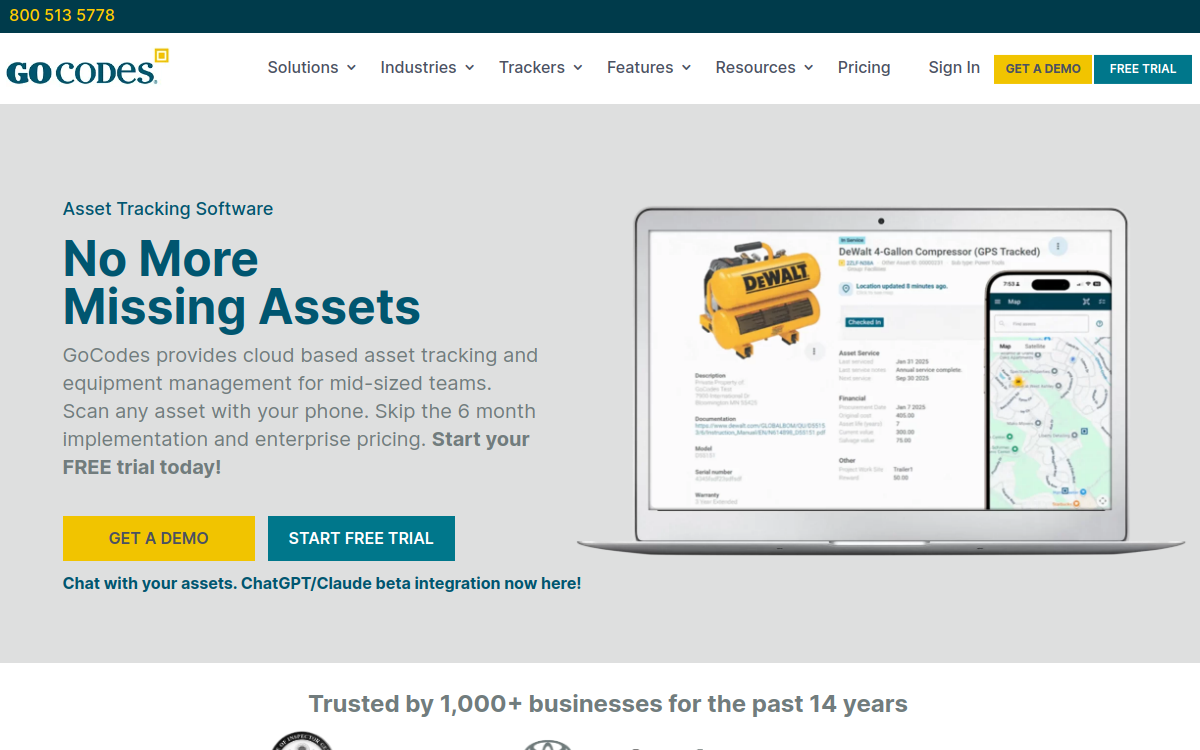
Who Is GoCodes Best For?
Small teams and non-technical organisations that need a real register quickly and will not get value from network discovery.
Why I Picked GoCodes
Not every organisation that needs an asset register has an IT department to run one. GoCodes is built for that case: stick a QR tag on the asset, scan it with a phone, and the register updates with location and holder. Setup is measured in hours rather than weeks and nobody needs to understand network scanning. It is the least powerful option in this list by some distance and we would not recommend it to a company with real IT complexity. For a fifty-person organisation that currently has a spreadsheet and a growing pile of untracked equipment, it is a large improvement for very little effort.
GoCodes Key Features
- Patented QR Tags: Durable tags that link a physical asset to its record with a phone scan.
- GPS Location Capture: Each scan records where the asset was last seen, building a location history automatically.
- Mobile-First Workflow: Check-in, check-out and audits run from a phone rather than a desktop console.
- Maintenance Scheduling: Service schedules and reminders held against each asset.
- Simple Reporting: Straightforward exports for insurance, finance and audit without report building.
GoCodes Integrations
CSV import and export, Google Workspace, QuickBooks, REST API
- Fastest setup in this list, usable the same day
- No IT knowledge required to run it
- Location history captured automatically on every scan
- Least capable option here for complex IT estates
- Depends on somebody physically scanning tags to stay current
Learn More About GoCodes
What is IT Asset Management Software?
IT asset management (ITAM) is the practice of tracking every piece of hardware and software your organisation owns across its whole life: purchase, assignment to a person, maintenance, and eventual retirement or disposal. An ITAM system holds the register that makes that possible - what the asset is, who holds it, where it is, what it cost, when it was bought, and what state it is in. For distributed teams the register matters more than it does for office-based ones, because nobody can walk the floor and count. It is also the artefact auditors ask for first under SOC 2 and ISO 27001, which is why the question often reaches HR through a compliance deadline rather than through IT.
How to Choose the Right IT Asset Management Software
Work out which half of the market you are in before you look at features. If your people sit on a network you control and the problem is that nobody knows what is installed, you want a discovery tool. If your people are scattered and the problem is that laptops leave and never come back, discovery will find nothing and you want a lifecycle platform. Buying the wrong half is the expensive mistake here.
Check what happens to an asset that never phones home. Discovery-based tools build their register from network scans and agents. A laptop that sits in a drawer, or with somebody who left in March, simply stops appearing. Ask each vendor directly how a device that has not connected for ninety days is represented in the register.
Test the assignment model against a real person, not a serial number. HR and People Ops need to answer "what does Priya have" more often than "what is on subnet 10.2". Some platforms treat people as a first-class field with HRIS sync; others bolt them on as a custom attribute and the join breaks the first time somebody changes their surname.
Establish the offboarding path before you sign, because it is the step every one of these tools describes least well. Ask what the system does on the day somebody leaves, who is told, whether a return is initiated, and what the register shows if the device never arrives. If the answer is a report rather than an action, you still own the hard part.
Other IT Asset Management Tools Worth Considering
The tools above are my top picks, but there are other solid options depending on your specific use case, industry, or geography.
How We Evaluate IT Asset Management Software
Our reviews are based on hands-on testing and a consistent evaluation framework. Here's exactly what we measure:
How reliably the platform finds assets without somebody typing them in, and what it does about devices that never connect to a corporate network. This is the single biggest functional difference between the tools in this category.
Whether an asset can be assigned to a named employee, whether that record survives a name change or a department move, and whether it syncs from an HRIS rather than being maintained by hand.
What actually happens when somebody leaves. We separate platforms that raise a flag from platforms that initiate a physical return, because only one of those gets the laptop back.
Whether the register can be exported in a form an auditor accepts for SOC 2 or ISO 27001 without a week of manual reconciliation first.
HRIS, MDM, identity and service desk connections. A register that cannot see your HRIS will drift from reality within a quarter, because joiners and leavers are the main source of change.
Whether a buyer can work out the cost before a sales call. Most of this category cannot, which we mark plainly rather than estimating.
Whether the platform is realistic for a 50 to 500 person company or assumes a dedicated IT asset manager, which most companies at that size do not have.
Explore More
- Best MDM for Small Business: A Practical Guide for Teams Without an IT Department
- MDM Pricing: A Practical Guide to What Vendors Publish and What They Do Not
- Free MDM: A Practical Guide to What Costs Nothing and What It Costs You
- Android MDM Solutions: A Practical Guide for Teams Managing Devices They May Not Own
- Intune Alternatives: A Practical Guide for Teams Whose Fleet Outgrew the Microsoft Default
- Jamf Alternatives: A Practical Guide for Teams Paying for Depth They Do Not Use
Frequently Asked Questions
What is IT asset management software?
It is the system that holds your register of hardware and software: what you own, who has it, where it is, and what state it is in. Some platforms build that register automatically by scanning your network, others by recording each device as it is bought and shipped. The distinction matters more than any feature list, because a scanning tool cannot see a laptop that never connects to your network.
Why would HR or People Ops care about this rather than IT?
Because the two moments the register is really tested are onboarding and offboarding, and both belong to People Ops. Somebody starts and needs a laptop on day one. Somebody leaves and the laptop has to come back. In a distributed company the second of those fails often enough that it usually becomes an HR problem before it becomes an IT one.
Do we need this if we are only fifty people?
Probably yes if those fifty people are in more than one country, and probably not if they are in one office and you can see the laptops. The trigger is rarely headcount on its own. It is the first audit that asks for a device register, or the first month where two people leave and only one laptop comes back.
What is the difference between ITAM and MDM?
Mobile device management enforces configuration and security on a device: encryption, passcodes, app installs, remote wipe. IT asset management records the device as a business asset: who has it, what it cost, where it is in its life. They overlap and most companies eventually run both, but an MDM will not tell you what a laptop cost or that its lease ends in March.
Can a spreadsheet do this?
It can, right up until it cannot, and the failure is quiet. A spreadsheet has no way of knowing that somebody swapped their laptop, left the company, or moved country, so it drifts from reality a little each month while continuing to look authoritative. The practical test is whether anyone would trust it in front of an auditor without checking it first.
Will this get our laptops back when people leave?
Most of these tools will tell you a laptop is outstanding. Far fewer will do anything about it. If recovery is the actual problem you are solving, look specifically at the lifecycle platforms in this list rather than the discovery tools, and ask each vendor what they physically do on the day somebody leaves.
Explore HR Software by Country
Compliance rules, currency handling, and integration requirements vary by market. Pick your country below to see HR Software-specific guidance for that region.
Why local context changes your HR Software decision
The same HR Software platform that wins in the US can fail in Germany. Tax authorities file under different cadences, currencies route through incompatible banking rails, and data-protection laws impose conflicting requirements. A vendor with an owned local entity behaves very differently from one routing through partner networks.
Use the country cards below to see what changes when you operate in that market: which compliance gates the platform must clear, which vendors have on-the-ground presence, and which buyer mistakes cost the most.
At-a-glance regional comparison
| Region | Primary regulator | Data law | Banking rail | Onboarding speed |
|---|---|---|---|---|
| North America | IRS / CRA / SAT | CCPA / PIPEDA / LFPDPPP | ACH / EFT / SPEI | 5–10 business days |
| Europe | HMRC / Finanzamt / DGFiP | UK GDPR / DSGVO / RGPD | BACS / SEPA | 7–14 business days |
| Asia-Pacific | CBDT / IRAS / ATO | DPDP / PDPA / Privacy Act | NEFT-UPI / FAST / NPP | 5–10 business days |
Industry considerations
Your industry shapes which HR Software features actually matter. Below are common patterns we see across four major verticals.
SaaS & Tech
Fast-growing teams that prioritize API depth, equity administration, and integration with engineering tools. Watch for misclassification risk on global contractors.
Healthcare
Heavy compliance load (HIPAA in US, regional equivalents elsewhere) and credentialing workflows. Audit trails and access controls are non-negotiable.
Retail & Hospitality
High-turnover shift workforces. Predictive scheduling laws (US cities), variable-hour ACA tracking, and mobile-first employee access are critical.
Manufacturing & Field Services
Hourly workforce, multi-site operations, union compliance. Time clocks, geofencing, and OSHA-style safety training records matter most.
Country selection — common questions
Should I pick a global HR Software platform or a local-specialist?
Pick a global platform if you operate in 3+ countries and need unified reporting. Pick a local-specialist if 80%+ of your headcount sits in one market and you need deep local compliance. Most mid-market companies blend the two — global core platform + local payroll partner.
How does data residency affect HR Software vendor choice?
EU and UK data must stay within compliant jurisdictions under GDPR. India's DPDP Act 2023 added cross-border transfer rules. Verify your vendor offers regional data centers — many US-built platforms store everything in the US, which fails European audits.
When does it make sense to switch vendors per country?
Switch when local compliance gaps cost more than vendor consolidation savings. The threshold is usually 20+ employees in a market where your global vendor has weak coverage. Below that, accept the gap and supplement with local payroll partners.
Need help picking the right HR Software for your markets?
Get our country-by-country vendor scorecard with pricing benchmarks, compliance checklists, and implementation timelines for the 9 markets above.
Best HR Software by Industry
Different industries face different compliance demands, workforce structures, and feature priorities. Jump to the guide built for your sector.
Best HR Software by Business Size
Vendor fit changes dramatically at different headcount levels. Jump to the comparison built for your stage.
Best HR Software by Use Case
Your buying priority shapes which platform wins. Jump to the guide built for your specific situation.

More HR Tool Reviews on HROpsLab
We review and compare the best HR software across every category - so you can build the right stack for your team.