
The 8 Best Knowledge Base Chatbots for Employee Questions in 2026
A knowledge base chatbot answers a question instead of returning a page to read. That distinction decides everything else, because most tools in this comparison are knowledge bases that have added an answering layer, while a few are answering layers that sit on documents you already have. We read every pricing page on 17 October 2026. Five of the eleven vendors we checked publish no price at all, and two of those stopped publishing recently, which is the single most useful thing to know before you start shortlisting.
8 Best The 8 Best Knowledge Base Chatbots for Employee Questions in 2026 Shortlist
Here's my shortlist of the best options, out of 8 options I reviewed:
-
1
Matram Best when the documents are already good and nobody can find anything in them
-
2
Guru Best for enterprises that want the knowledge platform and the implementation team together
-
3
Helpjuice Best published pricing for a whole company reading answers
-
4
Document360 Best for structured documentation with versioning and review workflows
-
5
Confluence Best if your company already runs on Atlassian
-
6
Slab Best writing experience for a small internal handbook
-
7
Tettra Best for teams who live in Slack and want answers there
-
8
Notion Best if the handbook already lives in Notion and you want to stop there
Somebody asks how much carry-over leave they have. The answer is in the handbook, on page 14, under a heading nobody would search for. They ask a person instead, because asking a person works and searching does not. That is the whole problem, and it is a search problem dressed as a documentation problem.
A knowledge base chatbot is the category of tool that answers the question directly rather than handing back a list of documents. Some of these products started as a knowledge base and bolted answering on. Others started as an answering layer and read whatever documents you already keep. The two shapes fail in different ways, and the rest of this page is mostly about telling them apart.
You Can Trust Our AI & Knowledge Reviews
We build Matram, which ranks first on this page. You should weigh everything we say about it against that. Its three real limitations are stated in its own entry rather than buried, and two of the tools below are better choices than Matram for a team whose actual problem is authoring and maintaining documents rather than answering questions about them.
We take no vendor money, publish no paid placements and sell nothing on this site other than our own products, which are always disclosed where they appear. No vendor on this page has seen it before publication.
Every price here was read from the vendor's own pricing page on 17 October 2026, with the page rendered in a browser wherever a plain fetch returned nothing. Where a vendor publishes no price we say so plainly instead of estimating one, and five of them publish nothing.
Best The 8 Best Knowledge Base Chatbots for Employee Questions in 2026: Pricing Comparison Chart
This software comparison chart summarises pricing details for my top picks to help you find the best software for your budget and business needs.
| Tool | Best For | Trial Info | Price | |
|---|---|---|---|---|
| Best when the documents are already good and nobody can find anything in them | 30 day trial, no card required | $29 Basic, $69 Standard, $199 Pro per month, flat, unlimited seats | Website | |
| Best for enterprises that want the knowledge platform and the implementation team together | Trial by arrangement | Quote-based. It published tiers until recently and no longer does. | Website | |
| Best published pricing for a whole company reading answers | 14 day free trial | 249 per month including 30 users, 449 including 100, 799 for unlimited users | Website | |
| Best for structured documentation with versioning and review workflows | Demo and trial by arrangement | Quote-based. Its pricing page is now a three-step questionnaire. | Website | |
| Best if your company already runs on Atlassian | Free tier for up to 10 users, plus a paid trial | Configurator. $7.15 Standard and $14.10 Premium per user per month at 25 seats, falling as seats rise | Website | |
| Best writing experience for a small internal handbook | Free tier for up to 10 users | Free, then $6.67 Startup and $12.50 Business per user per month, both billed annually | Website | |
| Best for teams who live in Slack and want answers there | Free for 30 days | $8 per user per month on its Scaling plan, with a 10 user minimum, billed yearly | Website | |
| Best if the handbook already lives in Notion and you want to stop there | Free plan, plus a trial of paid features | Free, then $10 Plus and $20 Business per member per month | Website |
Featured Tools
Reviews of the Best The 8 Best Knowledge Base Chatbots for Employee Questions in 2026
Below you'll find detailed reviews of each tool - covering what it does best, key features, integrations, and who it's right for.
Matram
Best when the documents are already good and nobody can find anything in them
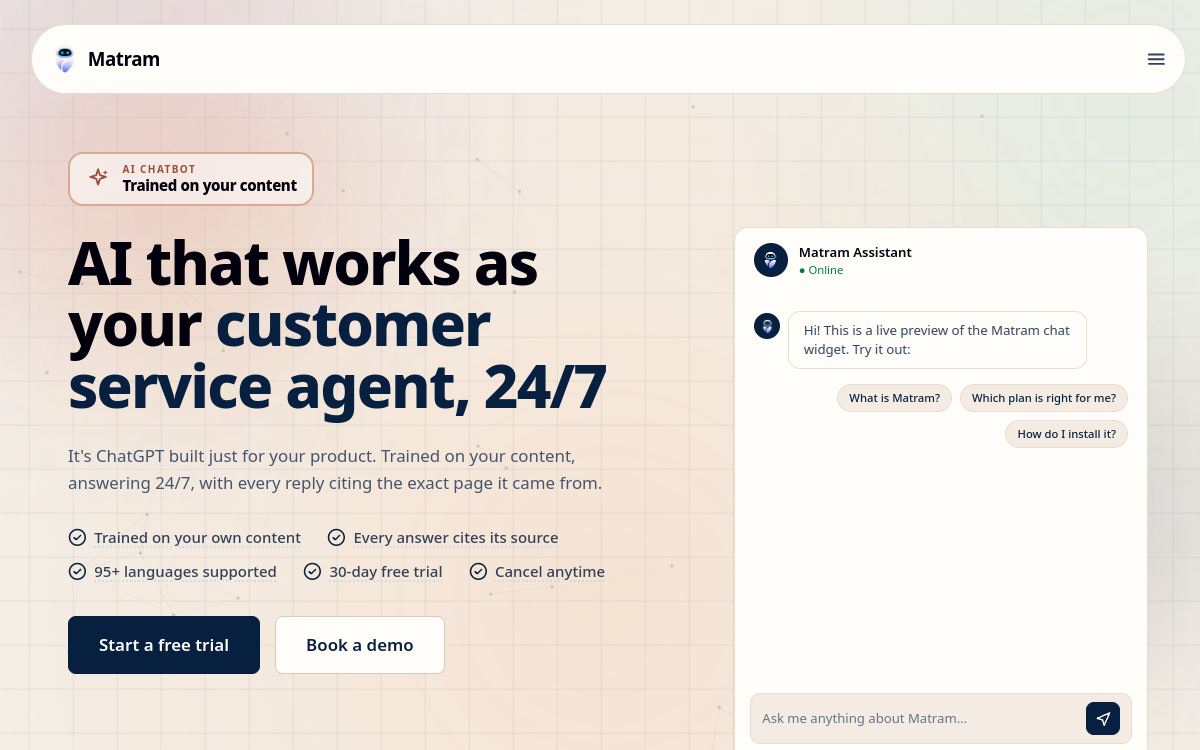
Who Is Matram Best For?
HR and People teams whose document library is reasonable and whose inbox is still full of questions those documents already answer. It suits companies where the number of people asking is much larger than the number of people writing.
Why I Picked Matram
We build Matram, which is disclosed at the top of this page and is the reason to read its cons carefully. We rank it first here on one specific ground: it is the only tool in this comparison that is primarily an answering layer rather than a knowledge base with answering added, and this is a page about knowledge base chatbots. Its flat pricing with unlimited seats also matters more in this category than in most, because the readers always outnumber the writers.
Matram Key Features
- Reads documents where they already live: Points at your existing handbook, policy pages and internal documentation rather than requiring a migration into a new system.
- Source link on every answer: Each answer carries the document it came from, so a reader can check it and an owner can correct the document rather than the bot.
- Strict mode: Answers only from the documents provided and says it does not know when they are silent, rather than filling the gap.
- Flat pricing with unlimited seats: The bill does not move when more of the company starts asking, which is the point at which per-seat tools get expensive.
- Human handoff: Passes a question to a person when the documents do not answer it, rather than guessing.
- 95+ languages: Answers in the asker's language from documents written in one language, which matters once you hire outside your first market.
Matram Integrations
Website widget, Slack, Messenger, standard APIs. WhatsApp coming soon.
- Flat monthly price with unlimited seats, so cost does not rise as more employees start asking.
- Works against documents you already have, with no migration and no reauthoring step.
- Cites the source on every answer and will say it does not know rather than inventing one.
- There is no free tier. The trial is 30 days without a card, and after that it is a paid product.
- It answers rather than actioning tickets. It will tell somebody what the leave policy says and it will not book the leave.
- It is not an ITSM or HR workflow platform, so it has no case management, approvals or ticket queues of its own.
Learn More About Matram
Guru
Best for enterprises that want the knowledge platform and the implementation team together

Who Is Guru Best For?
Larger organisations that want governed knowledge with owners, verification cycles and analytics, and that have somebody to run it. Less suitable for a team of thirty who wanted a chatbot on the handbook.
Why I Picked Guru
It is the most complete knowledge platform in this list and the answering layer is genuinely good. We placed it second rather than first because this page is about answering, and because the move away from published pricing makes it considerably harder to evaluate without a sales conversation.
Guru Key Features
- Verification workflows: Content carries an owner and a verification cycle, so a document that has gone stale is visible as stale rather than silently wrong.
- Permission-aware answers: Answers respect the permissions on the underlying content rather than exposing everything that was indexed.
- Knowledge agents: Cited answers drawn from the governed knowledge layer rather than from the open web.
- Broad integration surface: Connects to a wide range of existing tools, which matters when the documents are scattered.
- Usage signals: Shows what people actually asked and what the content failed to answer, which is the input to fixing it.
- Implementation support: Its current packaging bundles solution engineering with the platform rather than selling software alone.
Guru Integrations
Slack, Microsoft Teams, browser extension, and a wide connector set.
- Verification workflows make stale content visible, which is the failure mode that quietly breaks every knowledge base.
- Permission-aware answering is handled properly rather than bolted on.
- Strong analytics on what people asked and what the content could not answer.
- It no longer publishes a price. As of 17 October 2026 its pricing page asks you to book a call.
- The platform assumes somebody owns and maintains knowledge as a job, which is a real commitment of time.
- Heavier than most teams under a hundred people need if the goal is simply answering questions about a handbook.
Learn More About Guru
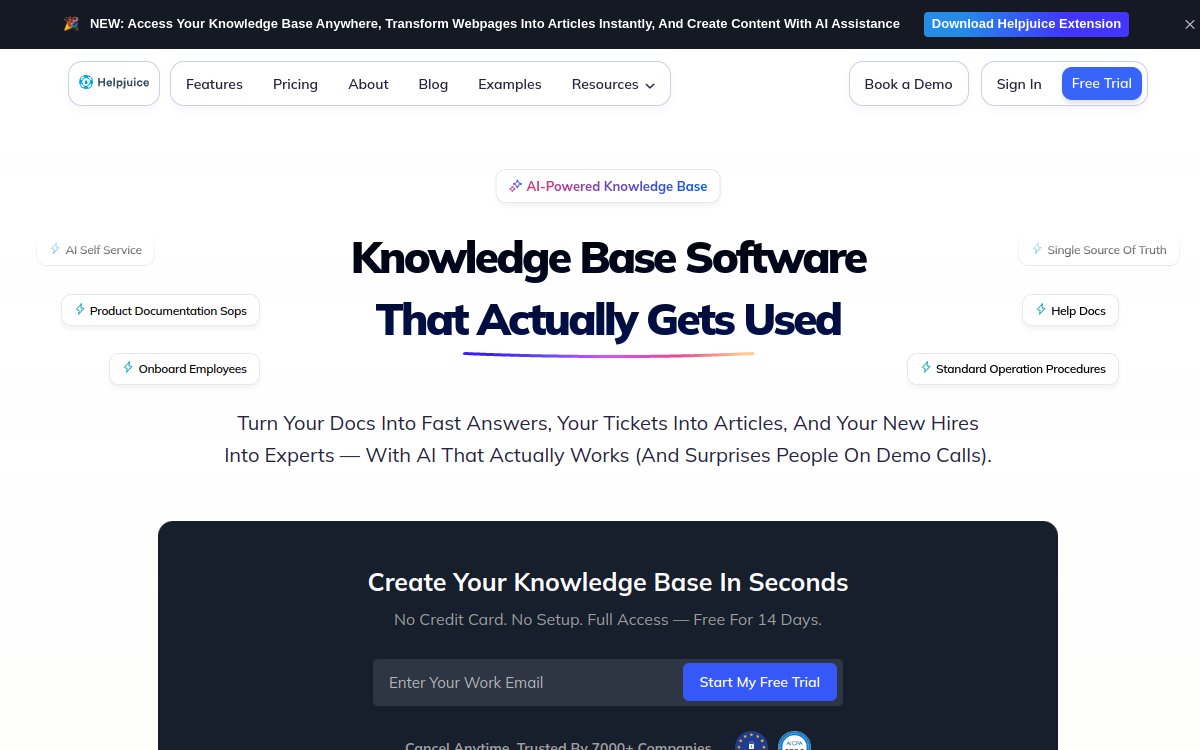
Who Is Helpjuice Best For?
Teams that want a real authored knowledge base with search and analytics, and that expect most of the company to read it. The included-user model suits an internal audience better than per-seat pricing does.
Why I Picked Helpjuice
It is the only tool here other than Matram whose pricing does not punish you for success, and it publishes its figures plainly when much of this category has stopped. The customisation work it does on signup is genuinely unusual.
Helpjuice Key Features
- Priced by included users: Tiers include 30, 100 and unlimited users rather than charging per seat, which changes the arithmetic for an internal audience.
- Hand-built theming: The team customises the knowledge base design on signup rather than handing over a template.
- Analytics on failed searches: Shows what people looked for and did not find, which is the list of articles worth writing next.
- Multi-language content: Supports maintaining the same article set across languages.
- Single sign-on: Available so internal readers do not need another password.
- One-click migration: Imports an existing knowledge base rather than requiring a manual rebuild.
Helpjuice Integrations
Slack, Microsoft Teams, Salesforce, Zendesk and a public API.
- Included-user pricing rather than per seat, with an unlimited-user tier.
- Publishes its prices plainly at a moment when much of this category has stopped.
- Does the theming work for you rather than shipping a template to configure.
- It is a knowledge base first. The answering layer is not the centre of the product.
- Its pricing page shows no currency symbol anywhere, which makes the figures ambiguous at a glance.
- The entry tier includes 30 users, so a very small team pays the same as a team of thirty.
Learn More About Helpjuice
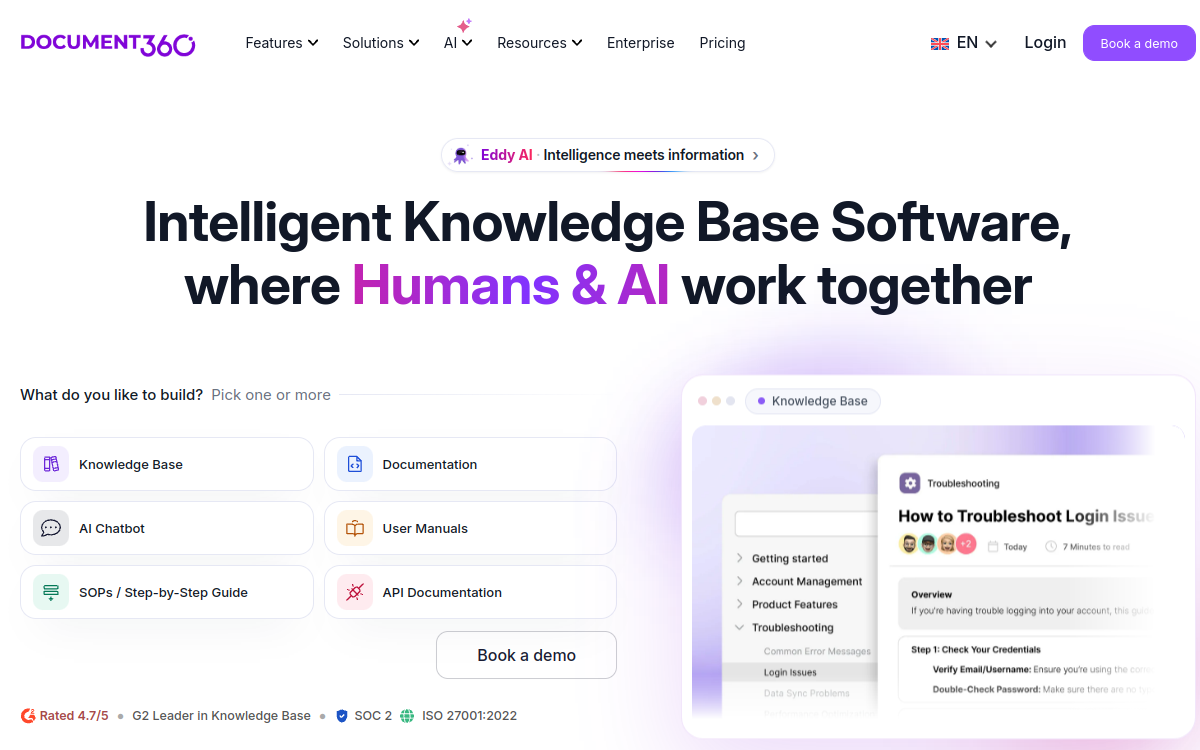
Who Is Document360 Best For?
Teams with a lot of structured documentation to maintain, particularly where review cycles and versioning matter. Strong for internal engineering and policy documentation alike.
Why I Picked Document360
The authoring and governance side is among the best here. We did not rank it higher because this page is about answering questions, and because it has moved away from published pricing in a way that makes a quick comparison impossible.
Document360 Key Features
- Version control on articles: Tracks revisions and lets you publish or roll back a specific version of a document.
- Review reminders: Flags articles for periodic review so content does not quietly go stale.
- Category hierarchy: Deep structure for large document sets, rather than a flat list of pages.
- AI assistant over the content: Answers from the documentation you have authored in the platform.
- Private and mixed access: Supports internal-only knowledge bases alongside public documentation.
- Analytics: Reporting on reads, searches and gaps in the content.
Document360 Integrations
Slack, Microsoft Teams, Zendesk, Freshdesk, Intercom and an API.
- Versioning and review workflows are stronger than most of this category.
- Handles very large structured document sets without becoming unusable.
- Supports internal-only and public documentation from the same platform.
- It no longer publishes pricing. Its page is a qualification questionnaire as of 17 October 2026.
- Content has to live in Document360, so it is a migration rather than an overlay.
- More documentation platform than chatbot, which makes it a heavier answer to a narrow question.
Learn More About Document360
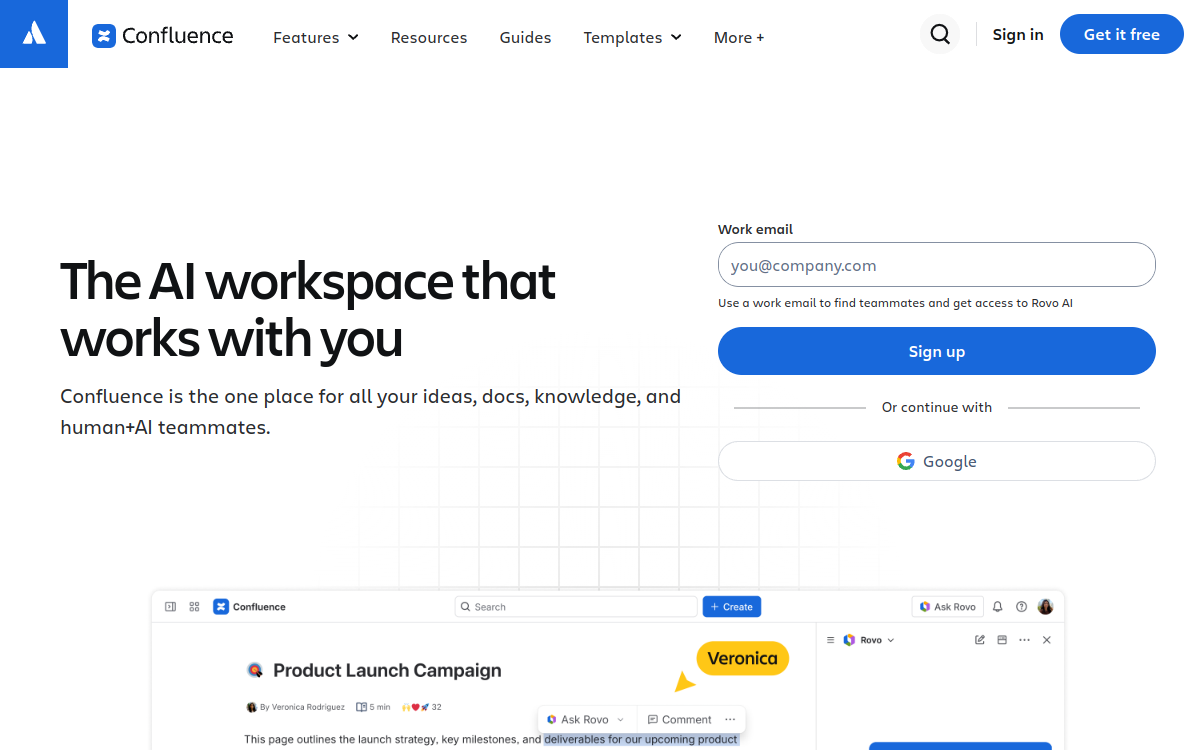
Who Is Confluence Best For?
Companies already using Jira and the rest of the Atlassian set, where Confluence is where documents land by default and moving them is not realistic.
Why I Picked Confluence
It is the incumbent for a very large number of teams, and the honest advice for most of them is to try the answering layer they already pay for before buying another tool. Its ranking here reflects answering quality rather than popularity.
Confluence Key Features
- Rovo search and agents: An answering and search layer across Confluence content and connected tools.
- Spaces and page trees: Familiar structure that most teams already know how to organise.
- Deep Jira integration: Documents and tickets reference each other natively, which is the main reason teams stay.
- Databases on pages: Structured data inside documents rather than tables of text.
- Granular permissions: Space and page level restrictions that the answering layer respects.
- Free tier to 10 users: A genuine free tier for very small teams, not a time-limited trial.
Confluence Integrations
Jira, Slack, Microsoft Teams, Google Workspace and a large marketplace.
- Already in place at a large share of companies, so there is nothing to migrate.
- A real free tier for up to 10 users rather than a trial.
- Permissions are mature and the answering layer respects them.
- Pricing is a configurator, so the per-user rate depends on seat count and a small team pays more per head than published comparisons suggest.
- Search has a long-standing reputation problem, which is usually what sends teams looking at this category in the first place.
- The answering layer is strongest inside the Atlassian set and weaker against documents kept elsewhere.
Learn More About Confluence
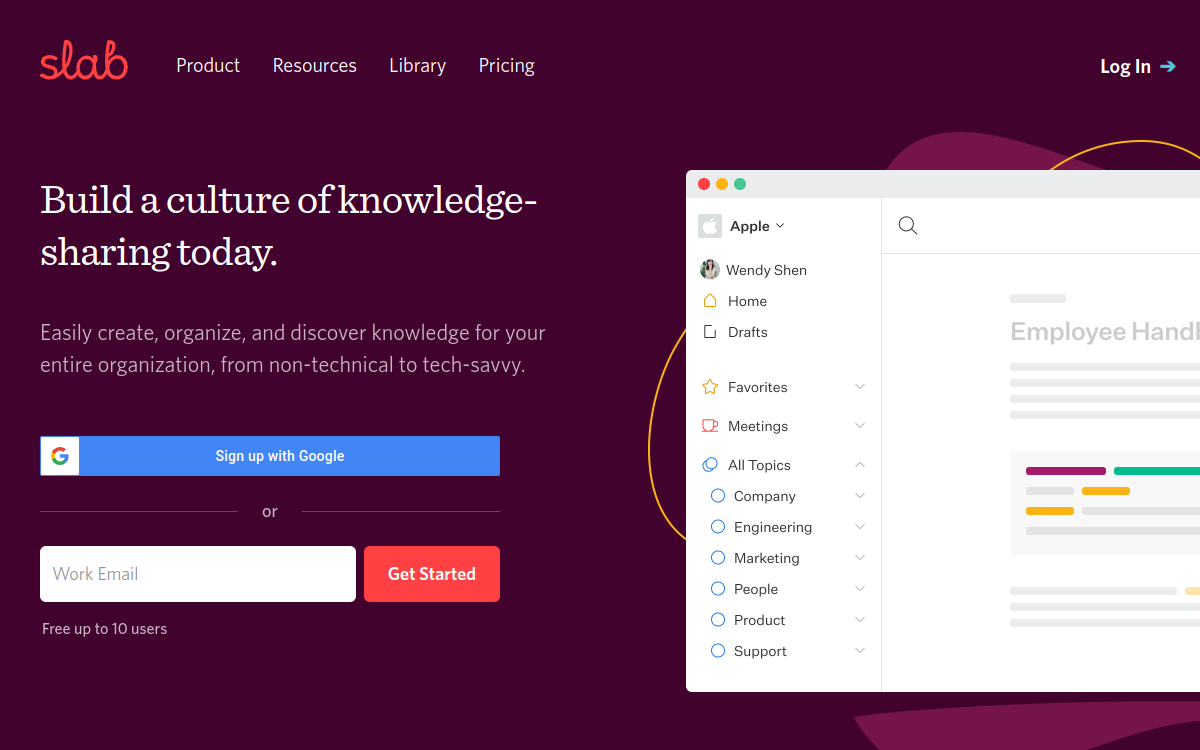
Who Is Slab Best For?
Small and mid-sized teams that want a clean handbook without administering a platform, and that value writing experience over workflow features.
Why I Picked Slab
It is the most pleasant authoring experience in this list and its unified search is better than its size suggests. It ranks here rather than higher because answering is search-shaped rather than conversational.
Slab Key Features
- Unified search: Searches across Slab and connected tools from one box rather than only its own content.
- Clean editor: A writing experience that does not require training, which measurably affects whether documents get written.
- Topics rather than folders: Content organised by topic so one document can sit in several places without duplication.
- Post verification: Marks content as verified by an owner so readers can see what is current.
- Free tier to 10 users: A real free tier with version history, suitable for a very small team.
- Guest access: Included guest seats per paid user for contractors and partners.
Slab Integrations
Slack, Google Workspace, GitHub, Asana and Confluence import.
- The best writing and reading experience of anything in this comparison.
- Unified search reaches connected tools rather than only its own pages.
- A free tier for up to 10 users with version history included.
- Both paid tiers are billed annually, so there is no monthly option at the published rates.
- It is priced per user, which gets expensive when the whole company reads but few people write.
- Answering is search-shaped rather than conversational, so it returns documents more than answers.
Learn More About Slab
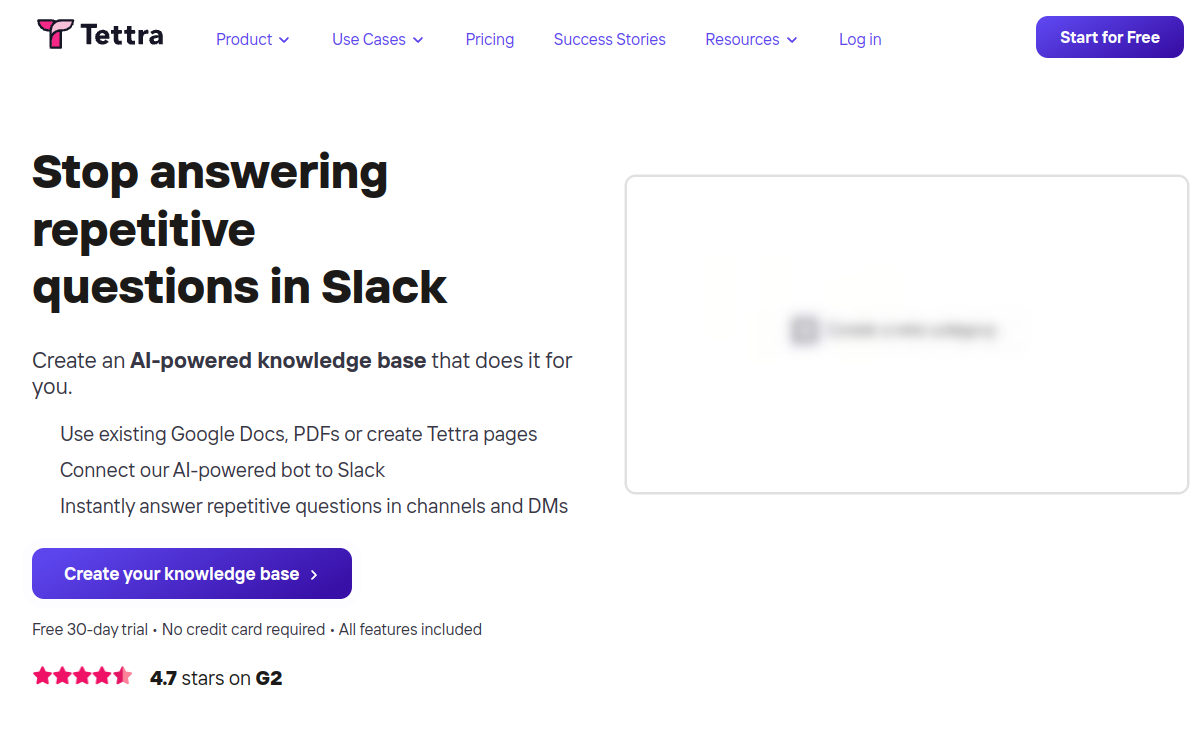
Who Is Tettra Best For?
Slack-first teams where questions get asked in channels rather than in a portal, and where the realistic chance of anybody opening a separate knowledge base is low.
Why I Picked Tettra
The question queue is the best idea in this category and almost nobody else does it: unanswered questions become a visible backlog of documentation to write. It ranks here because the published pricing covers one tier and carries a minimum that matters.
Tettra Key Features
- AI bot in Slack: Answers in the channel where the question was asked rather than requiring a visit to a portal.
- Question queue: Unanswered questions collect as a backlog, which becomes the list of documents worth writing next.
- Knowledge verification: Pages carry owners and verification dates so stale content is visible.
- Simple authoring: Deliberately light editor aimed at getting pages written rather than formatted.
- Google Workspace integration: Reads and references documents kept in Google Drive.
- Slack-native search: Finds content without leaving the conversation.
Tettra Integrations
Slack, Microsoft Teams, Google Workspace, GitHub and Zapier.
- The question queue turns unanswered questions into a documentation backlog, which no other tool here does as well.
- Answers inside Slack, which is where the questions actually get asked.
- A 30 day free trial without immediate commitment.
- The published price carries a 10 user minimum, so the real floor is ten seats even for a team of four.
- Only one tier is priced publicly; the rest requires a conversation.
- Lighter on authoring and governance than the documentation platforms here.
Learn More About Tettra
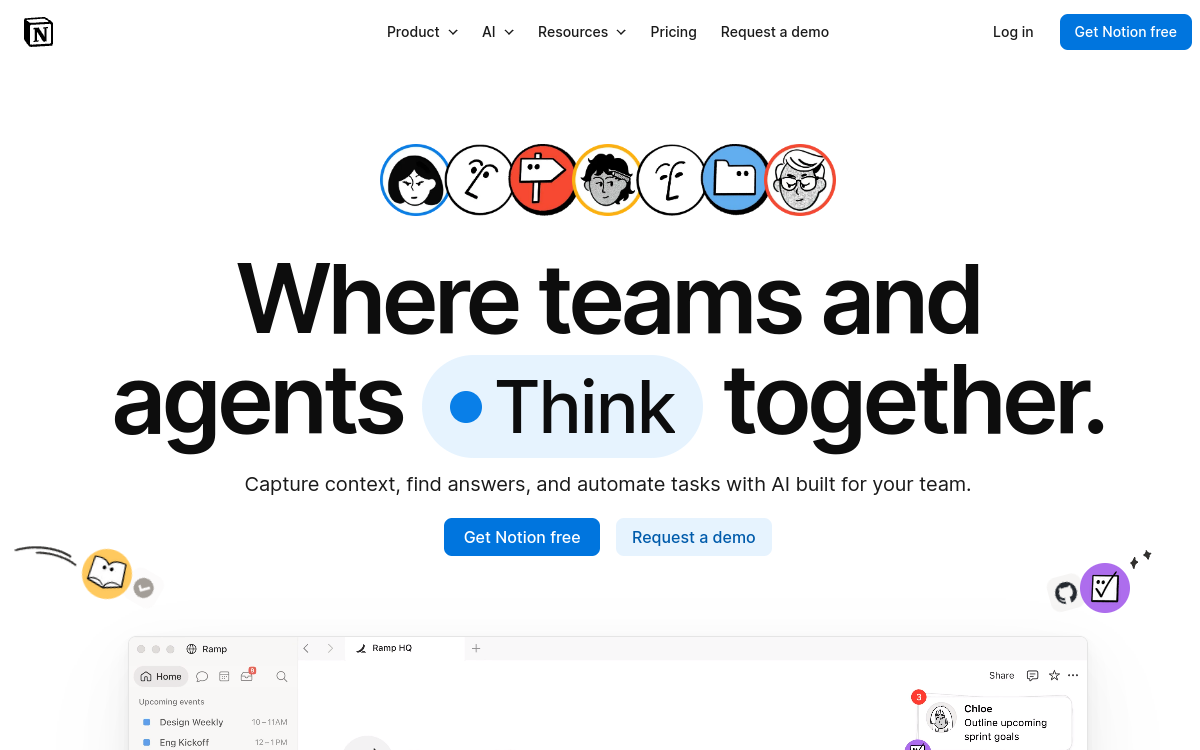
Who Is Notion Best For?
Teams whose documents are already in Notion and whose question volume is moderate. Less suitable where permissions are complicated or the document set is large and messy.
Why I Picked Notion
It is the incumbent for a lot of smaller companies and the answering is adequate for a tidy workspace. It ranks last here because its strengths are authoring and flexibility rather than answering, and because flexibility is what makes workspaces messy enough to need a chatbot.
Notion Key Features
- Notion AI across the workspace: Answers questions over pages and databases you already keep in Notion.
- Databases and structure: Structured content alongside prose, which suits policy registers and trackers.
- Genuinely free plan: A free tier that real teams use rather than a time-limited trial.
- Flexible page model: Almost any structure is possible, which is both the appeal and the risk.
- Wide adoption: Most new joiners already know how to use it, which removes a training cost.
- Connected search: Reaches some connected tools from within the workspace.
Notion Integrations
Slack, Google Drive, GitHub, Jira and a public API.
- A free plan that is genuinely usable, and low per-member prices above it.
- Already in place at a large number of companies, so nothing needs migrating.
- Structure and prose in one place, which suits policy registers well.
- Priced per member, so cost rises with every reader as well as every writer.
- Permissions are coarser than the documentation platforms here, which matters for HR content.
- Its flexibility is what lets workspaces become disorganised, and answering quality follows the organisation of the content.
Learn More About Notion
What is AI & Knowledge Software?
A knowledge base chatbot reads a body of documents and answers questions about them in conversation, rather than returning search results for somebody to read. The useful ones cite the source document so the reader can check the answer, respect whatever permissions the underlying documents carry, and say that they do not know rather than inventing an answer when the documents are silent. The category divides cleanly in two. Knowledge base platforms with an answering layer give you authoring, versioning, approval workflows and analytics, and the chatbot is one feature among many. Answering layers give you none of that and instead read documents wherever they already live, which suits a team whose documents are fine and whose search is not. Neither shape actions anything: a knowledge base chatbot tells somebody what the leave policy says, and it does not book the leave.
How to Choose the Right AI & Knowledge Software
Decide first whether your documents are good and hard to search, or bad and easy to search. An answering layer fixes the first problem and makes the second one worse, because a confident answer drawn from a wrong document is more damaging than a search result nobody trusts.
Count the people who need to read answers against the people who need to write documents. Per-seat pricing charges for both, and in most companies the readers outnumber the writers by something like twenty to one. That ratio is the single biggest driver of cost in this category.
Check whether the tool respects document permissions at answer time. A chatbot that reads everything it was trained on will cheerfully quote a document the asker was never allowed to open, and you will find out about it from the person who was quoted at.
Ask what happens when the documents are silent. The honest behaviour is to say so and hand off. The damaging behaviour is a fluent answer with no source, which is worse than no chatbot at all because people believe it.
Work out who maintains the content after launch. Every tool here assumes somebody keeps the underlying documents current, and the ones with authoring workflows at least make that visible. A chatbot on top of a stale handbook is a faster way to give out last year's policy.
Other AI & Knowledge Tools Worth Considering
The tools above are my top picks, but there are other solid options depending on your specific use case, industry, or geography.
How We Evaluate AI & Knowledge Software
Our reviews are based on hands-on testing and a consistent evaluation framework. Here's exactly what we measure:
The test is whether a question gets a sentence back or a list of links. Several products in this category describe themselves as AI-powered and still return a ranked list, which is search with a different label on it.
An answer without a citation cannot be checked, corrected or defended. We treated a visible source link on each answer as a requirement rather than a feature, and it is the one capability we would not trade away.
Five of the eleven vendors we checked publish no figure at all. We have not estimated on their behalf. Where the field says quote-based, that is what their own page says as of 17 October 2026.
A tool priced per reader gets expensive precisely when it starts working, because success means more people asking. We weighted flat and included-user pricing above per-seat pricing for that reason, and said so rather than hiding it in a score.
Not at indexing time. The question is whether this asker may see this document right now, which is a different question from whether the document was indexed with permissions attached.
We asked each vendor's own documentation what happens on a miss. The products that answer this question clearly are, in our experience, the ones that handle it well.
Explore More
- Tettra Alternatives for HR Teams Who Live in Slack
- Notion or Confluence for the Employee Handbook, and Why Neither Answers Questions
- Building a Knowledge Base for Employees That People Actually Open
- HR Knowledge Management When Nobody Owns Keeping It Current
- Helpjuice Alternatives for HR Teams Under 500 Employees
- Guru Alternatives When You Want Answers Instead of Cards to Read
Frequently Asked Questions
What is the difference between a knowledge base chatbot and a knowledge base with search?
Search returns documents and leaves the reading to the person. A knowledge base chatbot returns an answer in a sentence or two, with a link to the document it came from. The practical difference shows up on questions whose answer sits in the middle of a long document under a heading nobody would think to search for, which describes most policy questions.
Do I need a new tool, or can I use the answering built into what I already have?
Try what you already have first. If your handbook is in Confluence or Notion, both now answer questions across their own content, and for a tidy workspace that is often enough. The case for a separate answering layer gets strong when the documents are spread across several systems, when the readers heavily outnumber the writers so per-seat pricing hurts, or when answer quality from the incumbent is poor because the underlying content is large and messy.
Why do so many of these tools not publish a price?
Five of the eleven vendors we checked on 17 October 2026 publish no figure at all, and two of them, Guru and Document360, stopped recently. The pattern follows the move upmarket into enterprise AI packaging, where the price depends on connected systems, volume and implementation work. It is not evidence that those tools are bad, but it does mean you cannot compare them without starting a sales conversation, and that is a real cost in time.
How should I think about per-seat pricing for an internal chatbot?
Count the readers separately from the writers. In most companies the people who need to read an answer outnumber the people who write documents by a very large multiple, so a per-seat tool charges you for the whole company while only a handful of people ever create content. Flat pricing and included-user pricing both avoid that, which is why Matram and Helpjuice are the two tools on this page whose cost does not rise when the thing starts working.
Will a chatbot answer a question it should not have access to?
It will if the tool checks permissions only when it indexes documents rather than when it answers. Ask every vendor the same question in the same words: when a person asks something, does the product check what that specific person is allowed to see before it answers. The answer separates the serious products from the rest, and it matters most for HR content where pay, performance and grievance documents sit alongside the handbook.
What happens when the documents do not contain the answer?
The honest behaviour is to say so and hand the question to a person. The damaging behaviour is a fluent answer with no source, because people believe it and nobody finds out until the advice turns out to be wrong. Ask to see this behaviour in a trial rather than taking it on description, and test it with a question you know the documents do not cover.
Explore HR Software by Country
Compliance rules, currency handling, and integration requirements vary by market. Pick your country below to see HR Software-specific guidance for that region.
Why local context changes your HR Software decision
The same HR Software platform that wins in the US can fail in Germany. Tax authorities file under different cadences, currencies route through incompatible banking rails, and data-protection laws impose conflicting requirements. A vendor with an owned local entity behaves very differently from one routing through partner networks.
Use the country cards below to see what changes when you operate in that market: which compliance gates the platform must clear, which vendors have on-the-ground presence, and which buyer mistakes cost the most.
At-a-glance regional comparison
| Region | Primary regulator | Data law | Banking rail | Onboarding speed |
|---|---|---|---|---|
| North America | IRS / CRA / SAT | CCPA / PIPEDA / LFPDPPP | ACH / EFT / SPEI | 5–10 business days |
| Europe | HMRC / Finanzamt / DGFiP | UK GDPR / DSGVO / RGPD | BACS / SEPA | 7–14 business days |
| Asia-Pacific | CBDT / IRAS / ATO | DPDP / PDPA / Privacy Act | NEFT-UPI / FAST / NPP | 5–10 business days |
Industry considerations
Your industry shapes which HR Software features actually matter. Below are common patterns we see across four major verticals.
SaaS & Tech
Fast-growing teams that prioritize API depth, equity administration, and integration with engineering tools. Watch for misclassification risk on global contractors.
Healthcare
Heavy compliance load (HIPAA in US, regional equivalents elsewhere) and credentialing workflows. Audit trails and access controls are non-negotiable.
Retail & Hospitality
High-turnover shift workforces. Predictive scheduling laws (US cities), variable-hour ACA tracking, and mobile-first employee access are critical.
Manufacturing & Field Services
Hourly workforce, multi-site operations, union compliance. Time clocks, geofencing, and OSHA-style safety training records matter most.
Country selection — common questions
Should I pick a global HR Software platform or a local-specialist?
Pick a global platform if you operate in 3+ countries and need unified reporting. Pick a local-specialist if 80%+ of your headcount sits in one market and you need deep local compliance. Most mid-market companies blend the two — global core platform + local payroll partner.
How does data residency affect HR Software vendor choice?
EU and UK data must stay within compliant jurisdictions under GDPR. India's DPDP Act 2023 added cross-border transfer rules. Verify your vendor offers regional data centers — many US-built platforms store everything in the US, which fails European audits.
When does it make sense to switch vendors per country?
Switch when local compliance gaps cost more than vendor consolidation savings. The threshold is usually 20+ employees in a market where your global vendor has weak coverage. Below that, accept the gap and supplement with local payroll partners.
Need help picking the right HR Software for your markets?
Get our country-by-country vendor scorecard with pricing benchmarks, compliance checklists, and implementation timelines for the 9 markets above.
Best HR Software by Industry
Different industries face different compliance demands, workforce structures, and feature priorities. Jump to the guide built for your sector.
Best HR Software by Business Size
Vendor fit changes dramatically at different headcount levels. Jump to the comparison built for your stage.
Best HR Software by Use Case
Your buying priority shapes which platform wins. Jump to the guide built for your specific situation.

More HR Tool Reviews on HROpsLab
We review and compare the best HR software across every category - so you can build the right stack for your team.