
Best Laptop Procurement Platforms of 2026: Reviewed & Compared

RemoAsset leads for teams that need the device to come back as well as arrive, because it covers procurement and retrieval in one place. Deel IT is the stronger pick if you already run Deel for payroll or EOR, and Workwize wins on transparency for IT-led buying. Almost nobody in this category publishes a price, so budget for a demo before you can budget at all.
10 Best Laptop Procurement Platforms of 2026: Reviewed & Compared Shortlist
Here's my shortlist of the best options, out of 10 options I reviewed:
-
1
RemoAsset Best for global teams that want to buy, rent, or lease laptops and have them delivered, MDM-enrolled, and retrieved end-to-end
-
2
Deel IT (Hofy) Best for global laptop deployment tied to payroll and EOR
-
3
Workwize Best for IT-led teams wanting transparent global equipment ops
-
4
allwhere Best for US-headquartered companies hiring globally
-
5
Fleet Best for European teams wanting laptop-as-a-service
-
6
GroWrk Best for global IT logistics in emerging markets
-
7
Firstbase Best for full remote-workstation equipment programs
-
8
Rippling IT Best for HR-IT-payroll consolidation on one platform
-
9
Electric Best for SMB IT outsourcing with hardware procurement
-
10
Multiplier Best for global EOR-led teams wanting IT equipment lifecycle bundled with hiring
Laptop procurement for distributed teams isn't just buying hardware - it's OEM sourcing, cross-border shipping, customs, MDM enrollment, and eventual retrieval.
We evaluated the top 10 platforms on global coverage, device catalog depth, MDM integrations, retrieval workflows, and pricing transparency.
You Can Trust Our Laptop Procurement Reviews
Disclosure: RemoAsset is our own product. It appears on this page because it competes in this category, it is assessed against exactly the same criteria as every other tool here, and its limitations are stated in full alongside everyone else's. No vendor on this page has paid for placement, and none can.
We assessed each platform on country coverage, how a device actually reaches a new hire, whether MDM enrollment happens on delivery or afterwards, and what the platform does at offboarding rather than what it reports.
Pricing shown is taken from each vendor's own published pricing page where one exists, and marked quote-based where it does not. We do not estimate prices, and we do not publish a figure we have not seen on the vendor's own site.
Best Laptop Procurement Platforms of 2026: Reviewed & Compared: Pricing Comparison Chart
This software comparison chart summarises pricing details for my top picks to help you find the best software for your budget and business needs.
| Tool | Best For | Trial Info | Price | |
|---|---|---|---|---|
| Best for global teams that want to buy, rent, or lease laptops and have them delivered, MDM-enrolled, and retrieved end-to-end | Demo only | Quote-based | Website | |
| Best for global laptop deployment tied to payroll and EOR | Demo only | Quote-based | Website | |
| Best for IT-led teams wanting transparent global equipment ops | Demo only | Quote-based | Website | |
| Best for US-headquartered companies hiring globally | Demo only | Quote-based | Website | |
| Best for European teams wanting laptop-as-a-service | Demo only | Quote-based | Website | |
| Best for global IT logistics in emerging markets | Demo only | Quote-based | Website | |
| Best for full remote-workstation equipment programs | Demo only | Quote-based | Website | |
| Best for HR-IT-payroll consolidation on one platform | Demo only | Quote-based (module add-on) | Website | |
| Best for SMB IT outsourcing with hardware procurement | Demo only | Quote-based, per-seat subscription | Website | |
| Best for global EOR-led teams wanting IT equipment lifecycle bundled with hiring | Demo + 30-day | Quote-based | Website |
Featured Tools
Reviews of the Best Laptop Procurement Platforms of 2026: Reviewed & Compared
Below you'll find detailed reviews of each tool - covering what it does best, key features, integrations, and who it's right for.
Best for global teams that want to buy, rent, or lease laptops and have them delivered, MDM-enrolled, and retrieved end-to-end
Who Is RemoAsset Best For?
Distributed companies 20-500 employees. Companies that need asset visibility but aren't at enterprise ITAM scale yet
Why I Picked RemoAsset
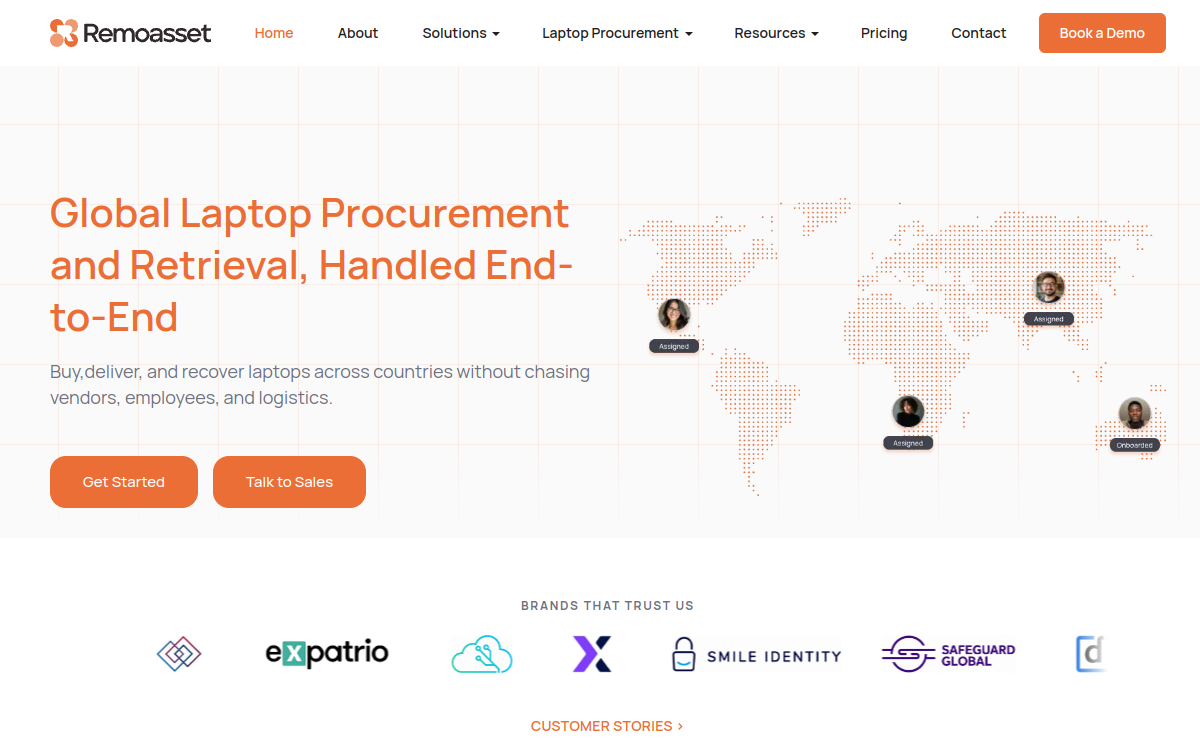
RemoAsset's pitch is simple: buy, rent, or lease laptops and let it handle delivery, MDM enrollment, management, and retrieval across countries. For distributed teams that don't want to stitch together resellers, couriers, MDM, and ITAD separately, that end-to-end coverage is the draw. RemoAsset positions itself as end-to-end global laptop lifecycle management: buy, rent, or lease devices, have them delivered and MDM-enrolled for new hires, manage and maintain them in life, then retrieve, store, or wipe them at offboarding - across countries, without coordinating multiple vendors and couriers. For distributed and remote-first teams it consolidates procurement, deployment, management, and recovery into a single platform.
RemoAsset Key Features
- Global laptop procurement: Buy, rent, or lease IT hardware for your global workforce and have it sourced and delivered for you.
- Delivery + MDM enrollment: Laptops are shipped cross-border to new hires and automatically enrolled in MDM on delivery.
- Automated asset tracking: Real-time visibility and automated tracking across every device in your fleet.
- Management, security & repairs: Mobile device management, security controls, and simplified maintenance and repair scheduling.
- Retrieval, storage & data wiping: Automated, secure device return at offboarding, with secure storage and complete data wiping.
RemoAsset Integrations
HRIS connectors (BambooHR, Rippling); MDM enrollment; SSO; standard APIs
- Covers the entire lifecycle - procurement, delivery, management, retrieval
- Flexible buy / rent / lease options per device
- Global delivery and recovery without managing vendors or logistics yourself
- Pricing is quote-based (demo required)
- Newer platform with a smaller footprint than legacy global resellers
Learn More About RemoAsset
Who Is Deel IT (Hofy) Best For?
200 - 5,000 globally distributed employees. Already running payroll, contracts, and EOR through Deel, and want laptops to share the same employee data and trigger workflow
Why I Picked Deel IT (Hofy)
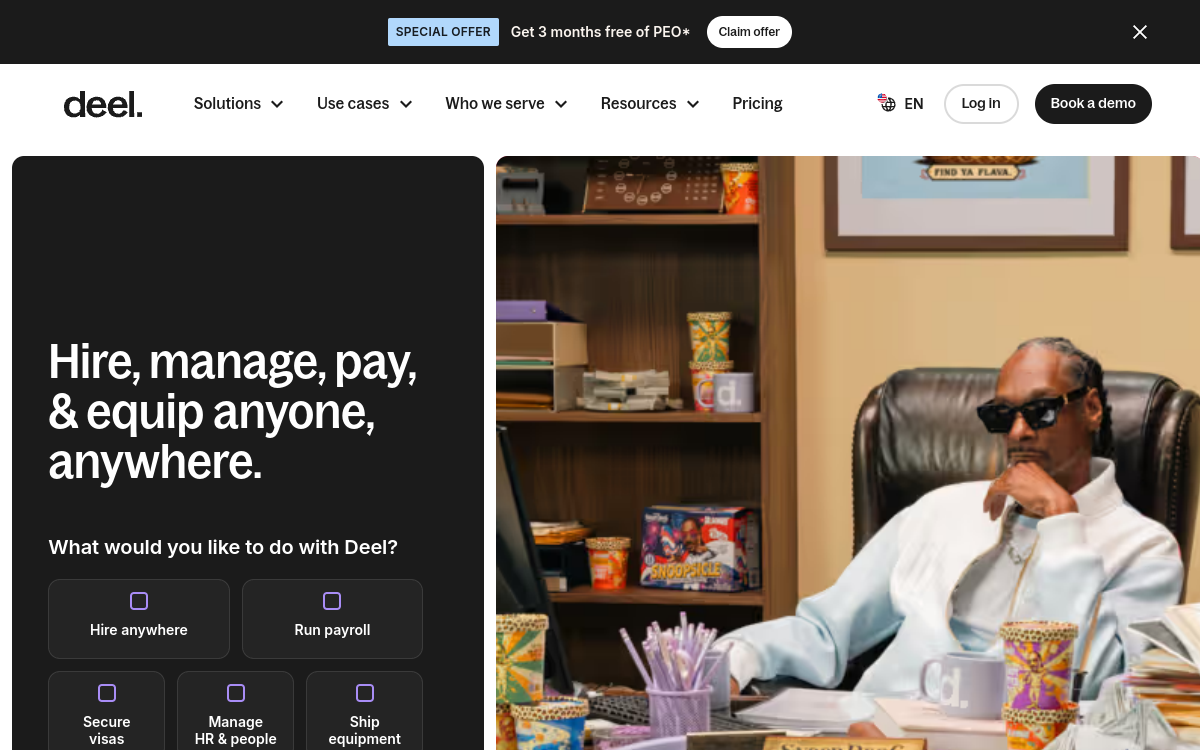
Deel IT is the most complete global equipment platform on the market for companies already standardized on Deel for HR, payroll, or EOR. The 130+ country footprint, native onboarding trigger, and lifecycle depth are unmatched at scale. Deel IT is what Hofy became after Deel acquired it in July 2024. The result is the most complete global equipment platform on the market, with deep coverage in 130+ countries and a native trigger from Deel HR and Deel EOR - the moment you create a new hire, a laptop dispatch can fire automatically.
Deel IT (Hofy) Key Features
- Procurement in 130+ countries: Buy, lease, or rent laptops across more countries than any competitor, with in-country sourcing where local pricing beats cross-border shipping.
- Native Deel HR/EOR trigger: New hires created in Deel HR or Deel EOR automatically trigger device dispatch, MDM enrollment, and access provisioning - no separate ticket.
- Pre-shipment MDM enrollment: Devices enroll into Jamf, Iru (formerly Kandji), or Intune at the warehouse, so the laptop arrives zero-touch ready for the employee's first login.
- Retrieval, wipe, redeploy: Offboarding triggers prepaid retrieval to a regional warehouse with NIST 800-88 wipe certificate and a redeploy option for the next new hire.
- Buy, lease, or rent on one catalog: Mix outright purchase with leases or DaaS subscriptions across regions to balance capex/opex by country and finance preferences.
Deel IT (Hofy) Integrations
Deel HR/EOR, Jamf, Iru (formerly Kandji), Intune, Workday, HiBob
- Strongest global footprint of any procurement platform
- Deep integration with Deel HR, payroll, and EOR
- Buy, rent, or lease flexibility on the same catalog
- Pricing is quote-only and skews enterprise
- Most valuable if you're already on Deel
Learn More About Deel IT (Hofy)
Who Is Workwize Best For?
100 - 2,000 distributed employees. 100 - 2,000 employees, with one or two IT generalists who don't have time to manage OEM portals in 12 different countries
Why I Picked Workwize
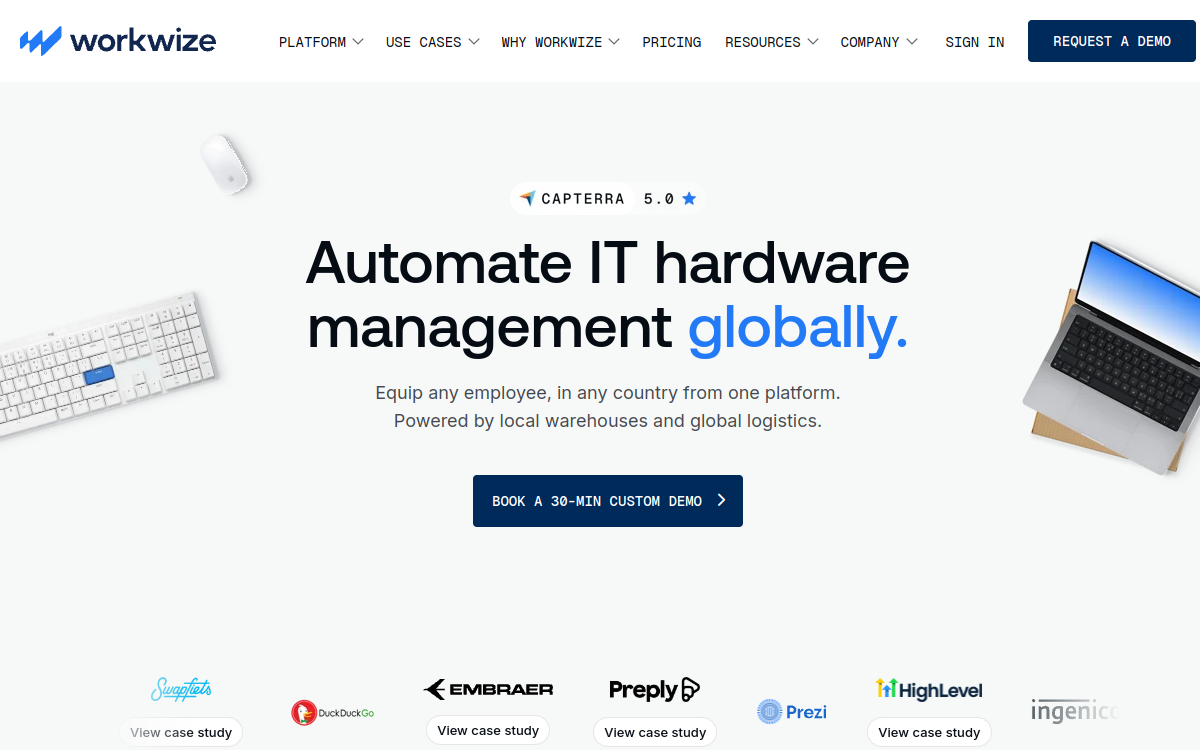
Workwize is the platform we recommend most often to mid-market IT leaders who want one console for procurement, MDM enrollment, storage, and retrieval across 100+ countries. The console is clean, the warehousing footprint is real, and the offboarding workflow actually closes the loop. Workwize is an Amsterdam-based equipment lifecycle platform that helps distributed companies buy, ship, configure, store, and retrieve laptops anywhere their employees happen to work. Founded in 2018, it sits in the same category as Hofy and allwhere but tends to win on transparent IT-led workflows and a clean admin console.
Workwize Key Features
- Global device catalog with local stock: Browse Apple, Lenovo, Dell, and HP laptops with country-specific availability and pricing. Local warehousing in 100+ countries reduces cross-border shipping, customs holds, and surprise duties.
- MDM enrollment before shipment: Devices are enrolled into your MDM (Jamf, Iru (formerly Kandji), Intune, Mosyle) at the warehouse, so employees unbox a zero-touch, fully configured laptop on day one. No remote bring-up over Zoom.
- Storage & redeployment: Returned devices go into regional warehouses where Workwize can wipe, refurbish, and re-deploy them to your next hire - turning offboarded laptops into a circular fleet instead of a sunk cost.
- HRIS-triggered procurement: Connect BambooHR, HiBob, Rippling, Workday, or Personio. New hires automatically trigger the right order to ship to the right address with the right MDM profile, no ticketing required.
- Lifecycle reporting & TCO views: One dashboard showing every device's status, warranty, repair history, and total cost over its life. Useful for finance reporting, depreciation, and convincing the CFO the platform pays for itself.
Workwize Integrations
HRIS + MDM (30+)
- Truly global warehouse footprint, not just shipping
- Strong IT/MDM focus rather than HR-only workflow
- Self-serve employee portal for ordering and returns
- Pricing is quote-only and scales with device count
- Smaller catalog of peripherals than some competitors
Learn More About Workwize
Who Is allwhere Best For?
100 - 1,500 distributed employees. Headquartered in the US, hiring internationally, with first 30 international hires in EU/Canada rather than emerging markets
Why I Picked allwhere
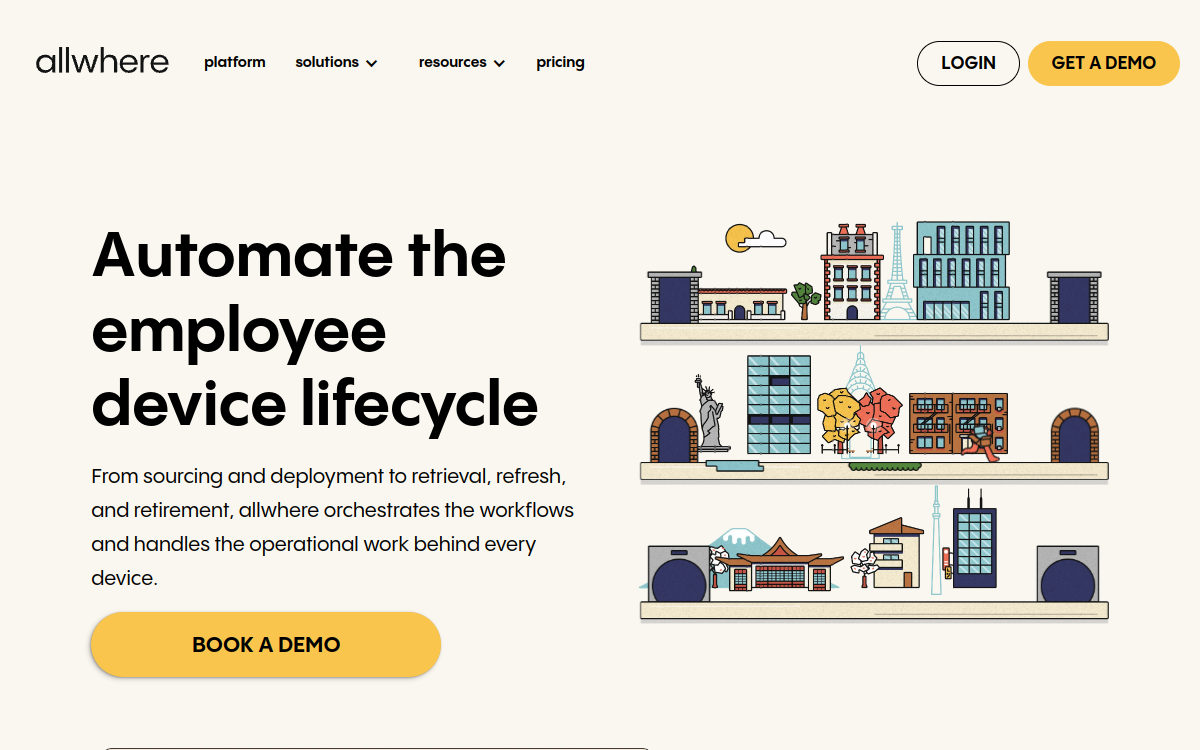
allwhere is the platform we recommend most often to US-headquartered mid-market companies expanding into EU and Canada that want procurement and IT asset management in one console. The UI is clean, the ITAM bundling removes a real source of operational friction, and the API makes custom workflows feasible. allwhere is a New York-headquartered equipment lifecycle platform that emerged in 2021 to give US-led companies a single console for global procurement, MDM enrollment, warehousing, and retrieval. It raised $9.5M seed in 2022 and has since built one of the cleaner UIs in the category, with a Series B-D customer base typical for US-headquartered fintech and SaaS scaleups.
allwhere Key Features
- Global procurement in 100+ countries: Source new laptops worldwide with white-glove delivery in major markets and pre-classified customs documentation.
- Integrated IT asset management: Native ITAM means asset tracking, audits, and lifecycle history live in the same console as procurement - no separate reconciliation.
- Pre-shipment MDM enrollment: Devices enroll into Jamf, Iru (formerly Kandji), or Intune before they ship, delivering true zero-touch onboarding for the employee.
- Warehousing & redeployment: Regional warehouses store returned devices for refurbishment and redeployment to new hires, turning the offboarded fleet into circular inventory.
- Retrieval workflows: Prepaid return labels, regional drop-offs, and wipe certificates make offboarding a self-serve workflow for employees.
allwhere Integrations
HRIS + MDM (20+), API for custom flows
- Combined procurement + ITAM after BlueTally acquisition
- Strong US base with mature international shipping
- Good fit for Series B-D companies scaling globally
- Pricing is quote-only, not posted publicly
- EU and APAC coverage is improving but uneven by country
Learn More About allwhere
Who Is Fleet Best For?
20 - 500 employees in EU. 20 - 500 employees in EU, want laptop programs without capex, quote-only contracts, or credit checks
Why I Picked Fleet
Fleet is the platform we recommend most often to European startups and scale-ups that want laptops without capex, quote-only contracts, or vendor sprawl. The €37.50 starting point is real, the refurbished catalog is genuinely cheaper and greener, and the automated 3-year refresh removes a quiet operational tax most IT teams pay. Fleet is a Paris-based laptop subscription platform founded in 2019 that pioneered transparent pricing in a category dominated by quote-only contracts. Roughly €37.50 per workstation per month gets you the hardware, MDM enrollment, repairs, replacements, and an automated 3-year refresh - no down payment, no quote, no credit check dance.
Fleet Key Features
- Transparent subscription pricing: Public starting price (~€750/month for 20 workstations) - rare in a category dominated by quote-only contracts.
- Refurbished-first catalog: Optional refurbished Macs and ThinkPads reduce monthly cost and carbon footprint vs new-only competitors.
- Automated 3-year refresh: Every device automatically refreshes at 36 months - old returns to Fleet, new goes to the employee, no purchase order needed.
- Bundled MDM and security: Workspace ONE MDM included with every device; Bitdefender and Keeper available as add-ons for endpoint security and password management.
- Repairs and replacements included: Failed device? Fleet replaces it under the monthly subscription - no separate warranty contract, no out-of-pocket repair invoices.
Fleet Integrations
HRIS, Workspace ONE MDM, security tooling
- Truly subscription-priced rather than quote-only
- Refurbished options for sustainability-minded buyers
- Strong EU coverage and French market depth
- Subscription model can cost more than outright purchase long-term
- Coverage outside EU/US is still expanding
Learn More About Fleet
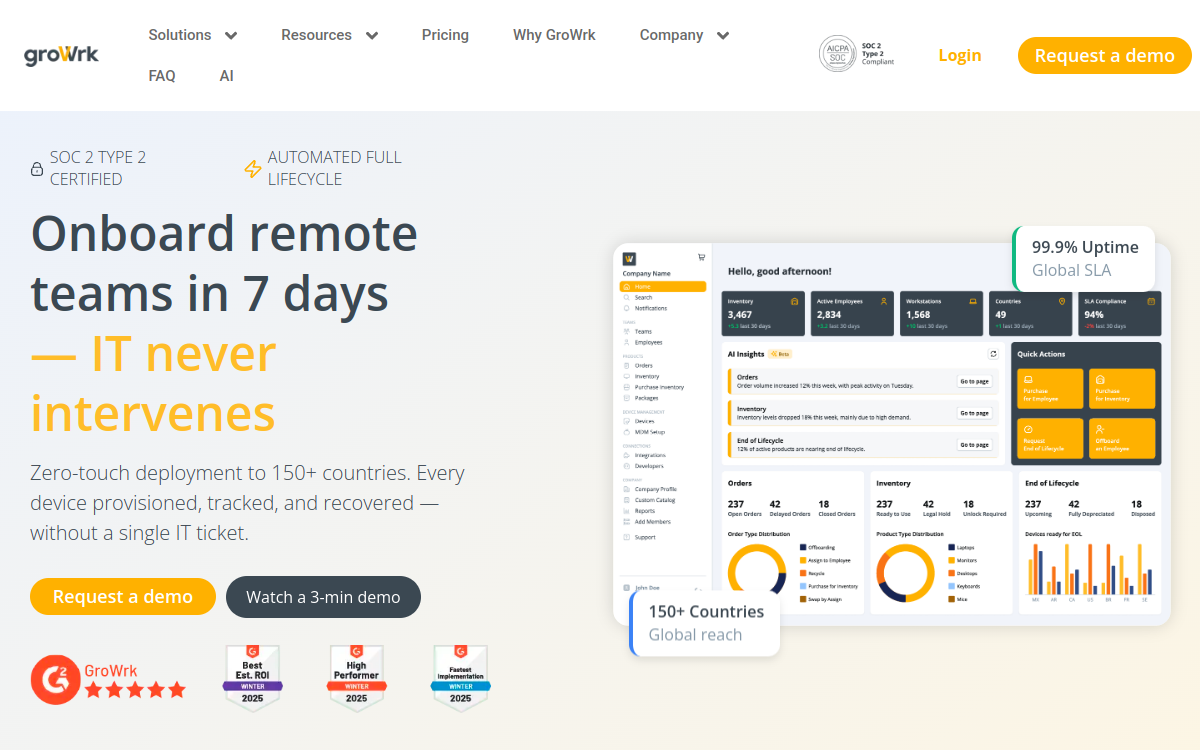
Who Is GroWrk Best For?
100 - 2,000 employees with LATAM/APAC concentration. Companies with half the engineers in Brazil, India, the Philippines, or other emerging markets where customs handling is painful
Why I Picked GroWrk
GroWrk is the platform we recommend most often to globally distributed companies with meaningful hiring in LATAM, APAC, India, or the Philippines - markets where US/EU-headquartered alternatives ship cross-border, pay the customs tax, and arrive two weeks late. The 150+ country in-country sourcing footprint is real and material. GroWrk is a San Francisco and Mexico City-headquartered equipment platform founded in 2019 that specializes in the markets US-led platforms struggle with: LATAM, APAC, India, the Philippines, Nigeria, and other emerging markets where cross-border courier shipping and customs delays make every other option miserable.
GroWrk Key Features
- In-country procurement in 150+ countries: Buys devices inside the destination country to avoid customs, import duty, and 1-3 week cross-border transit - particularly impactful in LATAM and APAC.
- Regional warehouses in emerging markets: Storage and redeployment hubs in major LATAM and APAC cities where US/EU-headquartered platforms don't have presence.
- MDM enrollment before shipment: Devices enroll into Jamf, Iru (formerly Kandji), Intune, or Mosyle at the warehouse so employees receive zero-touch laptops anywhere in the world.
- Retrieval & redeployment: Offboarding workflows with prepaid return, in-country warehousing, NIST 800-88 wipe certificates, and redeployment to next hires.
- HRIS-triggered procurement: Connects to BambooHR, HiBob, Rippling, Workday, and others to fire device dispatch from the HR record automatically.
GroWrk Integrations
HRIS, MDM (Jamf, Iru (formerly Kandji), Intune)
- Best-in-class coverage in LATAM and APAC
- Local sourcing reduces customs delays and duties
- Strong fit for globally distributed engineering teams
- Pricing is quote-only
- UX is functional but less polished than top competitors
Learn More About GroWrk
Who Is Firstbase Best For?
50 - 1,500 distributed employees with home-office budget. Series B-D companies with explicit remote-first culture and a real per-employee home-office budget ($2K-$5K)
Why I Picked Firstbase
Firstbase is the platform we recommend most often to remote-first scaleups whose equipment program covers laptops AND home-office furniture. The curated catalog, white-glove delivery, and retrieval workflow turn an expense-reimbursement mess into a managed program with real ergonomics and per-employee unit economics. Firstbase is a New York-headquartered platform founded in 2019 that pioneered the 'remote workstation as a service' category. Where Workwize, Deel IT, and allwhere focus on laptops, Firstbase ships entire home-office setups - laptop, monitor, ergonomic chair, desk, keyboard, mouse, lamp - directly to employees with white-glove delivery in major markets.
Firstbase Key Features
- Full home-office catalog: Laptops, monitors, ergonomic chairs, sit-stand desks, keyboards, mice, lamps, headsets - broader than any laptop-only platform.
- White-glove delivery: Furniture-class items get white-glove assembly delivery in major markets - chairs arrive built, monitors set up, ready to use.
- Global shipping in 60+ countries: Coverage in major markets across NA, EU, UK, Australia, parts of APAC and LATAM.
- MDM enrollment: Laptops enroll into your MDM (Jamf, Intune, Iru (formerly Kandji)) before dispatch - less deep than IT-first platforms but sufficient for most teams.
- Retrieval & refurbishment: Offboarded equipment returns to regional warehouses for refurbishment and redeployment - turns expensive ergonomic gear into reusable fleet.
Firstbase Integrations
HRIS (Rippling, Workday, BambooHR), Slack
- Broadest non-laptop equipment catalog in the space
- Strong remote-first brand and employee experience
- Good retrieval and reuse program
- Pricing is quote-only and can be premium
- Less IT/MDM-deep than pure equipment platforms
Learn More About Firstbase
Who Is Rippling IT Best For?
50 - 1,000 employees with Rippling HRIS. Already use Rippling for HR, payroll, identity, and apps - Rippling IT is the natural extension
Why I Picked Rippling IT
Rippling IT is the platform we recommend most often to companies already fully standardized on Rippling for HR, payroll, identity, and apps. The unified employee record and the tight onboarding/offboarding automation deliver a meaningful operational benefit that's hard to replicate with separate tools. Rippling IT extends Rippling's HRIS into device procurement, native MDM, identity, and SaaS app management - letting you order a laptop the moment you create the employee record in HR. Rippling was founded in 2016 by Zenefits' Parker Conrad; the IT module launched in 2021 and has expanded steadily to include native MDM for macOS, Windows, and iOS.
Rippling IT Key Features
- Native HRIS-IT-payroll integration: Order laptops from inside the same employee record that handles payroll, benefits, identity, and app provisioning - one source of truth.
- Native MDM (Mac, Windows, iOS): Built-in MDM eliminates the need for Jamf, Intune, or Iru (formerly Kandji) - though you can keep them if you prefer.
- Identity & app provisioning: Same console manages SSO, app access, app license deprovisioning at termination - IT, identity, and app management bundled.
- Hardware procurement: Order laptops from a Rippling-managed catalog (Apple, Lenovo, Dell, HP) with shipping handled by partners.
- Inventory & warehousing: Track devices in deployment, in storage, in repair - and warehouse returns for redeployment to new hires.
Rippling IT Integrations
Native to Rippling HR/payroll/identity
- Tight integration across HR, payroll, IT, and finance
- Single source of truth for employee + device data
- Strong native MDM included
- Most valuable only if you're on Rippling end-to-end
- Device pricing is quote-based on top of Rippling subscription
Learn More About Rippling IT
Who Is Electric Best For?
20 - 500 employees, US-led. 20-500 employees, no full-time IT manager, current IT handled by office manager or HR - Electric replaces the role
Why I Picked Electric
Electric is the platform we recommend most often to US SMBs in the 20-500 employee range that have outgrown DIY IT but aren't yet at the scale of a dedicated team. The chat-based helpdesk, bundled procurement, and SOC 2 prep replace a junior IT manager at a comparable cost - with the advantage of immediate ramp-up vs a 2-3 month hire. Electric (electric.ai) is a New York-headquartered managed IT services company founded in 2016 that operates as outsourced IT for sub-500-employee companies. The core product is a chat-based IT helpdesk staffed by Electric's own engineers, with hardware procurement, MDM, app management, and SOC 2 readiness bundled as additional services.
Electric Key Features
- Chat-based IT helpdesk: Slack-based or chat-based IT support staffed by Electric engineers - the core differentiator that justifies the per-seat fee.
- Hardware procurement: Bundled laptop sourcing across Apple, Lenovo, Dell, HP - US-focused with limited international support.
- Native MDM: Built-in MDM for Mac and Windows; less deep than Jamf or Intune but adequate for SMBs without complex requirements.
- App and identity management: App provisioning, SSO, and license deprovisioning bundled with the IT subscription.
- Asset & inventory tracking: Track devices in deployment, in storage, and in repair from the Electric admin console.
Electric Integrations
HRIS, native MDM, Slack
- Combines managed IT and procurement under one vendor
- Strong fit for SMBs without a dedicated IT team
- Predictable subscription pricing per seat
- Primarily US-focused; weaker for global deployments
- Hardware sourcing is secondary, not the core product
Learn More About Electric
Multiplier
Best for global EOR-led teams wanting IT equipment lifecycle bundled with hiring
Who Is Multiplier Best For?
Global teams 20-500 ppl using EOR for international hiring. Companies whose primary international hiring mechanism is EOR
Why I Picked Multiplier
Multiplier has carved out a credible position as the global EOR alternative to Deel/Remote, with IT equipment lifecycle integrated into the hiring workflow. For companies that use EOR as their primary international hiring mechanism, the bundling is a real value proposition. Multiplier is one of the fast-growing global EOR platforms, headquartered in Singapore and competing directly with Deel and Remote.com. The IT equipment lifecycle offering is part of the broader EOR/HR stack - when you hire someone via Multiplier EOR, you can also provision their laptop through the same workflow.
Multiplier Key Features
- 150+ country coverage: Global EOR footprint with IT equipment available wherever Multiplier supports hiring.
- EOR + IT integrated: Hire, pay, and equip international staff from one platform - workflow consolidation is the differentiator.
- Buy, lease, refurbished: Standard IT equipment options across the catalog: new purchase, lease, refurbished.
- HRIS-triggered provisioning: EOR onboarding triggers equipment provisioning automatically.
- Equipment retrieval: End-of-employment equipment retrieval included as part of offboarding workflow.
Multiplier Integrations
HRIS connectors, SSO, payroll partners; growing ecosystem
- Real EOR platform competing with Deel/Remote
- IT equipment integrated with hiring workflow
- Single vendor for global hiring + equipping
- Smaller than Deel; less brand recognition
- IT equipment less deep than dedicated procurement platforms
Learn More About Multiplier
What is Laptop Procurement Software?
Laptop procurement for a distributed team is not buying laptops. It is getting the right machine to a person in another country, configured and enrolled before they open it, and knowing where it is afterwards. A procurement platform sources the hardware, handles cross-border shipping and customs, enrolls the device into management on arrival, and keeps the record. The alternative is a reseller, a courier, a spreadsheet and somebody in IT spending their week chasing all three. The distinction that matters when comparing these tools is whether the vendor touches the hardware or only orchestrates a request.
How to Choose the Right Laptop Procurement Software
Check country coverage against your actual list, not the marketing number. Every vendor here quotes a country count and the counts are not comparable, because some mean they can ship there and others mean they hold stock there. Give each vendor your real locations and ask which are stocked, which are shipped in, and what the lead time is for each.
Ask what happens between the order and the person opening the box. The gap between a platform that ships a sealed retail laptop and one that enrolls it in your MDM before it leaves the warehouse is a day of IT time per hire, every hire. Ask to see the unboxing experience a new starter gets.
Decide whether you are buying procurement or a lifecycle. Several tools here will buy for you and stop. Others cover the return at the end. If devices currently do not come back, procurement alone will not fix the problem you actually have, and you will be running a second vendor within the year.
Get the quote before you shortlist, not after. Almost nothing in this category publishes pricing, so a feature comparison built without numbers will collapse the moment finance sees the quotes. Ask for pricing against your real headcount and country list at first contact.
Other Laptop Procurement Tools Worth Considering
The tools above are my top picks, but there are other solid options depending on your specific use case, industry, or geography.
How We Evaluate Laptop Procurement Software
Our reviews are based on hands-on testing and a consistent evaluation framework. Here's exactly what we measure:
We ask what coverage means per country: stocked locally, shipped cross-border, or handled by a partner. Those are very different lead times and the marketing number hides which you are getting.
Whether the device arrives configured and MDM-enrolled, or arrives as a sealed box that somebody still has to set up remotely.
Whether the platform covers only the buy, or also the manage and the return. Procurement-only tools leave the expensive half unsolved.
Whether a new hire in your HRIS triggers the order, or somebody has to remember to place it. This is where most manual effort in procurement actually sits.
Whether a buyer can estimate cost before a sales call. Most of this category cannot, which we state plainly rather than estimating.
Whether the platform is realistic without a dedicated IT procurement function, which companies this size rarely have.
What happens to the hardware when somebody leaves, and whether a recovered device can be reissued rather than written off.
Explore More
- Best MDM for Small Business: A Practical Guide for Teams Without an IT Department
- MDM Pricing: A Practical Guide to What Vendors Publish and What They Do Not
- Free MDM: A Practical Guide to What Costs Nothing and What It Costs You
- Android MDM Solutions: A Practical Guide for Teams Managing Devices They May Not Own
- Intune Alternatives: A Practical Guide for Teams Whose Fleet Outgrew the Microsoft Default
- Jamf Alternatives: A Practical Guide for Teams Paying for Depth They Do Not Use
Frequently Asked Questions
What is a laptop procurement platform?
A laptop procurement platform is a SaaS service that sits between your company and the global ecosystem of OEMs, refurbishers, warehouses, and couriers, letting IT and People Ops teams order configured laptops, ship them to employees anywhere, enroll them in MDM, track them through their lifecycle, and retrieve them at offboarding from a single console. The category overlaps with IT asset management (ITAM) and HRIS, but is specifically optimized for the buy-ship-manage-retrieve loop for distributed teams.
Should we buy, rent, or lease laptops through these platforms?
Most modern platforms offer all three. Buying makes sense when you have stable, long-tenured employees and want the lowest total cost of ownership over a 3-4 year horizon. Renting or laptop-as-a-service smooths cash flow into predictable opex and is helpful for fast-growing or seasonal teams, and bundles repairs and replacements. Leasing sits in the middle and is often used for tax or balance-sheet reasons. The right answer usually depends on geography, employee tenure, and whether you prize capex efficiency or opex predictability.
How do these platforms handle global shipping and customs?
The strongest platforms maintain in-country warehousing in dozens or hundreds of countries so that devices ship domestically to the employee, avoiding customs delays, import duties, and VAT surprises. Lower-tier platforms cross-border-ship from a single hub, which is cheaper to operate but exposes you to customs holds, duties, and longer lead times. If you're hiring in LATAM, APAC, or other emerging markets, in-country sourcing is typically worth the premium.
Do laptop procurement platforms handle MDM enrollment?
Yes. Most modern platforms enroll devices into your MDM (Jamf, Iru (formerly Kandji), Intune, Mosyle, or similar) before the laptop ships, so the employee receives a zero-touch, pre-configured device. This pre-staging is one of the biggest practical differences between a real procurement platform and a plain reseller, and it dramatically reduces day-one IT support load.
What happens to laptops at offboarding?
Good platforms automate the retrieval flow: the employee receives a prepaid shipping label and packaging, returns the device to a regional warehouse, and the platform performs data wipe, condition assessment, and re-deployment, resale, or recycling. Wipe certificates and condition reports are surfaced in the dashboard for audit and compliance. Retrieval is often where the real cost savings of a procurement platform show up versus shipping ad hoc from each employee.
What should we consider in total cost of ownership beyond the sticker price?
TCO for a globally deployed laptop includes hardware cost, shipping and customs, MDM and security tooling, repairs and replacements over a 3-4 year life, warehousing and storage between deployments, retrieval and wipe at offboarding, and resale or recycling residual value. Per-device monthly subscriptions can look expensive against an outright purchase but often come out comparable once you factor in repairs, replacements, and retrieval. Always ask vendors for a fully-loaded per-device-per-year number rather than just the device price.
Explore HR Software by Country
Compliance rules, currency handling, and integration requirements vary by market. Pick your country below to see HR Software-specific guidance for that region.
Why local context changes your HR Software decision
The same HR Software platform that wins in the US can fail in Germany. Tax authorities file under different cadences, currencies route through incompatible banking rails, and data-protection laws impose conflicting requirements. A vendor with an owned local entity behaves very differently from one routing through partner networks.
Use the country cards below to see what changes when you operate in that market: which compliance gates the platform must clear, which vendors have on-the-ground presence, and which buyer mistakes cost the most.
At-a-glance regional comparison
| Region | Primary regulator | Data law | Banking rail | Onboarding speed |
|---|---|---|---|---|
| North America | IRS / CRA / SAT | CCPA / PIPEDA / LFPDPPP | ACH / EFT / SPEI | 5–10 business days |
| Europe | HMRC / Finanzamt / DGFiP | UK GDPR / DSGVO / RGPD | BACS / SEPA | 7–14 business days |
| Asia-Pacific | CBDT / IRAS / ATO | DPDP / PDPA / Privacy Act | NEFT-UPI / FAST / NPP | 5–10 business days |
Industry considerations
Your industry shapes which HR Software features actually matter. Below are common patterns we see across four major verticals.
SaaS & Tech
Fast-growing teams that prioritize API depth, equity administration, and integration with engineering tools. Watch for misclassification risk on global contractors.
Healthcare
Heavy compliance load (HIPAA in US, regional equivalents elsewhere) and credentialing workflows. Audit trails and access controls are non-negotiable.
Retail & Hospitality
High-turnover shift workforces. Predictive scheduling laws (US cities), variable-hour ACA tracking, and mobile-first employee access are critical.
Manufacturing & Field Services
Hourly workforce, multi-site operations, union compliance. Time clocks, geofencing, and OSHA-style safety training records matter most.
Country selection — common questions
Should I pick a global HR Software platform or a local-specialist?
Pick a global platform if you operate in 3+ countries and need unified reporting. Pick a local-specialist if 80%+ of your headcount sits in one market and you need deep local compliance. Most mid-market companies blend the two — global core platform + local payroll partner.
How does data residency affect HR Software vendor choice?
EU and UK data must stay within compliant jurisdictions under GDPR. India's DPDP Act 2023 added cross-border transfer rules. Verify your vendor offers regional data centers — many US-built platforms store everything in the US, which fails European audits.
When does it make sense to switch vendors per country?
Switch when local compliance gaps cost more than vendor consolidation savings. The threshold is usually 20+ employees in a market where your global vendor has weak coverage. Below that, accept the gap and supplement with local payroll partners.
Need help picking the right HR Software for your markets?
Get our country-by-country vendor scorecard with pricing benchmarks, compliance checklists, and implementation timelines for the 9 markets above.
Best HR Software by Industry
Different industries face different compliance demands, workforce structures, and feature priorities. Jump to the guide built for your sector.
Best HR Software by Business Size
Vendor fit changes dramatically at different headcount levels. Jump to the comparison built for your stage.
Best HR Software by Use Case
Your buying priority shapes which platform wins. Jump to the guide built for your specific situation.

More HR Tool Reviews on HROpsLab
We review and compare the best HR software across every category - so you can build the right stack for your team.