
TL;DR
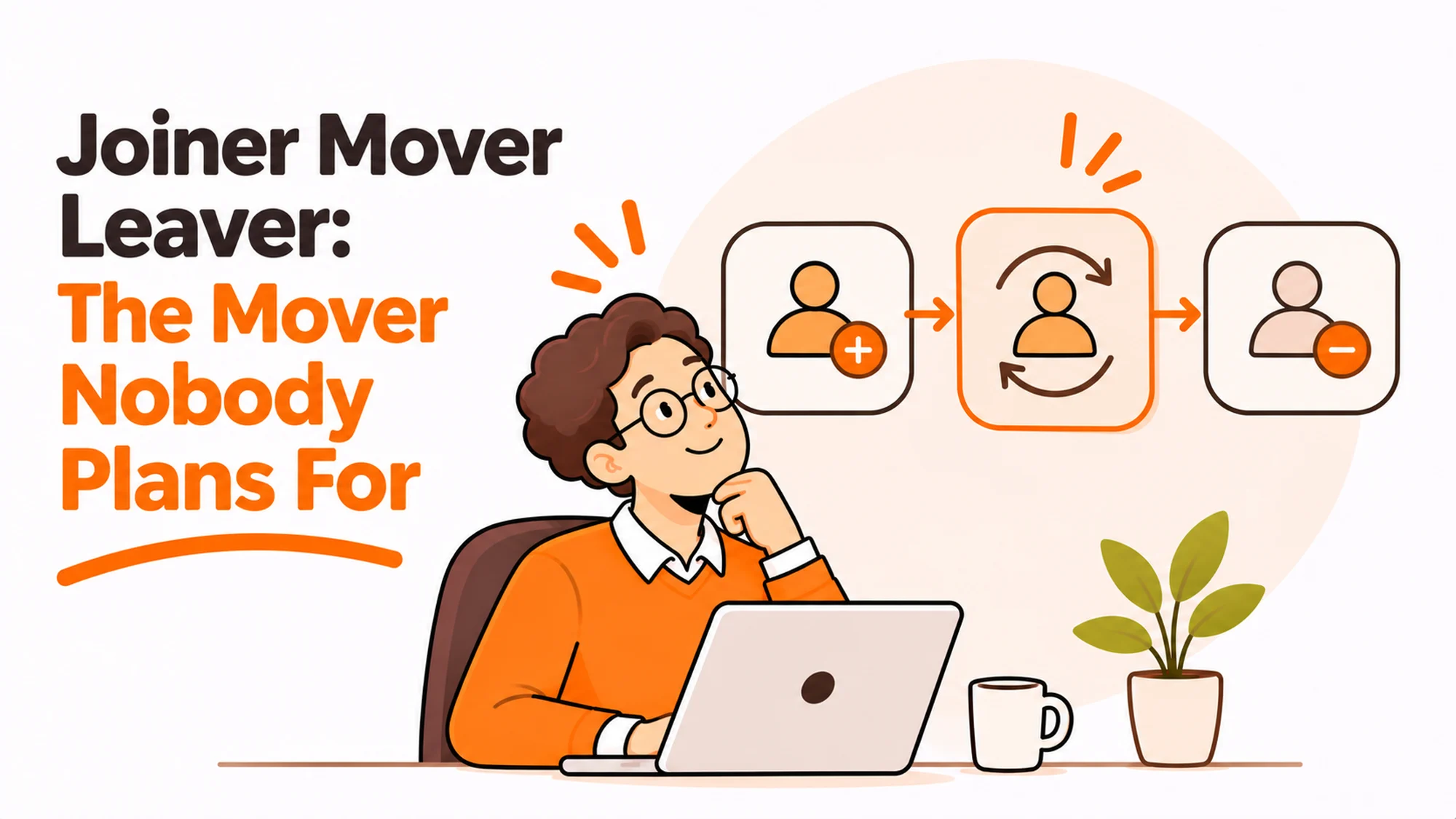
Joiner mover leaver is a sound way to think about identity and equipment, and most companies implement two thirds of it. Joining is well designed because somebody is waiting. Leaving is well designed because there is a deadline and a risk. Moving has neither, so it is handled informally, and the result is people accumulating access and hardware they no longer need.
- Joining and leaving have deadlines. Moving does not, so it drifts.
- Movers accumulate access and equipment because nothing triggers a review.
- An internal move is the cheapest moment to recover surplus hardware.
- Trigger the review from the HR record, not from a manager remembering.
- Role changes are the natural refresh point for specialist kit.
- Measure the mover step or it will not happen.
Why joiner mover leaver breaks in the middle
Each of the three stages gets the attention its pressure deserves, and the middle one has no pressure.
A joiner is visible. Somebody starts on Monday and cannot work without a laptop and accounts, so the process is built, tested and usually owned.
Best tools for HR Operations
A leaver is risky. Access has to close and there is an asset outstanding, so there is a checklist even if the equipment line on it is weak.
A mover is neither. They were working on Friday and they are working on Monday, just for a different team. Nothing breaks, nobody complains, and so nothing is designed.
What accumulates
Two things, both quietly. Access to systems the previous role needed and the new one does not. And equipment issued for the previous role that nobody asks about.
After three internal moves somebody can be holding a tablet from one role, a second monitor from another and system access nobody reviews, none of which is anyone’s fault.
What a mover review should actually check
Short enough to be done in a few minutes, or it will not be done.
| Check | Question | Usual outcome |
|---|---|---|
| System access | Which of these does the new role need | Several removals |
| Role-specific hardware | Is the specialist kit still required | Occasional recovery |
| Device suitability | Does the new role need different specification | Sometimes an upgrade |
| Location change | Has the work location changed with the role | Shipping or collection |
| Approval limits | Do any spend or approval rights change | Often missed entirely |
Row two is where the money is. Specialist equipment, a test device, a high-specification machine, a second screen for a role that needed it, all of it tends to stay with the person rather than the role.
Recovering it at a move is far cheaper than recovering it at exit, because the person is still employed, still contactable and the handover is a normal conversation rather than a logistics operation.
The access half
the NCSC device security guidance treats removing unnecessary access as basic practice rather than an advanced control, and an internal move is the only routine moment it naturally comes up. Without it, permissions only ever accumulate.
Where the access in question touches personal data, the principle of limiting it to what the role requires is also written into the General Data Protection Regulation text on EUR-Lex, which makes the mover review a control rather than housekeeping.
Trigger it from the record, not from a person
The common implementation asks the receiving manager to review what the person needs. That fails for an understandable reason: the receiving manager does not know what the person already has.
They know what the new role requires. They have no view of the old role’s equipment or access, and no particular reason to go looking.
So the trigger has to come from the system that knows a move happened, carrying the list of what the person currently holds.
- The HR record changes team, manager, role or location.
- That change creates a task with the current device list and access list attached.
- The task goes to whoever owns equipment, not only to the manager.
- It is closed with an explicit decision per item, including keep.
The last point matters. Keeping something is a valid outcome and recording it is what stops the same question being asked again at the next move.
Our note on connecting the asset register to the HRIS covers the mechanics of that trigger.
When the move is also a location change
An internal move sometimes comes with a change of working location, and that is the version with real logistics attached.
Somebody moving from a team that worked in an office to one that is fully remote may need equipment at home that the office previously supplied. The reverse happens too, and surplus home equipment then has no obvious destination.
Neither case is handled by a standard mover process, because standard mover processes assume the physical situation is unchanged.
The cross-border version
Occasionally an internal move involves a different country, which turns it into something closer to a relocation. The asset ownership question, the support path and the shipping question all apply.
Our piece on global mobility and the equipment that follows covers that case, and the short version is that it should be treated as a move rather than an adjustment.
For teams supporting several markets, RemoAsset handles delivery into new locations and recovery of surplus kit, which is the part a mover process otherwise has no answer for.
The decision table
How much process a move needs depends on what actually changed.
| Situation | Scale | Setup | Primary pain | Recommended starting point |
|---|---|---|---|---|
| Team change, same role type | Any | Same location | Access creep only | Access review, skip the hardware check |
| Role change, different tooling | Any | Same location | Specialist kit stays behind | Full item-by-item review |
| Promotion into management | Any | New approval rights | Permissions never adjusted | Review approval limits explicitly |
| Office to remote, or reverse | Any | Location changes | Equipment in the wrong place | Treat as a mini relocation |
| Internal move across countries | Series B+ | New entity | Asset on the wrong books | Treat as a relocation, not a move |
Row one is worth calling out because it argues for doing less. Most moves are team changes where only access needs reviewing, and a process that demands a full hardware audit every time will be ignored.
Measure it or it will not happen
The mover step has no natural feedback. A joiner who lacks a laptop complains on day one. A leaver with outstanding equipment shows up in an asset report. A mover with surplus access shows up nowhere.
So it needs a measure, and a simple one works: what proportion of internal moves in the last quarter had a completed review, and what was recovered or removed.
That second number is what makes the case internally. If the mover step removed sixty unnecessary permissions and recovered eleven devices in a quarter, nobody argues about whether it is worth doing.
Start with access, add hardware later
If the process does not exist at all, start with access only. It is easier to automate, the security argument is straightforward, and it builds the trigger that the hardware check can later hang off.
Adding the equipment review to a trigger that already fires reliably is a small change. Building both at once usually results in neither.
What it costs to skip
The visible cost is hardware sitting unused with people who no longer need it, which shows up as buying machines you already own.
The less visible cost is the exit. Somebody who has moved roles three times and is now leaving holds equipment issued under three different managers, none of whom feels responsible for it. Offboarding then has to reconstruct a history nobody recorded.
That is the real argument for the mover step, and it is worth making in those terms rather than as a tidiness exercise. Every move where nothing is reviewed makes the eventual exit harder and less accurate.
RemoAsset delivers and recovers equipment when people change role, location or country. More on asset records at HROpsLab.
Frequently asked questions
Why does the mover step in joiner mover leaver get skipped?
Because it has no pressure behind it. A joiner is visible, since somebody starts on Monday and cannot work without a laptop and accounts. A leaver is risky, since access has to close and an asset is outstanding. A mover was working on Friday and is working on Monday, so nothing breaks and nobody complains. Without a deadline or a visible failure, no process gets designed around it.
What should a mover review actually check?
Five things, briefly: which system access the new role genuinely needs, whether role-specific hardware is still required, whether the new role needs a different device specification, whether the working location has changed, and whether spend or approval rights should change. Keep it short enough to complete in a few minutes, because a review that demands a full audit on every internal move will simply be ignored.
Why is an internal move the best time to recover equipment?
Because everything that makes recovery difficult at exit is absent. The person is still employed, still contactable, still has a working relationship with the company, and handing something back is a normal conversation rather than a logistics operation with a courier. Specialist kit in particular tends to stay with the person rather than the role, and a move is the only routine moment that gets questioned.
Who should own the mover review?
Not the receiving manager alone, because they do not know what the person already has. They know what the new role requires and have no view of the previous role’s equipment or access. The trigger should come from whatever system records that a move happened, carrying the current device and access lists with it, and the task should reach whoever owns equipment as well as the manager.
What if an internal move changes someone’s working location?
Treat it as a small relocation rather than an adjustment, because the logistics are real. Someone moving from an office-based team to a fully remote one may need equipment at home that the office previously supplied, and the reverse leaves surplus kit with no destination. If the move crosses a border it stops being a mover case at all and becomes a relocation, with the asset ownership and support questions that come with it.
Should we start with access or equipment?
Access, if the process does not exist yet. It is easier to automate, the security argument is straightforward enough that nobody argues with it, and it establishes the trigger that the hardware review can later hang off. Adding an equipment check to a trigger that already fires reliably is a small change, whereas building both at once tends to produce neither.
How do we know the mover step is working?
Measure it, because it has no natural feedback signal. A joiner without a laptop complains on day one and a leaver with outstanding kit appears in an asset report, but a mover with surplus access appears nowhere. Track the proportion of internal moves with a completed review, and what was actually removed or recovered. The second figure is what settles any internal argument about whether the step earns its place.