

TL;DR
HR process documentation is usually written to prove a process exists rather than to help somebody run it. The test is simple: can a colleague covering for you complete the task from the document alone, without ringing you.
- Write for the cover, not for the auditor.
- Name the decision points, not just the steps.
- Include what to do when it goes wrong.
- One page per task beats a manual.
- Put it where the work happens.
- Date it, and let it expire.
Who the document is for
Most process documentation in HR is written for an imaginary reader who wants to know that a process exists. That reader is an auditor, and they are not the person who will open the document.
The real reader is a colleague covering while you are away, a new joiner in your team, or you in eight months having forgotten the details. All three want to complete a task, not understand a framework.
Best tools for HR Operations
Writing for the first audience produces documents full of scope statements, responsibility matrices and guiding principles, and conspicuously short on the specifics somebody actually needs at the moment they are stuck at half past four on a Friday.
The test
Hand it to somebody who has never done the task and ask them to do it without asking you anything. Whatever they come and ask about is what the document is missing. It is an uncomfortable test and it is the only one that matters.
Run it before you need it rather than during an actual absence. A document tested while its author is sitting two desks away gets improved; the same document tested for the first time during somebody’s holiday gets abandoned halfway through, and the task gets done badly by somebody guessing.
The other benefit of testing early is that it tells you which parts nobody needs. Documentation tends to accumulate detail that felt important while writing and turns out to be noise, and a reader who skips three paragraphs without noticing has shown you what to delete.
Steps are easy, decisions are the content
Almost every runbook lists steps well and decisions badly, and decisions are where somebody gets stuck.
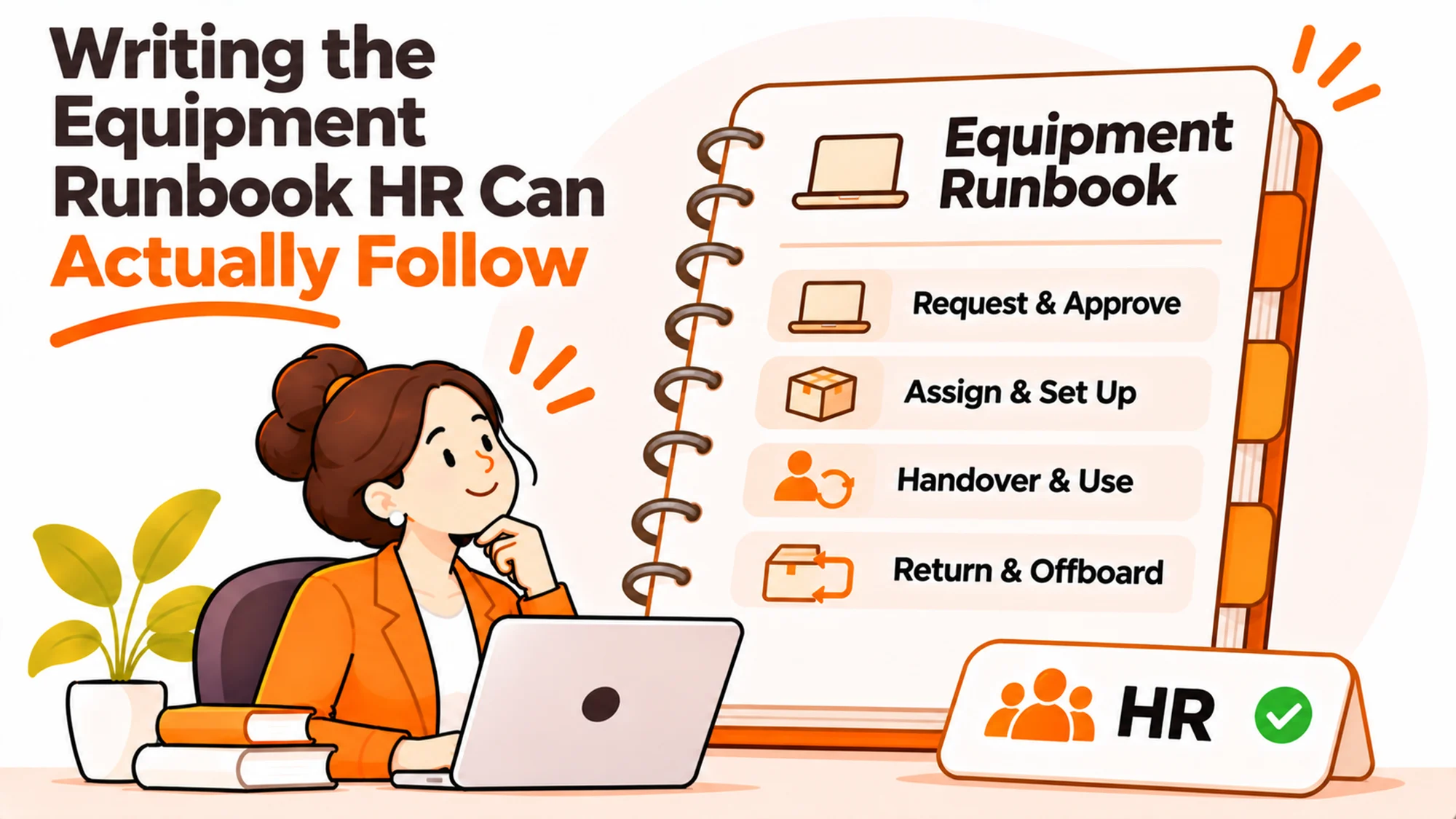
Take equipment at joining. The steps are easy: check the role, raise the order, confirm the address, track delivery. Anybody can follow that.
The decisions are what stop people. Which configuration does this role get, and who decides if it is ambiguous. What if they start in a country you have not shipped to before. What if the start date is in six days and the lead time is ten. What if their manager wants something outside the standard.
Each of those is a branch, and each needs a named person and a rule. Without that, the document gets a colleague to the first branch and no further, which feels worse than having no document at all.
designing an equipment approval workflow covers the approval branch specifically, and getting a starter ready for day one the readiness question. The point for documentation is that a branch with no named owner is an invitation to improvise.
Document the failure modes
The section that gets omitted and that gets used most.
Happy paths are rarely the reason somebody opens a runbook. They open it because something is unusual and they do not know what to do.
For equipment the failure list is predictable and short. The delivery did not arrive. It arrived broken. The address was wrong. The person starts in a market with a long lead time. The device was never returned by the previous holder. The leaver is not responding.
| Situation | Who decides | What the document needs |
|---|---|---|
| Late delivery | Named owner | Interim options and when to escalate |
| Unsupported country | Named owner | Alternative routes and timescale |
| Device not returned | Named owner | Chase sequence and write-off point |
| Damaged on arrival | Named owner | Replacement route and who pays |
Every row has the same middle column, and that is the point. A failure mode without an owner becomes an email thread that stops when whoever started it gets busy. what to do about unreturned equipment covers the third row in detail.
One page per task
The format question, and it matters more than the content for whether anybody reads it.
A forty page HR operations manual is read once, by its author, and consulted never. One page per task is read at the moment it is needed, which is the only moment that counts.
What a page should hold: the trigger that starts the task, the steps in order, the decision points with names attached, the failure modes, and who to ask when it is genuinely novel.
What it should not hold: scope statements, a glossary, a responsibilities matrix, or a description of why the process exists. Those belong somewhere else if they belong anywhere, and in a runbook they push the useful content below where anybody scrolls.
Where it lives matters as much as what it says. In the tool where the work happens, or linked from the task itself. A document in a shared drive nobody can find during a stressful morning is functionally the same as no document.
What makes the equipment runbook different
Worth separating out, because equipment documentation has a property most HR processes do not: the steps involve other organisations.
A contract goes out and comes back inside systems you control. A laptop involves a supplier, a courier, sometimes a customs process, and a person at a home address. Each is a party you can ask and cannot instruct.
That changes what the document needs. Timescales have to be ranges rather than commitments. Escalation routes have to include who to contact at the supplier. And the document has to say plainly which steps you control and which you merely initiate, because a colleague covering will otherwise promise a date you cannot keep.
There is a safety dimension worth including too, particularly for home workers, and the HSE guidance on home working sets out why what you provide is a real consideration rather than a perk. If your runbook covers chairs, monitors or desks, the reason those exist belongs in it briefly.
And at the far end, disposal. NIST Special Publication 800-88 on media sanitization is the standard, the EPA on electronics and batteries management covers the environmental route, and the runbook should name which supplier does it and what evidence comes back.
Date it and let it expire
The maintenance problem, and the only solution that reliably works.
Documentation rots silently. The supplier changes, a system is replaced, a country is added, a person leaves, and the document says none of it. Nothing breaks visibly, so nobody notices until a colleague follows outdated instructions.
Putting a date on it helps slightly. Putting a review date on it, and treating the document as expired when that date passes, works considerably better, because an expired document prompts a check whereas an old one just looks old.
- Review date on every page, visible at the top rather than buried at the bottom.
- Named owner, because an unowned document is never reviewed.
- Review when it is used in anger, which is when the gaps are obvious.
- Delete rather than archive what is genuinely dead, since a wrong document is worse than none.
That last point is the one people resist hardest, usually on the grounds that the old version might be useful one day. A document describing a process you no longer run will eventually be found and followed by somebody in a hurry, and the damage from that reliably exceeds whatever value there was in keeping it for reference.
What not to document
Three things, because over-documenting is as common as under-documenting and costs more to maintain.
Things that happen constantly. A task somebody performs weekly is learned rather than read. Document the exceptions to it instead.
Things that are about to change. Documenting a process you are replacing in two months is effort you will throw away, and worse, somebody will find and follow it afterwards.
Judgement. You can document who decides and what they should consider. You cannot document the decision itself, and attempting to produces a document that is wrong in every case that was not anticipated.
The general principle is to document what is rare, consequential and easy to get wrong. Most things fail at least one of those three tests and are better left undocumented. Equipment at joining and leaving meets all three comfortably, which is why it is worth the page even for a small team with no IT function. the NIST Cybersecurity Framework and CISA and its Secure Our World guidance are reasonable references if somebody asks why the security-adjacent steps matter rather than being optional.
The steps you merely initiate are somebody else’s to run. See a managed laptop lifecycle service or laptop procurement across 80+ countries.
Frequently asked questions
Who should hr process documentation be written for?
The colleague covering while you are away, not an auditor. The test is whether somebody who has never done the task can complete it from the document alone without asking you anything, and whatever they come and ask about is what the document is missing.
What do most runbooks get wrong?
They list steps well and decisions badly. Steps are easy to follow and nobody gets stuck on them. People get stuck at branches, and a branch without a named owner and a rule is where the document stops being useful.
Why document failure modes?
Because that is why people open a runbook. Nobody consults documentation for the normal case; they consult it when something is unusual. A failure list with a named owner per row is the most used part of any equipment runbook.
How long should it be?
One page per task. A long operations manual is read once by its author and consulted never. Keep scope statements, glossaries and responsibility matrices out of it, because they push the useful content below where anybody scrolls.
What makes equipment documentation different?
The steps involve organisations you cannot instruct: a supplier, a courier, sometimes customs, and a person at home. Timescales have to be ranges, and the document should say plainly which steps you control and which you merely start.
How do we stop it going out of date?
Put a review date on every page and treat the document as expired when that date passes, because an expired document prompts a check while an old one just looks old. Give each page a named owner, since nothing unowned gets reviewed.
What should we not document?
Tasks performed constantly, which are learned rather than read; processes about to change, where the effort is wasted and somebody may follow the old version afterwards; and judgement itself, where you can document who decides but not what they should conclude.