TL;DR
A stolen company laptop is two problems wearing one coat. There is an asset worth money and there is data worth considerably more, and the actions that protect each are different and partly in conflict. What happens in the first few hours usually determines whether this becomes a short insurance claim or a long conversation with a regulator.
- Treat it as a data incident first, an asset loss second.
- The question that matters is was it encrypted, provably.
- Remote wipe only works if the device comes online.
- A police reference is needed for insurance, not for security.
- Decide who declares an incident before one happens.
- Most of the work is preparation, not response.
Two problems, one event
When a stolen company laptop is reported, the instinct is to think about the hardware. The hardware is the cheaper half.
A laptop has a replacement cost you can look up. The data on it has a cost that depends entirely on what was there, who can read it, and what you are obliged to tell people. Those are different orders of magnitude.
Best tools for Device Management
The conflict is real too. Securing the data means locking and wiping as fast as possible. Recovering the asset means leaving tracking active and hoping the device stays usable enough to surface. You cannot fully do both.
The default should be the data, every time. A laptop is replaceable at a known price. A notification obligation is not.
Why this needs deciding in advance
Because the person who takes the call at eight in the morning should not be making that trade for the first time. the NIST Cybersecurity Framework frames this as respond and recover, which is the right split: decide the policy once, execute it under pressure.
Write it down in one line. Data first, asset second, and name who can override that.
The first hour
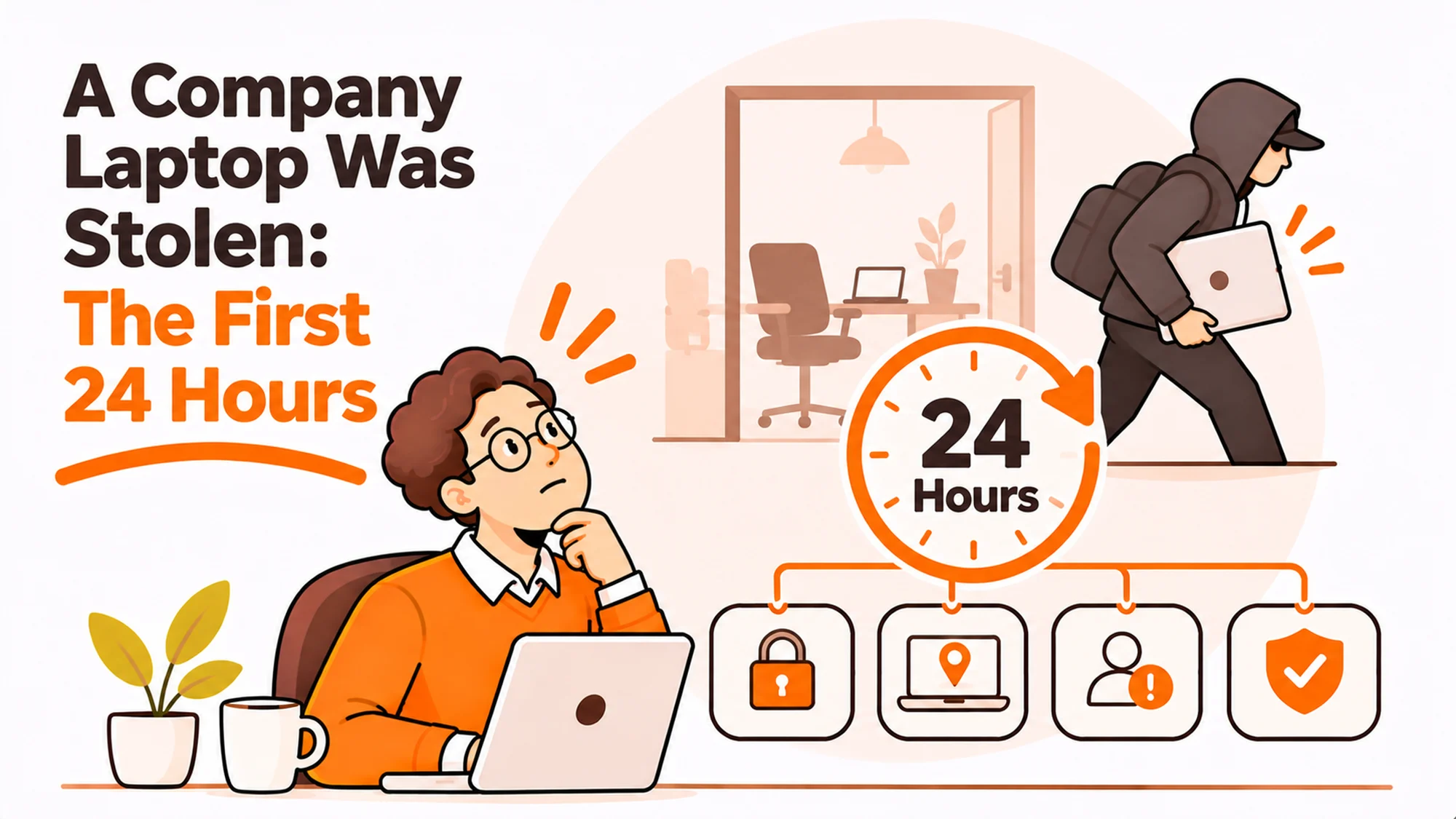
Four actions, in this order, and the order is the point.
Confirm what the device was. Serial, model, who held it, when it was last seen on the network. If your register cannot answer that in minutes, that is the finding rather than the theft.
Cut access. Revoke sessions, rotate credentials the person held, and disable tokens. This matters more than wiping, because most damage comes through live access rather than from the disk.
Trigger the wipe command. It will queue. It executes if the device connects.
Establish the encryption status. Not “we encrypt everything”. The recorded status of that serial on the last check in.
| Action | Protects | Works without the device online? |
|---|---|---|
| Revoke sessions and tokens | Live systems | Yes |
| Rotate credentials | Live systems | Yes |
| Remote wipe | Local data | No |
| Full disk encryption | Local data | Yes, if already on |
| Police report | Insurance claim | Yes |
Read the third row and the fourth together. That comparison is the entire argument for encryption as a control rather than a checkbox.
Everything turns on encryption evidence
In most jurisdictions the obligation to notify people depends on the risk to them, and a device with verified full disk encryption changes that assessment materially. the consolidated text of the GDPR on EUR-Lex is the reference most teams are working to.
The word doing the work is verified. A policy saying all devices are encrypted is not evidence. A record showing that this serial reported encryption enabled at a specific time is.
That is the difference between a short internal note and a lengthy exercise in assessing exposure, and it is decided months earlier by whether anybody was collecting the status.
What a usable record looks like
- Serial number, not device name, because names change.
- Encryption state, as reported by the device.
- Timestamp of the last successful check in.
- Held somewhere that survives the device being gone.
our note on fleet encryption policy covers the policy side. The evidence side is the part that gets skipped, and it is the part that gets asked for.
Police reports, insurance and what each needs
These are separate processes with separate requirements and they are frequently conflated.
The police report produces a reference number. Insurers generally require one and will ask for it early. It contributes nothing to the security position.
The insurance claim needs the purchase evidence, the serial, the circumstances and usually that reference. our guide to business laptop insurance covers what policies typically do and do not cover, and the common exclusion worth knowing is a device left unattended in a vehicle.
The security position needs the encryption evidence, the access revocation log and the assessment of what was stored locally. None of that is of interest to the insurer.
Run them in parallel with different owners. Trying to do both in sequence is how the access revocation ends up happening in the afternoon.
The cost nobody books
Replacing the machine and the person’s lost days. A spare arriving next day makes this a minor event. No spare makes a stolen laptop a week of degraded work on top of everything else.
Almost all of this is preparation
The response takes an hour. Whether that hour goes well was decided over the preceding months.
Five things, all boring, all cheap compared with one bad incident.
An accurate register. Serial to person to location, reconciled rather than remembered. ISO 55001 on asset management is the framing and RemoAsset’s device tracking and asset register is one way to hold it.
Encryption enforced and reported. Enforced by policy, reported by agent, stored centrally.
A single revocation runbook. One page, listing every system where a session must be killed.
A named decision maker. Who declares an incident, and who can be reached on a Saturday.
A spare pool. So the replacement is a logistics step rather than a procurement project.
the NCSC device security guidance is a good reference for the first two, and it is written for exactly this kind of fleet rather than for a server estate.
The conversation with the person
Worth thinking about before it happens, because the way this is handled determines whether the next person reports a theft quickly or waits a day hoping it turns up.
Speed of reporting is a genuine security control. Anything that discourages it costs more than it saves.
So: no cost recovery from the employee for an ordinary theft, no disciplinary framing, and no questions that sound like an investigation during the first call. Establish what happened, what was on the device, and what they were logged into. That is all the first conversation needs.
There is a separate conversation about repeated losses or clear negligence, and it belongs later and elsewhere. Mixing the two into the incident call reliably produces slower reporting across the whole company.
What to tell everyone else
Usually very little, and quickly. A short note that a device was lost, access was revoked, and the device was encrypted stops the rumour that something worse happened.
Closing it out properly
Three things close out a stolen company laptop properly, and the third is the one that gets dropped.
Update the register. Mark the device lost with a date, do not delete the row. A deleted row becomes an unexplained gap at the next audit, which how to run an IT asset audit covers.
Write the short record. What happened, what was done, what the encryption status was, what was decided about notification and why. One page. It is the document you will be asked for, possibly a year later.
Change one thing. Not a programme, one specific change traceable to this event. A system missing from the revocation runbook, a device class not reporting encryption, a spare pool with nothing in the right country.
Incidents that produce no change tend to recur in the same shape. our checklist for a lost or stolen laptop is a reasonable starting checklist, and how RemoAsset handles device security covers the controls that sit with the logistics side rather than with IT.
If the device comes back
It happens. Treat it as untrusted. Wipe and rebuild before it goes to anybody, using a method from NIST Special Publication 800-88 on media sanitization rather than a quick format, and only then return it to stock.
[Two-CTA block: Case Studies | Talk to Expert]
Frequently asked questions
What should I do first about a stolen company laptop?
Cut access before anything else. Revoke sessions, rotate the credentials that person held and disable tokens, because most damage comes through live access rather than from the disk itself. Then trigger the remote wipe, which will queue and only execute if the device connects. Then establish the recorded encryption status of that specific serial. The police report matters for insurance and contributes nothing to the security position, so it can run in parallel with a different owner.
Does encryption really change the outcome?
Materially, yes, provided you can evidence it. Notification obligations generally turn on the risk to the people whose data was exposed, and verified full disk encryption changes that assessment. The operative word is verified. A policy stating that all devices are encrypted is not evidence. A record showing that this serial reported encryption enabled at a specific time is, and whether you have one was decided months before the theft.
Is remote wipe enough on its own?
No, because it only executes if the device comes online, and somebody who has stolen a laptop for its data has no reason to connect it to a network. Treat remote wipe as a useful second line rather than the control. The controls that work without the device cooperating are full disk encryption, which must already have been on, and revoking access to live systems, which you do from your side regardless of where the hardware is.
Should the employee pay for a stolen laptop?
For an ordinary theft, no. Speed of reporting is a real security control, and anything that discourages it costs far more than the hardware. Keep the first conversation to what happened, what was on the device and what they were logged into, with no disciplinary framing. Repeated losses or clear negligence are a separate conversation that belongs later and elsewhere; mixing them into the incident call produces slower reporting across the whole company.
What do I need for the insurance claim?
Purchase evidence, the serial number, the circumstances and usually a police reference number, which is why reporting to the police matters even though it does nothing for security. Check your policy for the common exclusions before you need them, because a device left unattended in a vehicle is frequently excluded. Run the claim and the security response in parallel with different owners, or the access revocation ends up happening in the afternoon.
What should we prepare before this happens?
Five things, all unglamorous. An accurate register mapping serial to person to location. Encryption enforced by policy and reported by agent to a central store. A one page revocation runbook listing every system where a session must be killed. A named decision maker who can be reached at the weekend. And a spare pool, so replacing the machine is a logistics step rather than a procurement project that takes three weeks.
What if the laptop turns up later?
Treat it as untrusted, because you cannot know what was done to it. Wipe and rebuild using a recognised sanitisation method rather than a quick format, and only then return it to stock. Also update the asset register rather than deleting the row, since a deleted row becomes an unexplained gap at the next audit. Mark it lost with a date, then mark it recovered with a date, so the history reads correctly.