TL;DR
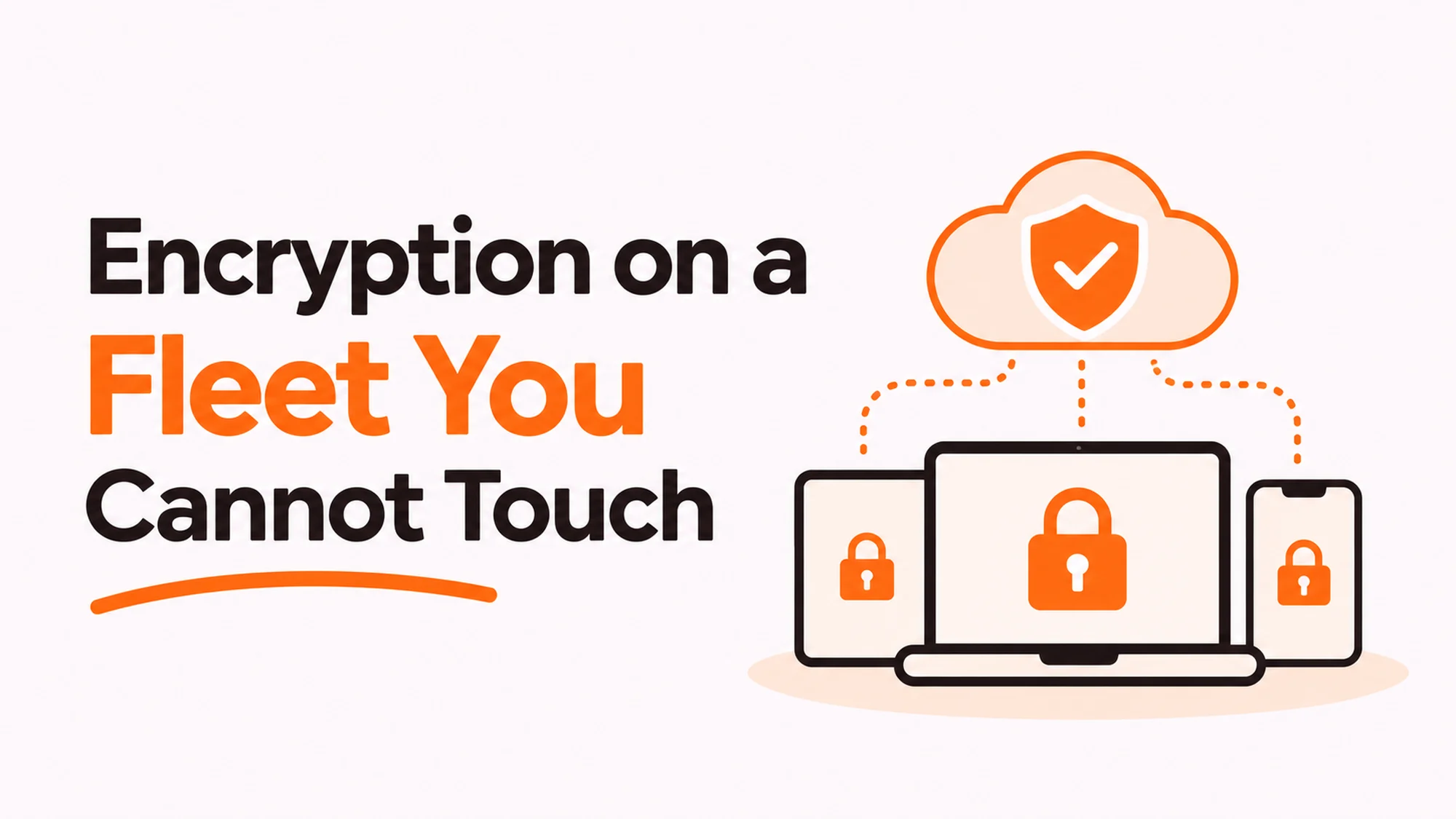
Requiring encryption on a fleet is easy. Proving it on machines spread across a dozen countries, none of which you can walk over to, is the actual job. A policy line saying devices must be encrypted is worth very little without a report showing which ones are, and that report is the thing auditors and customers ask for.
- A policy without a per device report is an intention, not a control.
- Full disk encryption protects a device at rest and almost nothing else.
- The hard part is recovery keys: who holds them and what happens if nobody does.
- Check enrolment, not purchase. A machine bought encrypted can be rebuilt without it.
- Escrow the key centrally from day one, or you will destroy recoverable data later.
- Encryption does not replace a certified wipe at end of life.
Encryption on a fleet needs proof, not a policy line
Almost every company has the sentence. Devices must have full disk encryption enabled. It appears in the security policy, it gets approved, and then nothing checks it.
The question that exposes the gap is simple. How many of your machines are encrypted right now, and how do you know?
Best tools for Device Management
If the answer involves the words “they should all be”, you have a policy and not a control. Auditors have learned to ask it in exactly that form, and so have enterprise customers running vendor reviews.
What proof looks like
A report, generated from a management platform, listing every enrolled device and its encryption state, with a date on it. That is the artefact. Not a screenshot of one laptop, not a signed attestation from IT, and not a policy document.
The report also surfaces the uncomfortable number, which is the count of machines the platform has not heard from recently. Those are neither compliant nor non-compliant. They are unknown, and unknown is the category that matters.
Management frameworks such as ISO/IEC 27001, the information security management standard are explicit that controls need evidence rather than intent, which is why this comes up in every certification conversation.
What encryption actually protects against
Being precise here matters, because teams routinely over-claim and then get caught out in a security questionnaire.
| Scenario | Full disk encryption helps? | Why |
|---|---|---|
| Laptop stolen while powered off | Yes, substantially | The disk is unreadable without the key |
| Laptop stolen while logged in | No | The volume is already unlocked |
| Phishing or credential theft | No | Nothing to do with the disk |
| Malware on a running machine | No | Same reason |
| Disk removed and read elsewhere | Yes | This is the scenario it is designed for |
| Device sold without wiping | Partly | Only if the key is destroyed too |
Two rows deserve attention.
Stolen while logged in is the common real-world case and the one encryption does not address. Screen lock timeouts and remote wipe matter more here, and they are separate controls.
Sold without wiping is partly covered, because destroying the key makes the data unrecoverable in practice. That is the basis of cryptographic erase, which NIST Special Publication 800-88 on media sanitization recognises as a sanitization method, though it comes with conditions about how the key was protected in the first place.
The recovery key problem
Disclosure: RemoAsset, named below, is owned by the same people who publish HROpsLab. It is described with its limitations stated, on the same terms as every other supplier. This site takes no vendor money and sells no placements.
This is where distributed fleets actually fail, and it fails quietly.
Encryption generates a recovery key. Somebody has to hold it. There are three possibilities and two of them end badly.
The user holds it. They will lose it. Not might. When they leave, or the machine fails to boot, the data is gone and so is any chance of reissuing the device without a full wipe.
Nobody holds it. Happens more than anyone admits, usually when a machine was set up outside the normal process.
Central escrow. The management platform stores it, access is restricted and logged. This is the only arrangement that survives a leaver, a failed boot or an investigation.
Set it up before you need it
Escrow has to be configured at enrolment. You cannot retrospectively capture a key from a machine in another country whose user has already left, which is precisely when you will want it.
So the practical rule is that encryption and key escrow are the same project. A fleet encrypted without escrow has swapped a confidentiality risk for an availability one, and nobody made that trade deliberately.
Where devices are configured and enrolled before they ship, that setup happens once, at the supplier, rather than depending on a new joiner following instructions. That is part of what delivery with enrolment handled before dispatch provides. The honest limit is that it covers machines bought through that route. Anything already in the field, or bought locally in a hurry, still needs catching up by hand.
Verifying it without touching the machine
Four checks, all remote, all repeatable.
- Enrolment coverage. Devices in your asset register against devices the platform can see. The difference is your blind spot and it is usually larger than expected.
- Encryption state per device. Not a percentage. A list, so you can chase the exceptions by name.
- Key escrow state. Separately from encryption state, because a machine can be encrypted with no key stored.
- Last check-in date. A device that has not reported in ninety days is not compliant, whatever its last known state said.
Run all four monthly and keep the output. The history is what makes it evidence rather than a snapshot, and a customer asking for proof usually wants to see that the control has been operating, not that it was true on the day you were asked.
The number to watch
Not the compliance percentage, which trends pleasantly and hides things. Watch the count of unknown devices.
Unknown grows when machines are bought outside the process, when somebody leaves and the device stays in a drawer, or when a laptop is rebuilt without re-enrolment. Each of those is a process gap, and the unknown count is the only place they show up together.
Where hardware-level requirements come into it, FIPS 140-3, the US standard for cryptographic modules is the reference customers in regulated sectors most often name. Most mainstream laptop encryption meets it in validated configurations, which is worth confirming before a questionnaire rather than during one.
The decision table
| Situation | Scale | Setup | Primary pain | Recommended starting point |
|---|---|---|---|---|
| Policy exists, no reporting | Any | Policy document only | Cannot prove anything | Produce a per device report this month |
| No management platform | Under 50 | Machines unmanaged | No remote visibility | Enrol before worrying about encryption |
| Encrypted, keys with users | Any | Set up by each person | Data lost on departure | Escrow centrally, reissue where needed |
| Customer security review | Any | Questionnaire arrived | Evidence requested | Monthly report history, not a snapshot |
| Large unknown device count | Distributed | Several buying routes | Blind spot growing | Close the buying routes first |
Encryption is not a disposal plan
A common shortcut is to treat an encrypted disk as already safe to dispose of. The reasoning sounds right and the conclusion is only conditionally true.
Cryptographic erase works when the key was properly protected, when it is genuinely destroyed, and when you can evidence both. If the key sat in a user profile, or was escrowed somewhere still accessible, you have not destroyed anything.
For most companies the practical answer is to keep doing a certified wipe at end of life and treat encryption as defence in depth rather than as a substitute. The certificate is what a customer or auditor asks for, and no amount of explaining key destruction replaces it.
What to specify with a disposal supplier
The sanitization method by name, a certificate per device tied to the serial, and the retention period for those certificates. Ask whether the method is purge or destroy in the terms NIST Special Publication 800-88 on media sanitization uses, because the two have different implications for reuse.
Where retrieval, wiping and disposal run as one chain, the encryption state at collection and the wipe evidence afterwards sit in the same record, which is the practical argument for certified wiping handled with collection. It does not change what the standard requires, and a device that was never enrolled is still an unknown when it arrives.
On the accounting side, a device disposed of early affects the useful life assumption under IAS 16 on property, plant and equipment, which is worth mentioning to finance once rather than discovering at year end.
For the broader evidence question, see our guide to equipment compliance evidence.
See enrolment handled before dispatch at global delivery with device enrolment, or read our guide to equipment compliance evidence.
Frequently asked questions
How do we prove encryption on a fleet we cannot reach?
With a dated report from a management platform listing every enrolled device and its encryption state. Not a screenshot, not a signed attestation from IT, and not the policy document. The report also exposes the number that matters most, which is devices the platform has not heard from recently. Those are not compliant or non compliant, they are unknown, and unknown is the category auditors probe.
What does full disk encryption actually protect against?
A device stolen while powered off, and a disk removed and read in another machine. That is close to the full list. It does nothing for a laptop stolen while logged in, which is the common real world case, nor for phishing, credential theft or malware on a running machine. Screen lock timeouts and remote wipe matter more for those, and they are separate controls that need separate evidence.
Who should hold the recovery key?
A central escrow in your management platform, with restricted and logged access. If the user holds it they will eventually lose it, and when they leave or the machine fails to boot the data is gone along with any chance of reissuing the device without a full wipe. Escrow has to be configured at enrolment, because you cannot retrospectively capture a key from a machine whose user has already left.
Is an encrypted disk safe to dispose of without wiping?
Only conditionally, and most companies should not rely on it. Cryptographic erase works when the key was properly protected, is genuinely destroyed, and you can evidence both. If the key sat in a user profile or remains in an accessible escrow, nothing has been destroyed. Keep doing a certified wipe and treat encryption as defence in depth, because the certificate is what gets asked for.
What should we measure each month?
Four things, all remote. Enrolment coverage, meaning devices in your register against devices the platform can see. Encryption state as a named list rather than a percentage, so exceptions can be chased. Key escrow state separately, because a machine can be encrypted with no key stored. And last check in date, since anything silent for ninety days is not compliant whatever its last reading said.
Which number matters most?
The count of unknown devices, not the compliance percentage. The percentage trends pleasantly and hides things. Unknown grows when machines are bought outside the normal route, when somebody leaves and the device stays in a drawer, or when a laptop is rebuilt without re-enrolment. It is the only place those three separate process gaps show up together.
Do we need FIPS validated encryption?
It depends on your customers and sector rather than on general good practice. FIPS 140-3 is the reference regulated buyers most often name, and most mainstream laptop encryption meets it in validated configurations. The useful move is confirming which configuration you actually run before a questionnaire arrives, rather than researching it under time pressure while a deal waits.