TL;DR
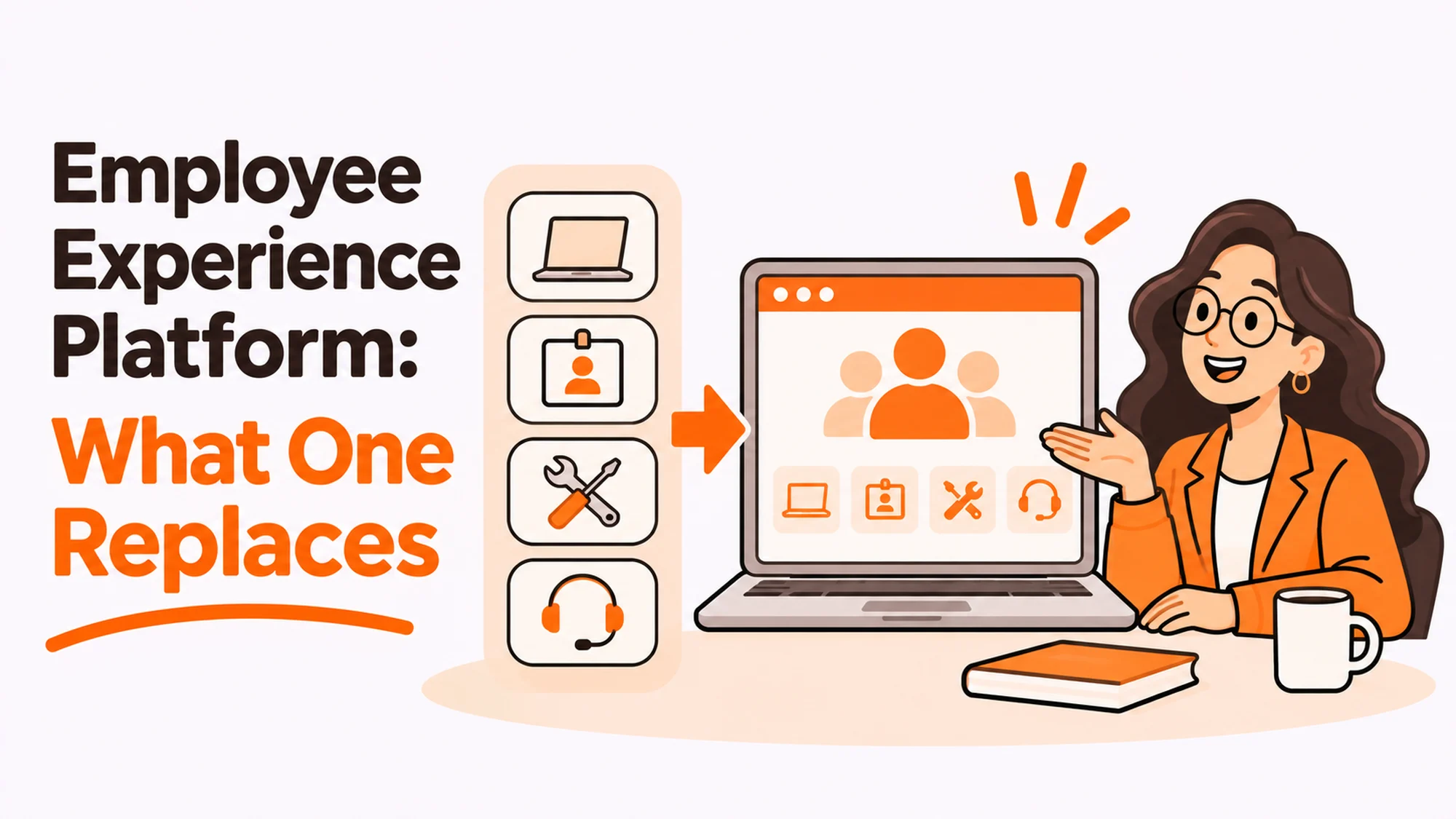
Every employee experience platform demo follows the same shape: here are six tools you currently pay for, here is one that does all of it. Some of those replacements are genuine. Two of them reliably are not, and knowing which before the demo saves a year.
- Ask what it replaces, by name, and whether you can turn those off.
- Comms and surveys replace cleanly. Case management and HRIS do not.
- It is not a system of record. If it becomes one, you cannot leave.
- Adoption is the whole product. An unopened app replaces nothing.
- The device and access half sits outside every one of these.
- Price it against what you actually switch off, not the list price.
What an employee experience platform genuinely replaces
Sort the claimed replacements into three buckets before any pricing conversation.
| Claimed replacement | Reality |
|---|---|
| Internal comms tool | Usually genuine |
| Engagement surveys | Usually genuine |
| Intranet or knowledge base | Partly, if somebody owns the content |
| Onboarding checklists | Partly, the tracking not the provisioning |
| HR case management | Rarely, and this one matters |
| HRIS or system of record | No, and it should not try |
The two that matter most
Case management. Sensitive matters need confidentiality controls, an audit trail and retention rules that a general-purpose platform rarely has. A platform that handles a question about payslips is not thereby equipped to handle a grievance, and discovering the difference mid-case is expensive.
Best tools for HR Operations
The system of record. If employment data starts living in the experience layer, you have made a tool you might replace in three years into something you cannot leave. Keep the record where it belongs and let the platform read from it.
Where personal data is involved, retention and access obligations follow the data rather than the tool holding it, which is the practical reading of the consolidated text of the General Data Protection Regulation, and it is a reason to be deliberate about which system becomes authoritative.
The question to ask before the demo
One question, asked before anybody opens a slide deck: which products will we switch off, and on what date?
Not reduce. Switch off, with a cancellation date against each. The answer reveals everything the demo is designed to blur.
A strong answer names two or three products, concedes the ones that stay, and explains why. A weak answer talks about consolidation without naming anything, which means the realistic outcome is paying for the platform alongside everything you already have.
Then price it against the switch-offs
Take the annual cost of only the products you will genuinely cancel. Compare that with the platform’s cost plus the implementation plus the internal time. That is the actual decision, and it is frequently much less favourable than the list comparison in the deck.
Most of these purchases are justified on a list of six tools and realised against two. The business case built on the two is the honest one, and if it still works, you have a good purchase.
The cost nobody quotes
Content. A platform is a container, and somebody on your side has to write and maintain what goes in it. Teams routinely budget the licence and not the person, then wonder why engagement flatlines after launch month.
Adoption is not a phase, it is the product
Disclosure: RemoAsset, named below, is owned by the same people who publish HROpsLab. It is described with its limitations stated, on the same terms as every other supplier. This site takes no vendor money.
An experience platform that people do not open replaces nothing, and unlike most software this one has no captive user. Nobody has to use it to get paid or to file an expense, so it competes for attention against tools people already have open.
Three things predict whether it lands.
Something only available there. Payslips, the holiday booking, the thing people actually need. Without one of those it is a second place to read announcements.
It reaches people where they are. If the team lives in a chat tool, an app requiring a separate login is a tax, not a channel.
Someone answers. A platform that collects questions nobody responds to trains people not to ask, and that lesson sticks.
The half that sits outside all of this
Worth saying plainly because no platform in this category covers it: the physical and access side of the experience. Whether the laptop arrived, whether the accounts work, whether a leaver’s device came back.
Those are the moments employees actually judge you on, and an experience platform can report on them at best. It cannot make a machine arrive. That remains a procurement and logistics question, handled by something like configured device procurement and delivery, with the limitation that a logistics supplier equally cannot tell you a new joiner exists. The trigger comes from your people system either way.
The practical reading: buy the platform for communication and feedback, and do not let it become the answer to a question about hardware. Our guide to what HR actually owns in digital employee experience sets out that split in more detail.
The decision table
| Situation | Scale | Setup | Primary pain | Recommended starting point |
|---|---|---|---|---|
| Six overlapping tools | 500 plus | Grown by acquisition | Genuine duplication | Strong fit, price on switch-offs |
| Deskless or frontline majority | Any | No shared desktop | Reach, not features | Buy for reach, test on a shift |
| Under 150 people | Small | One chat tool | Platform is overkill | Use what people already open |
| Sensitive cases in scope | Any | HR handles grievances | Confidentiality and audit | Keep case management separate |
| Device and access problems | Any | Remote hiring | Wrong category entirely | Fix logistics, not comms |
When not to buy one at all
Three situations where the honest answer is no, and a supplier who says so is worth more than the discount.
You have one tool everybody already opens. If the whole company lives in one chat platform, adding a second destination makes the experience worse. Build into the thing people have open.
The problem is a process, not a surface. If joiners wait a week because approvals sit with one person on holiday, a new interface relays the delay more attractively. Fix the approval chain.
Nobody owns the content. Without a named person with real time for it, launch month is the high point and the decline starts in week six. This is the commonest reason these purchases disappoint, and it is visible before you sign.
Worth checking at the same time: whether everyone can actually use it. Internal tools are rarely tested the way customer-facing ones are, and the W3C Web Accessibility Initiative introduction to accessibility is the right reference for a surface like this. Ask a supplier what testing they have done rather than whether they comply, because the second question has a stock answer and the first does not.
The honest test
Write down the three complaints you actually hear. Then check whether a platform addresses the cause or the reporting of each one.
Most lists come back with one genuine fit and two process problems wearing a software costume. That is still a reason to buy, for the one, at a price set by the one.
Do the same exercise with the complaints you do not hear. Silence about a topic rarely means it is fine; more often it means people stopped reporting it, and that is the category a new channel genuinely surfaces.
And if you do buy
Agree the switch-off dates in the contract rather than in the business case, and name the content owner before launch rather than after.
Set the review at month nine, not month twelve
Month twelve is too late, because renewal is already in motion and nobody wants to be the person who reopens a decision the company has announced.
At month nine, ask three things. Which products did we actually switch off, against the list we signed for. What share of people opened it in the last month, not since launch. And is anybody still writing for it, or did that quietly become nobody.
Those three answers tell you whether to renew, renegotiate on the real scope, or stop. They are also much easier to collect than they sound, which is why the month-nine review is the cheapest governance available on a purchase of this size.
Write the answers down even when they are good. The value compounds at the second renewal, when somebody asks whether this has been worth it for two years and the alternative to a record is a room full of impressions.
For the adjacent question of what the surrounding layers contain, see our piece on the digital workplace.
See the part no experience platform covers at configured device procurement and delivery, or read the digital workplace without the vendor pitch.
Frequently asked questions
What does an employee experience platform actually replace?
Internal comms and engagement surveys usually replace cleanly. An intranet or knowledge base partly, if somebody owns the content. Onboarding checklists partly, the tracking rather than the provisioning. HR case management rarely, and a system of record not at all. The last two are the ones that matter most if you get them wrong.
What is the single best question before a demo?
Which products will we switch off, and on what date. Not reduce, switch off, with a cancellation date against each. A strong answer names two or three and concedes the rest. A weak answer talks about consolidation without naming anything, which means you will pay for the platform alongside everything you already have.
Why keep case management separate?
Because sensitive matters need confidentiality controls, an audit trail and retention rules a general-purpose platform rarely has. A tool that answers a payslip question is not thereby equipped to handle a grievance, and finding that out mid-case is expensive and hard to undo.
How should we price it?
Against only the products you will genuinely cancel, not the six in the deck. Take their annual cost and compare it with the platform plus implementation plus internal time. Most of these are justified on six tools and realised against two, so build the case on the two. If it still works, it is a good purchase.
What cost gets left out?
Content and the person who maintains it. A platform is a container and somebody on your side has to fill it. Teams budget the licence and not the owner, then find engagement flattens after launch month. Without a named person with real time for it, launch is the high point and the decline starts around week six.
When should we not buy one?
When everybody already lives in one tool, because a second destination makes things worse. When the problem is a process, since a new interface relays a delay more attractively without shortening it. And when nobody owns the content, which is visible before you sign and is the commonest reason these purchases disappoint.
Does it help with devices and access?
No, and that is worth saying plainly, because those are the moments employees actually judge you on. A platform can report on whether a laptop arrived or a leaver’s device came back. It cannot make either happen. That stays a procurement and logistics question, and the trigger still has to come from your people system.