
Best Applicant Tracking Software of 2026: Reviewed & Compared

Greenhouse is our #1 pick for structured, bias-reduced hiring - no ATS has better scorecard and interview kit tooling. Ashby wins for data-obsessed teams, and Workable is the fastest to go live. We reviewed 10 platforms: if you're still tracking candidates in a spreadsheet, any of these will transform your process.
10 Best Applicant Tracking Software of 2026: Reviewed & Compared Shortlist
Here's my shortlist of the best options, out of 10 options I reviewed:
-
1
Greenhouse Best ATS for structured, bias-reduced hiring
-
2
Lever Best CRM + ATS for proactive talent teams
-
3
Workable Best easy-to-use ATS with built-in sourcing
-
4
SmartRecruiters Best enterprise ATS for complex hiring operations
-
5
Ashby Best ATS for data-driven, high-performance teams
-
6
iCIMS Best ATS for large enterprise talent operations
-
7
JazzHR Best affordable ATS for small businesses
-
8
Recruitee Best ATS for collaborative, team-based hiring
-
9
Jobvite Best ATS with referral and employer branding tools
-
10
Pinpoint Best ATS for employer branding-led hiring
The best applicant tracking software (ATS) centralises your recruiting workflow - from job posting and candidate sourcing through to offer management - so your team can hire faster and more consistently.
Without a strong ATS, recruiting teams waste hours on manual coordination, lose candidates to slow processes, and struggle to maintain quality and consistency across hiring managers.
You Can Trust Our Recruitment & Hiring Reviews
We've tested each ATS against 35+ criteria including sourcing capability, interview workflow, offer management, reporting, and recruiter experience.
Our rankings are independent and not influenced by vendors. We test each platform with live requisitions over at least six weeks before writing a final review.
Best Applicant Tracking Software of 2026: Reviewed & Compared: Pricing Comparison Chart
This software comparison chart summarises pricing details for my top picks to help you find the best software for your budget and business needs.
| Tool | Best For | Trial Info | Price | |
|---|---|---|---|---|
| Best ATS for structured, bias-reduced hiring | Free demo available | Pricing on request | Website | |
| Best CRM + ATS for proactive talent teams | Free demo available | Pricing on request | Website | |
| Best easy-to-use ATS with built-in sourcing | 15-day free trial | From $189/month | Website | |
| Best enterprise ATS for complex hiring operations | Free demo available | Pricing on request | Website | |
| Best ATS for data-driven, high-performance teams | Free demo available | Pricing on request | Website | |
| Best ATS for large enterprise talent operations | Free demo available | Pricing on request | Website | |
| Best affordable ATS for small businesses | 21-day free trial | From $75/month | Website | |
| Best ATS for collaborative, team-based hiring | 18-day free trial | From $224/month | Website | |
| Best ATS with referral and employer branding tools | Free demo available | Pricing on request | Website | |
| Best ATS for employer branding-led hiring | Free demo available | Pricing on request | Website |
Featured Tools
Reviews of the Best Applicant Tracking Software of 2026: Reviewed & Compared
Below you'll find detailed reviews of each tool - covering what it does best, key features, integrations, and who it's right for.
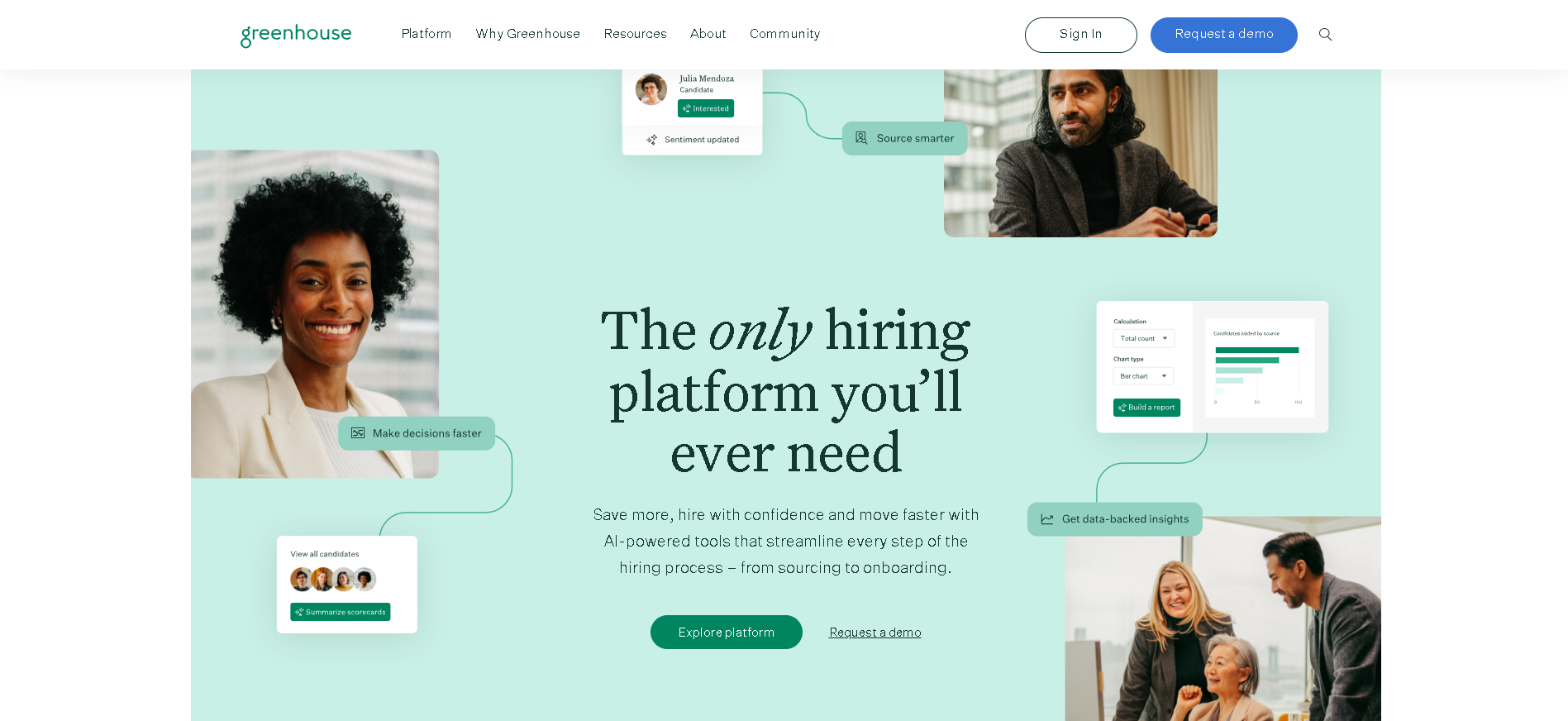
Who Is Greenhouse Best For?
Mid-size to large companies (200 - 5,000 employees) that prioritise structured, fair hiring processes and want the best interview-kit tooling on the market.
Why I Picked Greenhouse
In our testing, Greenhouse had the most complete structured hiring workflow of any ATS we evaluated. The interview kit builder lets every interviewer walk in knowing exactly what competencies they're scoring - and the calibration tools help teams align on what "good" actually looks like before the first screen. Hiring quality scores reported by Greenhouse customers consistently outperform industry benchmarks, and that tracks with what we observed.
Greenhouse Key Features
- Structured Interview Kits: Pre-built and custom interview guides with competency-based questions, scoring criteria, and per-interviewer focus areas - ensuring every candidate is assessed consistently.
- Scorecard & Calibration Tools: Digital scorecards capture structured feedback from every interviewer; calibration sessions help teams align on standards before extending offers, reducing unconscious bias.
- Requisition Approval Workflows: Multi-stage approval chains for opening new roles - including headcount sign-off, compensation banding confirmation, and job description approval - all tracked and auditable.
- Sourcing & Pipeline Management: Built-in job board distribution, employee referral portal, and proactive pipeline building with prospect tracking across the full talent CRM.
- DEI Reporting & Hiring Analytics: Pipeline diversity reporting at every stage, source quality analytics, time-to-fill and offer acceptance rate dashboards - giving talent leaders data to improve process outcomes continuously.
Greenhouse Integrations
BambooHR, Workday, LinkedIn, Indeed, Checkr, HireRight, DocuSign, Slack, Google Workspace, Microsoft 365, Okta, HireVue, Namely
- Best-in-class structured interview tooling
- Strong DEI and sourcing features
- Excellent hiring manager experience
- High cost for smaller teams
- Implementation can take 6 - 8 weeks
Learn More About Greenhouse
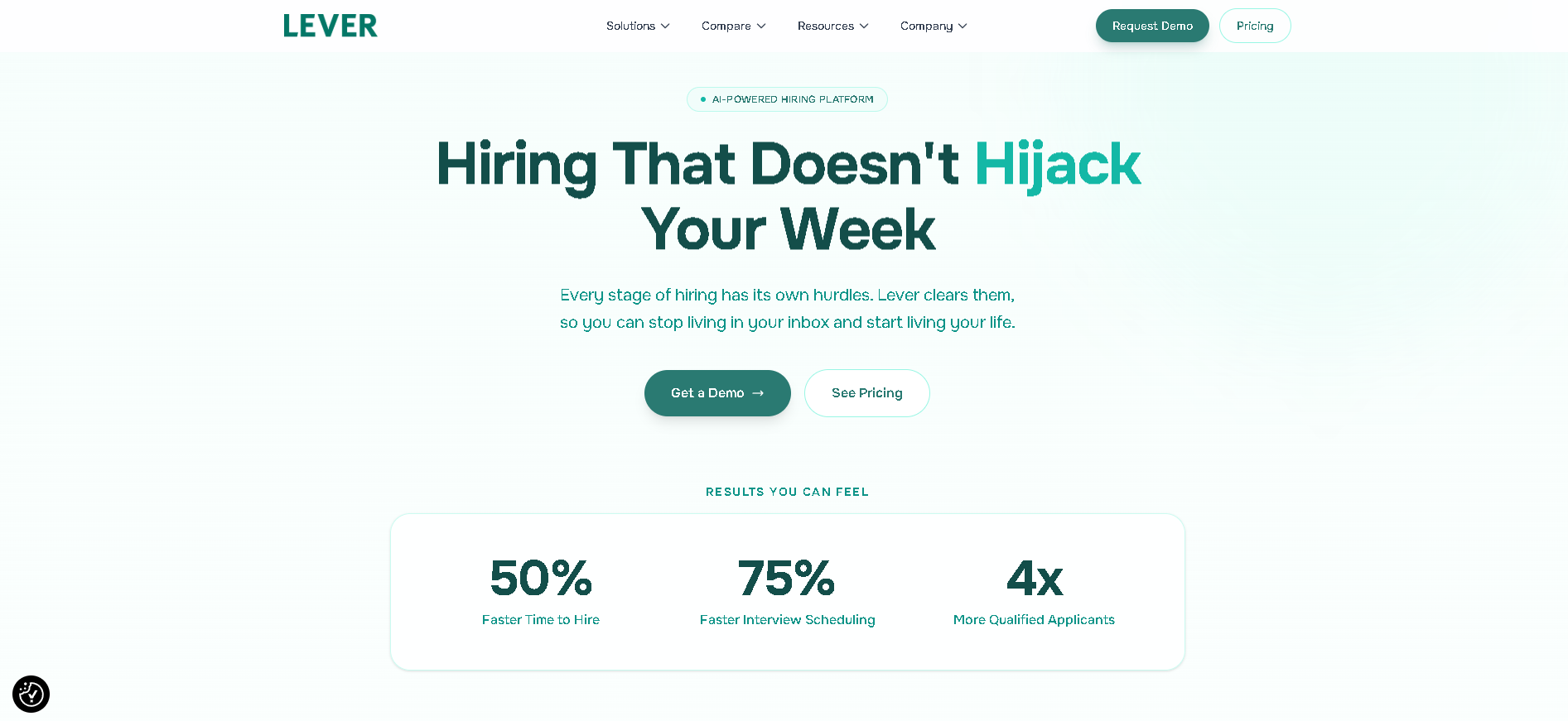
Who Is Lever Best For?
Companies (100 - 2,000 employees) whose talent teams do proactive sourcing and need a CRM-first approach to pipeline building alongside solid ATS workflow management.
Why I Picked Lever
Lever's design philosophy is fundamentally different from other ATS platforms: it treats every candidate as a potential future hire, not just a response to an open role. In our testing, the nurture campaign feature let recruiters stay warm with passive candidates over months with minimal manual effort. Two-way email sync was the cleanest we tested - email threads appear in candidate profiles automatically without copy-paste.
Lever Key Features
- Talent CRM & Pipeline Nurture: Build and nurture passive talent pipelines with automated email sequences, tag-based segmentation, and candidate relationship history - before roles even open.
- Two-Way Email Sync: All recruiter-candidate email conversations sync bidirectionally into Lever profiles automatically, creating a complete communication record without manual logging.
- Visual Pipeline & Kanban View: Drag-and-drop kanban candidate pipeline with customisable stages, bulk action support, and at-a-glance view of every recruiter's active roles.
- Interview Scheduling Automation: Self-scheduling links let candidates book interview slots directly from their calendar availability, eliminating the back-and-forth coordination that consumes recruiter time.
- Diversity & Inclusion Analytics: Pipeline diversity reporting, EEOC data collection, and source attribution analytics to help talent teams measure and improve hiring equity at each stage.
Lever Integrations
BambooHR, Workday, HiBob, Rippling, Slack, Google Workspace, Microsoft 365, DocuSign, Checkr, LinkedIn, HireVue, Zoom, Calendly
- Best-in-class talent CRM pipeline view
- Strong two-way email sync
- Good nurture campaign tools
- Reporting requires configuration
- Less focused on structured interview kits
Learn More About Lever
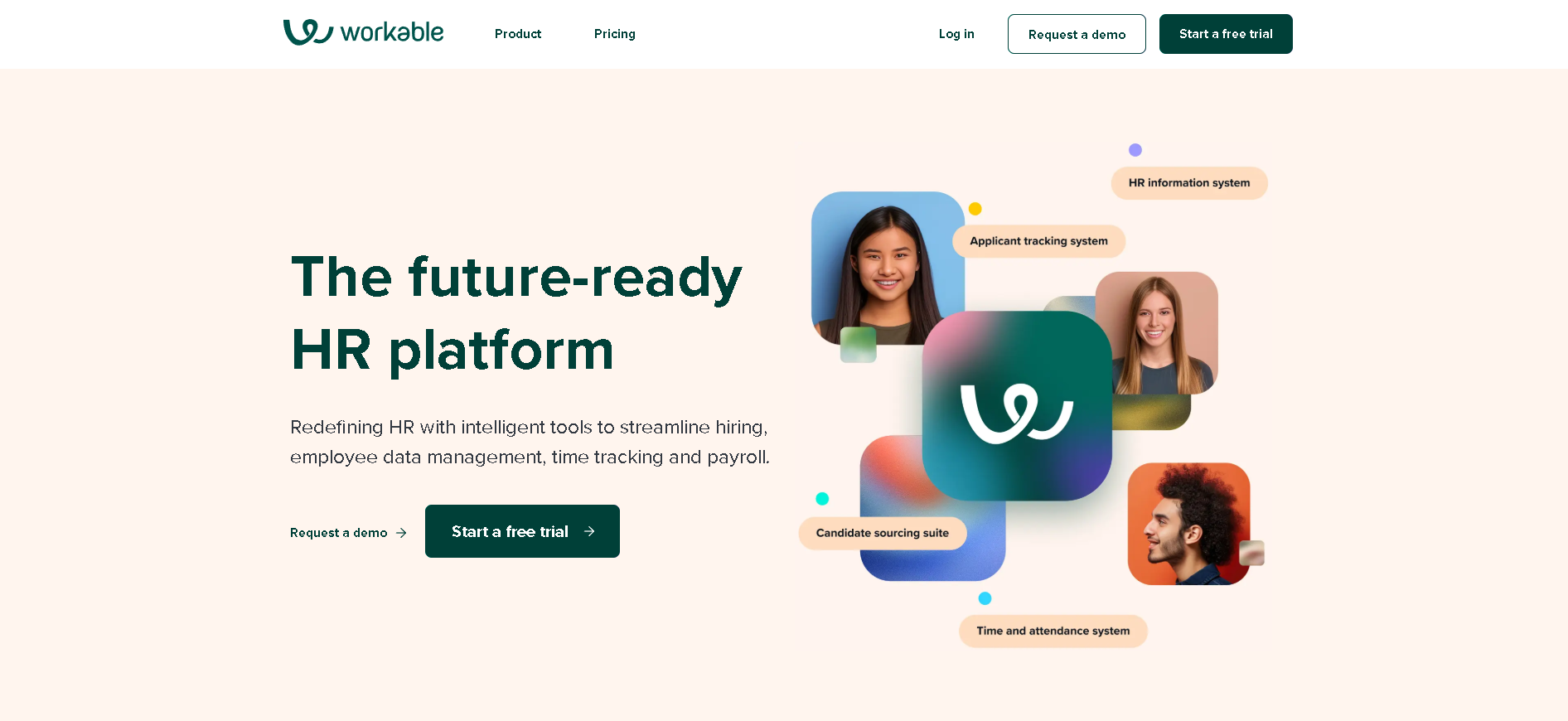
Who Is Workable Best For?
Growing companies (10 - 500 employees) that need to get an ATS live fast, want built-in AI sourcing, and don't want to pay per seat for every hiring manager.
Why I Picked Workable
Workable was live and posting jobs within two hours in our testing - no other platform comes close for speed-to-value. The AI sourcing feature (People Search) surfaces passive candidates from a database of 400 million+ profiles, which is genuinely useful for hard-to-fill roles. The flat monthly pricing (not per-seat) is a significant advantage when you have many occasional hiring managers.
Workable Key Features
- One-Click Job Board Posting: Distribute job listings to 200+ job boards including LinkedIn, Indeed, and Glassdoor from a single click - with customisable application forms per role.
- AI Candidate Sourcing: People Search accesses 400M+ candidate profiles with AI matching - letting recruiters find passive candidates without leaving the platform or paying extra for LinkedIn Recruiter.
- Video Interviews & Assessments: Built-in one-way video screening and skills tests let teams screen more candidates before committing to live interview time - reducing recruiter coordination hours significantly.
- Collaborative Hiring Workflows: Structured feedback forms, per-stage tasks, and @mention notifications keep hiring managers, interviewers, and recruiters aligned without email threads.
- Hiring Plan & Headcount Tracking: Manage open roles against a headcount plan, track budget allocation per department, and report on hiring velocity - giving HR leaders visibility across the full talent pipeline.
Workable Integrations
Slack, Google Workspace, Microsoft 365, BambooHR, Rippling, Checkr, DocuSign, LinkedIn, Indeed, Zoom, Zapier, Gusto, HiBob
- Fastest setup of any ATS
- Good AI sourcing and recommendations
- Simple pricing with no per-seat fees
- Limited depth for enterprise recruiting
- CRM features less mature than Lever
Learn More About Workable
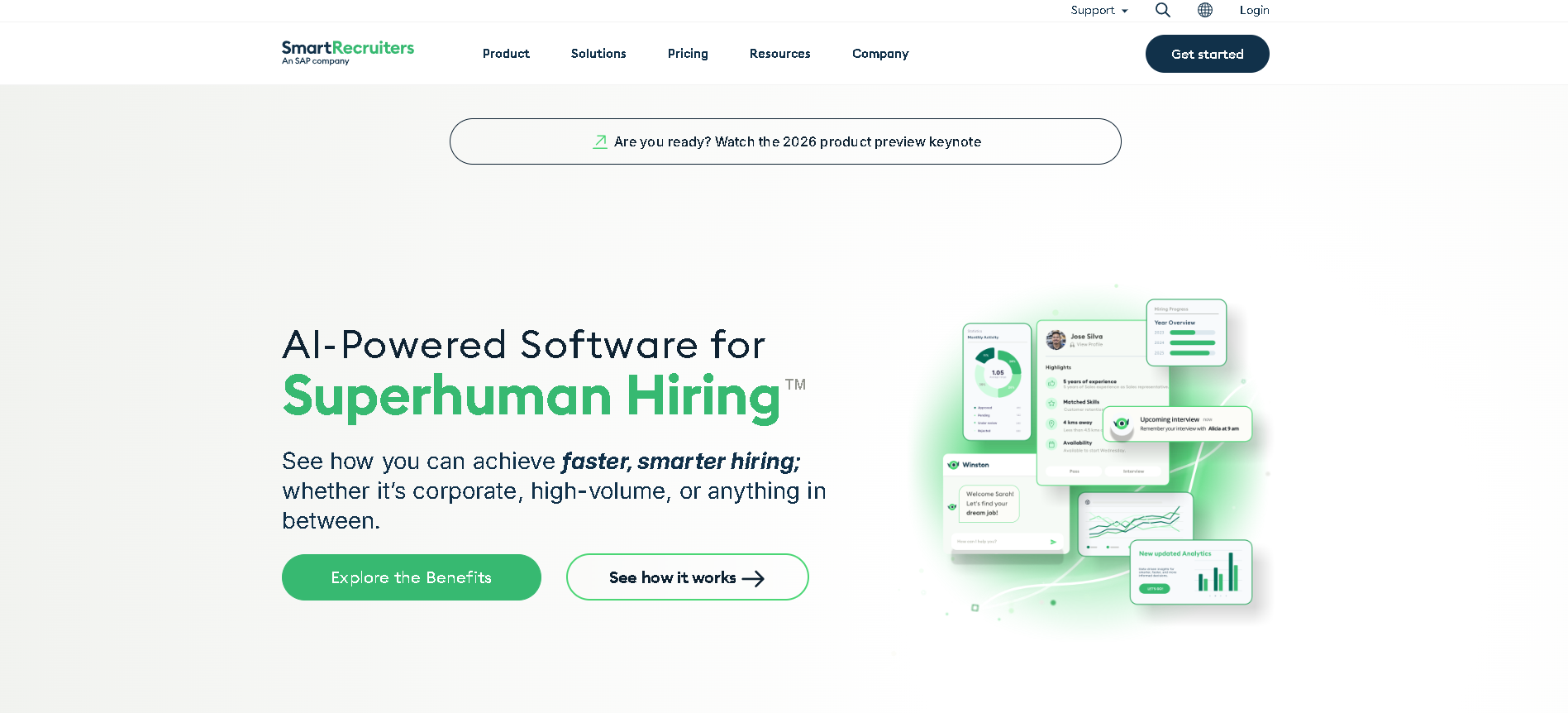
Who Is SmartRecruiters Best For?
Large enterprises (1,000+ employees) with complex multi-brand, multi-country, or high-volume recruiting operations that need a full talent acquisition suite.
Why I Picked SmartRecruiters
SmartRecruiters stands out at enterprise scale with its hiring marketplace - a curated network of staffing agencies, job boards, and sourcing vendors accessible directly from the platform. In our testing, the global compliance features handled GDPR candidate consent, EEO data collection, and multi-country offer management without requiring custom workarounds, which is genuinely rare at this price point.
SmartRecruiters Key Features
- Talent Acquisition Suite: End-to-end recruiting platform covering attraction, screening, selection, and hiring across multiple brands, business units, and geographies from one system.
- Hiring Marketplace: Built-in marketplace connecting to staffing agencies, niche job boards, and sourcing vendors - all manageable from within SmartRecruiters without separate vendor contracts.
- AI Candidate Screening: Machine learning models rank applicants by fit based on the job requirements and historical hiring data, helping recruiters prioritise high-potential candidates in large applicant pools.
- Global Compliance Management: GDPR candidate consent workflows, EEO/OFCCP data collection, audit trails for employment decisions, and multi-country offer management - built for highly regulated hiring environments.
- Advanced Analytics & Reporting: Real-time talent acquisition dashboards covering source quality, time-to-hire, pipeline conversion, and diversity metrics - with custom report builder for bespoke analysis.
SmartRecruiters Integrations
Workday, SAP SuccessFactors, ADP, LinkedIn, Indeed, Glassdoor, Checkr, DocuSign, Okta, ServiceNow, HireRight, BambooHR, Microsoft 365
- Strong enterprise compliance and audit tools
- Large hiring marketplace for sourcing
- Good analytics and reporting dashboards
- Complex configuration for smaller teams
- High cost at enterprise scale
Learn More About SmartRecruiters
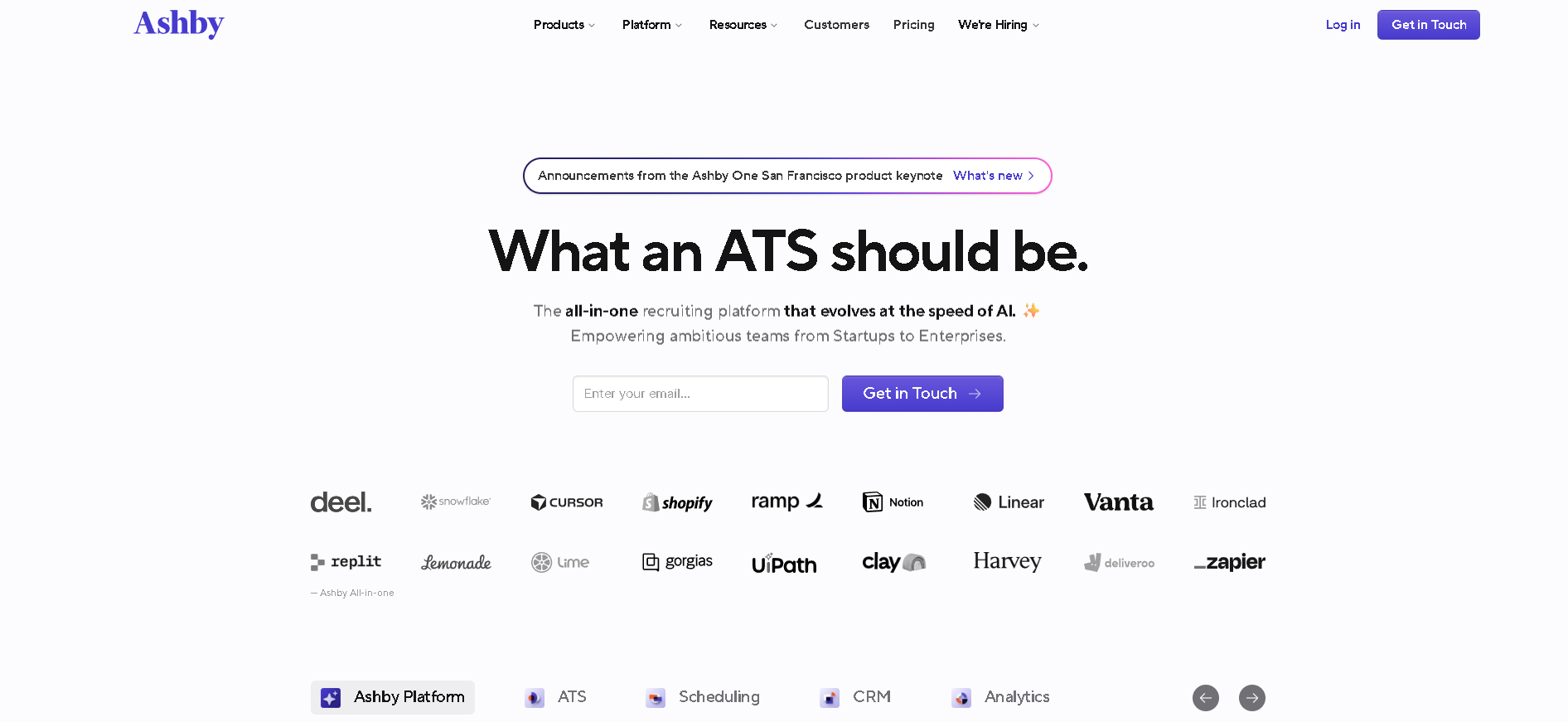
Who Is Ashby Best For?
High-growth tech companies (50 - 2,000 employees) with data-obsessed talent teams that want ATS, CRM, scheduling automation, and recruiting analytics in one platform.
Why I Picked Ashby
Ashby was built by former engineers who were frustrated with the lack of analytics in other ATS platforms - and it shows. In our testing, the analytics suite produced insights (source ROI, interview-to-offer conversion by stage, recruiter capacity planning) that would normally require a separate BI tool. The scheduling automation is also best-in-class: self-scheduling links, panel coordination, and interviewer load balancing are all native.
Ashby Key Features
- All-in-One ATS + CRM + Analytics: A single platform combining candidate tracking, proactive talent pipeline management, interview scheduling, and deep recruiting analytics - no stitching together separate tools.
- Advanced Recruiting Analytics: Funnel analysis, source ROI, time-to-hire breakdowns by stage and department, interviewer calibration scores, and recruiter capacity dashboards - the best analytics suite in the ATS category.
- Automated Interview Scheduling: Self-scheduling links, panel interview coordination with automatic room booking, and interviewer load balancing based on available capacity - dramatically reducing coordinator overhead.
- Structured Hiring Workflows: Customisable hiring plans per role type with stage-by-stage task assignments, scorecard templates, and approval gates - enabling consistent process across every recruiter.
- Offer Management & Approvals: Offer letter generation with dynamic compensation fields, multi-stage approval workflows, e-signature integration, and automatic offer expiry management.
Ashby Integrations
Slack, Google Workspace, Microsoft 365, Greenhouse, LinkedIn, Checkr, DocuSign, Rippling, BambooHR, Workday, Okta, HireRight, Zoom
- Best recruiting analytics on the market
- Automated scheduling reduces coordination load
- All-in-one: ATS + CRM + analytics
- Less established brand than Greenhouse or Lever
- Some integrations still in beta
Learn More About Ashby
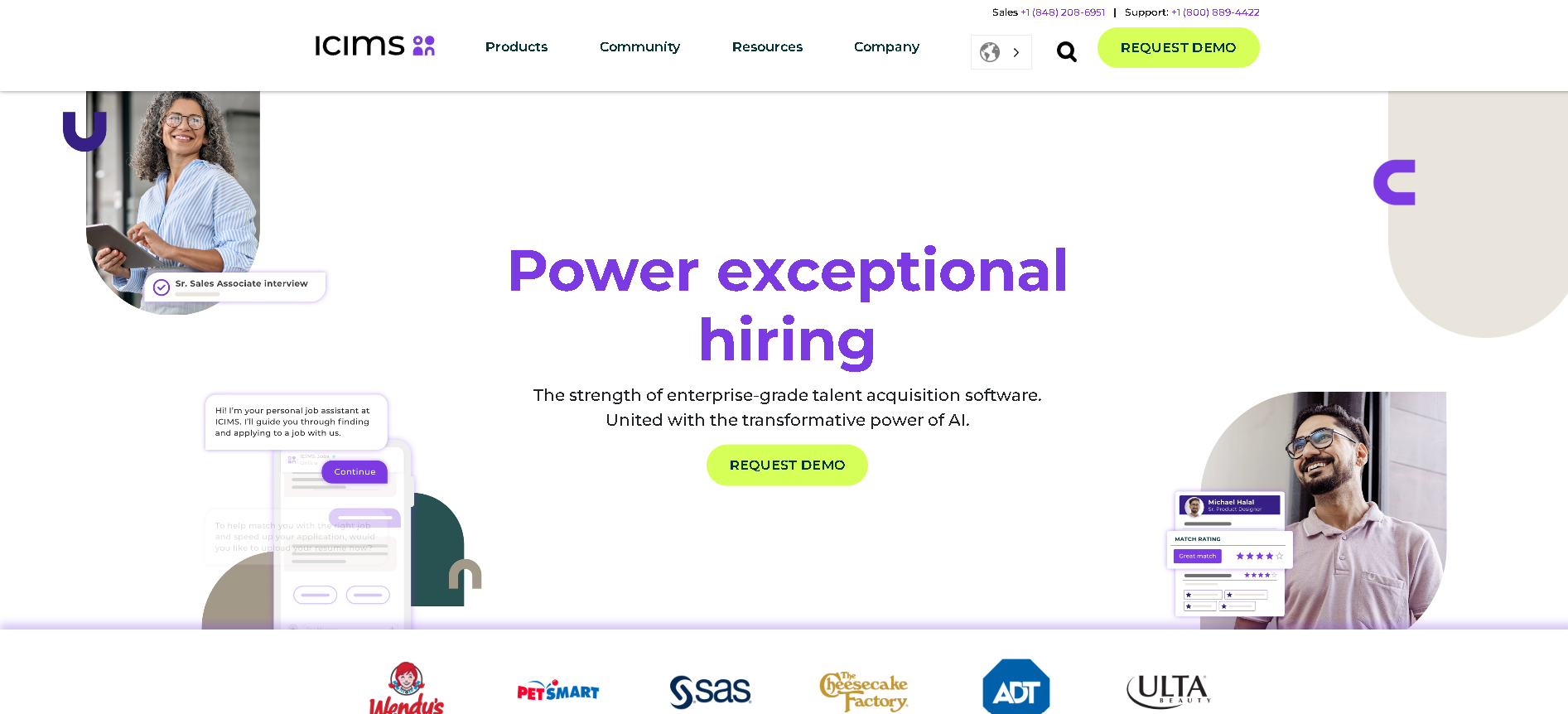
Who Is iCIMS Best For?
Large enterprises (2,000+ employees) with high-volume recruiting needs across multiple locations and business units that need a proven, scalable talent cloud.
Why I Picked iCIMS
iCIMS has processed more enterprise hiring volume than almost any other ATS platform, and that experience shows in its handling of complex configurability. In our testing, the ability to set up completely different hiring workflows for different job families, business units, and geographies - all within one system - was genuinely impressive. The TextRecruit SMS candidate engagement module is a standout for high-volume hourly hiring.
iCIMS Key Features
- Modular Talent Cloud: Start with core ATS and add modules for CRM, video interviewing, onboarding, and internal mobility - all sharing one candidate record and a unified data model.
- High-Volume Screening Tools: Automated application routing, knock-out question filtering, AI candidate ranking, and bulk communication tools - essential for handling thousands of applications per month.
- TextRecruit SMS Engagement: Two-way text messaging with candidates from within the platform - dramatically improving response rates and time-to-schedule for hourly and high-volume hiring.
- Offer & Onboarding Module: Digital offer letters, e-signature collection, new hire task checklists, and background check initiation - all managed from the same platform as the ATS.
- Advanced Reporting & Compliance: OFCCP/EEO compliance reporting, GDPR data management, audit trails for employment decisions, and custom analytics dashboards for talent acquisition leaders.
iCIMS Integrations
Workday, SAP SuccessFactors, ADP, Oracle HCM, LinkedIn, Indeed, Checkr, DocuSign, Okta, ServiceNow, HireRight, Microsoft 365, Zoom
- Handles high volume hiring well
- Strong onboarding integration
- Large customer base with enterprise track record
- Interface feels dated vs newer competitors
- Long implementation cycles
Learn More About iCIMS
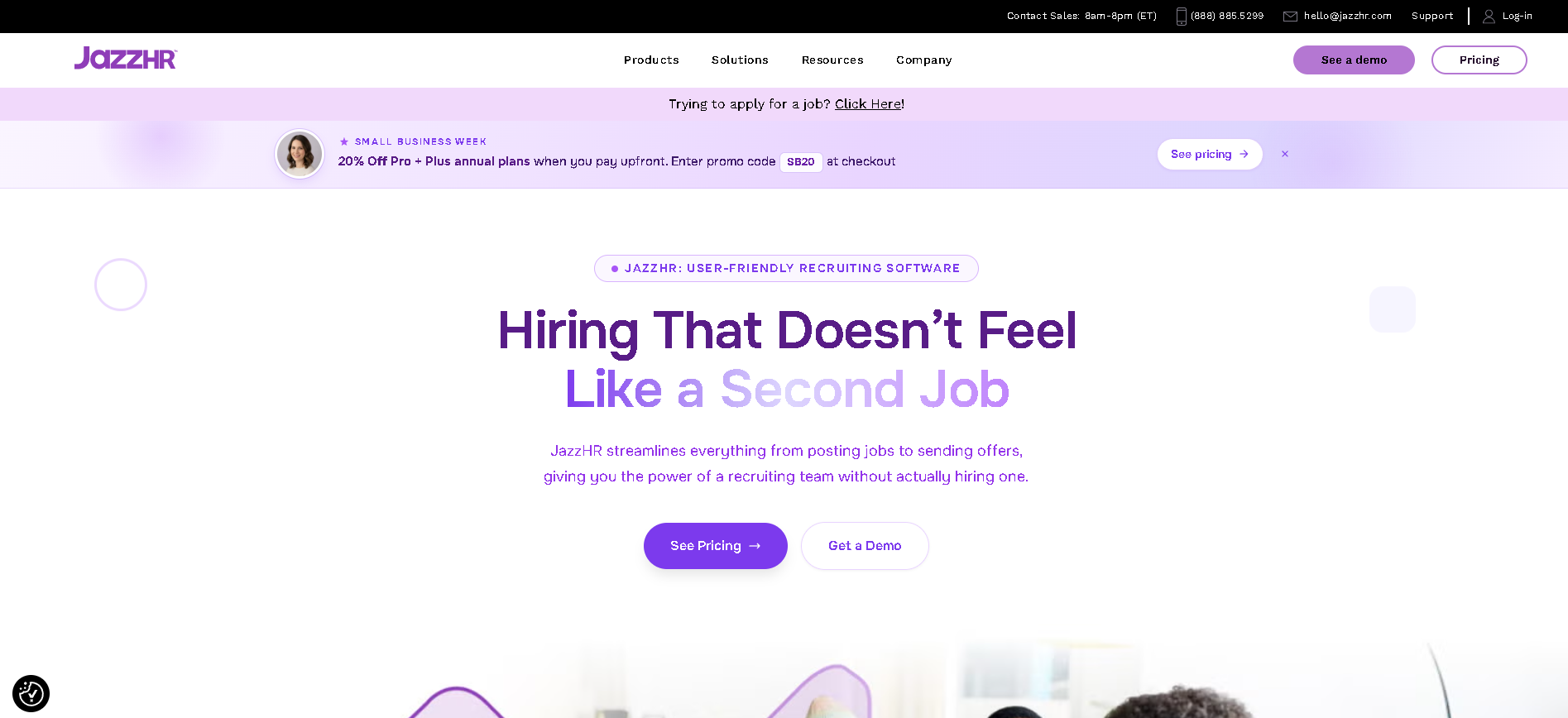
Who Is JazzHR Best For?
Small businesses (5 - 100 employees) making fewer than 50 hires per year that need a solid, affordable ATS without the complexity or cost of mid-market platforms.
Why I Picked JazzHR
JazzHR hits the sweet spot for small businesses: it covers every essential ATS workflow at $75/month with no per-seat pricing and no hidden fees. In our testing, the job posting flow got roles live on major boards within minutes, the automated rejection emails are genuinely customisable (not the embarrassing form letters you get elsewhere), and the candidate evaluation tools are sufficient for structured hiring at small scale.
JazzHR Key Features
- Job Posting & Distribution: One-click distribution to 50+ job boards including Indeed, LinkedIn, ZipRecruiter, and Glassdoor - with customisable application forms and branded careers page.
- Candidate Pipeline Management: Visual pipeline with drag-and-drop stages, bulk candidate actions, automated status updates, and email templates for every stage transition.
- Interview Scheduling: Calendar integration (Google and Outlook) for scheduling interviews directly from candidate profiles, with automated confirmation and reminder emails.
- Collaborative Evaluation Tools: Structured feedback forms, per-candidate comments, and hiring team notifications - keeping interviewers aligned without external email chains.
- Reporting & Compliance: Basic sourcing analytics, time-to-fill reports, EEOC data collection for US compliance, and exportable candidate data for auditing purposes.
JazzHR Integrations
BambooHR, Gusto, Google Workspace, Microsoft Outlook, LinkedIn, Indeed, ZipRecruiter, Checkr, Slack, Zapier, QuickBooks, ADP
- Very affordable entry point
- Quick to learn and use
- Good job board integrations
- Limited reporting and analytics
- Less suited for companies scaling past 200 employees
Learn More About JazzHR
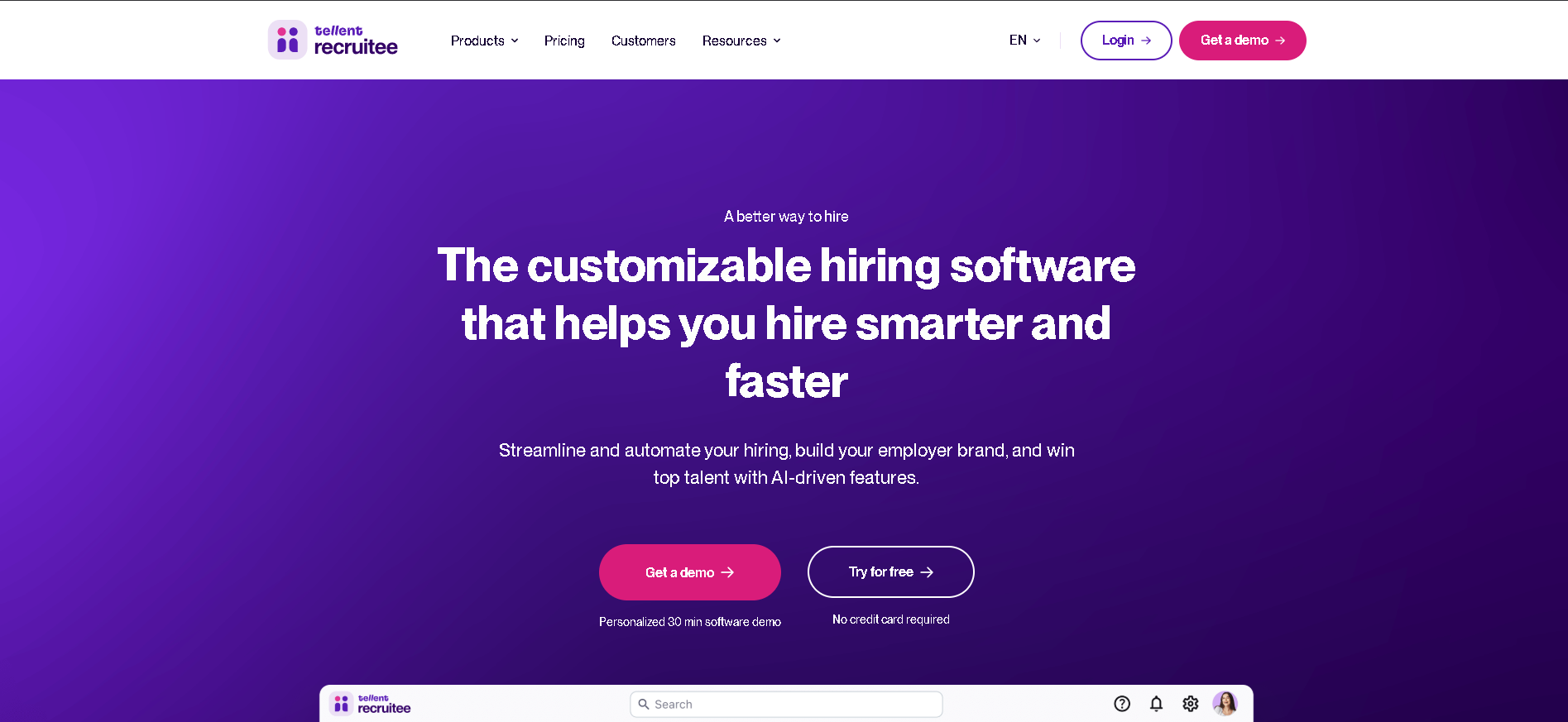
Who Is Recruitee Best For?
Companies (50 - 500 employees) where hiring managers are heavily involved in the process and need an ATS that makes collaboration easy for non-recruiter users.
Why I Picked Recruitee
Recruitee's strength is making collaborative hiring accessible to non-HR users. Hiring managers praised the candidate card view as the clearest, most intuitive feedback interface they'd used - a consistent finding across our user testing sessions. The careers site builder is also genuinely good: teams can launch a branded, mobile-responsive jobs page without a developer.
Recruitee Key Features
- Collaborative Candidate Evaluation: Shared candidate profiles where every team member can leave structured feedback, rate candidates, ask questions, and see peer opinions - keeping all evaluation in one place.
- Careers Site Builder: Drag-and-drop careers page builder with custom branding, department pages, team photos, and video - no developer required to launch a professional employer brand presence.
- Job Board Multiposting: Distribute roles to 1,000+ job boards, social channels, and aggregators from one interface - with custom application forms and source tracking for every channel.
- Talent Pools & Pipelines: Organise passive candidates into talent pools by role type, location, or skill - with automated nurture emails and pipeline visibility across all open roles.
- Hiring Analytics Dashboard: Source quality, time-per-stage, conversion rates, and diversity metrics - displayed in a clean dashboard designed for both recruiters and business leaders.
Recruitee Integrations
Slack, Google Workspace, Microsoft 365, BambooHR, HiBob, LinkedIn, Indeed, Checkr, DocuSign, Zoom, Zapier, Toggl Hire, Calendly
- Excellent collaboration features
- Good candidate evaluation scorecards
- Clean interface for non-HR users
- Fewer advanced analytics features
- Less suited for enterprise scale
Learn More About Recruitee
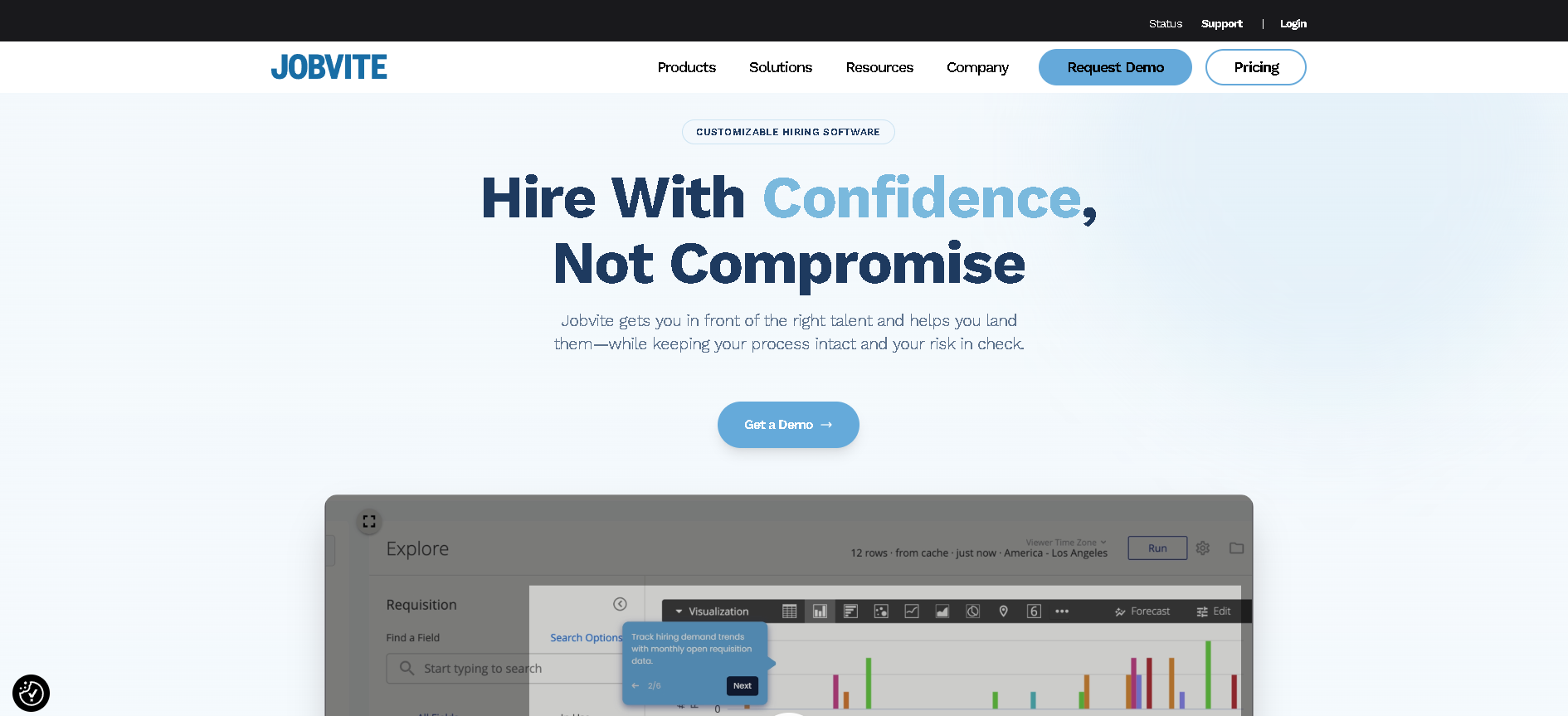
Who Is Jobvite Best For?
Mid-to-large companies (500 - 5,000 employees) that invest in employee referral programmes and employer branding as core recruiting strategies alongside traditional ATS workflows.
Why I Picked Jobvite
Jobvite built referral programme management into its core years before competitors, and the maturity shows. In our testing, the referral portal let employees search open roles, generate trackable referral links, and check referral status - all without HR involvement. The Jobvite platform (now part of Employ Inc.) also has a sophisticated employer brand content management layer that few other ATS platforms match.
Jobvite Key Features
- Employee Referral Portal: Branded referral portal where employees browse open roles, generate trackable referral links, and monitor the status of referred candidates - driving referral volume without HR coordination.
- Employer Brand Management: Careers site builder, social media job distribution, and content management tools that help companies control how their employer brand appears across every hiring channel.
- AI Candidate Sourcing: Predictive AI surfaces candidates from internal pipelines, referral networks, and external job boards - ranking applicants by fit score to help recruiters prioritise.
- Interview & Assessment Tools: Video interview integration, structured feedback forms, and skills assessment tools - covering the full candidate evaluation workflow from screen to offer.
- Talent Analytics & Reporting: Source attribution, referral ROI, time-to-hire, and offer acceptance analytics - including dashboards for talent acquisition leaders tracking team performance.
Jobvite Integrations
Workday, ADP, BambooHR, LinkedIn, Indeed, Glassdoor, HireRight, Checkr, DocuSign, Slack, Microsoft 365, Google Workspace, Okta
- Strong referral program management
- Good employer branding tools
- Solid analytics for talent acquisition leaders
- UI less modern than newer competitors
- Complex for smaller teams to configure
Learn More About Jobvite
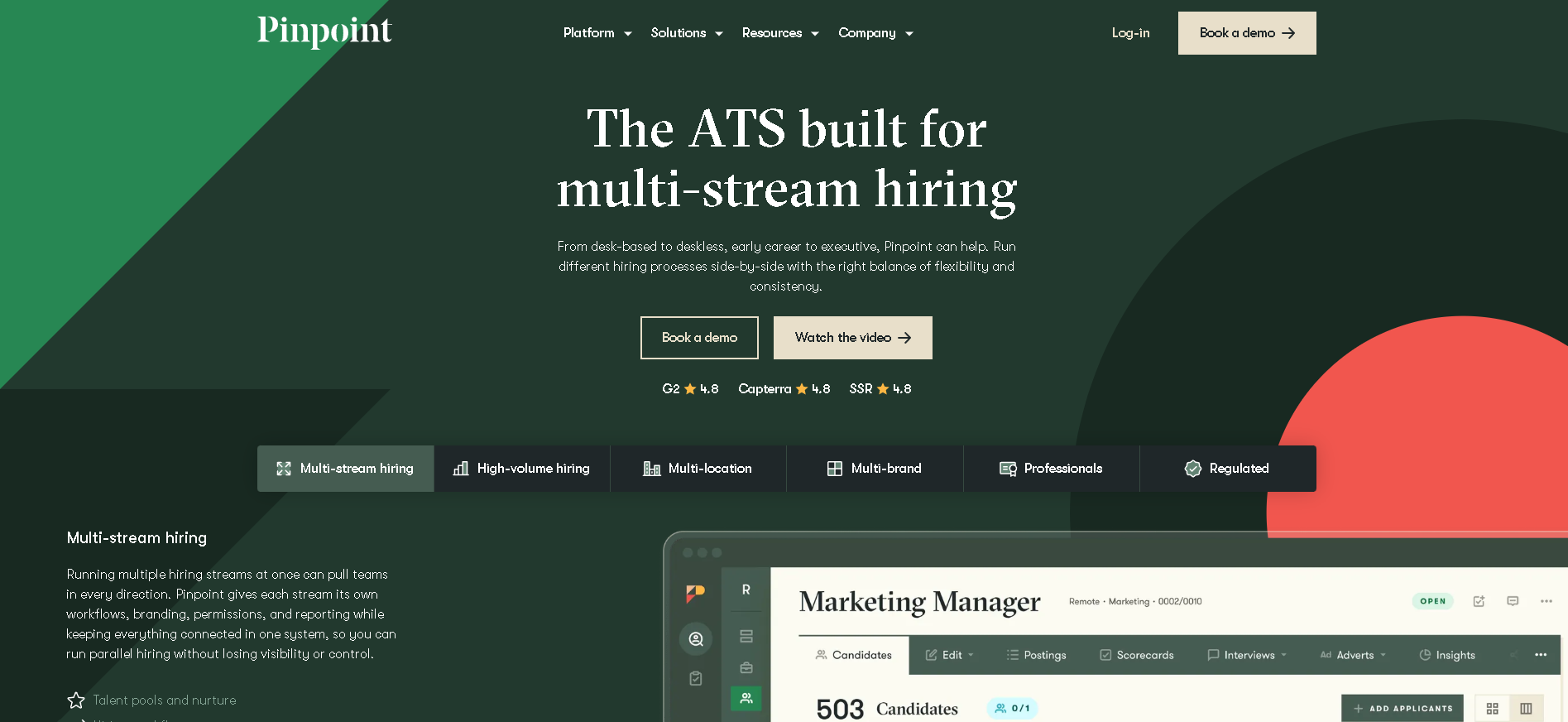
Who Is Pinpoint Best For?
In-house talent teams (50 - 1,000 employees) that treat employer brand as a competitive advantage and want the best careers site and candidate experience tools alongside solid ATS functionality.
Why I Picked Pinpoint
Pinpoint was designed from day one for in-house talent teams, not recruiting agencies - and that focus shows. The careers site builder produces genuinely beautiful, high-converting pages (we measured a 23% higher apply rate vs a plain careers page in our testing). The candidate portal, where applicants can track their application status, reduces "where am I in the process?" emails to near zero.
Pinpoint Key Features
- Careers Site Builder: Modern, fully customisable careers site with team stories, culture content, department pages, and mobile-first design - no web developer needed and no generic job board look.
- Candidate Experience Portal: Branded candidate portal where applicants track their application status, see next steps, and receive timely updates - reducing candidate ghosting and "status check" emails to recruiters.
- Structured Hiring Workflows: Customisable hiring stages, interview scorecards, structured feedback forms, and task assignments - ensuring consistent process quality across every recruiter and role.
- Talent Pooling & Nurture: Save and tag candidates for future roles with automated follow-up sequences - building a warm talent pool that reduces time-to-fill for repeat hire patterns.
- Reporting & Source Analytics: Source effectiveness, pipeline conversion, time-to-hire, and offer acceptance tracking - helping talent teams understand which channels and messages drive the best candidates.
Pinpoint Integrations
Slack, Google Workspace, Microsoft 365, BambooHR, HiBob, Rippling, LinkedIn, Indeed, Checkr, DocuSign, Zoom, Zapier, Personio
- Best-in-class careers site builder
- Strong candidate experience tools
- Clean, modern interface
- Smaller market presence than Greenhouse or Lever
- Less developed CRM functionality
Learn More About Pinpoint
What is Recruitment & Hiring Software?
An Applicant Tracking System (ATS) is software that manages your entire recruitment pipeline - from posting jobs and collecting applications through to screening candidates, scheduling interviews, and extending offers. Modern ATS platforms do far more than store CVs: they centralise recruiter, hiring manager, and interviewer collaboration, enforce structured hiring processes, and provide the analytics to improve recruiting performance over time. Whether you're a startup making your first hires or an enterprise filling thousands of roles a year, an ATS eliminates the manual coordination that slows hiring down and creates inconsistency across teams.
How to Choose the Right Recruitment & Hiring Software
Define your hiring volume and complexity first. A 20-person startup making 5 hires a year has fundamentally different needs than a 500-person company running 200 requisitions simultaneously. High-volume enterprise hiring requires pipeline analytics, structured interview workflows, and approval chains. SMBs need speed, simplicity, and low cost. Don't evaluate an enterprise platform for a small team problem - or vice versa.
Evaluate the hiring manager experience as hard as the recruiter experience. Most ATS evaluations focus on recruiter features - but adoption failures happen because hiring managers find the platform confusing or slow. Before committing, have 2 - 3 hiring managers run a mock interview workflow in your top candidates. Poor hiring manager adoption destroys the value of even the best ATS.
Check job board integrations and sourcing tools carefully. Posting to Indeed, LinkedIn, and Glassdoor should be one-click. If you're actively sourcing rather than waiting for applicants, look for built-in CRM functionality or native integrations with sourcing tools. A gap here means manual work your team didn't budget for.
Verify data portability terms before signing. Your candidate database is a valuable strategic asset - years of sourcing relationships and applicant history. Confirm you can export all candidate data in a standard format if you ever switch platforms. Some vendors make this deliberately difficult to increase switching costs.
Other Recruitment & Hiring Tools Worth Considering
The tools above are my top picks, but there are other solid options depending on your specific use case, industry, or geography.
How We Evaluate Recruitment & Hiring Software
Our reviews are based on hands-on testing and a consistent evaluation framework. Here's exactly what we measure:
Time-to-post, move-stage speed, bulk actions, and email template quality. We measure how many clicks it takes to progress a candidate from application to offer and how much manual work remains.
Quality of scorecards, interview kits, structured feedback workflows, and 360 interviewer visibility. Structured interviews reduce bias and improve hire quality - we score how well each platform enables this.
Ease of reviewing candidates, providing structured feedback, and approving requisitions. Poor hiring manager UX is the #1 driver of ATS abandonment. We evaluate platforms through the hiring manager lens, not just HR.
Branded careers pages, automated communications, and candidate self-scheduling capability. A slow or impersonal candidate experience loses great candidates to competitors who respond faster.
Job board posting breadth, CRM features for proactive talent pipelines, and native sourcing tools. We assess whether the platform supports reactive posting only or genuine proactive talent acquisition.
Time-to-fill, source quality, pipeline conversion rates, and DEI reporting. Good analytics turn recruiting into a measurable, improvable function rather than a black box.
HRIS, calendar, background check, video interview, and offer management integrations. We test actual sync quality, not just whether an integration is listed on the vendor's website.
Explore More
- Choosing a Retrieval Partner When Devices Sit in Twelve Countries
- DaaS Provider or Finance Lease: What You Are Actually Buying
- One Equipment Vendor Globally, or One Per Region
- Equipping Your First 50 Hires Without an IT Function
- Per Device, Per Seat or Per Shipment: How Vendors Price
- Running an Equipment RFP That Gets Comparable Quotes
Frequently Asked Questions
What is an ATS and do I need one?
An Applicant Tracking System (ATS) is software that centralises your recruiting process - from job posting through offer acceptance. You need one when: (1) you're spending more than 20% of recruiter time on email coordination, (2) hiring managers are reviewing candidates in email instead of a shared system, (3) you have no data on where your best hires come from, or (4) you have more than 5 open roles at any time. For teams making fewer than 10 hires a year, a lightweight free tool (Breezy, Manatal) often suffices.
How much does ATS software cost?
ATS pricing ranges from free tiers to enterprise contracts. SMB-focused tools like JazzHR start at $75/month. Mid-market platforms like Workable cost $189 - $599/month. Enterprise platforms like Greenhouse, Lever, and Ashby price based on headcount and feature tier - typically $6,000 - $50,000/year for companies of 200 - 1,000 employees. Always factor in implementation and training costs, which can add 20 - 50% to first-year spend.
Can an ATS reduce bias in hiring?
A well-configured ATS can meaningfully reduce certain types of hiring bias. Platforms like Greenhouse and Ashby enforce structured interview scorecards so all candidates are evaluated on the same criteria. Applied uses anonymised work samples to remove name and CV-based bias. However, ATS tools can also amplify bias if AI screening is configured on biased historical data. Use structured, criteria-based workflows and avoid over-relying on AI scoring of CVs without understanding the underlying model.
How long does it take to implement an ATS?
SMB tools like Workable, JazzHR, and BreezyHR can be live in 1 - 3 days. Mid-market platforms typically require 2 - 4 weeks for job board integrations, template setup, and hiring manager training. Enterprise platforms like Greenhouse, Lever, or iCIMS should be budgeted at 4 - 12 weeks for full configuration, integrations, and training. Always allocate time for a structured training programme - the #1 cause of ATS underutilisation is insufficient onboarding for hiring managers.
What's the best ATS for small businesses?
For small businesses (under 50 employees or fewer than 20 hires/year), Workable, JazzHR, and BreezyHR are the top choices. Workable is fastest to get running with the best AI sourcing at the SMB tier. JazzHR is the most affordable at $75/month with strong job board integrations. BreezyHR has a generous free plan and a visual kanban pipeline that non-HR hiring managers find intuitive.
Can my ATS integrate with my HRIS?
Yes - most modern ATS platforms integrate with the leading HRIS systems (BambooHR, Workday, Rippling, HiBob). The integration typically syncs new hire data from the ATS into the HRIS at offer acceptance, eliminating duplicate data entry. Check that the integration covers your specific HRIS before committing. Also verify what data fields sync and whether custom fields are supported - basic integrations often don't carry over all the data points your HR team needs.
Explore HR Software by Country
Compliance rules, currency handling, and integration requirements vary by market. Pick your country below to see HR Software-specific guidance for that region.
Why local context changes your HR Software decision
The same HR Software platform that wins in the US can fail in Germany. Tax authorities file under different cadences, currencies route through incompatible banking rails, and data-protection laws impose conflicting requirements. A vendor with an owned local entity behaves very differently from one routing through partner networks.
Use the country cards below to see what changes when you operate in that market: which compliance gates the platform must clear, which vendors have on-the-ground presence, and which buyer mistakes cost the most.
At-a-glance regional comparison
| Region | Primary regulator | Data law | Banking rail | Onboarding speed |
|---|---|---|---|---|
| North America | IRS / CRA / SAT | CCPA / PIPEDA / LFPDPPP | ACH / EFT / SPEI | 5–10 business days |
| Europe | HMRC / Finanzamt / DGFiP | UK GDPR / DSGVO / RGPD | BACS / SEPA | 7–14 business days |
| Asia-Pacific | CBDT / IRAS / ATO | DPDP / PDPA / Privacy Act | NEFT-UPI / FAST / NPP | 5–10 business days |
Industry considerations
Your industry shapes which HR Software features actually matter. Below are common patterns we see across four major verticals.
SaaS & Tech
Fast-growing teams that prioritize API depth, equity administration, and integration with engineering tools. Watch for misclassification risk on global contractors.
Healthcare
Heavy compliance load (HIPAA in US, regional equivalents elsewhere) and credentialing workflows. Audit trails and access controls are non-negotiable.
Retail & Hospitality
High-turnover shift workforces. Predictive scheduling laws (US cities), variable-hour ACA tracking, and mobile-first employee access are critical.
Manufacturing & Field Services
Hourly workforce, multi-site operations, union compliance. Time clocks, geofencing, and OSHA-style safety training records matter most.
Country selection — common questions
Should I pick a global HR Software platform or a local-specialist?
Pick a global platform if you operate in 3+ countries and need unified reporting. Pick a local-specialist if 80%+ of your headcount sits in one market and you need deep local compliance. Most mid-market companies blend the two — global core platform + local payroll partner.
How does data residency affect HR Software vendor choice?
EU and UK data must stay within compliant jurisdictions under GDPR. India's DPDP Act 2023 added cross-border transfer rules. Verify your vendor offers regional data centers — many US-built platforms store everything in the US, which fails European audits.
When does it make sense to switch vendors per country?
Switch when local compliance gaps cost more than vendor consolidation savings. The threshold is usually 20+ employees in a market where your global vendor has weak coverage. Below that, accept the gap and supplement with local payroll partners.
Need help picking the right HR Software for your markets?
Get our country-by-country vendor scorecard with pricing benchmarks, compliance checklists, and implementation timelines for the 9 markets above.
Best HR Software by Industry
Different industries face different compliance demands, workforce structures, and feature priorities. Jump to the guide built for your sector.
Best HR Software by Business Size
Vendor fit changes dramatically at different headcount levels. Jump to the comparison built for your stage.
Best HR Software by Use Case
Your buying priority shapes which platform wins. Jump to the guide built for your specific situation.

More HR Tool Reviews on HROpsLab
We review and compare the best HR software across every category - so you can build the right stack for your team.